🌸Real2Anime/4K RTX Upscaler Fast and Easy Workflow🌸 (Qwen edit 2509 with Nunchaku)




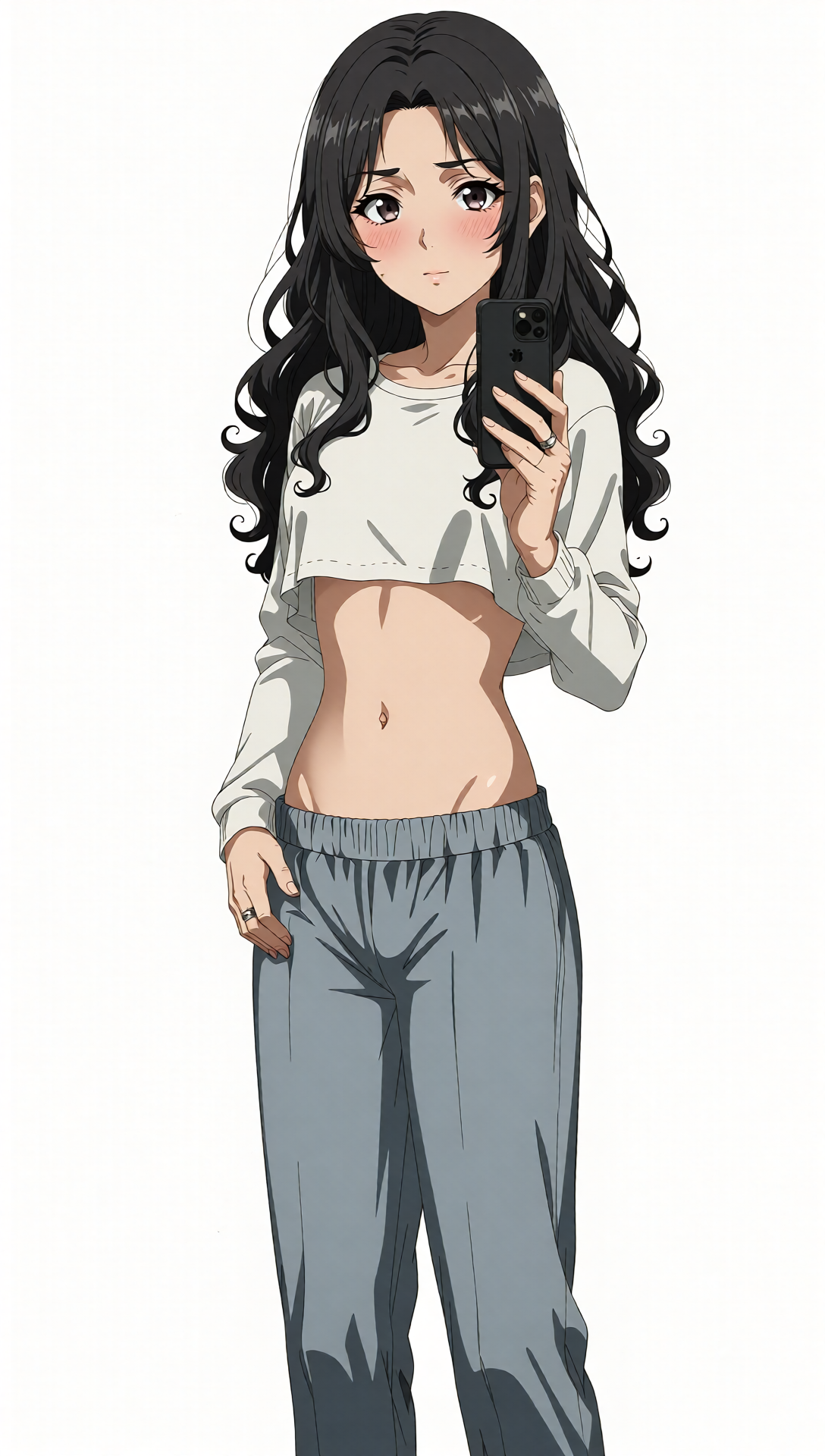


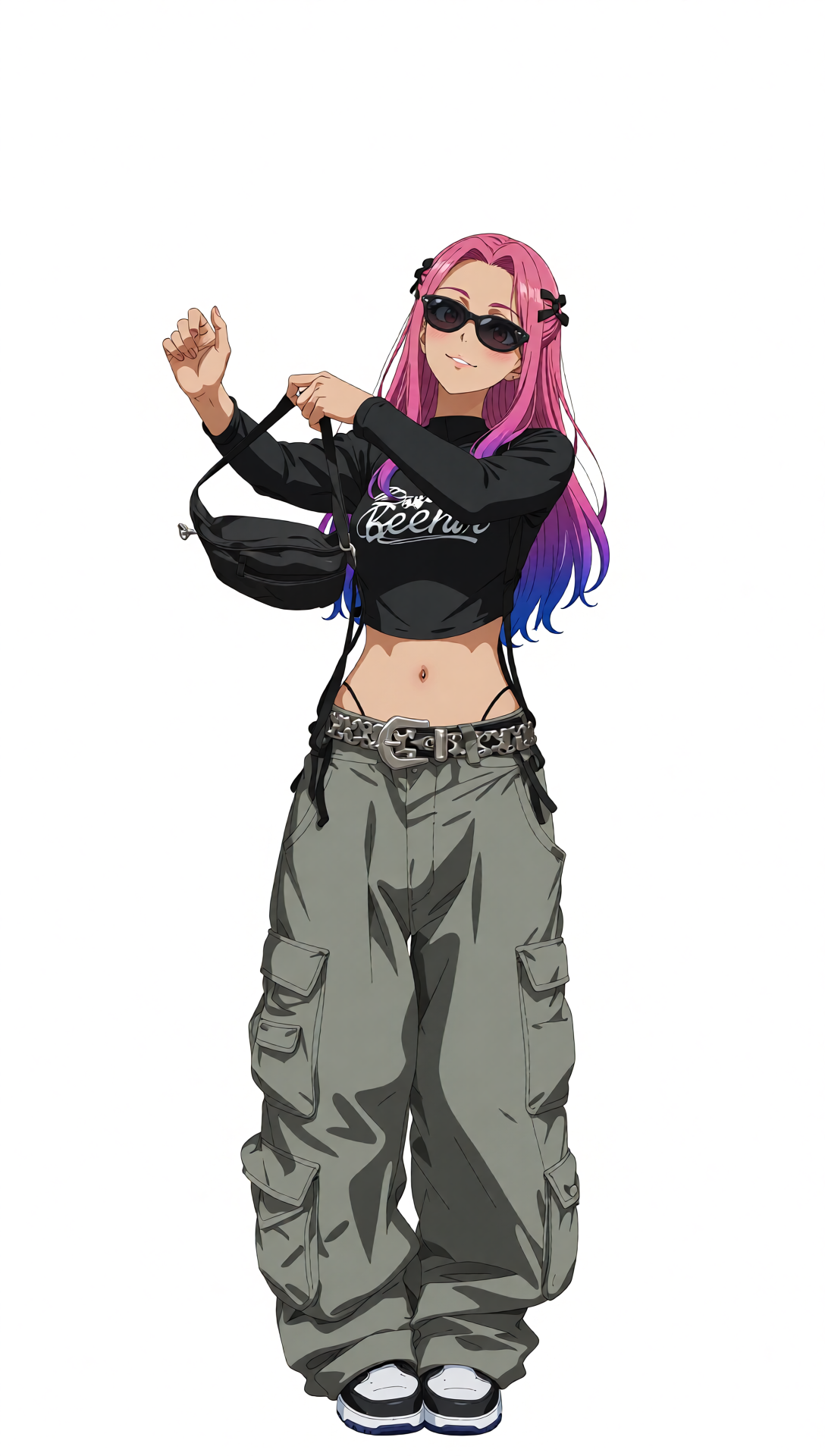

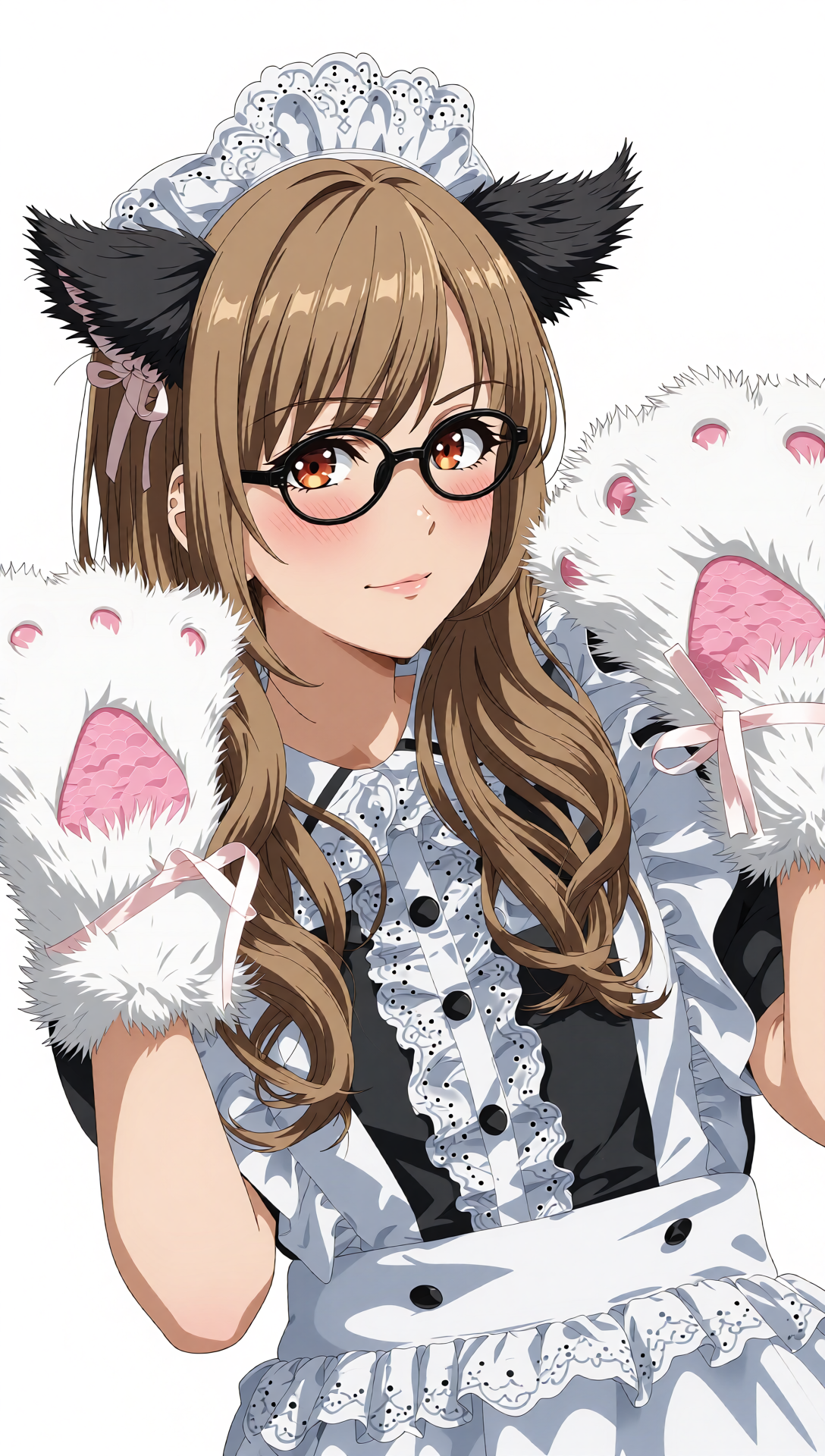


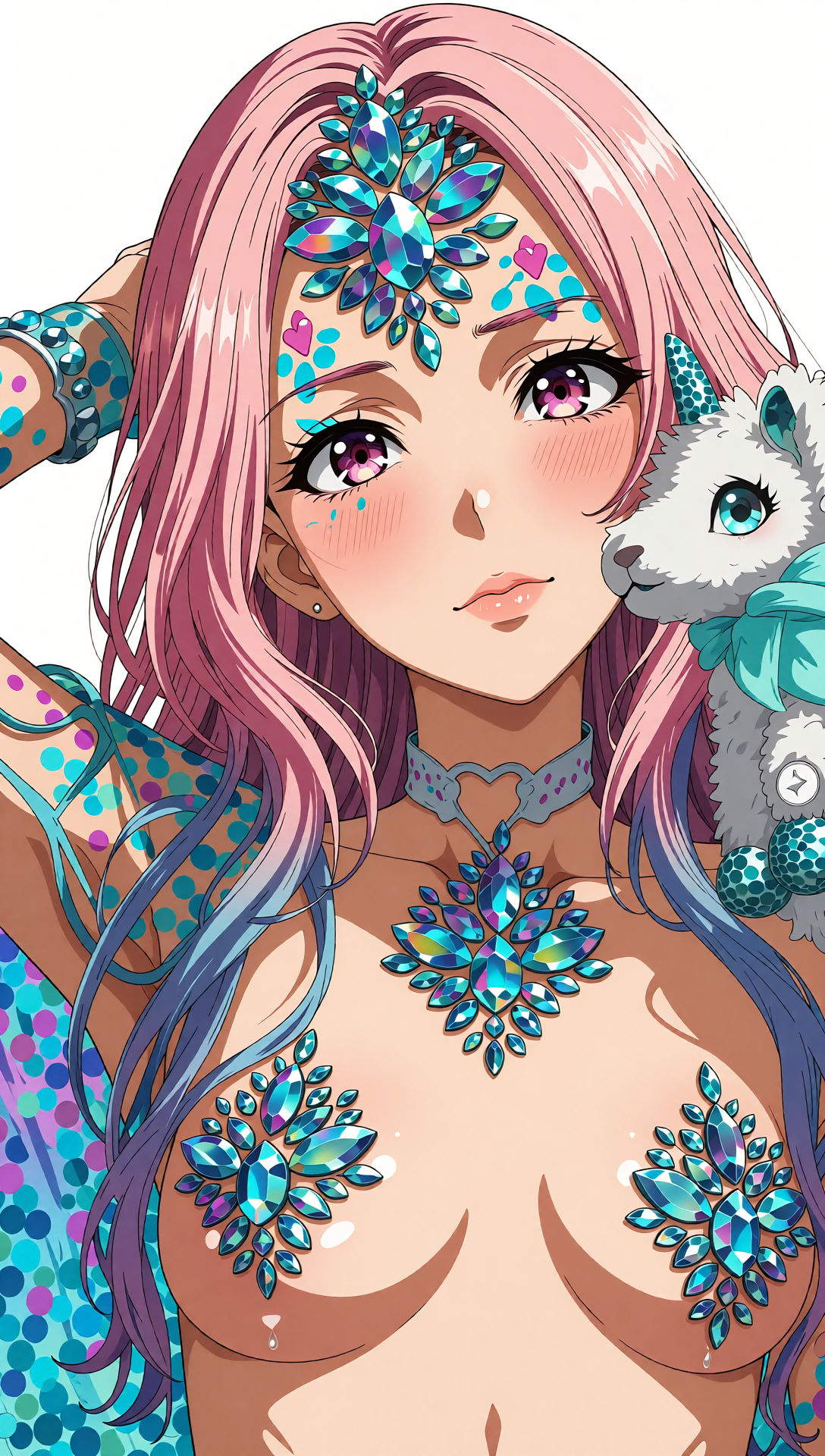

세부 정보
파일 다운로드 (1)
이 버전에 대해
모델 설명
🌸 Ultimate Anime Waifu Creation Workflow 🌸
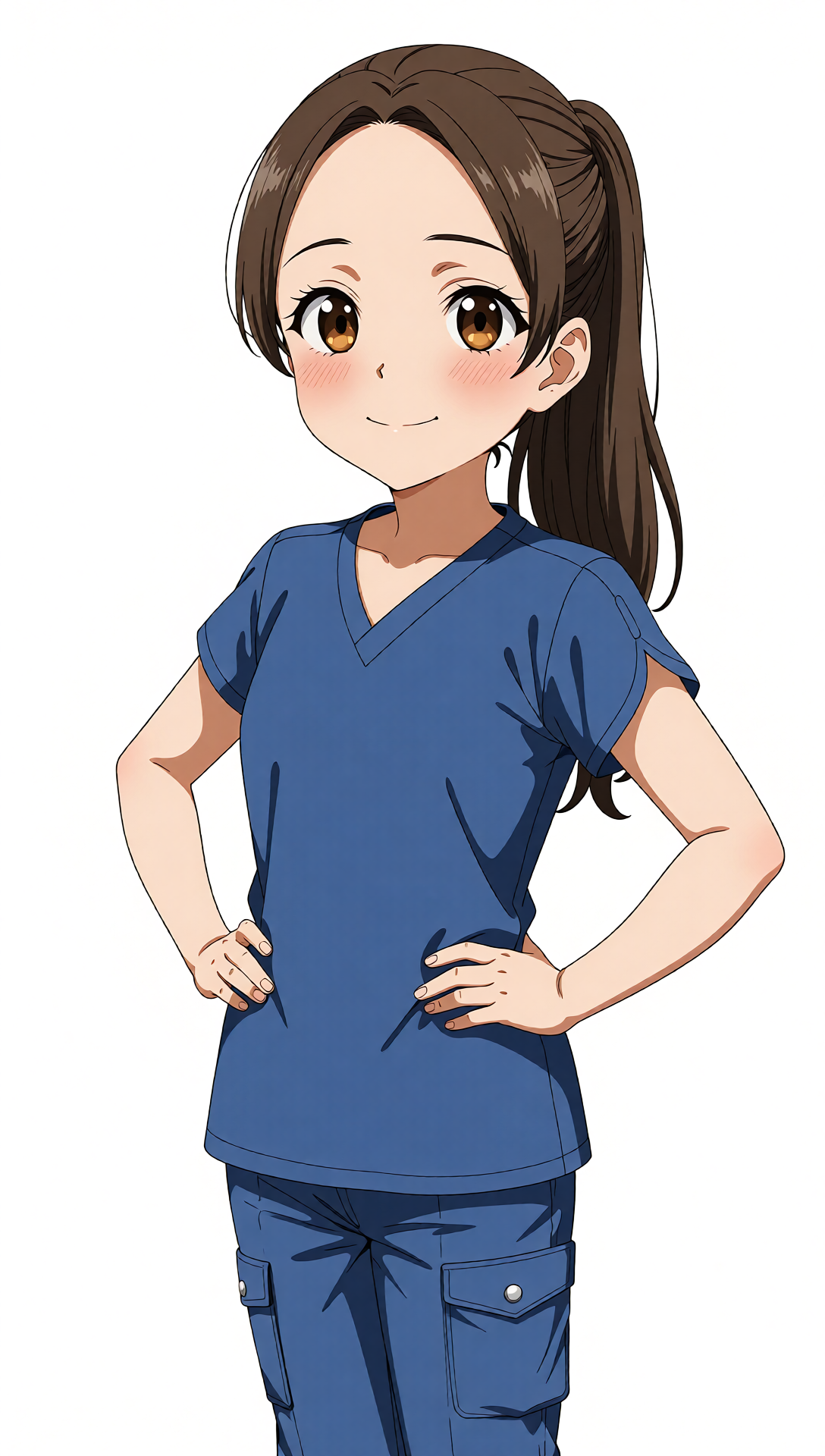
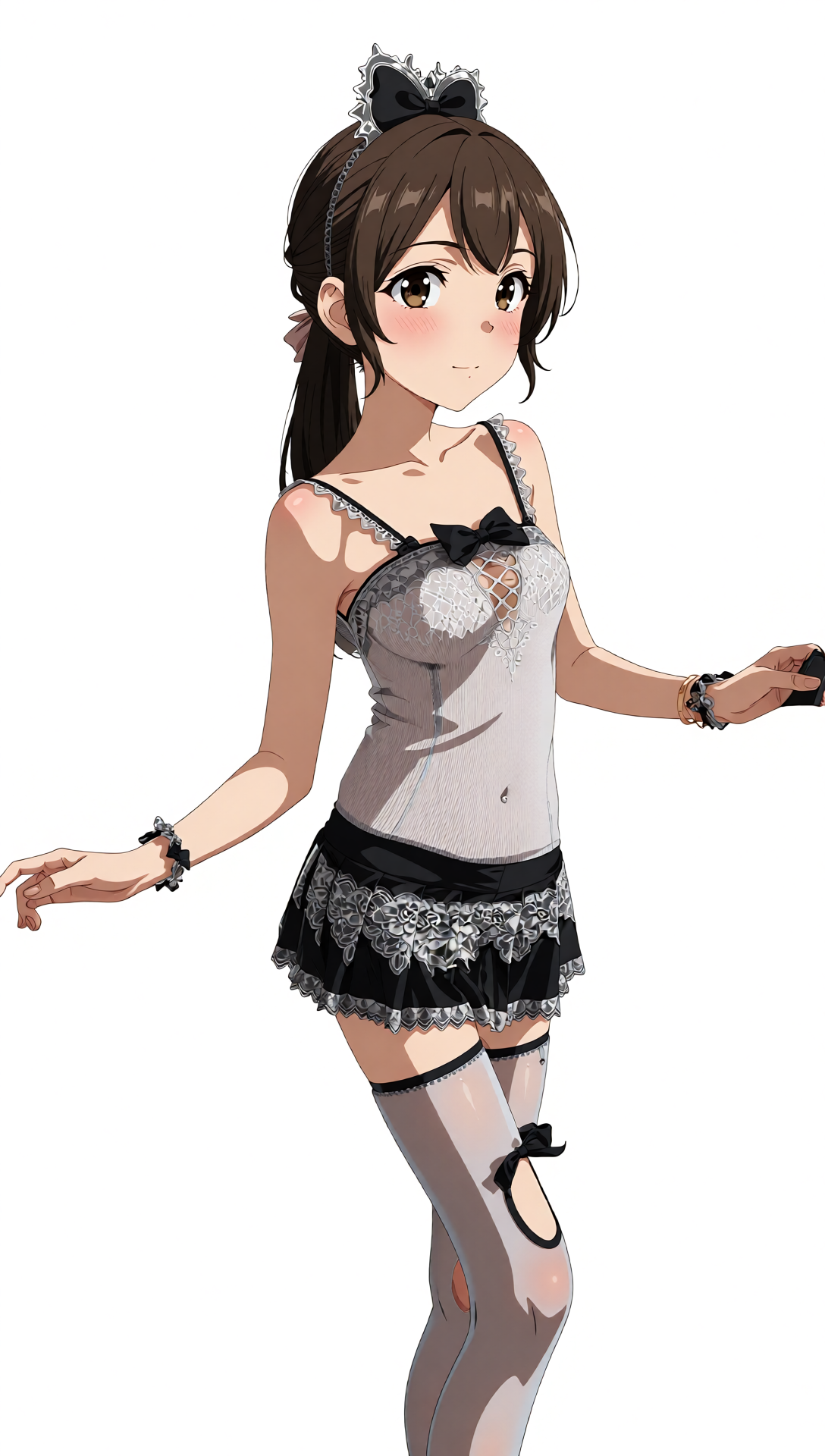
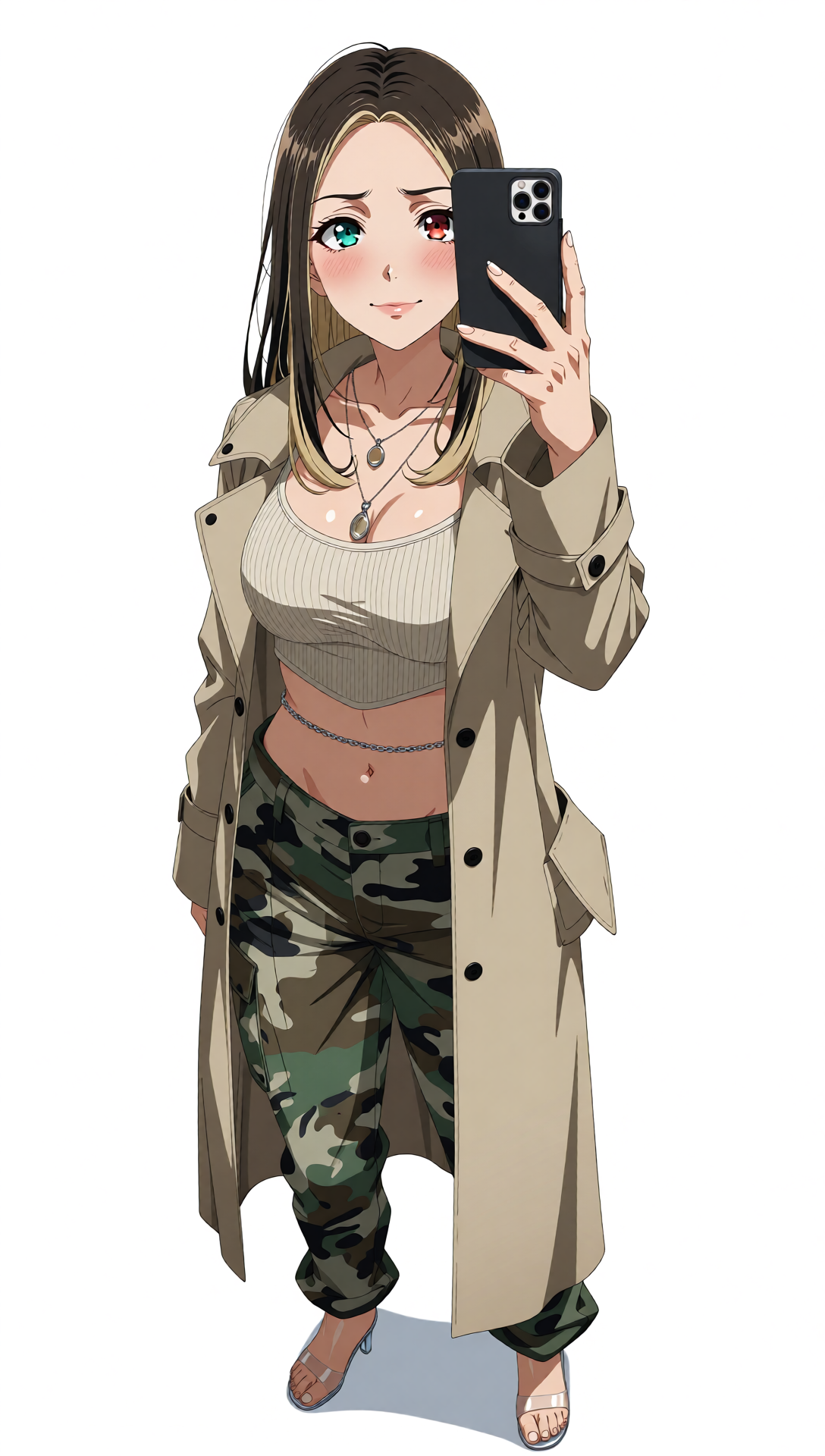
Turn any real-life beauty into a stunning anime waifu — instantly!
Need a brand-new anime girl OC for a project? Want to stylize a cosplayer into the perfect character?
This workflow has you covered.
💡 Designed to be extremely noob-friendly — plug it in, follow the prompts, and you’re creating waifus in minutes.
Now with Nunchaku Loader - Extremely fast generation
Credit to Nunchaku: https://nunchaku.tech/docs/nunchaku/index.html
✨ Why This Workflow?
Pros
⚡ Fast & effortless character creation — perfect as a base before deeper edits
🎯 Turn a Cosplayer into your favorite character without waiting for specific LoRA
🎨 Fully editable prompts for poses, colors, expressions & more
📚 Massive masterlists for inspiration and detailed customization
💘 WAIFUS. Lots of waifus.
Cons
💔 Your waifu is still not real… but she’s closer than ever.
🔍 What’s Inside
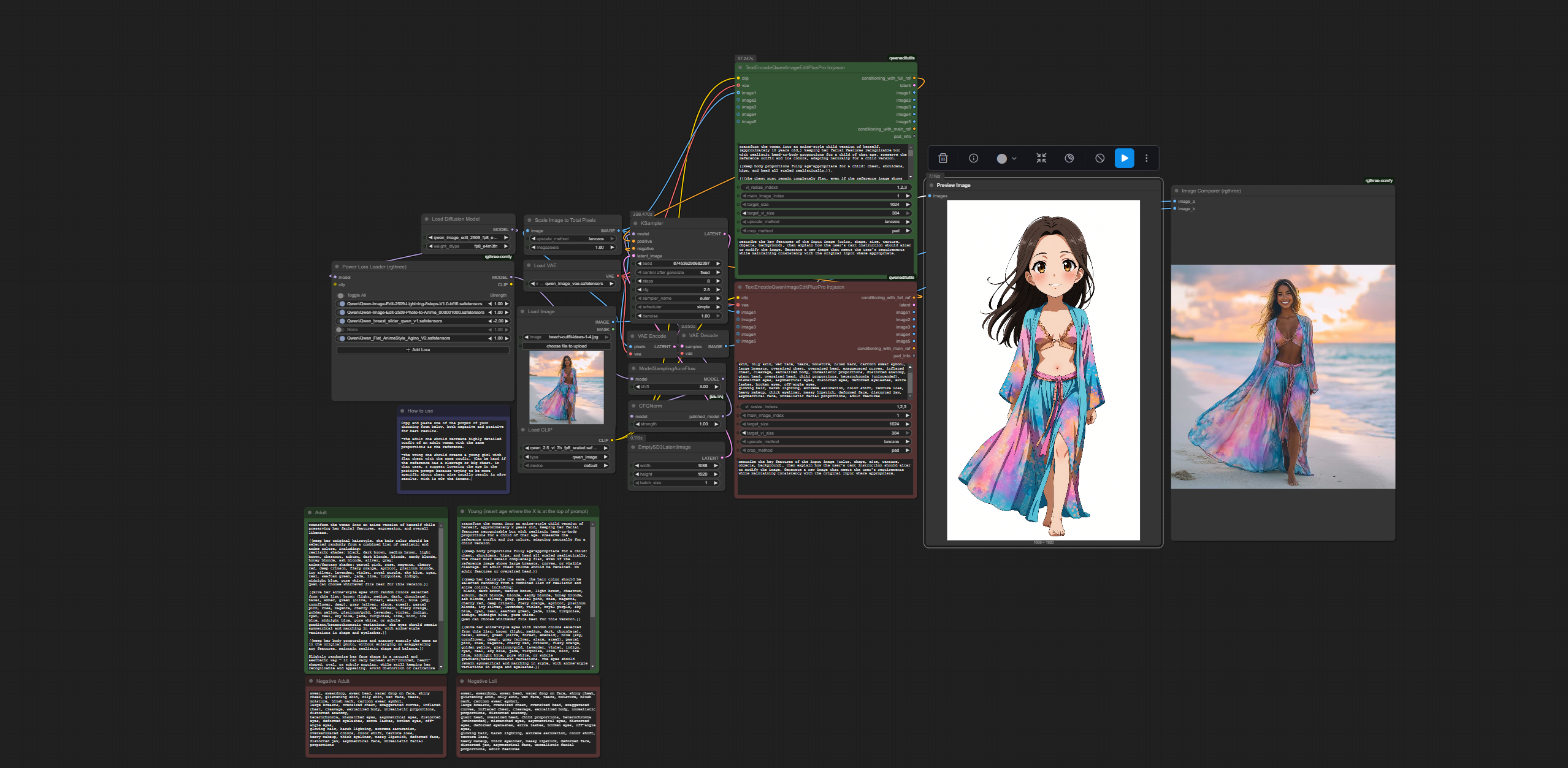
This workflow includes Qwen Image Edit–optimized prompts for both adult and younger characters.
Just pick the appropriate prompt and the workflow will:
Generate your character in the same pose as your reference
Reproduce accurate hair, clothing, accessories & body proportions
Maintain a clean white background
Keep all interacting objects properly depicted
You’ll also get extensive masterlists covering:
Realistic & anime hair colors
Realistic & anime eye colors
Poses
Expressions
Detailed usage instructions so you always know how to plug customizations in
Want a different artstyle?
Swap the included flat-anime LoRA for any favorite artstyle LoRA — see the suggestion section for recommendations.
⚠️ Important Note
The base workflow is intended for SFW character generation.
While NSFW might be possible, that is NOT the intended use.
Create responsibly ❤️
Loras needed:
https://huggingface.co/lightx2v/Qwen-Image-Lightning/tree/main/Qwen-Image-Edit-2509 (Credits to lightx2v)
https://civitai.com/models/1994714/breast-slider-qwen (Credits to keltuzad) (For best reference accurate results)
Optional Artstyle Loras I used in base workflow:
https://huggingface.co/autoweeb/Qwen-Image-Edit-2509-Photo-to-Anime/tree/main (Credits to Autoweeb)
https://civitai.com/models/1952560/anime-flat-style (Credits to Agino)
V1.1:
Edited Prompt so the younger version are easier to generate when reference has a bigger chest.
Added some note to facilitate usage of worflow.
V1.2
Further refined prompts.
Changed encoder for one that seems to give bettrer results overall.
V1.3
I removed the randomization for hair color from the prompt as it was not really working and was just making the prompts too long. I instead made lists of colors for hair and eyes and the optimized way to implement it in the prompt as needed. The base prompts should recreate accurate hair colors.
-Added notes for noob users like I was a couples of week ago. :)
V1.4
MASTERLISTS! Added an extensive list of colors and style for optional hair and eyes color change.
V1.5
Added Masterlists for poses and expressions.
V2.0
Changed to Nunchaku Loader.
Now extremely faster.
V3.0
Complete Overhaul and Simplification of the workflow.
Refined prompt.
Added easy switches.
Added 4K RTX upscaler. (Need a Nvidia RTX GPU to use.)
Included Base Loras used in .zip file