zzzxxxccc Style | IL/NoobAI




详情
下载文件 (1)
关于此版本
模型描述
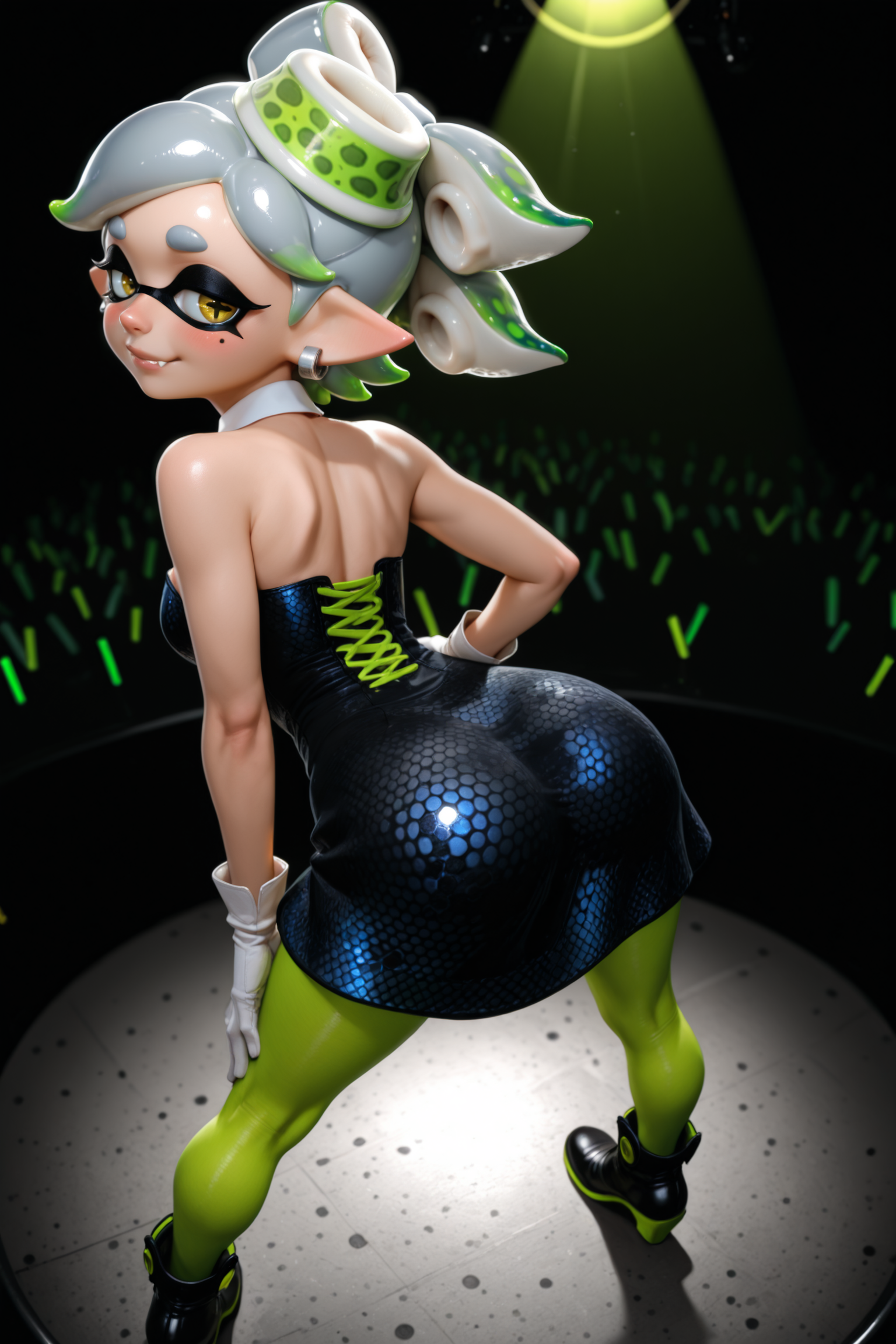
This style model is based on the art style of zzzxxxccc.
If the original artist requests a takedown, I will remove this model from CivitAI.
Please support zzzxxxccc at their Patreon here! Please do not monetize your generations.
Enjoy, and feel free to post generations you’re happy with. Thank you!
All sample images were generated locally using the recommended settings listed below, plus HiResFix and face/hand/eye detailer steps.
Using different settings may yield different results.
Check the prompts and models used in the sample images for help!
Download any of the sample images and drop it into the Inference tab of Stability Matrix to get the exact workflow. (You can also drop them into ComfyUI for the workflow, but Stability Matrix keeps the workflow I use simple and compact.)
Recommended Settings (all versions)
Trigger Word: No trigger word necessary, but use the tags “nose, lips” to emphasize the look of the style in characters' faces, especially for typically 2D anime/cartoon characters.
Strength: 1.0
Checkpoint
v3-EPS/v1-EPS:
v2-Vpred
Positive: masterpiece, best quality
Negative: worst quality, low quality
Sampler: Euler Ancestral
Scheduler: Align Your Steps (not available in the on-site generator; use Normal there instead)
CFG: 4-5 (Anywhere from 3-7 should be fine. Use a low CFG if you’re trying to make a dark image.)
Steps: 30
Clip Skip: 2
HiResFix:
Upscaling Model: 1x_ITF_SkinDiffDDS_v1.pth or 4x-NMKD-UltraYandere
Upscale By: 1.50x
Denoising Strength: 0.20 (if things look weird, try different values between 0.10 - 0.30)
v2-VPred-specific recommendations:
I don't recommend using reakaakasky's "Stabilizer" LoRA with the v2-VPred version of this GLoRA by default, but it can be useful. If you'd like to use it, I'd recommend trying "nbvpred10 v0.271" at a starting strength of 0.50. Basically, don't salt your food before you taste it.
v1-EPS-specific recommendations:
(Not So Secret) Sauce: Stabilizer IL/NAI nbep10 v0.273 by reakaakasky - HIGHLY recommend using this to improve the overall quality of basically any image without changing the style. Recommend a strength of 0.5.
Make sure you use an EPS version of the stabilizer (I recommend v0.273) when using it with this style model, since this style model is trained on the EPS v.1.1 version of NoobAI-XL.
Useful LoRAs
Penis Size Slider LoRA | Illustrious XL by Shed_The_Skin - Use this for precise control of penis size without having to mess with the various penis size tags and/or tag strength. Recommend strength around 0.3 - 0.5 in combination with the above settings to get similar sizes as found in the artist’s works.
Testicles Slider - Illustrious by Kojimbomber, reuploaded to CivitAI with permission by ImperfectBlu - Small changes to the strength of this LoRA affect the output significantly. It’s typically not necessary in my opinion, but if you want to try it, I recommend starting at a strength of 0.2.
Above / Below angle slider (IL-v1.0) by Mraclet - Extremely useful when trying to dial in a specific camera angle.
If trying to make an overhead view of a character who is lying down, recommend trying a combination of the “from above” tag and this LoRA at a strength of 1.50 or greater.
Lighting / darkness slider by Mraclet - By far the best at helping generate very dark/nighttime images without too much impact on the style. Recommend a strength of -1.00 and a low CFG around 3.00.
Suggested Tags
zzzxxxccc is a futanari artist, so some futanari-related concepts may be more easily generated with this model than without.
I assume that if you’re here, that’s something you’re interested in, so here are some suggested futanari-related tags (plus a few miscellaneous tags that are common in this artist’s work):
“penis, penis towards viewer, taker pov, from below, feet out of frame, foreshortening” - To get up close and personal. Works best with “erection” or “half-erect”, but can work with “flaccid”. Add “precum drip” if you’d like.
Can be used with 2 characters by combining with “2girls, side-by-side”. Optionally, include “penises touching”.
“tucked penis, testicles, perineum, anus, ass” – Penis again, but this time from behind. Can work with any level of hardness (“erection”, “half-erect”, or “flaccid).
Try combining with one of the following:“standing, legs apart, from behind, from below, feet out of frame, foreshortening”
“all fours, from behind”
“lying, on stomach, spread legs, from behind, from above, feet out of frame”
“penis, erection under clothes, tenting, penis base, penis peek, veiny penis, pants pull” - For an erection where the tip is contained within stretched clothes, but the base of the penis can be seen.
Can be combined with “covered testicles” and also “precum through clothes”.
If it keeps popping out, try using “covered penis” instead of “penis”.
“retracted foreskin” - Best used in combination with “erection” or “half-erect”.
“foreskin, long foreskin” - Works pretty well at making foreskin partially cover the glans.
Can be used in combination with any level of hardness, but may work more consistently with “half-erect” or “flaccid” than with “erection”.
Try putting “retracted foreskin” in the negatives if it isn’t working quite right.
“simple background, black background” - Works well with this style. Optionally, include “gradient background”.
“blurry background, scenery” - Should be added when you’re putting a character in an actual location. Optionally, “dark background” can be added.
If your character’s torso looks a bit too long, add “long torso” to the negative prompt. If that’s not enough, try using Anti Long Torso | IL by pomu_zoo at a strength of 1.00 (going up to about 1.50 if necessary).
Recommended Resolutions
1024 x 1536 / 1536 x 1024
1024 x 1360 / 1360 x 1024
1024 x 1280 / 1280 x 1024
896 x 1344 / 1344 x 896
896 x 1152 / 1152 x 896
832 x 1216 / 1216 x 832
768 x 1344 / 1344 x 768
768 x 1280 / 1280 x 768
Closing Remarks (for v1)
This is the first A.I. model I’ve released. I made a few unreleased prototype versions before I got to this version, which I’m quite happy with.
There are still a couple of things I want to improve (mainly fixing some of the baked-in outfit details for characters which were overrepresented in the training data), but this version works more than well enough for a public release.
I only recently learned how to train LoRA/LyCORIS models with the help of the excellent guide “Fictional Characters Among Other Things: A LoRA Training Guide” by JustTNP.
If you’ve wanted to learn how to train a model but have been putting it off, I’d highly recommend following their guide.