RoleScene Blend

詳細
ファイルをダウンロード
モデル説明
中文介绍:
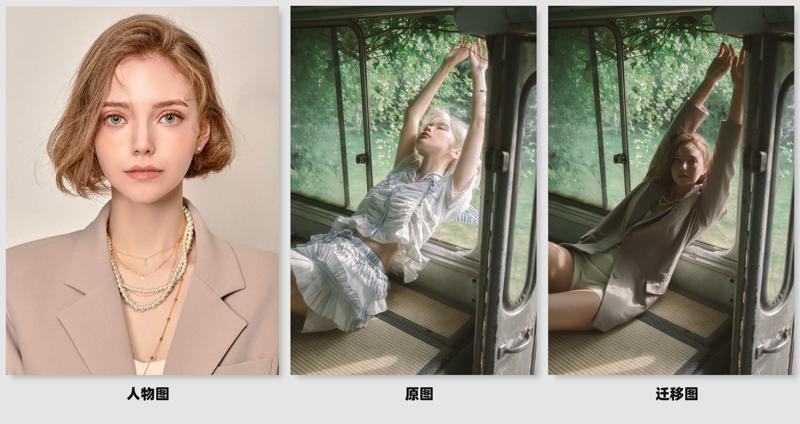
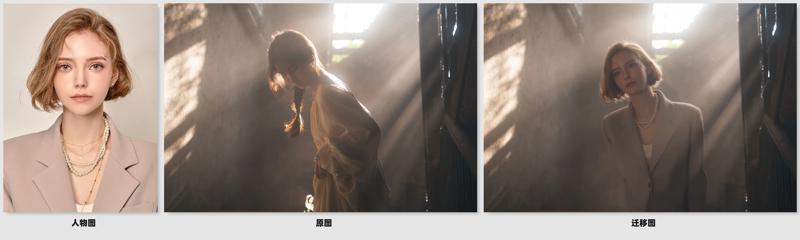
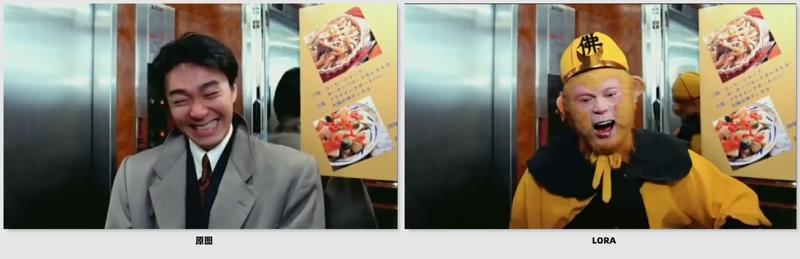
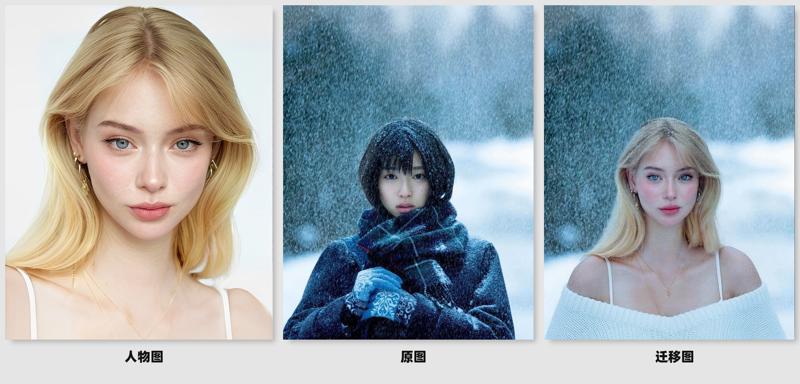
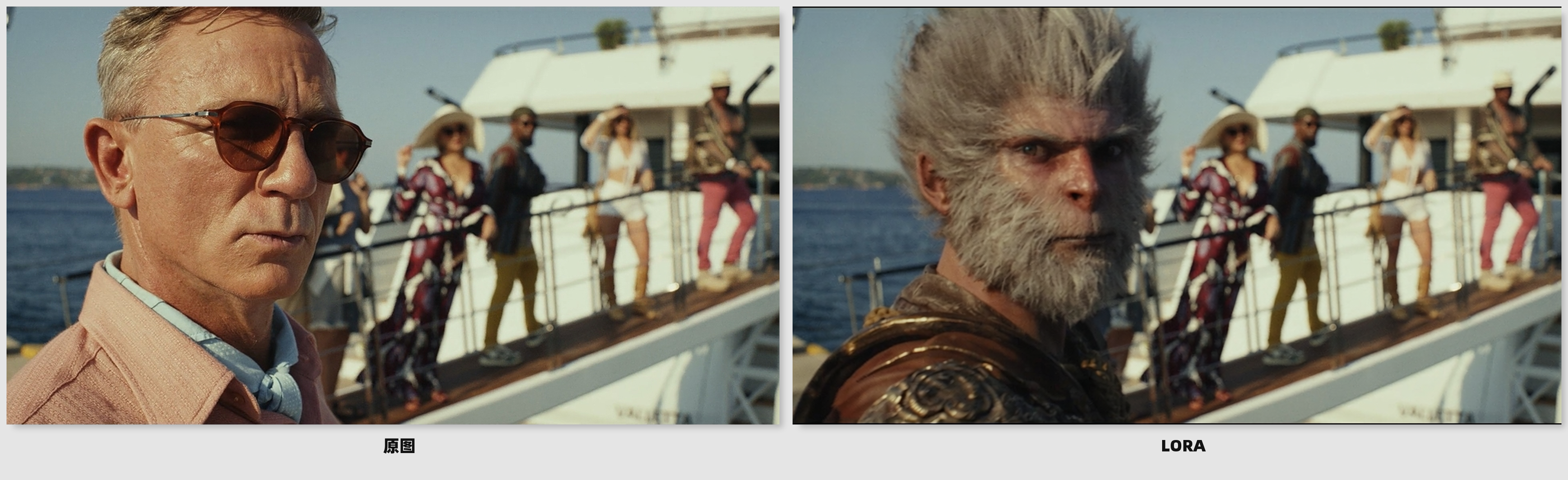
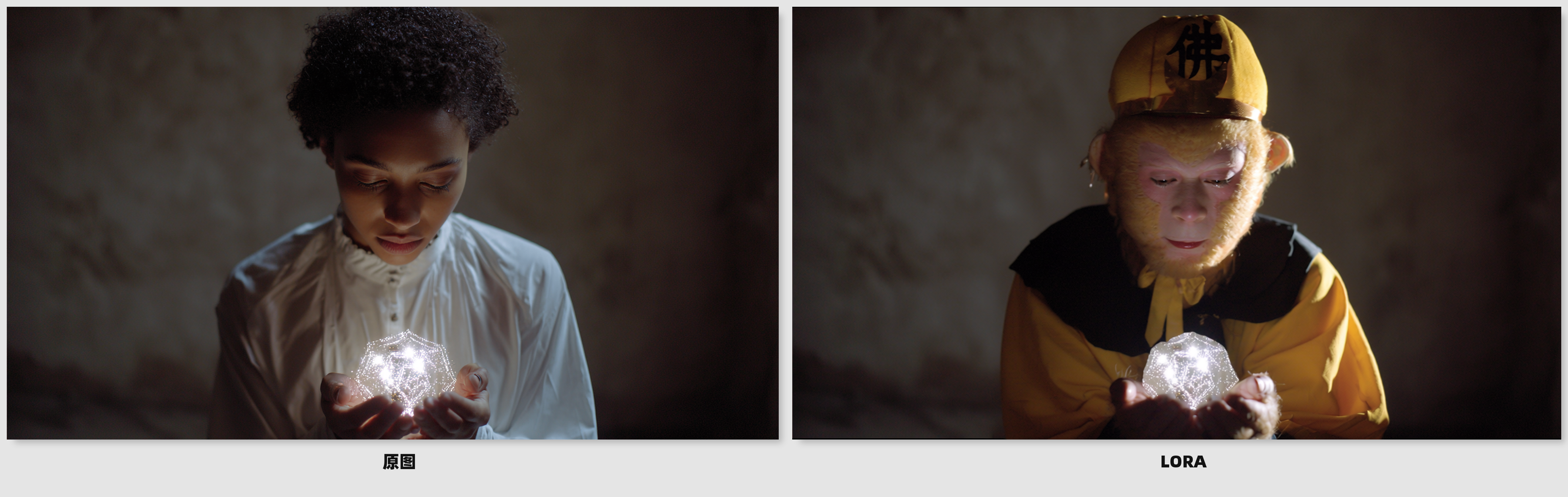
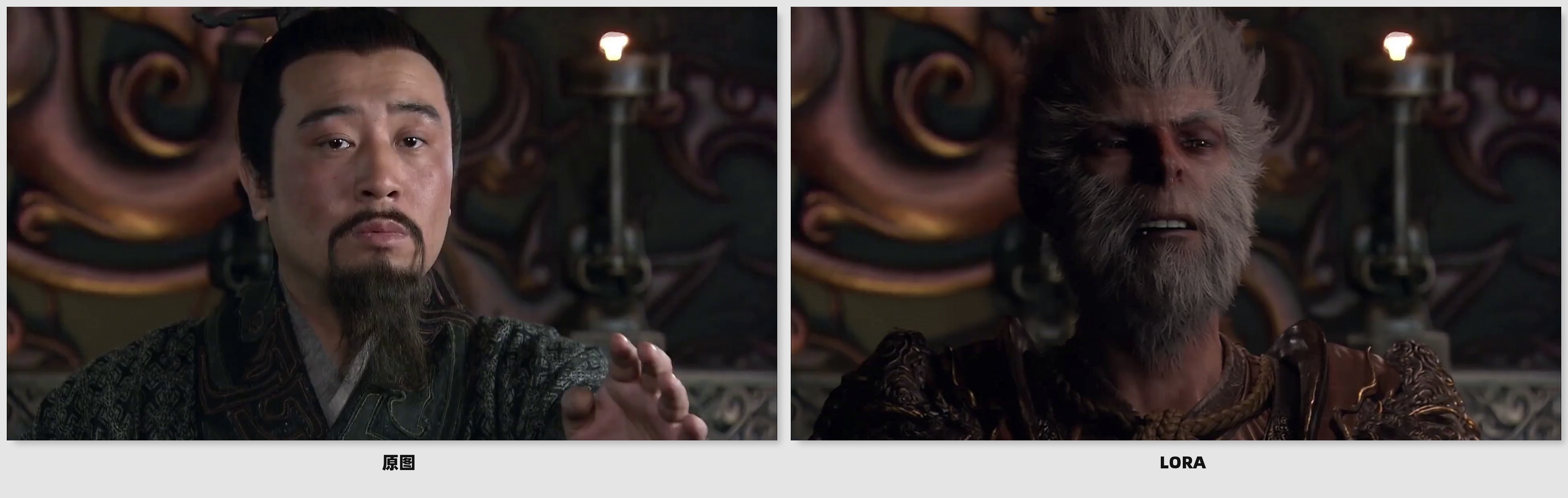
これはqwen image edit 2509を基にした、キャラクターをシーンに素早く統合するLoRAで、機能は以下の通りです:
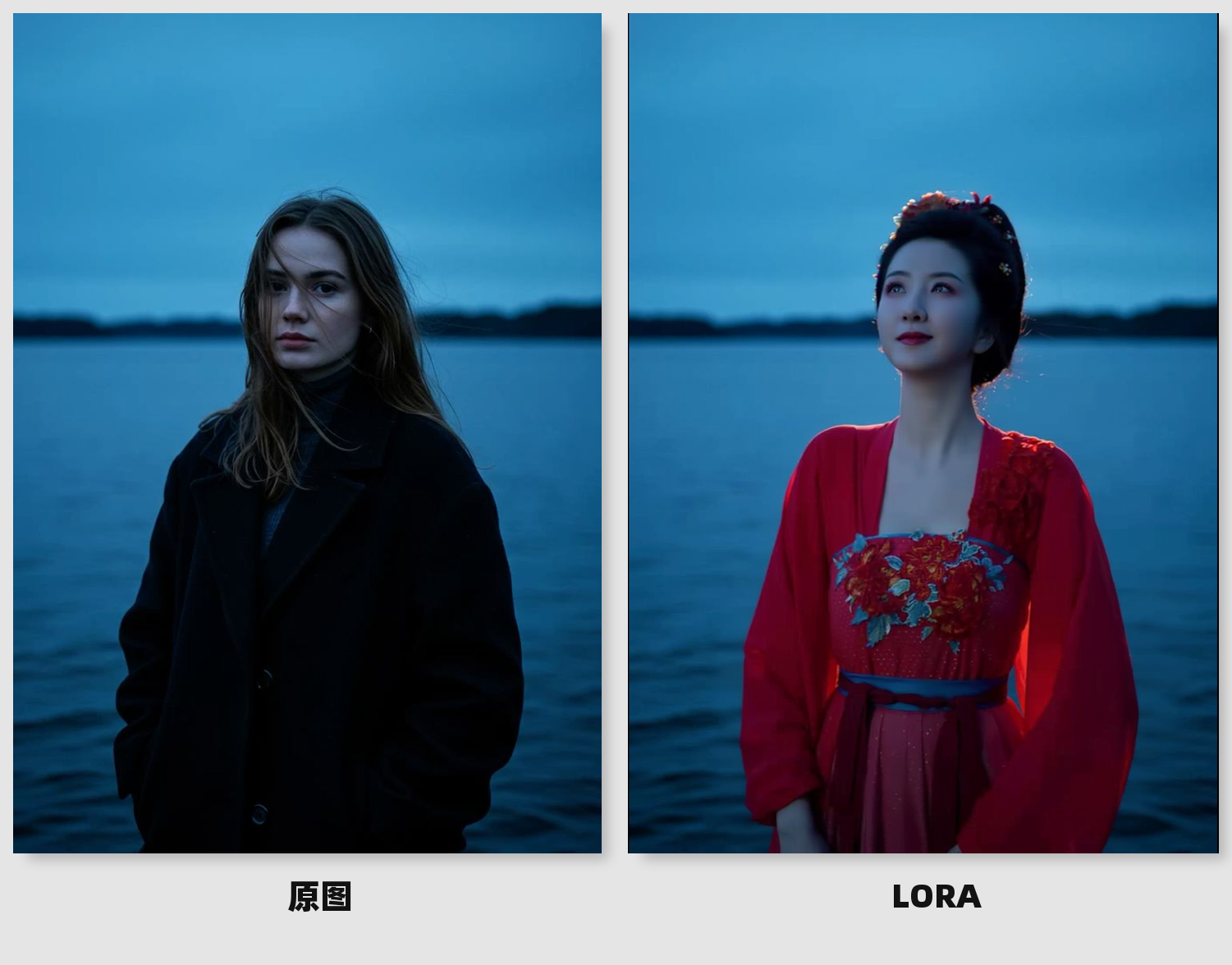
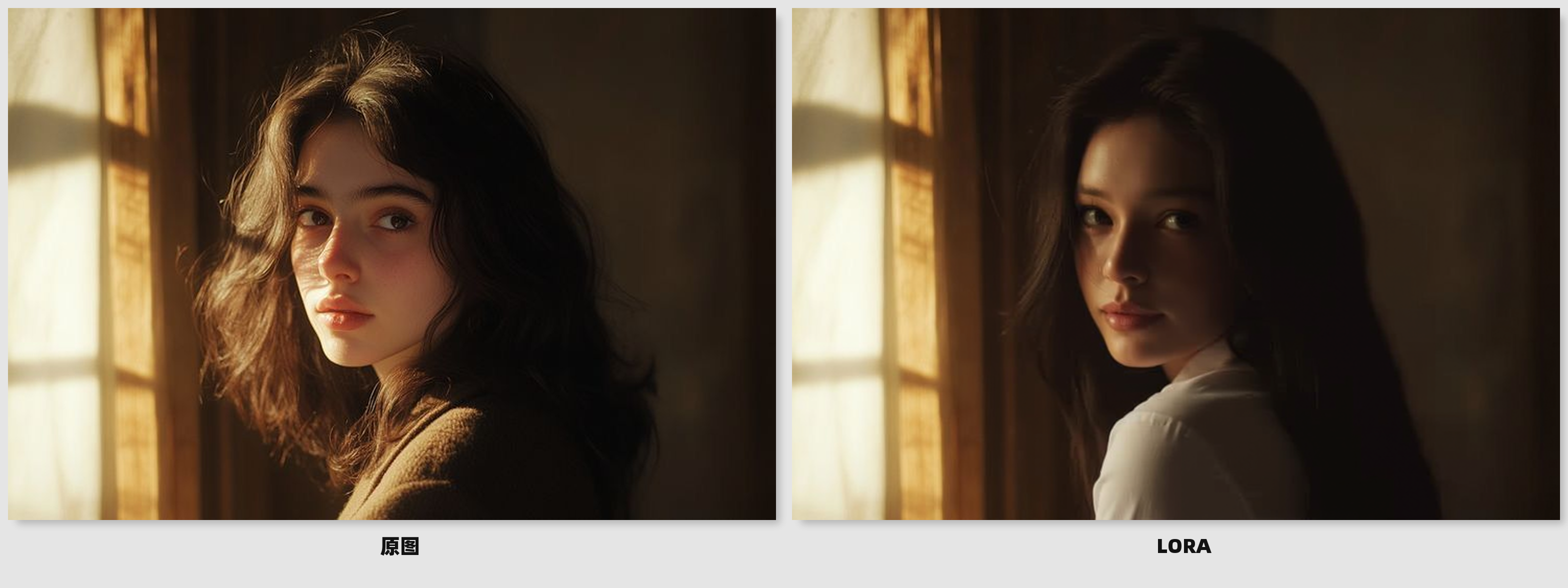
·自然なシーンへの統合、トーンの高度な統一
シーンの光と影、色の雰囲気に応じて、キャラクターのトーン、明暗、質感を自動的に調和させます。
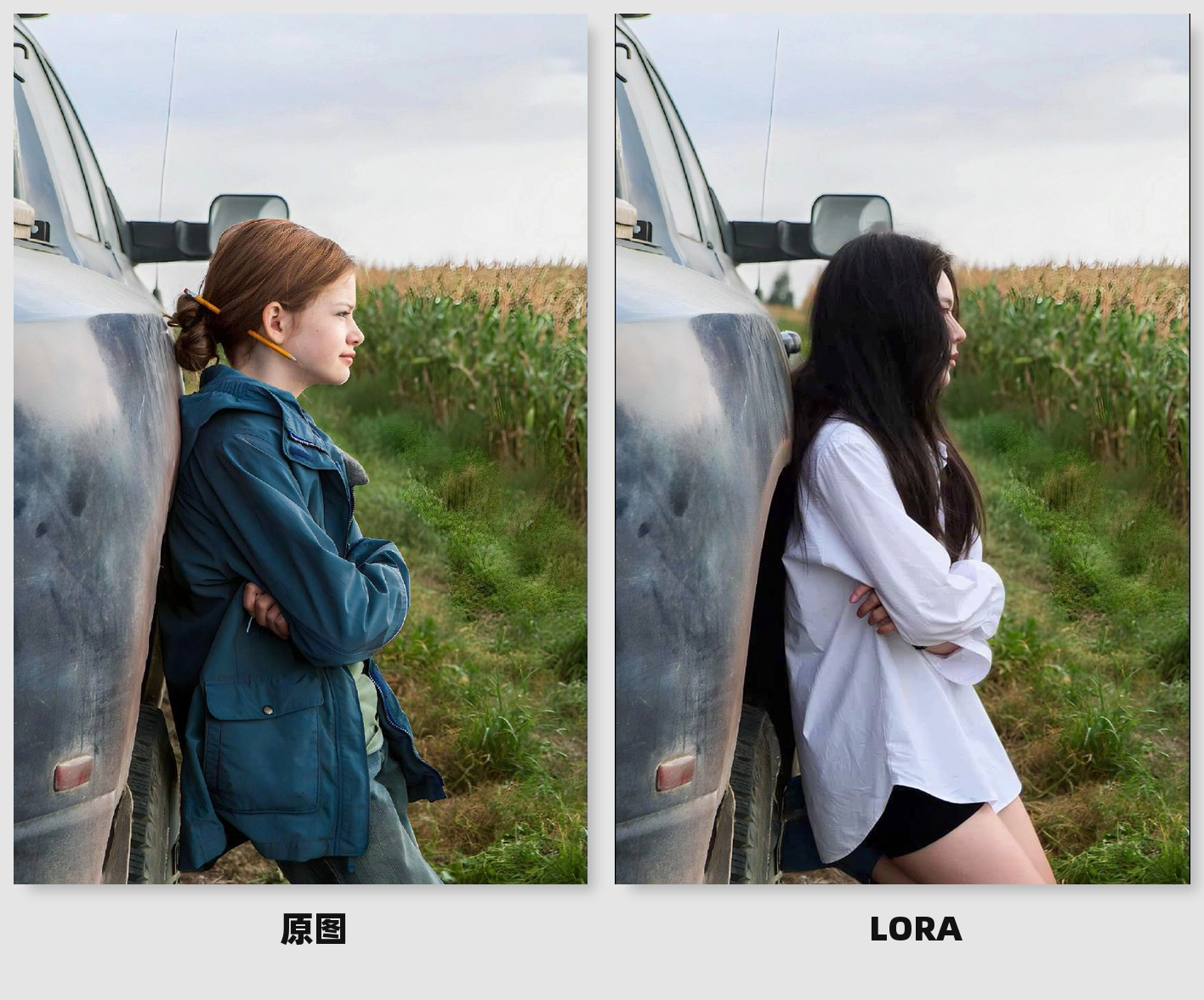
·自然なシーンとの相互作用
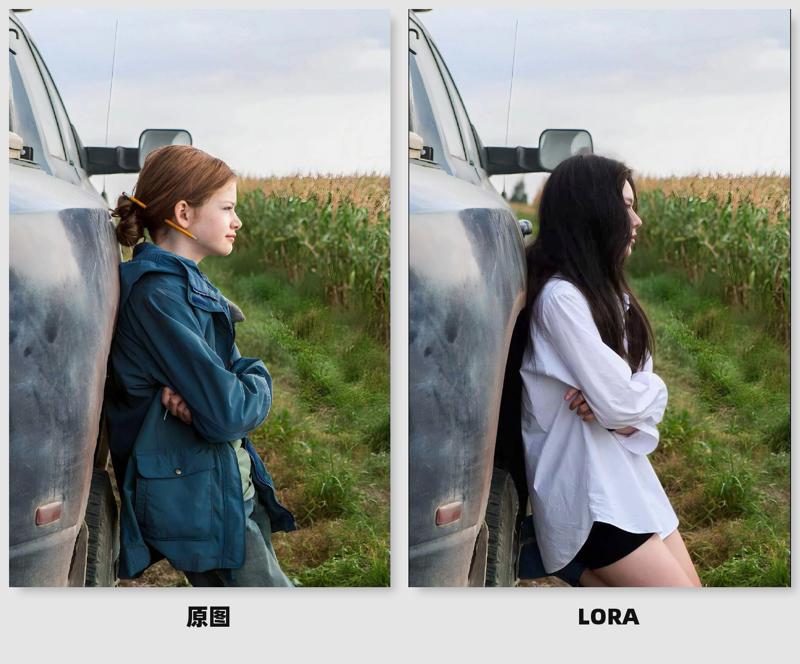
単なる重ね合わせにとどまらず、RoleScene Blendはキャラクターに環境と相互作用する能力を与えます。キャラクターはシーン内のオブジェクトに自然に隠され、影を落とし、環境要素と微妙な物理的関係を築きます。
·高一貫性の出力
入力されたキャラクター画像に基づき、RoleScene Blendはキャラクター画像を統合し、異なるシーンや角度においてもキャラクターの一貫性を保ちます。
·スマートな衣装補完
入力されたキャラクター画像の衣装が不完全であっても、画面上の情報に基づいて自動的に衣装を補完し、プロンプトによる制御もサポートします。
8ステップまたは4ステップの高速LoRAと組み合わせて、30秒以内に高速で画像を生成。
English introduction:
This is based on qwen image editing 2509, Lora that quickly integrates characters into the scene. The functions are as follows: ·
·Naturally blends into the scene, with a highly uniform tone
According to the scene light and shadow and color atmosphere, automatically harmonize the character tone, light and shade and texture
· Natural scene interaction
More than just simple overlays, RoleScene Blend gives characters the ability to interact with their environment. Characters are naturally blocked by objects in the scene, cast shadows, and even develop subtle physical relationships with environmental elements
· High consistency output
According to the incoming character map, RoleScene Blend can be combined with the character map to ensure that the characters remain highly consistent in different scenes and angles
· Smart Complete Clothing
Even if the incoming character map clothing is incomplete, it will automatically complete the character clothing according to the screen, and support prompt word control at the same time
With 8 or 4 steps to accelerate Lora, the picture will be drawn very quickly within 30 seconds