simple wildcard for ComfyUI
세부 정보
파일 다운로드 (1)
이 버전에 대해
모델 설명
ComfyUI-node-Lilly
install
Go to ./custom_nodes and clone git repo:
cd ./custom_nodes
git clone https://github.com/kuriot/ComfyUI_node_Lilly.git
or https://github.com/lilly1987/ComfyUI_node_Lilly/archive/refs/heads/main.zip install this like

wildcards
ex - wildcard
form :
a{b|{c|}|{d|e|}|f|}g____ myto :
aeg quality_my, breasts, { |character_dress|dress_my}, shoulder, {high heels,| } {choker,| } {lora:__lora_lst__:__rora_num__,| } NSFW, NSFW_my, { |style_my,}
ex : {3$$a1|{b2|c3|}|d4|{-$$|f|g}|{-2$$h||i}|{1-$$j|k|}}/{$$l|m|}/{0$$n|}
{1|2|3} -> 1 or 2 or 3
{2$$a|b|c} -> a,b or b,c or c,a or bb or ....
{9$$a|b|c} ->  {3$$a|b|c} auto fix max count
{1-2$$a|b|c} -> 1~2 random choise
{-2$$a|b|c} -> {0-2$$a|b|c}  0-2
{1-$$a|b|c} -> {0-3$$a|b|c}  1-max
{-$$a|b|c} -> {0-3$$a|b|c}  0-max
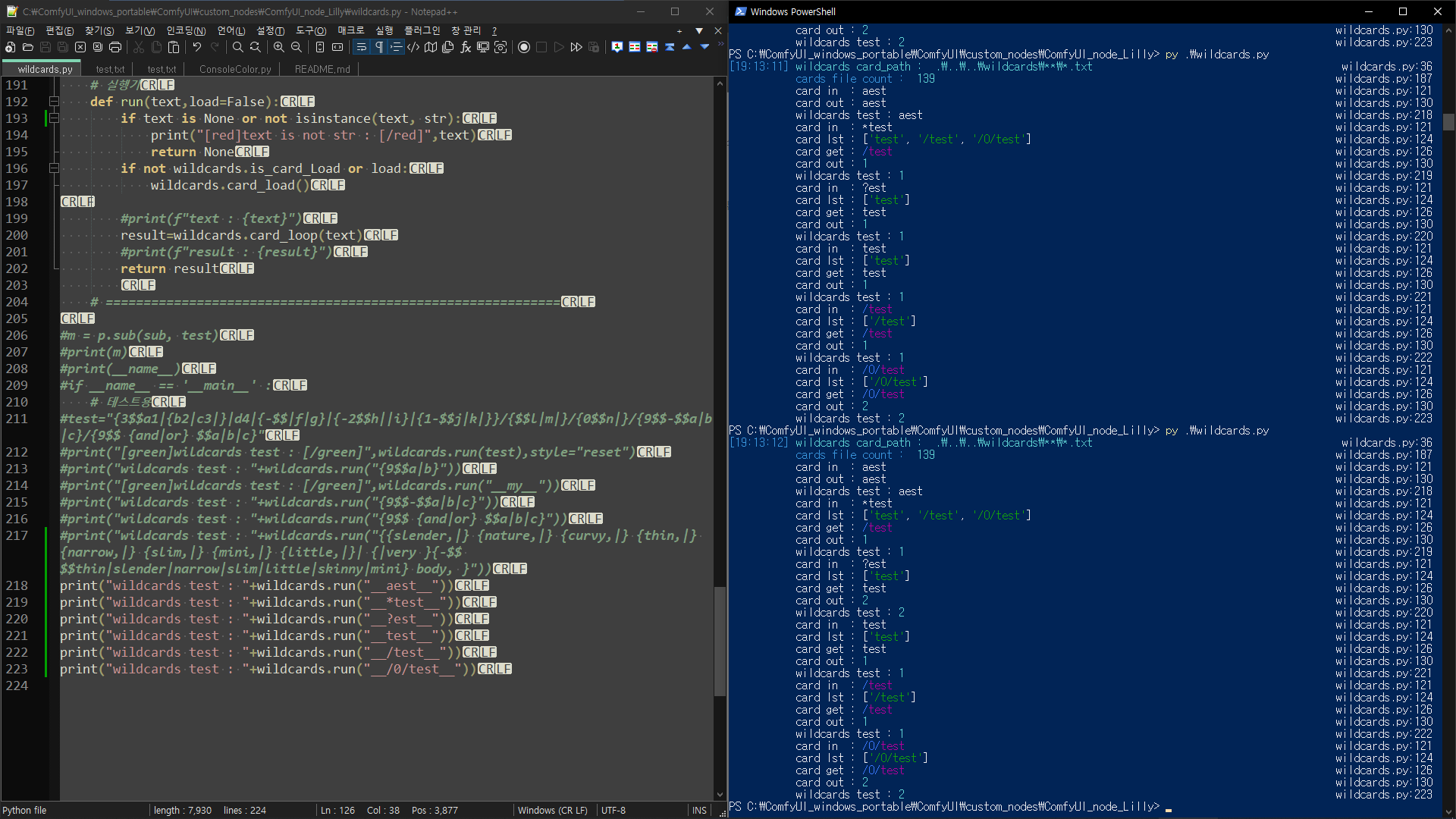
ex - wildcard text file use
~/a/b.txt
1
~/b.txt
2
b to 1 or 2
/b to 2
/a/b to 1
?b to 2
* to 1 or 2
filename pattern matching
* is matches everything
? is matches any single character
[seq] is matches any character in seq
[!seq] is matches any character not in seq
run sample
python wildcards.py
python sample
import wildcards as w가져올 파일 목록. get wildcards file
w.card_path=os.path.dirname(file)+”\wildcards\**\*.txt”
실행 run
print(w.run(“a{b|{c|}|{d|e|}|f|}g____ my”))
txt file (supports .txt files in different encodings.)
from
# 주석 comment
a,b
{b|c|anotherfile}
anotherfile
result
a,b
b
c
anotherfile
reload card
call wildcards.card_load() or wildcards.run(“{9$$-$$a|b|c}”,True)
for ComfyUI
CLIPTextEncodeWildcards
CLIPTextEncodeWildcards : no seed
CLIPTextEncodeWildcards : seed

SimpleSampler+modelVAE
include wildcards

SimpleSampler
include wildcards

SimpleSamplerVAE
include wildcards

VAELoaderText , LoraLoaderText , CheckpointLoaderSimpleText
support file name Wildcard(?*)


random_sampler_node.py

VAELoaderDecode.py
