Simple Z-Image-Turbo Diffusion/GGUF Workflow (T2I, I2I & Upscaling)


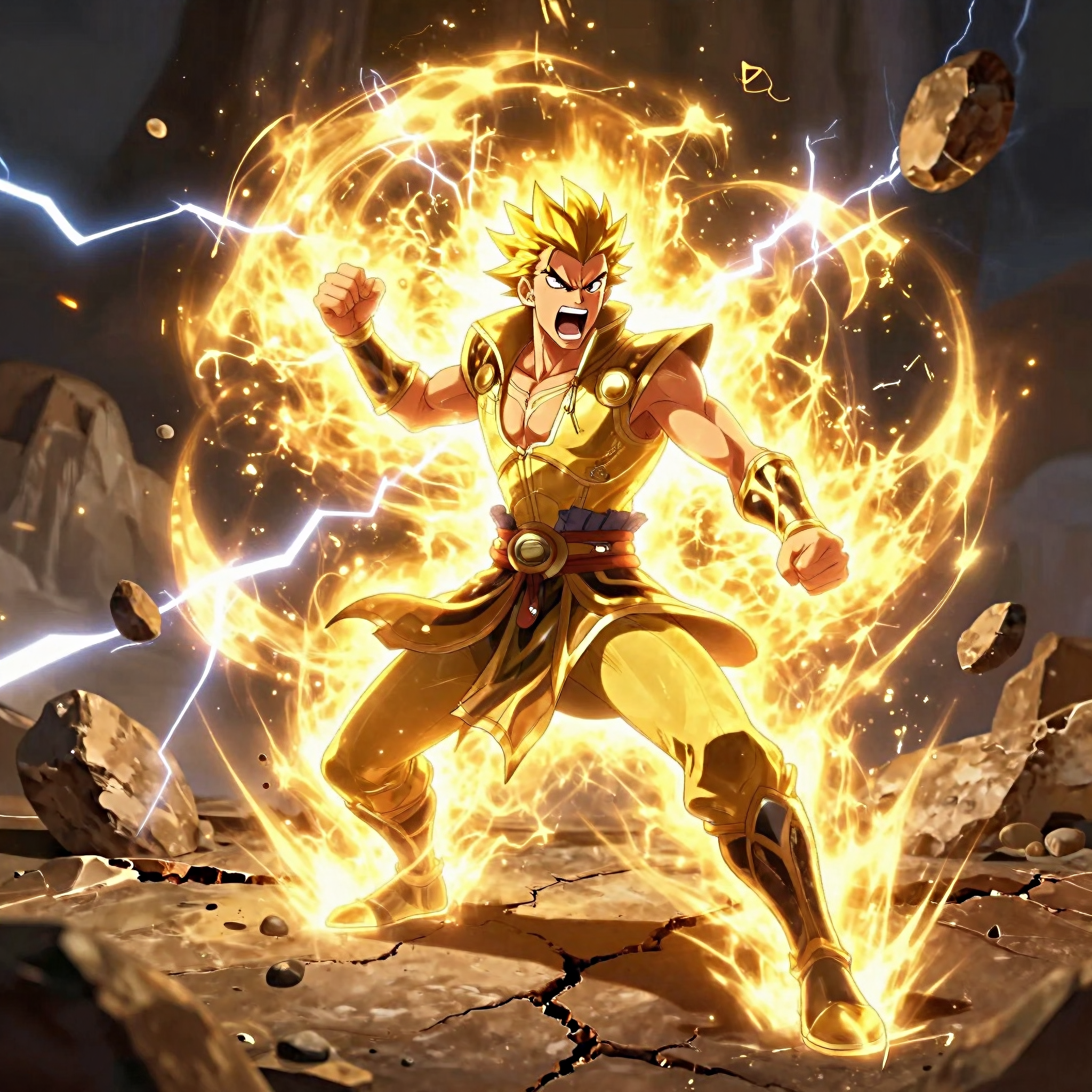



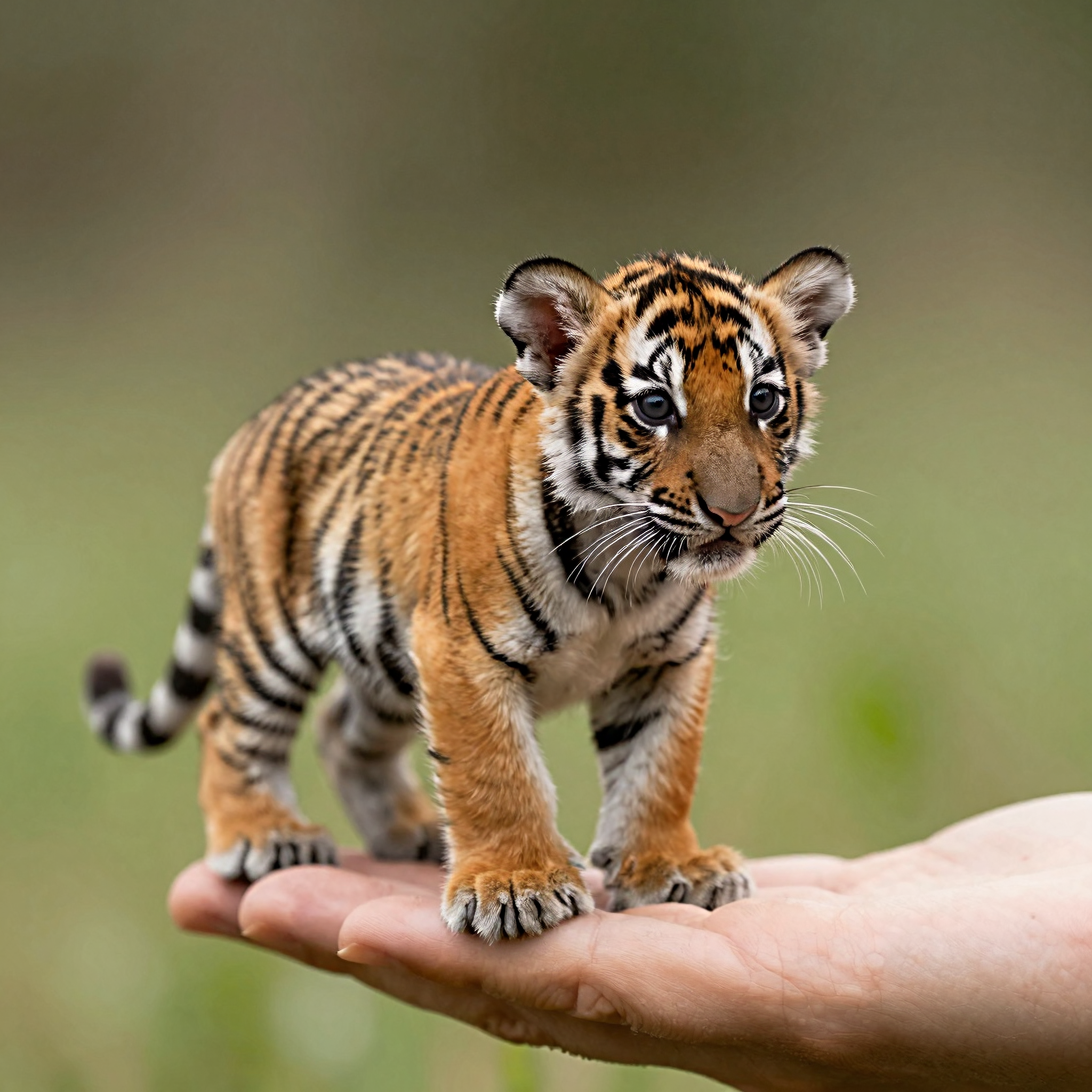

세부 정보
파일 다운로드 (1)
모델 설명
This is a comprehensive workflow designed for the Z-Image-Turbo model. It is set up to handle both standard usage and low-VRAM configurations via GGUF support.
Workflow Features:
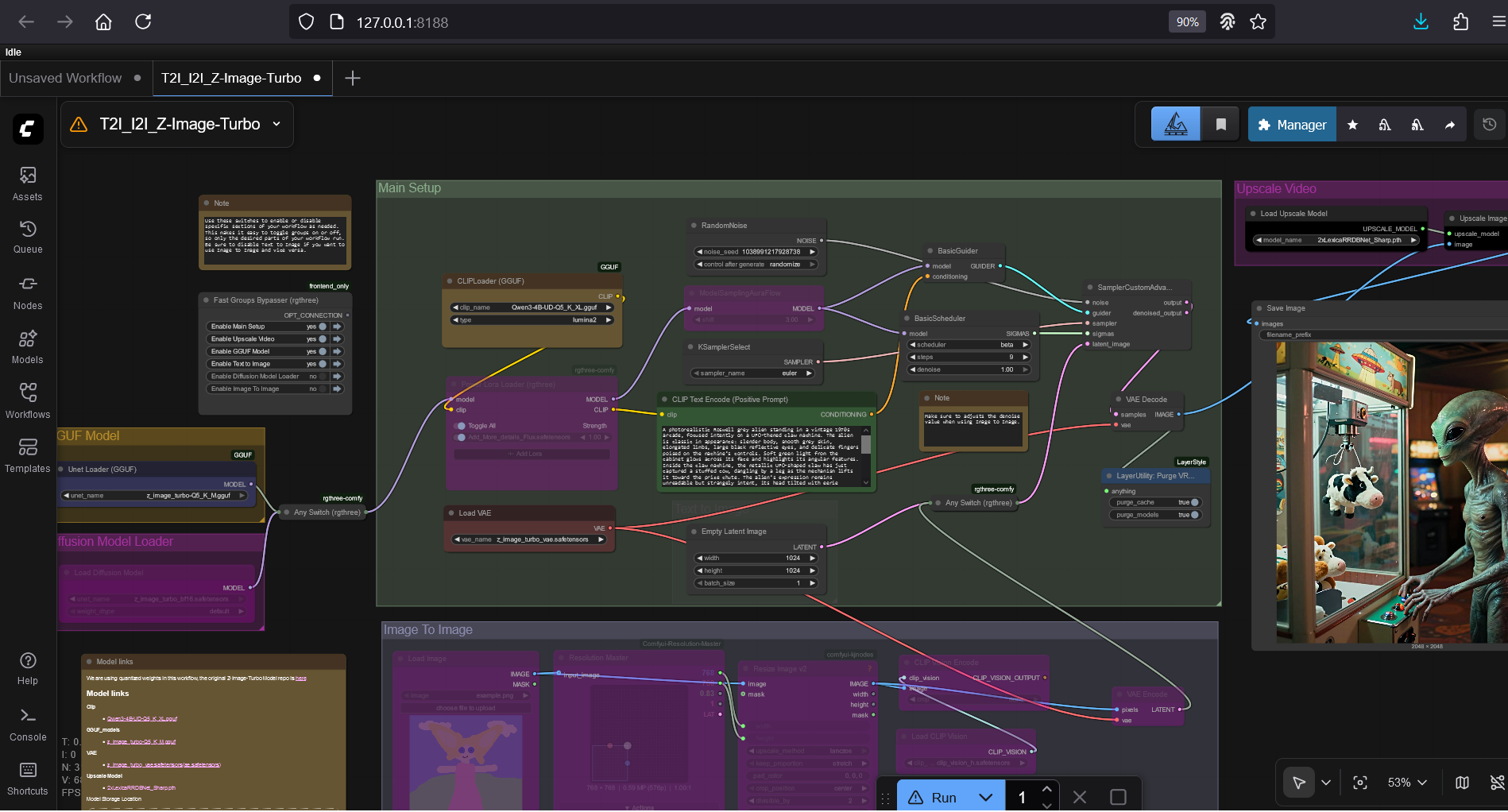
Dual Model Support: Easily switch between the standard .safetensors model and quantized GGUF versions using the provided switches.
Mode Toggling: Includes a "Fast Groups Bypasser" setup to quickly toggle between Text-to-Image and Image-to-Image modes without rewiring.
Built-in Upscaling: Includes an upscaling pass using LexicaRRDBNet for sharper final output.
Resolution Management: Uses ResolutionMaster to ensure your aspect ratios are correct.
Required Models:
To use this workflow fully, you will need the following files (links provided in the workflow's internal notes):
UNET: z_image_turbo_bf16.safetensors OR z_image_turbo-Q5_K_M.gguf
CLIP: Qwen3-4B-UD-Q5_K_XL.gguf (This model uses a Qwen text encoder).
VAE: z_image_turbo_vae.safetensors
Upscaler: 2xLexicaRRDBNet_Sharp.pth (or your preferred upscaler).
How to use:
Select your Model: Use the switch on the far left to choose between the GGUF Loader or the Standard UNET Loader.
Choose your Mode: Use the "Fast Groups Bypasser" (the colorful list of buttons) to activate "Text to Image" or "Image To Image".
Important: If using Image to Image, ensure you adjust the denoise strength in the Sampler (Node 61) to your liking.
Prompt & Queue: Enter your text in the CLIP Text Encode node and run.
Requirements:
ComfyUI Manager (to install missing custom nodes like rgthree, KJNodes, and GGUF).