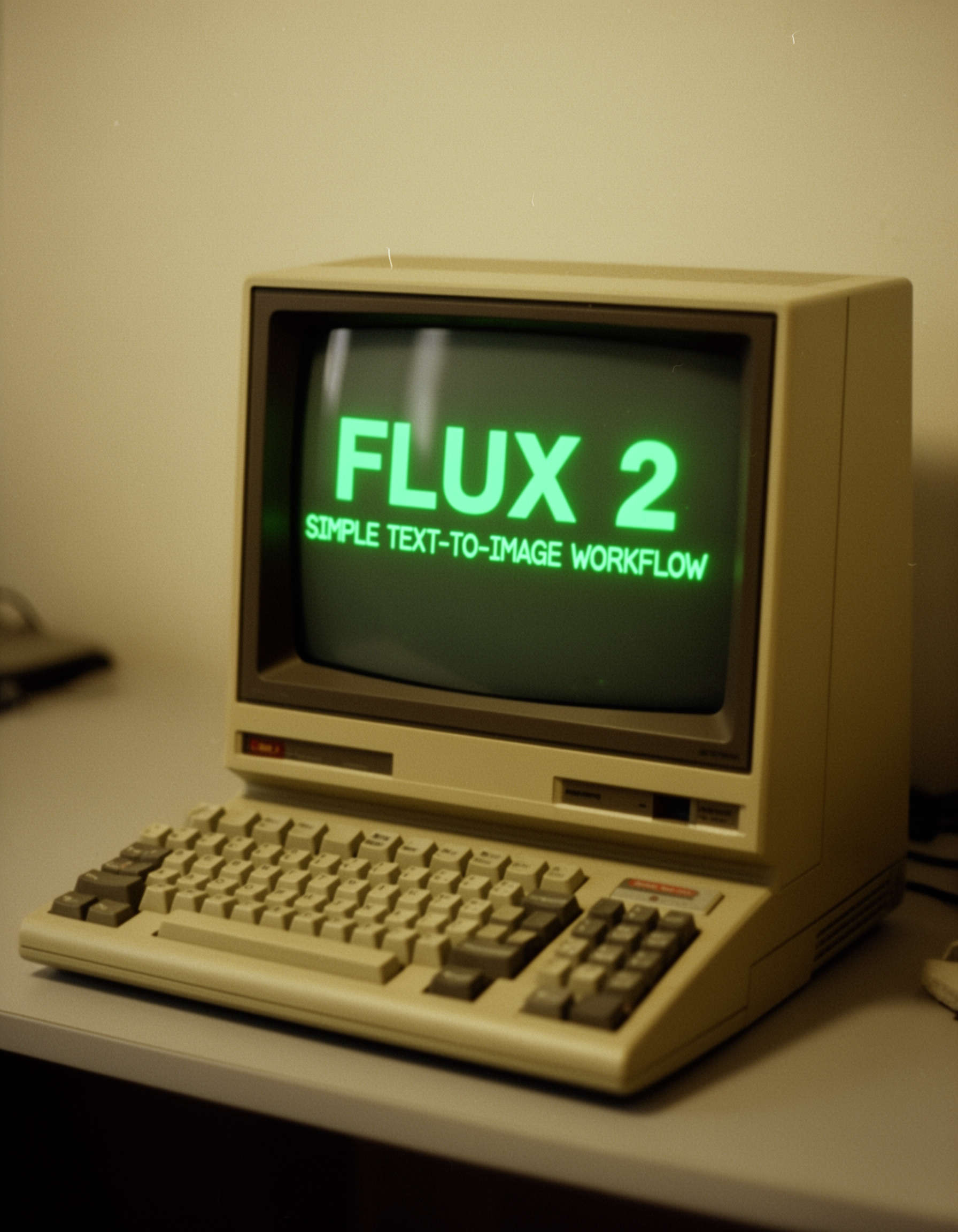
Flux 2 — Simple Text-to-Image Workflow | ComfyUI



Details
Download Files (1)
About this version
Model description
Simple Flux-2 Text-to-Image Generation:
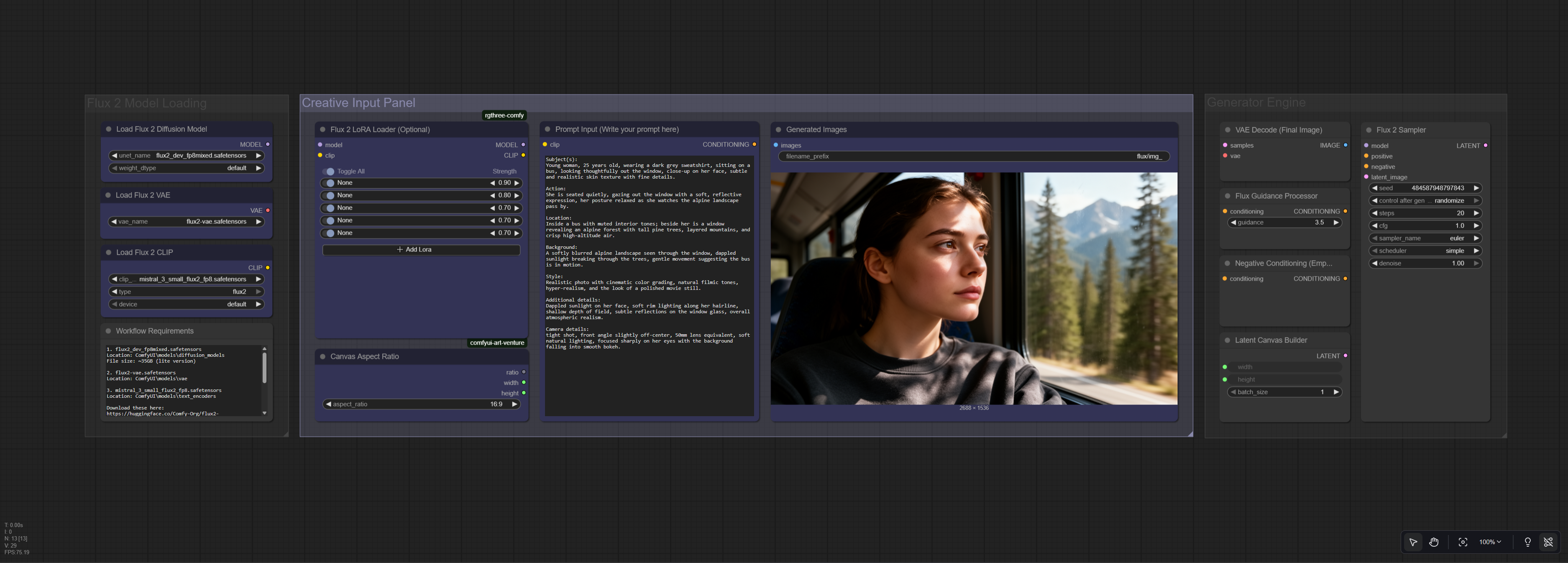
This workflow is designed to give you a simple, streamlined way to generate high-quality images with Flux 2 using only a text prompt. Everything is arranged clearly on the canvas so you can see exactly what’s happening at a glance: Write your prompt, choose an aspect ratio, and hit generate...easy peasy.
It includes optional LoRA support for users who want to drop in their own Flux-2 LoRAs. You can also adjust the aspect ratio to your liking.
If you’re looking for a lightweight, easy-to-read starting point for Flux 2 — or just a clean template to build your own workflow from — this one keeps things straightforward and stable.
Note: I'm running this on an RTX 4090 with 24GB VRAM and generations using this workflow take about 3 or 4 minutes per image.
Workflow Requirements:
1. flux2_dev_fp8mixed.safetensors (~35GB lite version)
Place in folder: ComfyUI\models\diffusion_models
2. flux2-vae.safetensors
Place in folder: ComfyUI\models\vae
3. mistral_3_small_flux2_fp8.safetensors
Place in folder: ComfyUI\models\text_encoders
Download these here:
https://huggingface.co/Comfy-Org/flux2-dev/tree/main/split_files
Note: If you're missing any nodes in the workflow, simply search for them using the ComfyUI Manager. Simply click on "Install Missing Custom Nodes"
____________________________
Alternative Model Option
You can also use the 65GB full Flux 2 model instead of the fp8mixed version:
https://huggingface.co/black-forest-labs/FLUX.2-dev/tree/main
____________________________