Z-Image-Turbo/Base-AIO

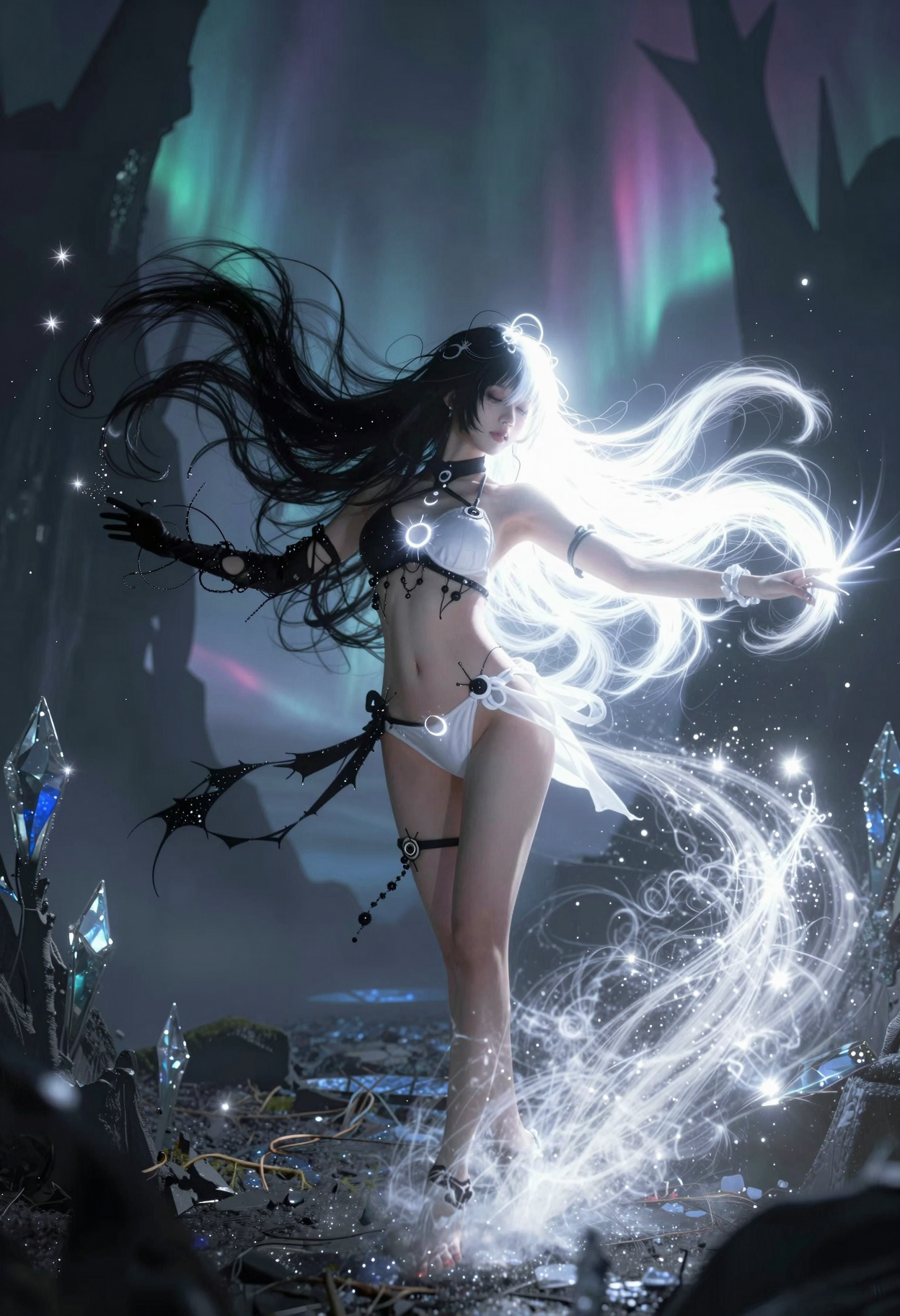
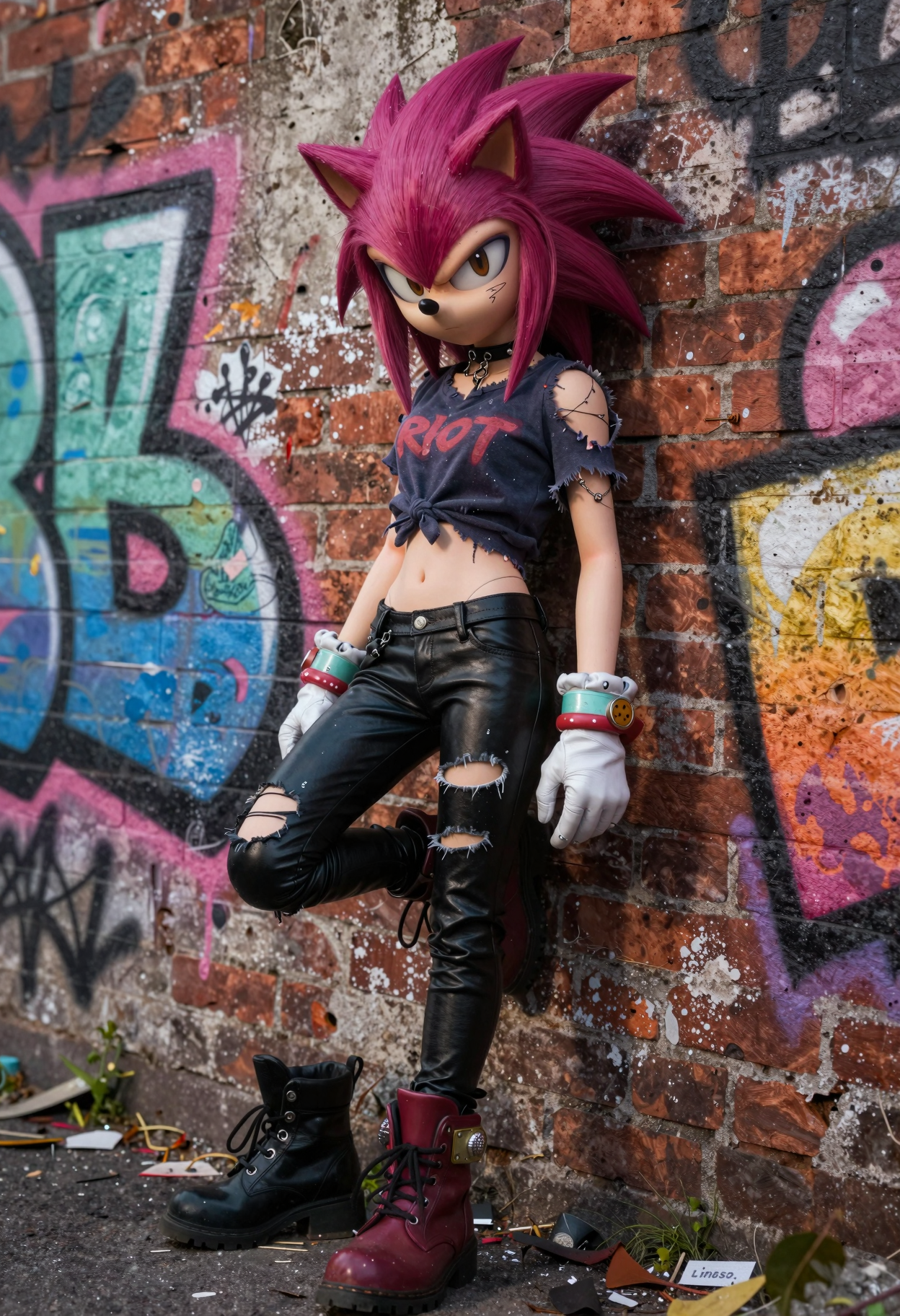
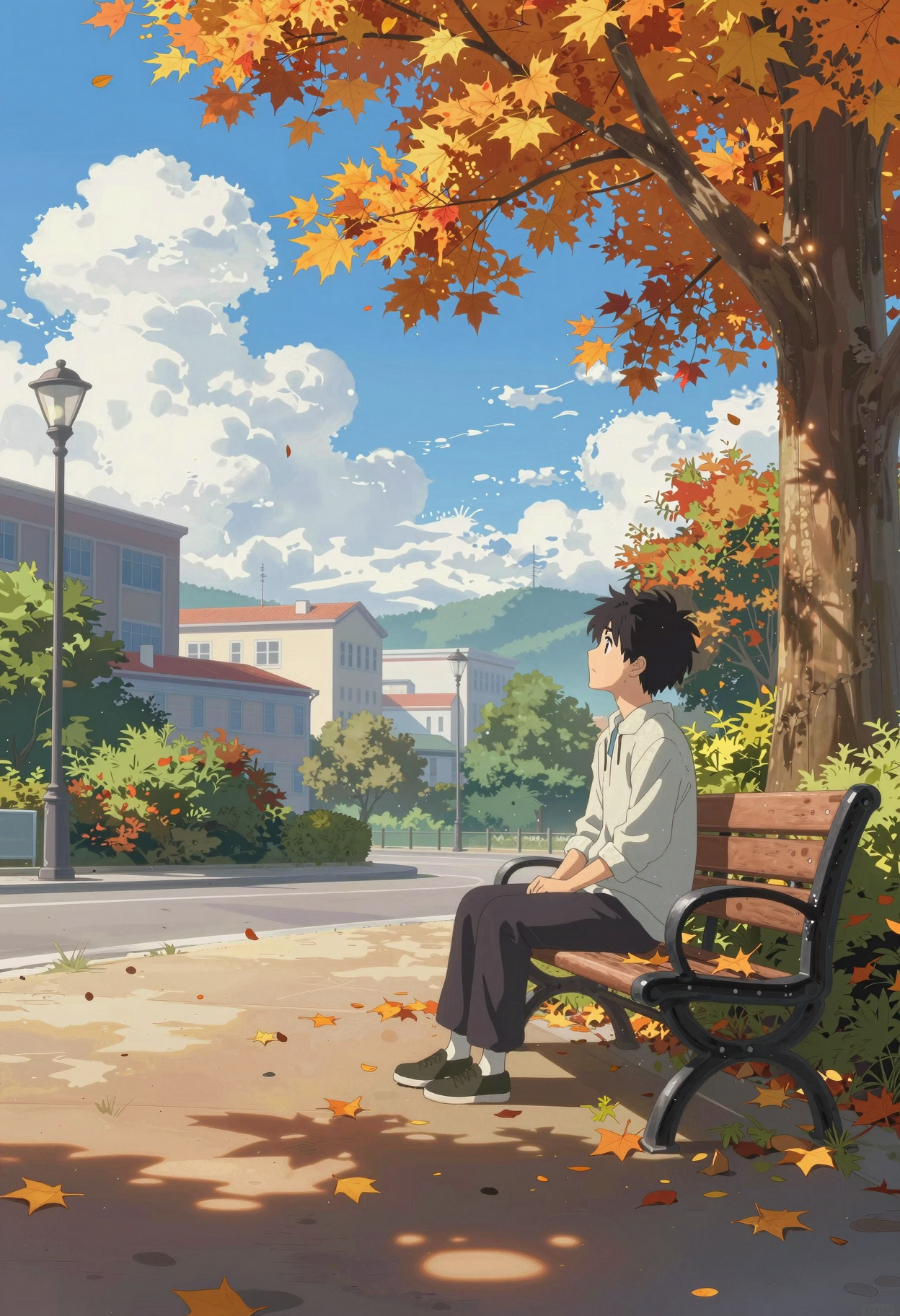
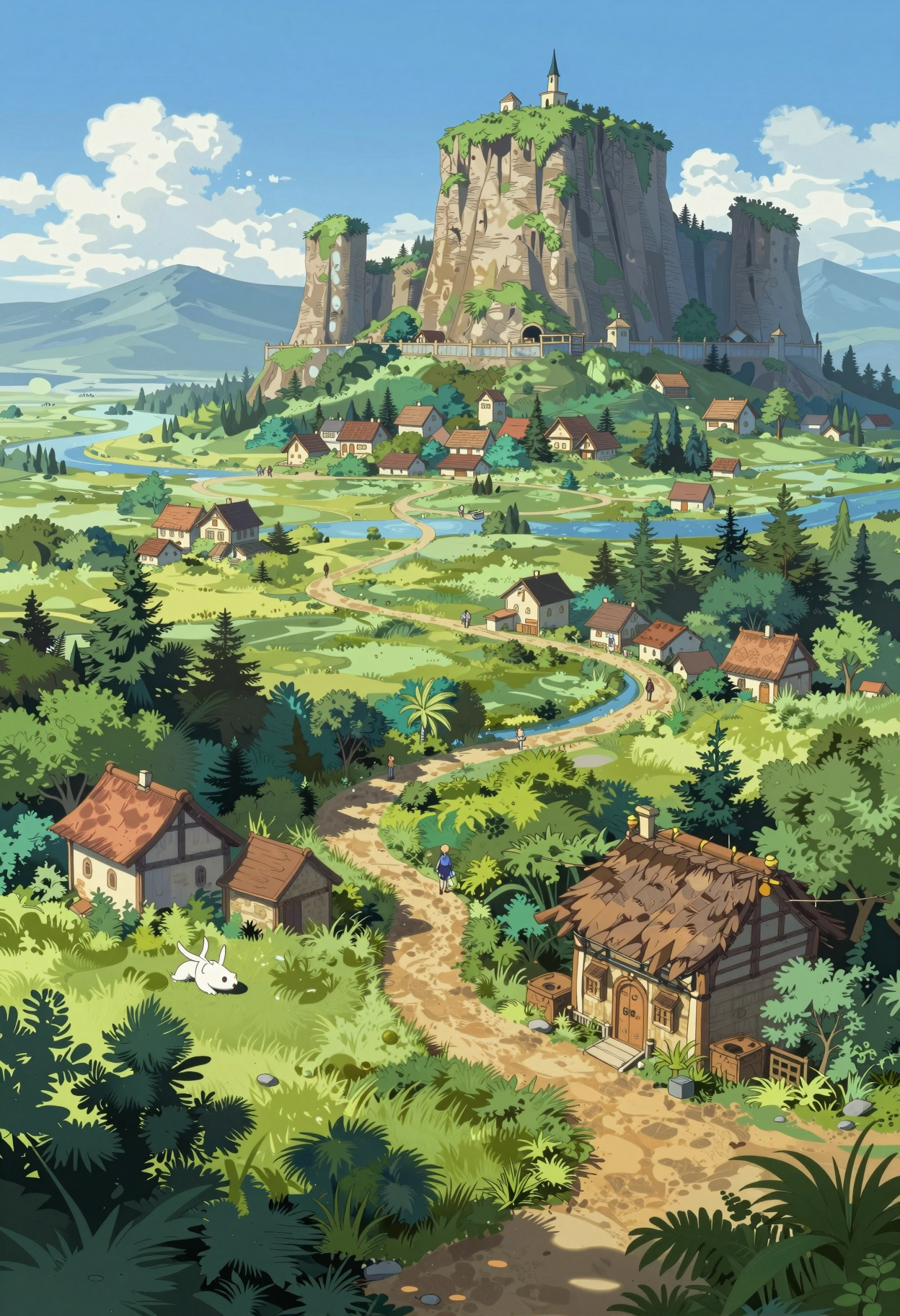
詳細
ファイルをダウンロード (1)
このバージョンについて
モデル説明
🚀 Z-Image AIO Collection
⚡ Base & Turbo • All-in-One • Bilingual Text • Qwen3-4B
⚠️ IMPORTANT: Requires ComfyUI v0.11.0+
✨ What is Z-Image AIO?
Z-Image AIO is an All-in-One repackage of Alibaba Tongyi Lab's 6B parameter image generation models.
Everything integrated:
✅ VAE already built-in
✅ Qwen3-4B Text Encoder integrated
✅ Just download and generate!
🎯 Available Versions
🔥 Z-Image-Turbo-AIO (8 Steps • CFG 1.0)
Ultra-fast generation for production & daily use
⚫ NVFP4-AIO (7.8 GB) 🆕
🎯 ONLY for NVIDIA Blackwell GPUs (RTX 50xx)!
⚡ Maximum speed optimized
💾 Smallest file size
🚀 FP4 precision - blazing fast
Perfect for: RTX 5070, 5080, 5090 owners who want maximum speed
🟡 FP8-AIO (10 GB) ⭐ RECOMMENDED
✅ Best balance of size & quality
✅ Works on 8GB VRAM
✅ Fast downloads
✅ Ideal for most users
Perfect for: Daily use, testing, RTX 3060/4060/4070
🔵 FP16-AIO (20 GB)
💾 Same file size as BF16
🔄 ComfyUI auto-casts to BF16 for compute
⚠️ Does NOT enable FP16 compute mode
📦 Alternative download option
Note: Z-Image does not support FP16 compute - activation values exceed FP16's max range, causing NaN/black images. Weights are cast to BF16 during inference regardless of file format.
Perfect for: Alternative to BF16 download (identical inference behavior)
🌟 BF16-AIO (20 GB) ⭐ RECOMMENDED FOR FULL PRECISION
✅ BFloat16 full precision
✅ Absolute best quality
✅ Professional projects
✅ Also works on 8GB VRAM
Perfect for: Professional work, maximum quality
🎨 Z-Image-Base-AIO (28-50 Steps • CFG 3-5)
Full creative control for pros & LoRA training
🟡 FP8-AIO (10 GB)
✅ Efficient for daily use
✅ Full CFG control
✅ Negative prompts supported
✅ 8GB VRAM compatible
Perfect for: Daily work with full control
🔵 FP16-AIO (20 GB)
💾 Same file size as BF16
🔄 ComfyUI auto-casts to BF16 for compute
⚠️ Does NOT enable FP16 compute mode
📦 Alternative download option
Note: See technical explanation in FAQ below.
Perfect for: Alternative to BF16 download (identical inference behavior)
🌟 BF16-AIO (20 GB) ⭐ RECOMMENDED FOR FULL PRECISION
✅ Maximum quality
✅ Ideal for LoRA training
✅ Professional projects
✅ Highest precision
Perfect for: LoRA training, professional work
🆚 Turbo vs Base - When to Use?
⚡ Use TURBO when:
⚡ Speed is priority → 8 steps = 3-10 seconds
📸 Production workflows → Consistent high quality
💾 Quick iterations → Rapid prototyping
🎯 Simple prompts → Less complex scenes
🎨 Use BASE when:
🎨 Creative exploration → Higher diversity
🔧 LoRA/ControlNet dev → Undistilled foundation
📝 Complex prompting → Full CFG control
🚫 Negative prompts needed → Remove unwanted elements
⚙️ Recommended Settings
⚡ Turbo Settings (incl. NVFP4)
📊 Steps: 8
🎚️ CFG: 1.0 (don't change!)
🎲 Sampler: res_multistep OR euler_ancestral
📈 Scheduler: simple OR beta
📐 Resolution: 1920×1088 (recommended)
🚫 Negative Prompt: ❌ Not used!
🎨 Base Settings
📊 Steps: 28-50
🎚️ CFG: 3.0-5.0 (start with 4.0)
🎲 Sampler: euler ⭐ OR dpmpp_2m
📈 Scheduler: normal ⭐ OR karras
📐 Resolution: 512×512 to 2048×2048
🚫 Negative Prompt: ✅ Fully supported!
📊 Quick Overview
Turbo Versions
⚫ NVFP4  │ 7.8 GB  │ RTX 50xx only  │ Max Speed 🆕
🟡 FP8   │ 10 GB   │ 8GB VRAM       │ Recommended ⭐
🔵 FP16  │ 20 GB   │ → BF16 compute │ See FAQ ⚠️
🌟 BF16  │ 20 GB   │ 8GB VRAM       │ Max Quality ⭐
Base Versions
🟡 FP8   │ 10 GB   │ 8GB VRAM       │ Efficient
🔵 FP16  │ 20 GB   │ → BF16 compute │ See FAQ ⚠️
🌟 BF16  │ 20 GB   │ 8GB VRAM       │ LoRA Training ⭐
💡 Prompting Guide
✅ Good Example:
Professional food photography of artisan breakfast plate.
Golden poached eggs on sourdough toast, crispy bacon, fresh
avocado slices. Morning sunlight creating warm glow. Shallow
depth of field, magazine-quality presentation.
❌ Bad Example:
breakfast, eggs, bacon, toast, food, morning, plate
📝 Tips
DO:
✅ Use natural language
✅ Be detailed (100-300 words)
✅ Describe lighting & mood
✅ Specify camera angle
✅ English OR Chinese (or both!)
DON'T:
❌ Tag-style prompts (tag1, tag2, tag3)
❌ Very short prompts (under 50 words)
❌ Negative prompts with Turbo
🌐 Bilingual Text Rendering
English:
Neon sign reading "OPEN 24/7" in bright blue letters
above entrance. Modern sans-serif font, glowing effect.
中文:
Traditional tea house entrance with sign reading
"古韵茶坊" in elegant gold Chinese calligraphy.
Both:
Modern cafe with bilingual sign. "Morning Brew" in
white script above, "晨曦咖啡" in Chinese below.
📥 Installation
Step 1: Download
Choose your version based on:
GPU: RTX 50xx → NVFP4 possible
VRAM: 8GB → FP8 recommended
Purpose: LoRA Training → Base BF16
Step 2: Place File
ComfyUI/models/checkpoints/
└── Z-Image-Turbo-FP8-AIO.safetensors
Step 3: Load & Generate
Open ComfyUI (v0.11.0+!)
Use "Load Checkpoint" node
Select your AIO version
Generate!
No separate VAE or Text Encoder needed!
🙏 Credits
Original Model
👨💻 Developer: Tongyi Lab (Alibaba Group)
🏗️ Architecture: Single-Stream DiT (6B parameters)
📜 License: Apache 2.0
Links
🔗 Z-Image Base: https://huggingface.co/Tongyi-MAI/Z-Image
🔗 Z-Image Turbo: https://huggingface.co/Tongyi-MAI/Z-Image-Turbo
🧠 Text Encoder: https://huggingface.co/Qwen/Qwen3-4B
📈 Version History
v2.2 - FP16 Clarification
📝 Updated FP16 descriptions for technical accuracy
⚠️ Clarified: FP16 weights ≠ FP16 compute
🔄 FP16 files are cast to BF16 during inference
v2.1 - NVFP4 Release 🆕
➕ Z-Image-Turbo-NVFP4-AIO (7.8GB)
⚡ Optimized for NVIDIA Blackwell (RTX 50xx)
🚀 Maximum speed generation
v2.0 - Base AIO Release
➕ Z-Image-Base-BF16-AIO
➕ Z-Image-Base-FP16-AIO
➕ Z-Image-Base-FP8-AIO
🔄 ComfyUI v0.11.0+ support
📝 Qwen3-4B Text Encoder
v1.1 - FP16 Added
➕ Z-Image-Turbo-FP16-AIO
🔧 Wider GPU compatibility
v1.0 - Initial Release
✅ Z-Image-Turbo-FP8-AIO
✅ Z-Image-Turbo-BF16-AIO
✅ Integrated VAE + Text Encoder
❓ FAQ
Q: Which version should I choose?
RTX 50xx + Speed → NVFP4 🆕
Most users       → Turbo FP8 ⭐
Full precision   → BF16 ⭐
LoRA Training    → Base BF16
Q: Turbo or Base?
Fast & simple    → Turbo ⚡
Full control     → Base 🎨
Q: Will NVFP4 work on my RTX 4090?
❌ No! NVFP4 is only for RTX 50xx (Blackwell architecture).
Use FP8 instead for RTX 40xx and older.
Q: Do I need separate VAE/Text Encoder?
❌ No! Everything is already integrated.
Just Load Checkpoint and go!
Q: Works on 8GB VRAM?
✅ Yes! All versions work on 8GB VRAM.
(NVFP4 requires RTX 50xx regardless of VRAM)
⚠️ Q: What about FP16 for older GPUs (RTX 2000/3000)?
Important technical clarification:
Z-Image does NOT support FP16 compute type. Here's why:
📊 Technical reason:
- FP16 max value: ~65,504
- BF16 max value: ~3.39e+38 (same as FP32)
- Z-Image's activation values exceed FP16's range
- Result: Overflow → NaN → Black images
What actually happens:
ComfyUI automatically casts weights to BF16 for computation
You can see this in logs: "model weight dtype X, manual cast: torch.bfloat16"
"Weight dtype" (file format) ≠ "Compute dtype" (actual calculation)
For RTX 20xx users (no native BF16):
BF16 is emulated via FP32 = slower but works
There is no way to run Z-Image in true FP16 compute
FP8 with CPU offload may be a better option for limited VRAM
TL;DR: FP16 and BF16 files behave identically during inference. Choose based on download preference, not GPU compatibility.
🚀 Get Started Now!
Download → Load Checkpoint → Generate!
Recommended versions:
🟡 FP8 for most users (best size/quality balance)
🌟 BF16 for maximum quality
⚫ NVFP4 for RTX 50xx speed
All versions work on 8GB VRAM
Happy generating! 🎨