Detail slider for Z-Image







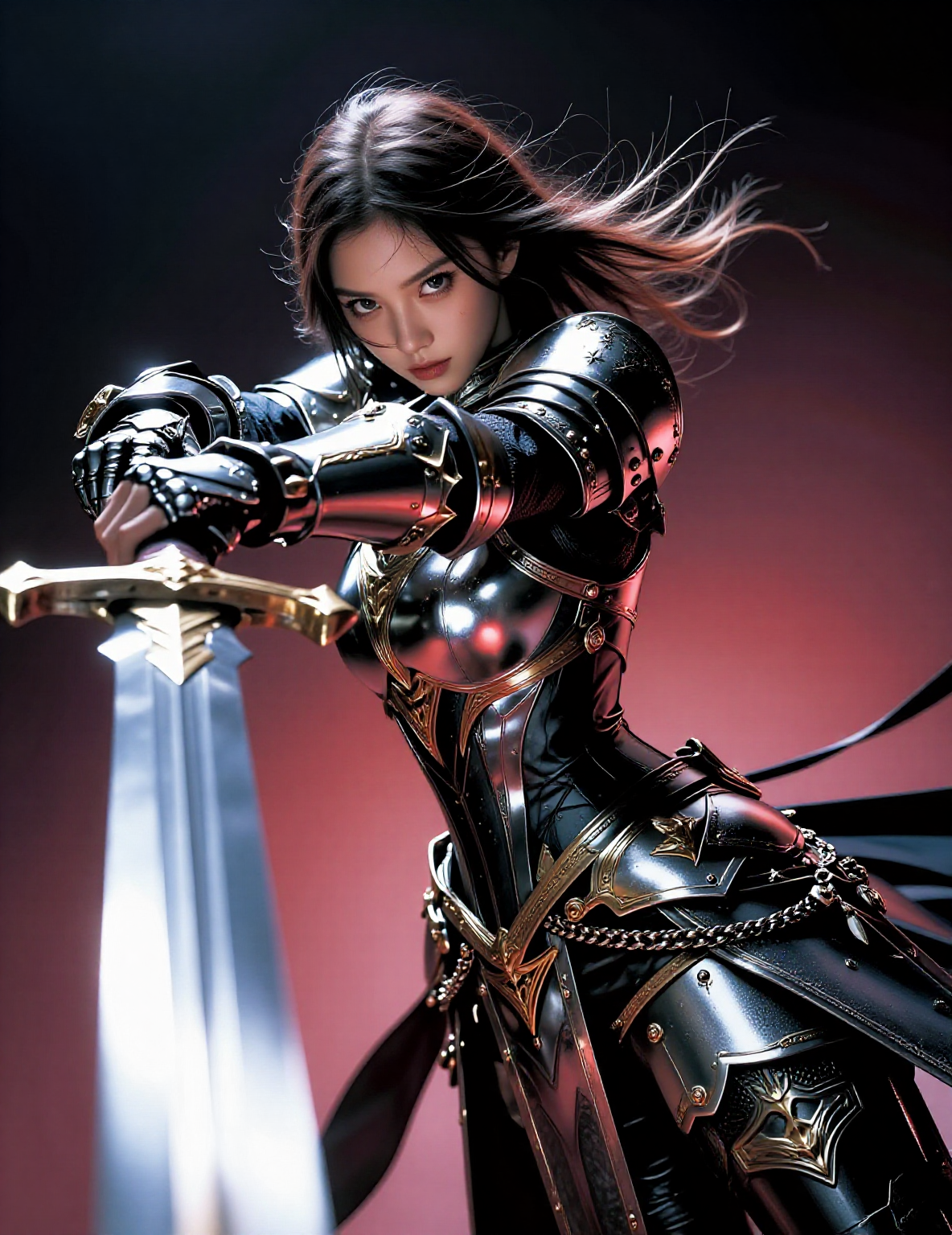
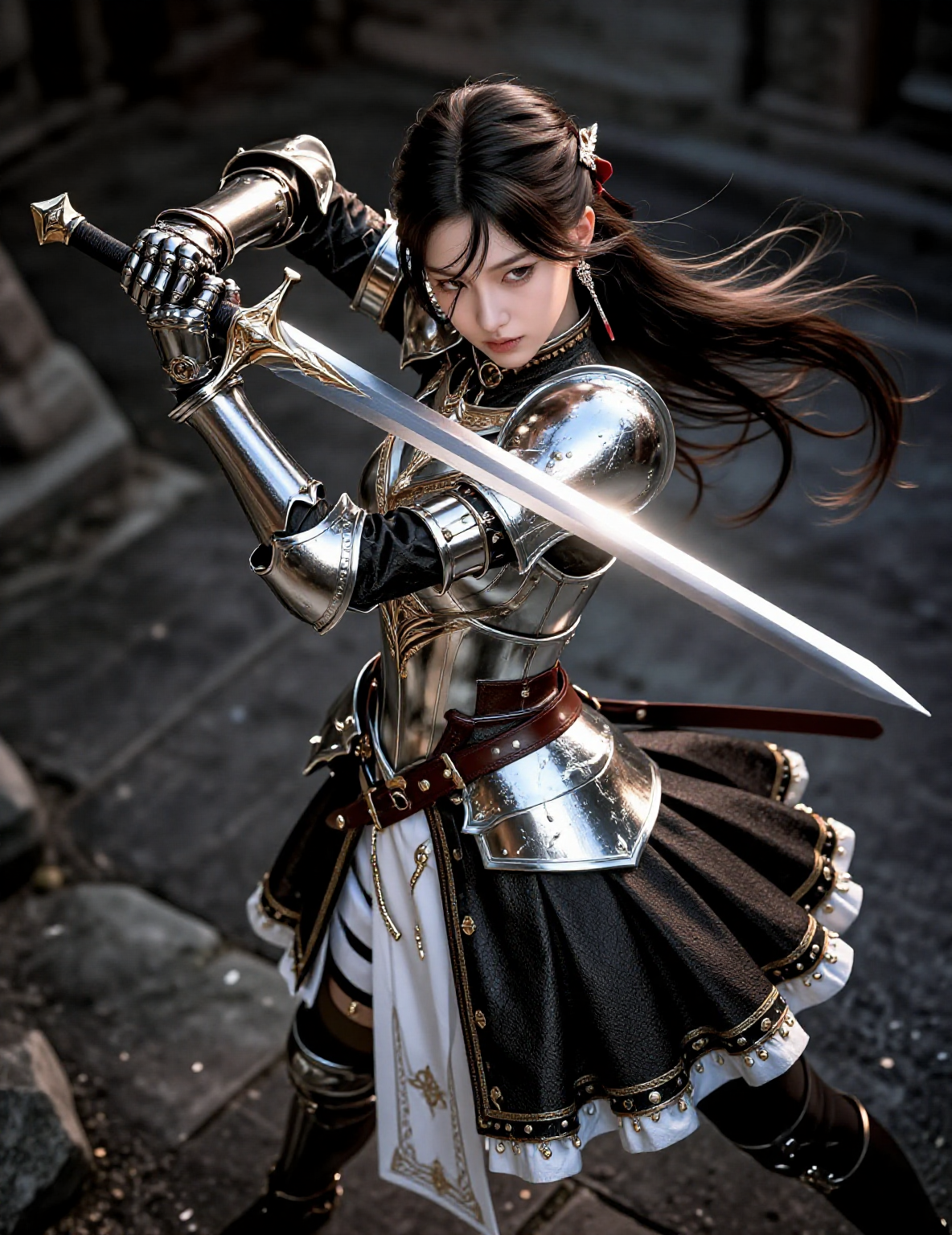
Details
Download Files (1)
Model description
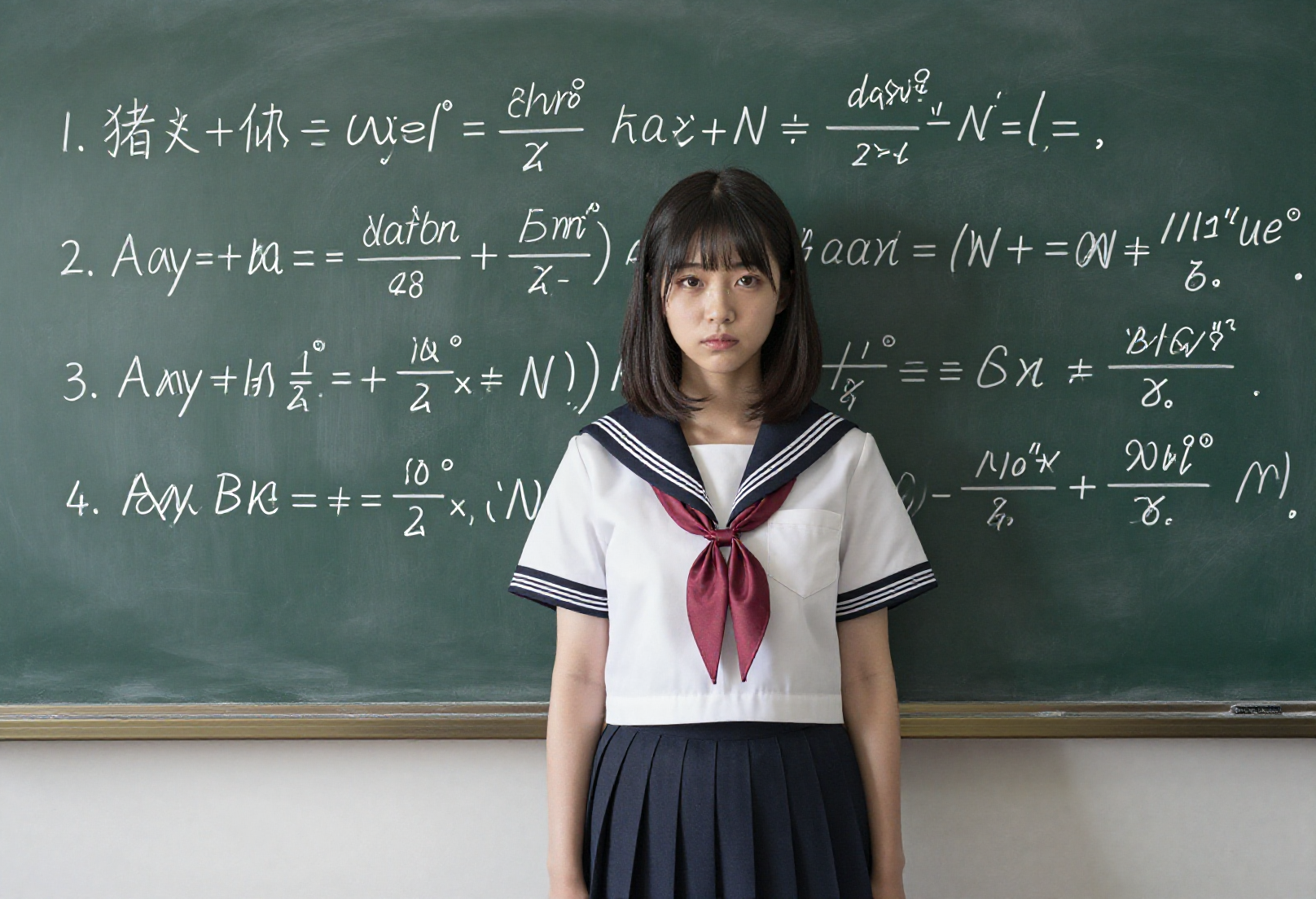
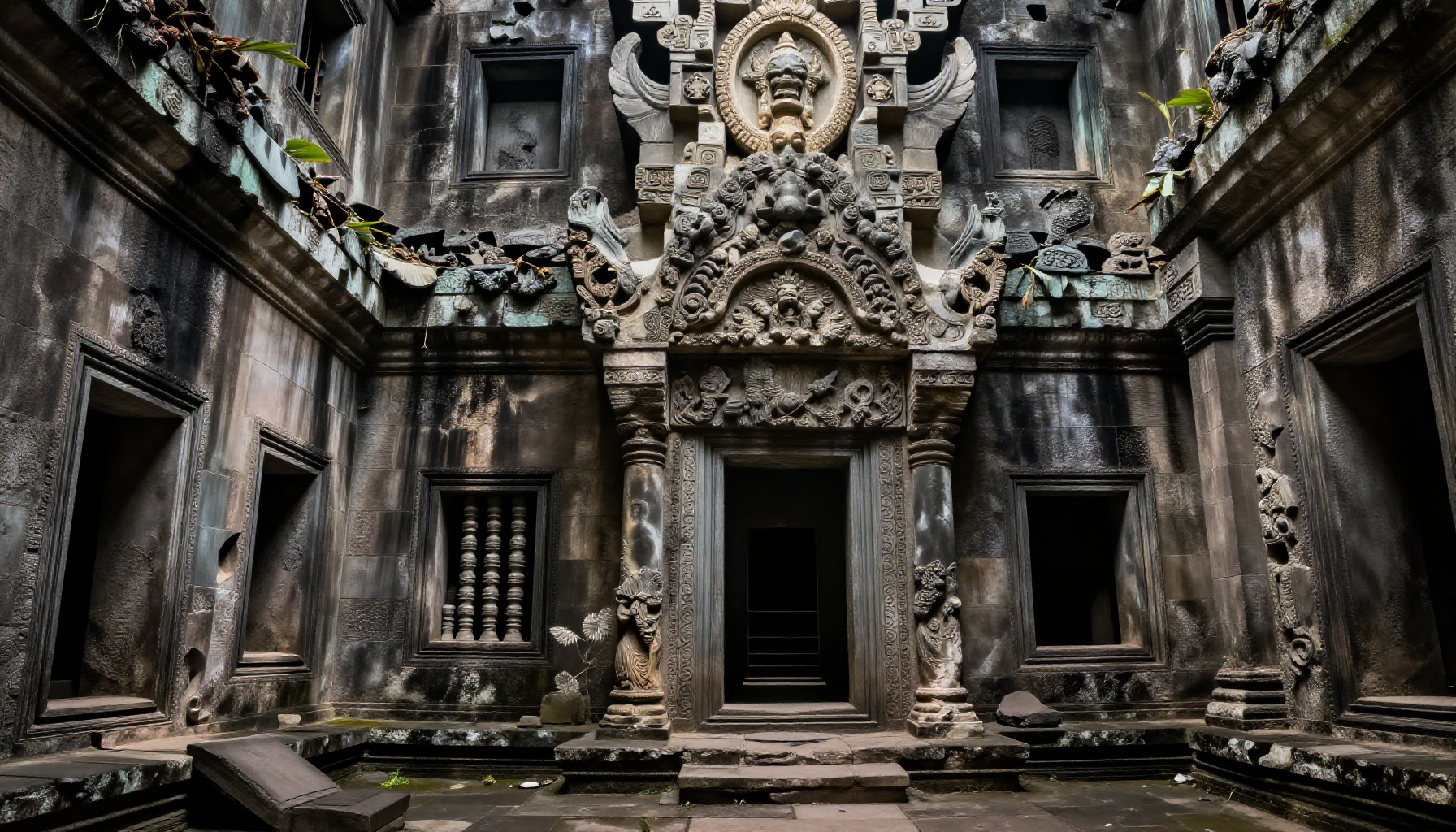
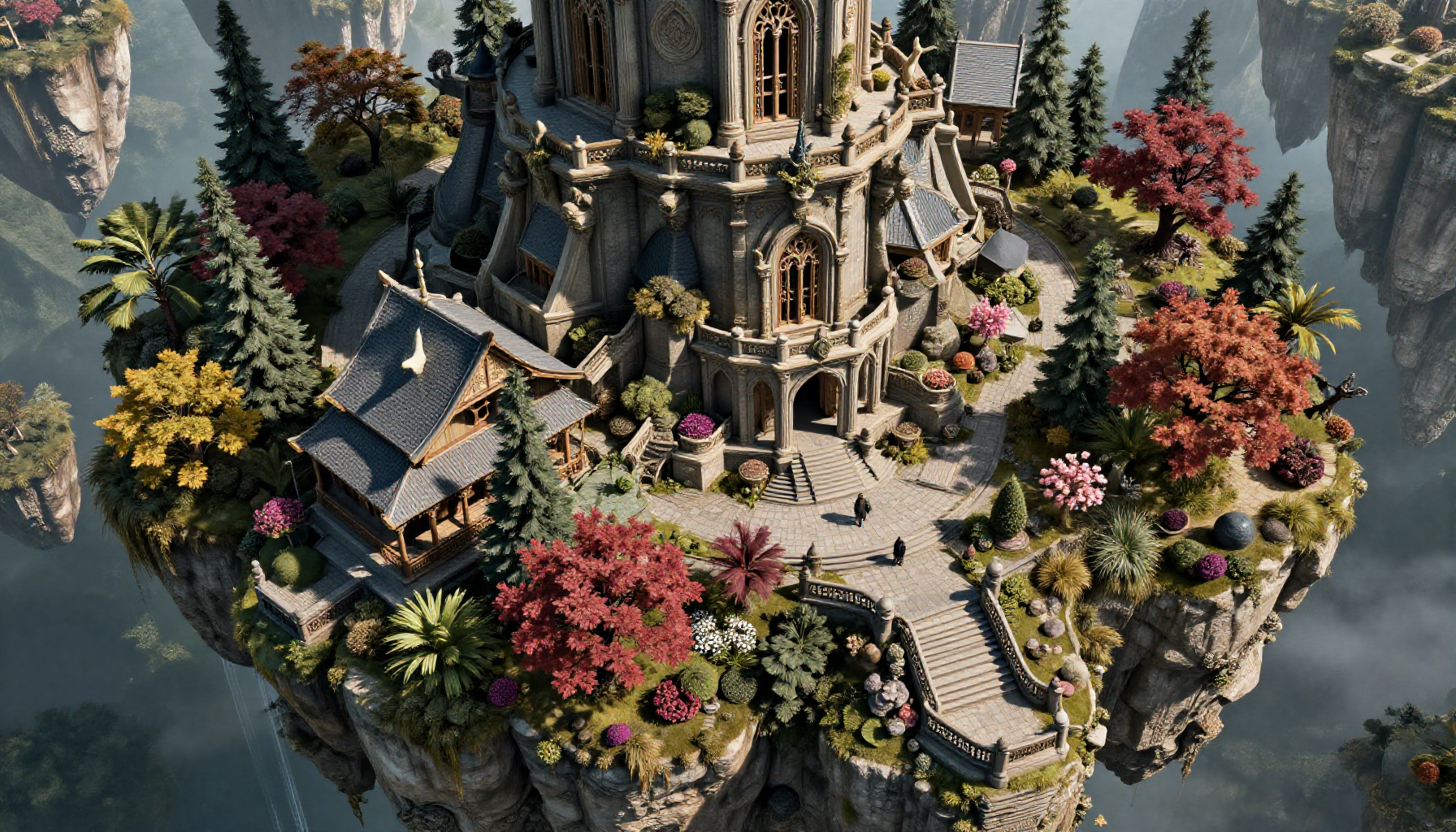
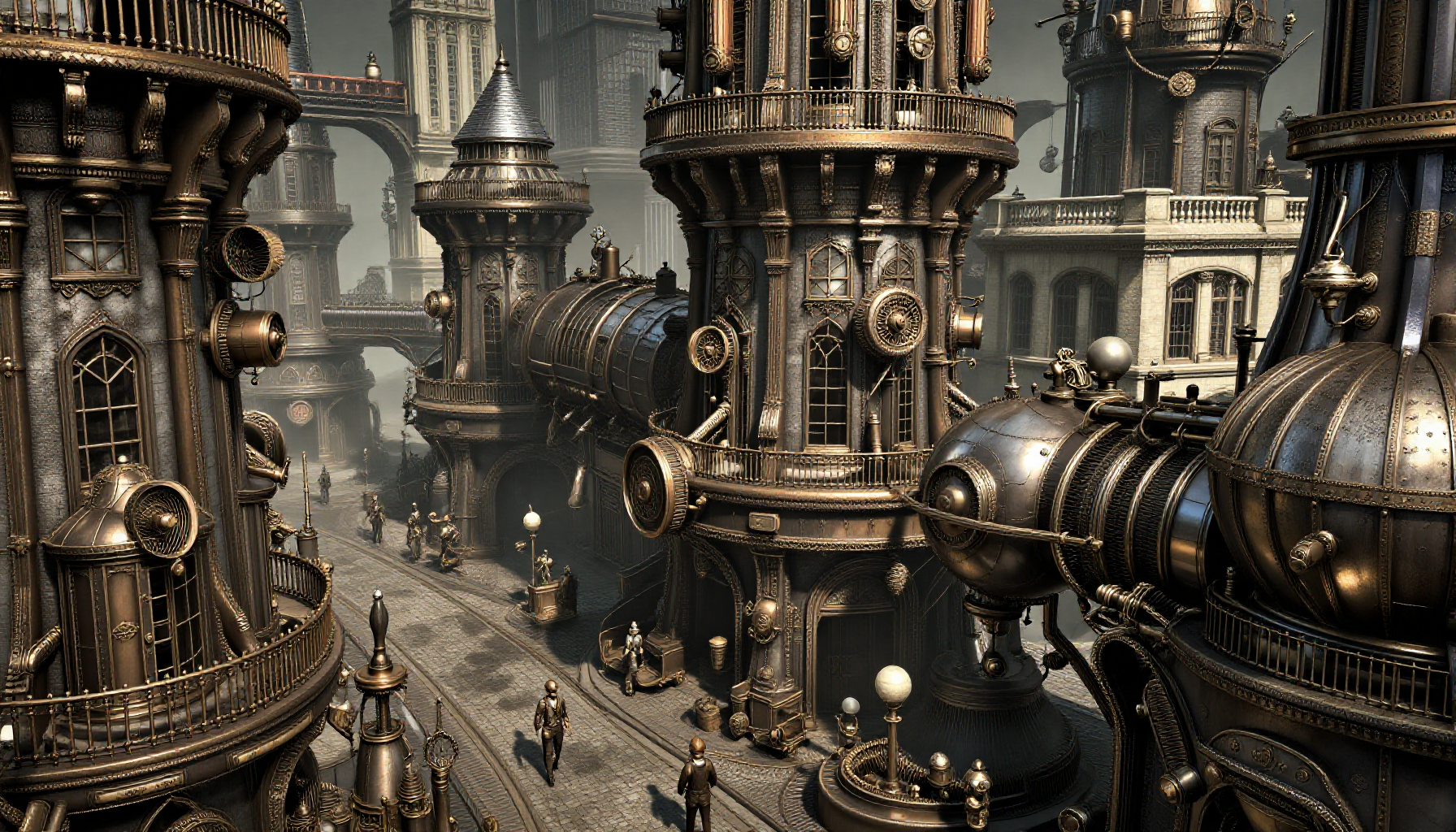
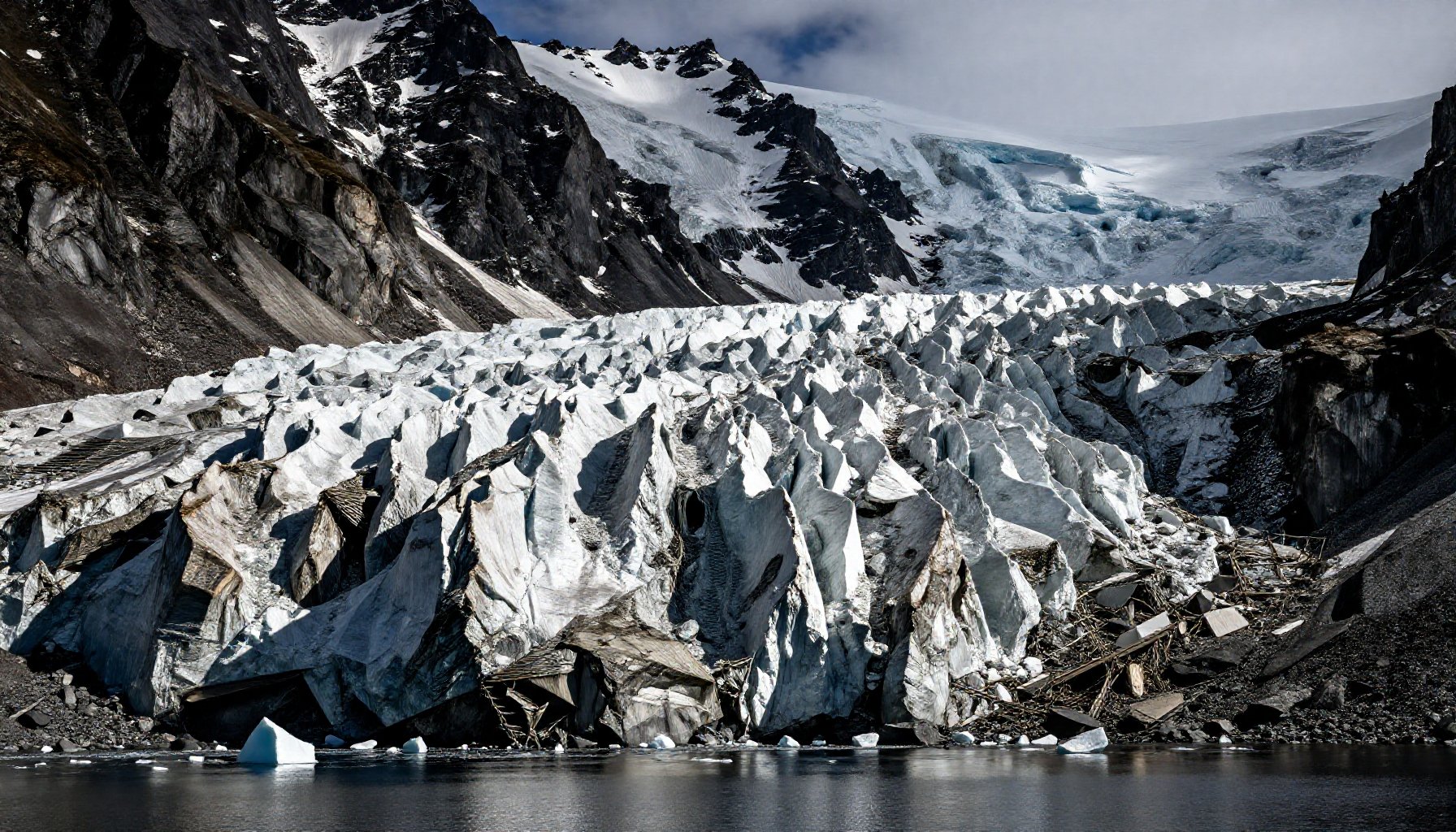
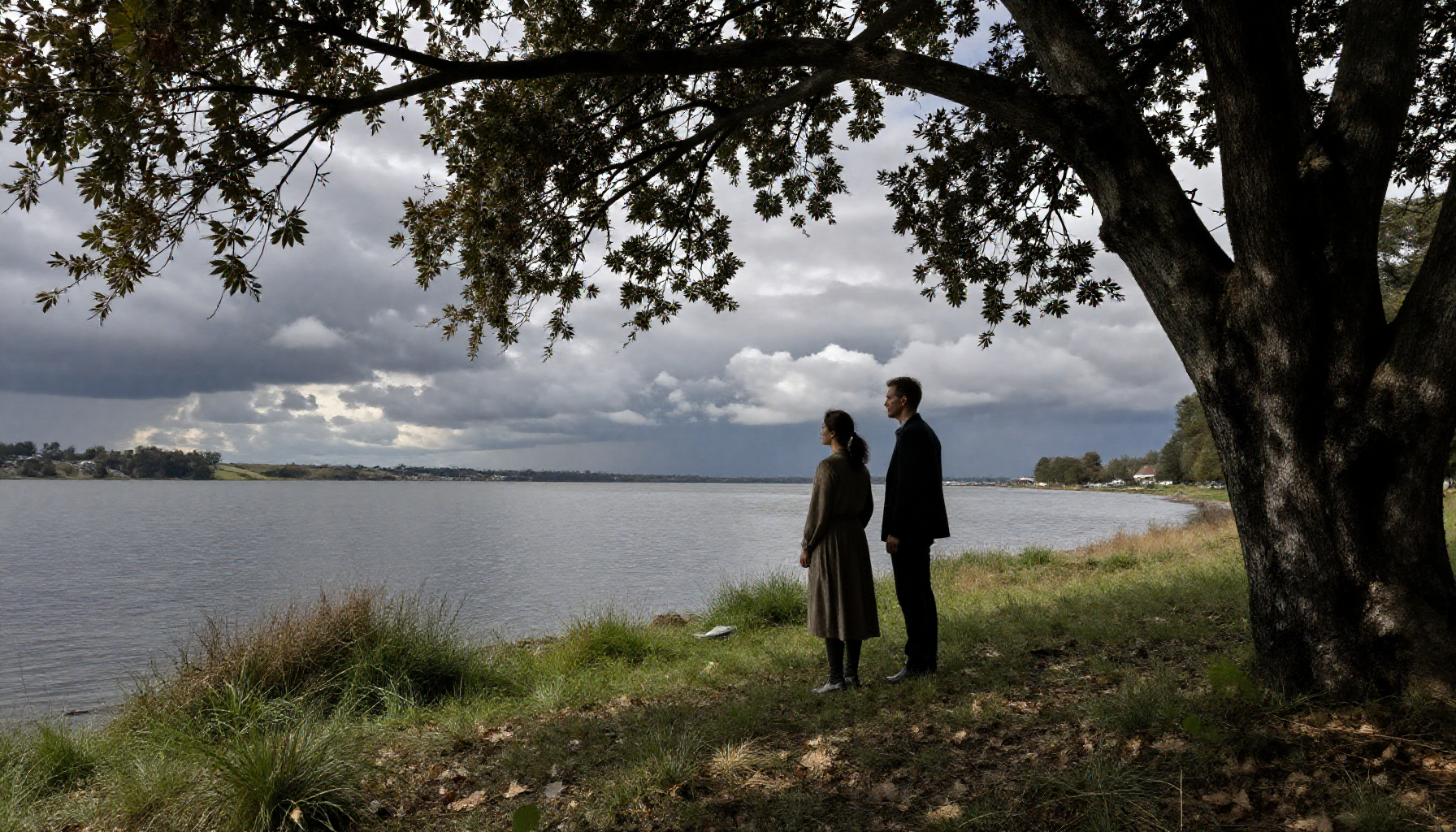
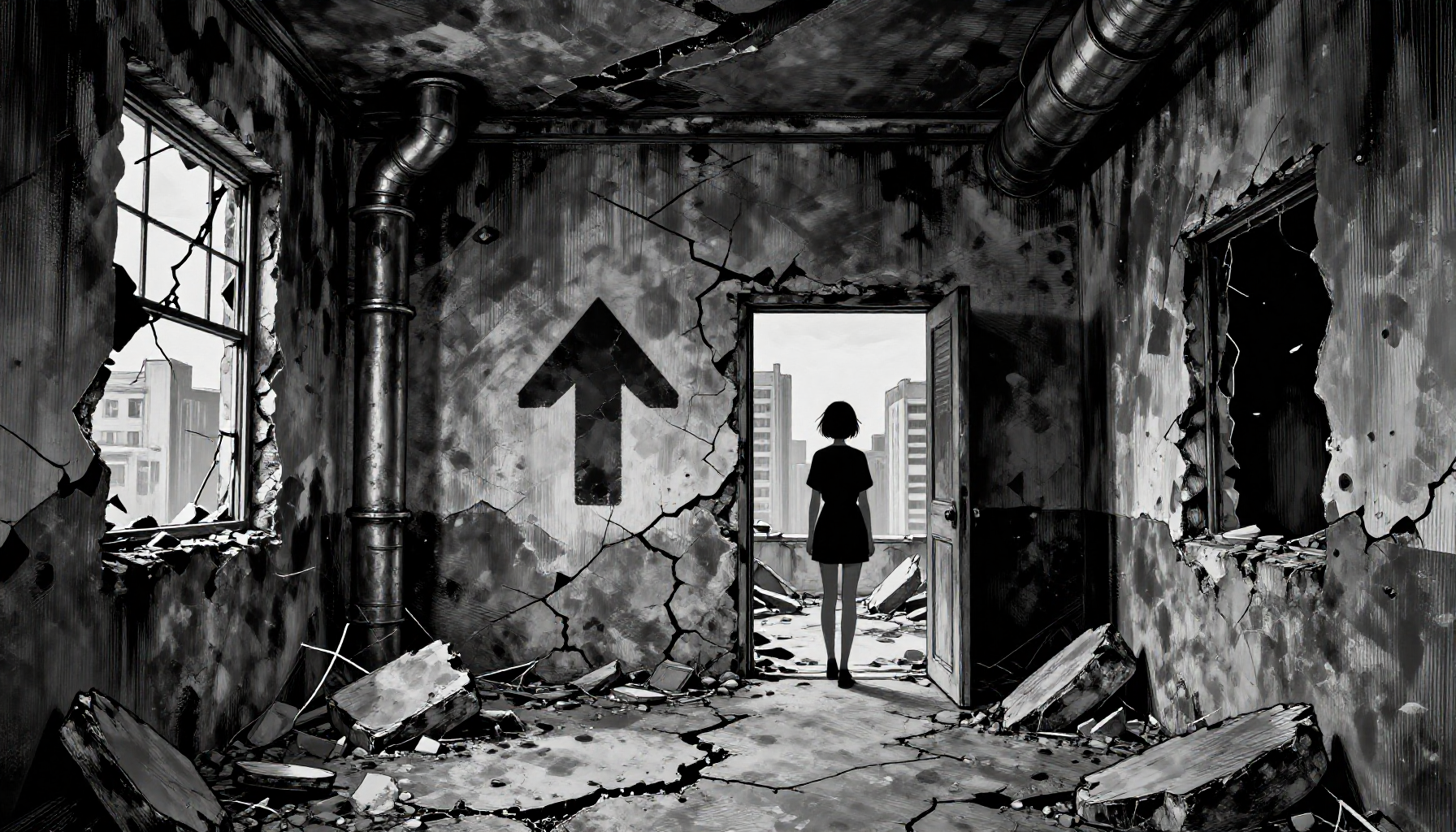
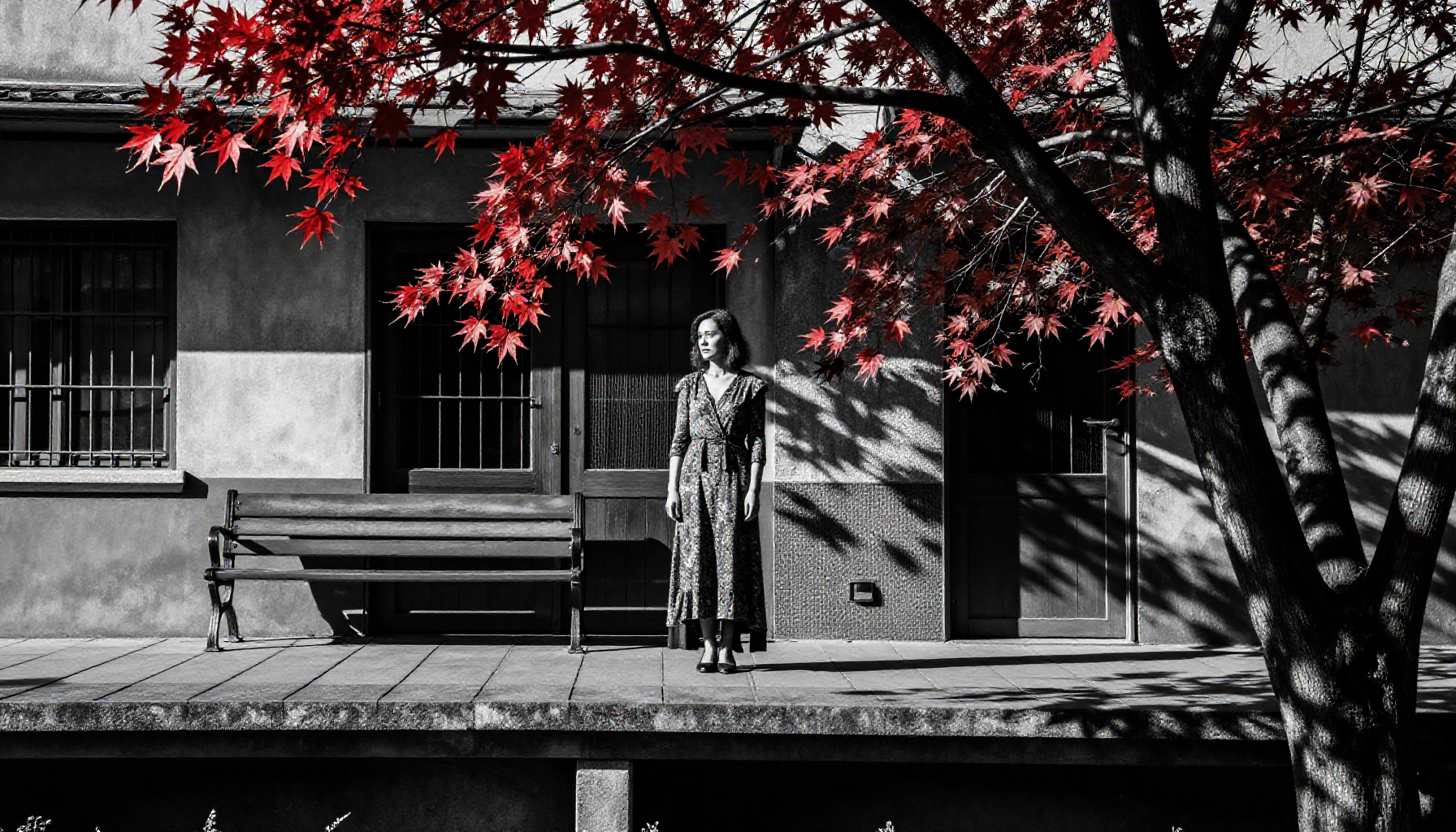
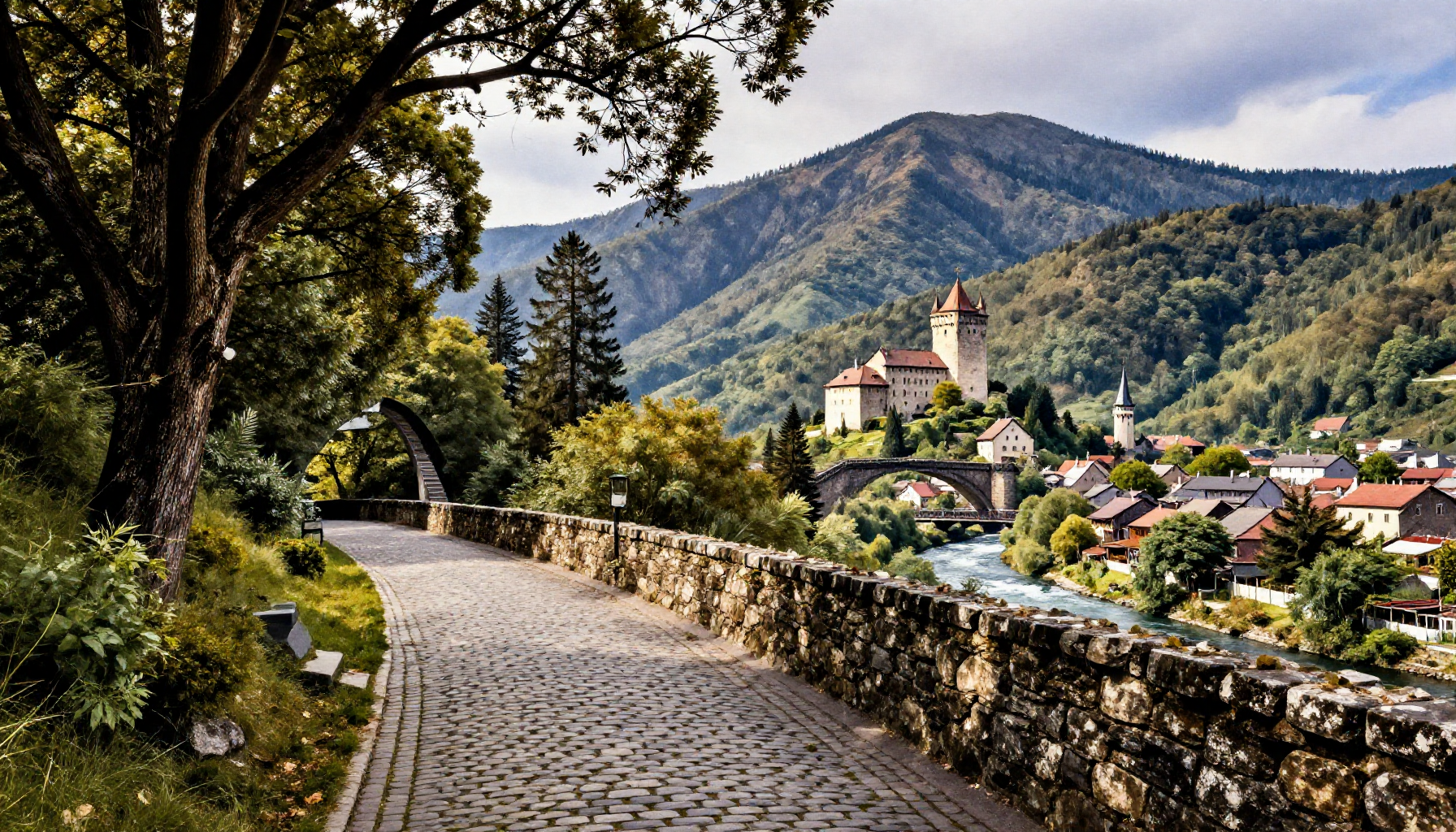
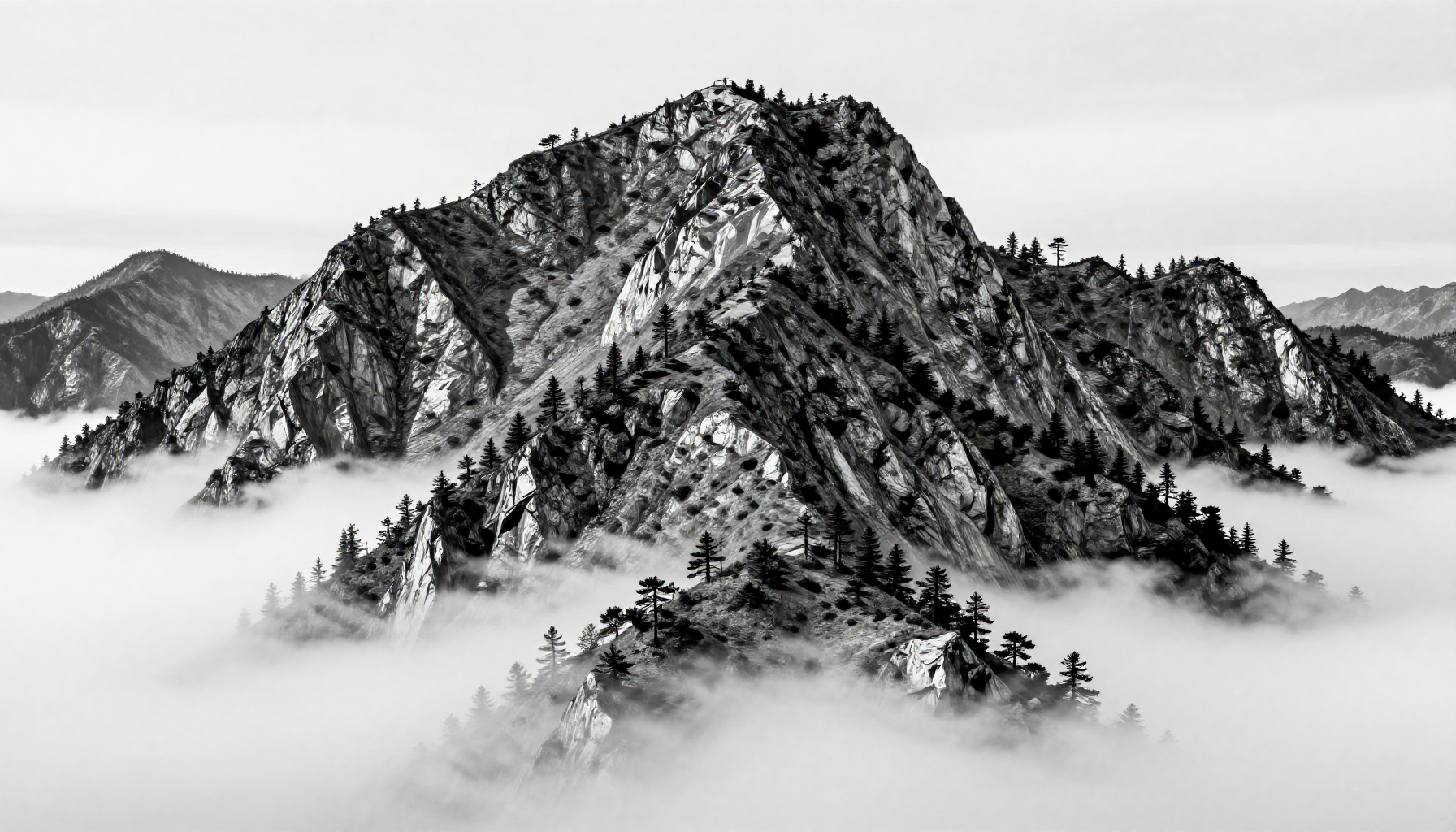
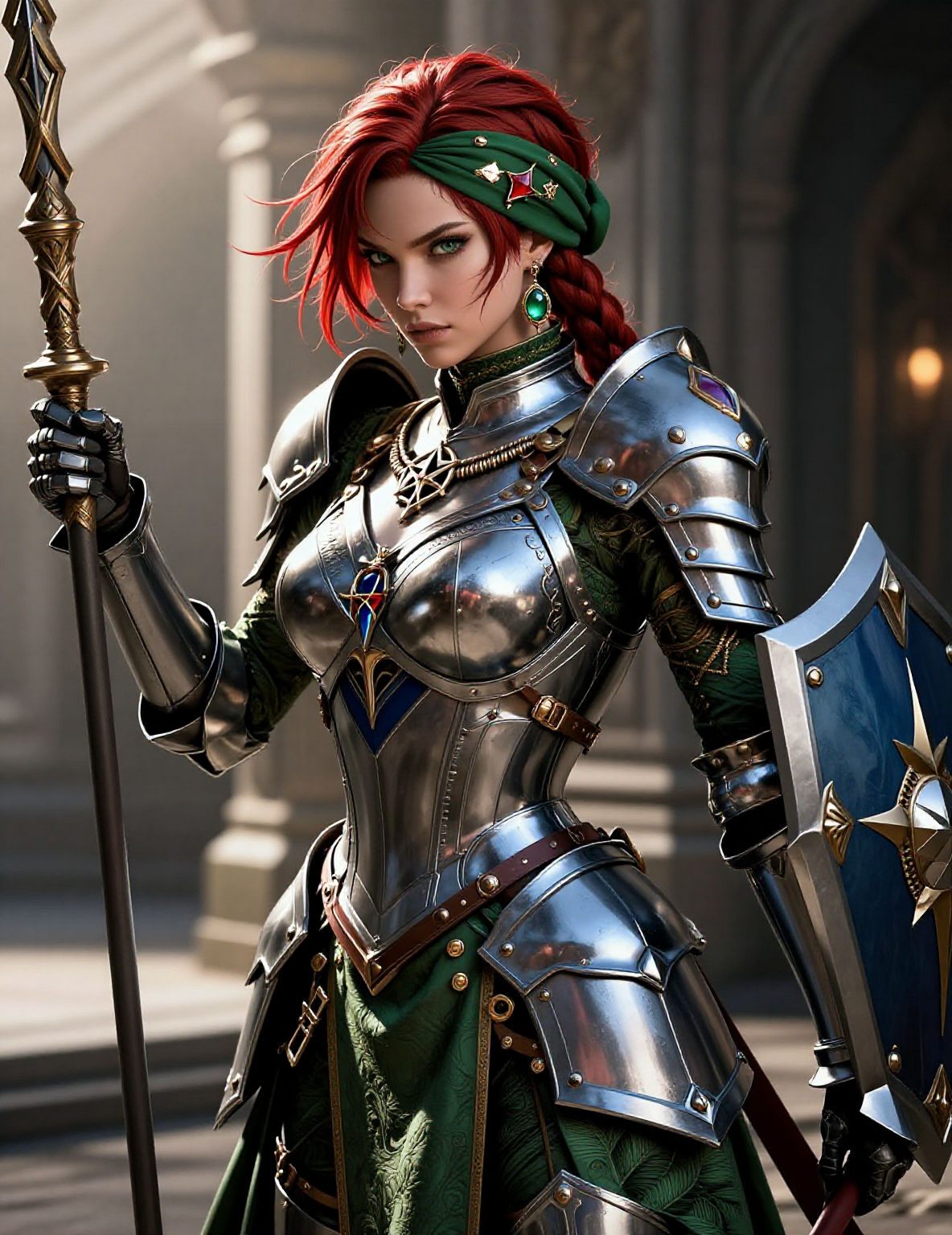
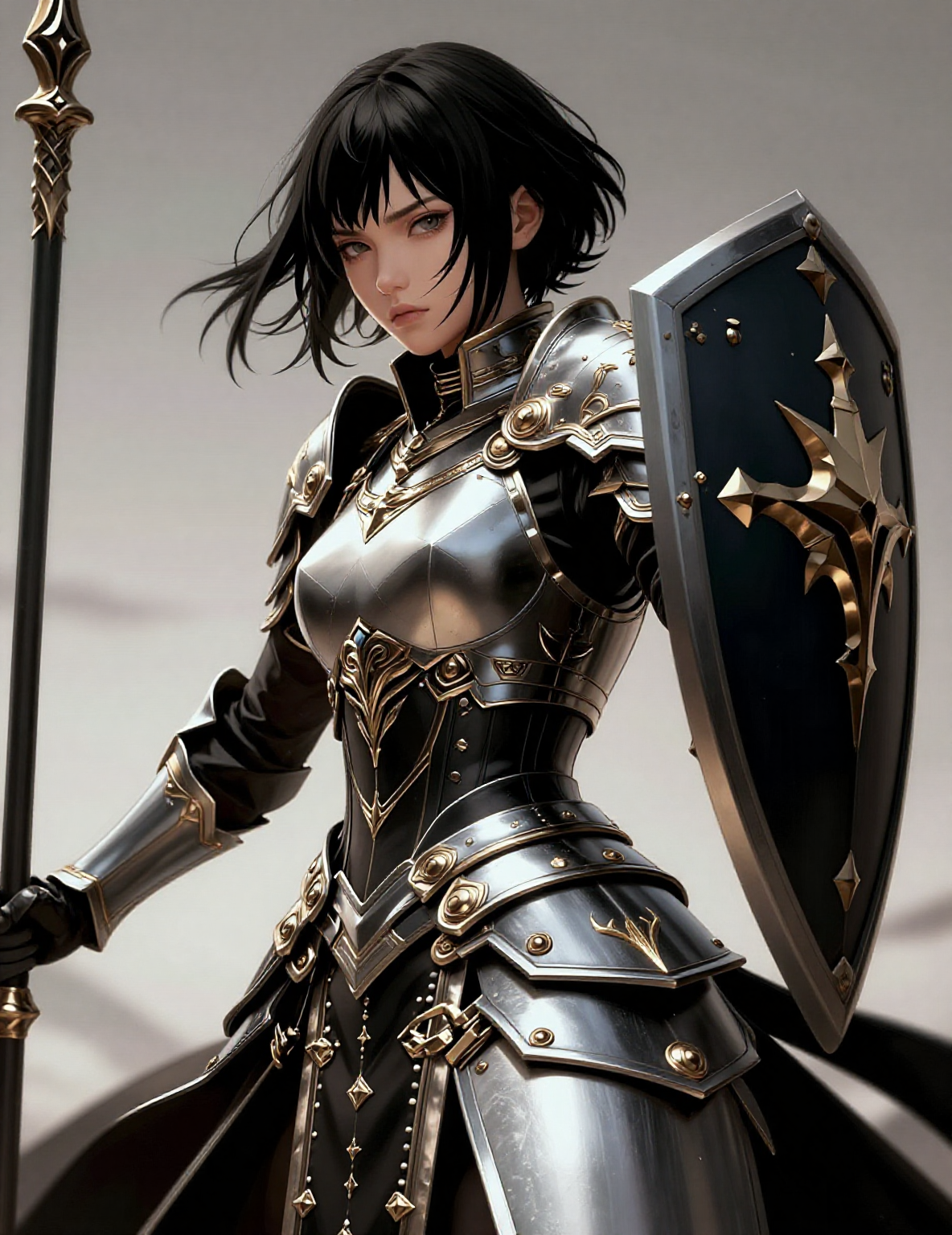
Those looking at the image should be able to see that figure 1/2 is directly measured from the AI-TOOLKIT test image using weights of +2 to -2.
It's obvious that there are already secondary color changes.
This is unavoidable because contrast has been enhanced.
Those interested can test it by directly generating an image with no LoRa from the positive and negative concepts below.
Then, test it with LoRa after removing all the proofs; it's quite interesting.
Actually, Z-image itself has very strong detail, so this might not be necessary, but those who play with slider LoRa should start testing from concepts like anime-photo, detail, and old-young.
Below is an explanation of the LLM-assisted generation.
💡 AI-TOOLKIT Z-Image Slider LoRA Training Guide (Civitai Publishing Format)
This guide covers the utilization of AI-TOOLKIT's Concept Slider feature to train a LoRA for Z-Image models, focusing on creating powerful concept control (like a Detail Slider) and addressing common errors (e.g., GitHub Issue #554).
✨ I. Concept Slider LoRA Overview
The Concept Slider LoRA is a high-efficiency training method that fine-tunes the model's understanding of a pair of opposing concepts, allowing for precise, continuous image control.
FeatureDescriptionPrincipleCreates a controllable continuous transition (Sliding Trajectory) between two extreme prompts.Weight ControlLoRA weight is typically adjusted between -1.0 and +1.0 (up to $\pm 2.0$ in extreme cases) to enhance or suppress the concept.Dataset RequirementVery low. Small, general datasets are usually sufficient, as it adjusts existing knowledge rather than teaching new concepts.Training ToolAI-TOOLKIT in Concept Slider mode.
⚙️ II. AI-TOOLKIT Training Configuration (UI/YAML)
Below are the recommended configurations and core parameters for training a Detail/Texture Slider on the Z-Image Turbo model.
1. Core Training Parameters
ParameterRecommended ValueExample Setting (Reference)NotesModeConcept SliderMust be checked or configured in YAML.Base ModelZ-Image-TurboEnsure a Z-Image series model is used.Network Rank4 or 8A lower Rank is recommended for training efficiency and stability.Learning Rate (LR)$1 \times 10^{-3}$ ($0.001$)Significantly higher than traditional LoRA training (usually $1 \times 10^{-4}$).Steps300 - 400 StepsConcept Sliders often converge quickly. (Example used 1000 steps.)Resolution$512 \times 512$Lower resolution is adequate for concept tuning. (Example used $256 \times 512$).
2. Slider Prompt Configuration (Detail Slider Example)
The goal of this training is to create a slider that controls Detail and Texture in the image.
Parameter NameExample SettingPurpose and RangeTarget ClassdetailDefines the primary concept the slider should affect. Example is detail.Anchor Classplain white backgroundProvides a neutral reference point to prevent tertiary hallucinations (unintended color or brightness shifts) during training.Positive Prompt (Target: High Detail)extremely detailed, intricate details, high resolution textures, fine details visible, sharp focus, clear photorealistic quality, masterpiece detail level, realistic surface textures, visible material properties, natural wear and tear, subtle imperfections, authentic textures, tactile quality, complex lighting, subtle shadows, natural light interaction, realistic reflections, ambient occlusion, detailed highlights and shadowsStrengthens these high-detail and complex texture concepts when the LoRA weight is positive (e.g., +1.0).Negative Prompt (Target: Low Detail)simple, basic details, low resolution, blurry, soft focus, simplified textures, cartoon style, minimal detail, flat rendering, smooth surfaces, perfect materials, no texture variation, artificial appearance, plastic-like finish, uniform textures, flat lighting, simple shadows, no reflections, basic illumination, uniform lighting, cartoon lightingStrengthens these simplified, low-detail concepts when the LoRA weight is negative (e.g., -1.0).
⚠️ III. Z-Image Training Error Solution (Issue #554)
When training a Concept Slider with the Z-Image-Turbo model, particularly with batch_size > 1 or enabled text embedding caching, users may encounter the following error:
ValueError: Batch size of latents must be the same or half the batch size of text embeddings
A. Recommended Solution: Configuration Fix (Low Risk)
To resolve this batch size error, it is highly recommended to disable text embedding caching and set batch_size to $1$:
YAML
train:
  # ... other training parameters
  cache_text_embeddings: false # 💡 Key: Ensure this is set to false to disable caching
  batch_size: 1               # Recommended to set batch_size to 1
  gradient_accumulation: 1    # Recommended with batch_size: 1
B. Code Modification (Code Patch - High Risk)
This is an alternative solution discussed in the GitHub thread. Proceed with caution, as it may introduce unknown bugs in other features:
File Path:
/toolkit/prompt_utils.pyModification: Around line 265, replace the handling of
text_embeds:text_embeds = embed_listReplace with:
text_embeds = padded
看圖的人應該可以看出來,fig 1/2 這是直接從AI-TOOLKIT測試圖用權重+2~-2測的
很明顯已經有顏色的次生變化
沒辦法因為是有加強對比度
有興趣的人可以測試下直接把下面的正負概念PROMT沒有任何LORA情況出圖測試看看
然後把所有PROMPT掉用LORA測試看看很有趣
其實Z-image本身細節很強了,這個未必有必要但是玩slider lora 應該都是從anime-photo, detail, old-young,這些概念下手開始測試
下面是LLM幫忙生的說明
💡 AI-TOOLKIT 訓練 Z-Image Slider LoRA 實戰指南
✨ 一、Slider LoRA 概念速覽
Concept Slider LoRA 是一種高效能的訓練方法,它並非教導模型新事物,而是微調模型對一對相反概念的理解,從而實現精準的圖像控制。
特性說明工作原理在兩個極端提示詞之間創建一條可控的連續過渡(Sliding Trajectory)。權重控制LoRA 權重通常在 -1.0 到 +1.0(極端情況可達 $\pm 2.0$)之間調整,實現概念的增強或削弱。數據集需求極低。通常使用小型、通用的數據集即可,甚至可以嘗試不使用數據集(零樣本訓練)。訓練工具AI-TOOLKIT 的 Concept Slider 模式。
⚙️ 二、AI-TOOLKIT 訓練參數詳解
以下是針對 Z-Image Turbo 模型訓練 Detail/Texture Slider 的推薦配置和範例參數。
1. 核心訓練參數
參數建議值範例設定(參考)備註模式(Mode)Concept Slider必須勾選或在 YAML 中設定。基礎模型(Model)Z-Image-Turbo確保使用 Z-Image 系列模型。網絡 Rank4 或 8建議使用較低的 Rank 以提高訓練效率和穩定性。Learning Rate (LR)$1 \times 10^{-3}$ ($0.001$)比傳統 LoRA 訓練(通常 $1 \times 10^{-4}$)高得多。Steps300 - 400 StepsConcept Slider 通常在低步數下即可收斂。Resolution$512 \times 512$訓練概念微調時,$512 \times 512$ 即可。
2. Slider 提示詞配置(Detail Slider 範例)
本次訓練的目標是創建一個控制圖像**細節與質感(Detail and Texture)**的滑桿。
參數名稱範例設定目的與作用範圍Target Classdetail定義滑桿作用的主要概念。範例為 detail。Anchor Classplain white background提供中性參考,防止訓練導致畫面出現次級幻覺(例如意外的顏色偏移或亮度變化)。Positive Prompt (目標概念:高細節)extremely detailed, intricate details, high resolution textures, fine details visible, sharp focus, clear photorealistic quality, masterpiece detail level, realistic surface textures, visible material properties, natural wear and tear, subtle imperfections, authentic textures, tactile quality, complex lighting, subtle shadows, natural light interaction, realistic reflections, ambient occlusion, detailed highlights and shadows當 LoRA 權重為 正值(例如 +1.0) 時,會加強這些高細節與複雜紋理的概念。Negative Prompt (目標概念:低細節)simple, basic details, low resolution, blurry, soft focus, simplified textures, cartoon style, minimal detail, flat rendering, smooth surfaces, perfect materials, no texture variation, artificial appearance, plastic-like finish, uniform textures, flat lighting, simple shadows, no reflections, basic illumination, uniform lighting, cartoon lighting當 LoRA 權重為 負值(例如 -1.0) 時,會加強這些簡化、低細節的概念。
🚨 三、Z-Image 訓練常見錯誤與解決方案
當使用 Z-Image-Turbo 模型在 Concept Slider 模式下進行訓練時,用戶經常遇到與批次大小(Batch Size)相關的錯誤(參考 GitHub Issue #554):
ValueError: Batch size of latents must be the same or half the batch size of text embeddings
A. 推薦解決方案:配置調整(低風險)
為了解決此錯誤,最安全且推薦的方法是關閉文字嵌入快取並將 batch_size 設為 $1$。
YAML
train:
  # ... 其他訓練參數
  cache_text_embeddings: false # 💡 關鍵:確保此項設定為 false,停用快取
  batch_size: 1               # 建議將 batch_size 設為 1
  gradient_accumulation: 1    # 建議搭配 gradient_accumulation: 1
B. 程式碼修改(Code Patch - 高風險)
這是 GitHub 討論中提出的替代方案,請謹慎使用,因為它可能在其他功能中引入未知錯誤:
檔案路徑:
/toolkit/prompt_utils.py修改內容: 在約 265 行,將處理
text_embeds的程式碼進行替換:text_embeds = embed_list替換為:
text_embeds = padded