Color sketch


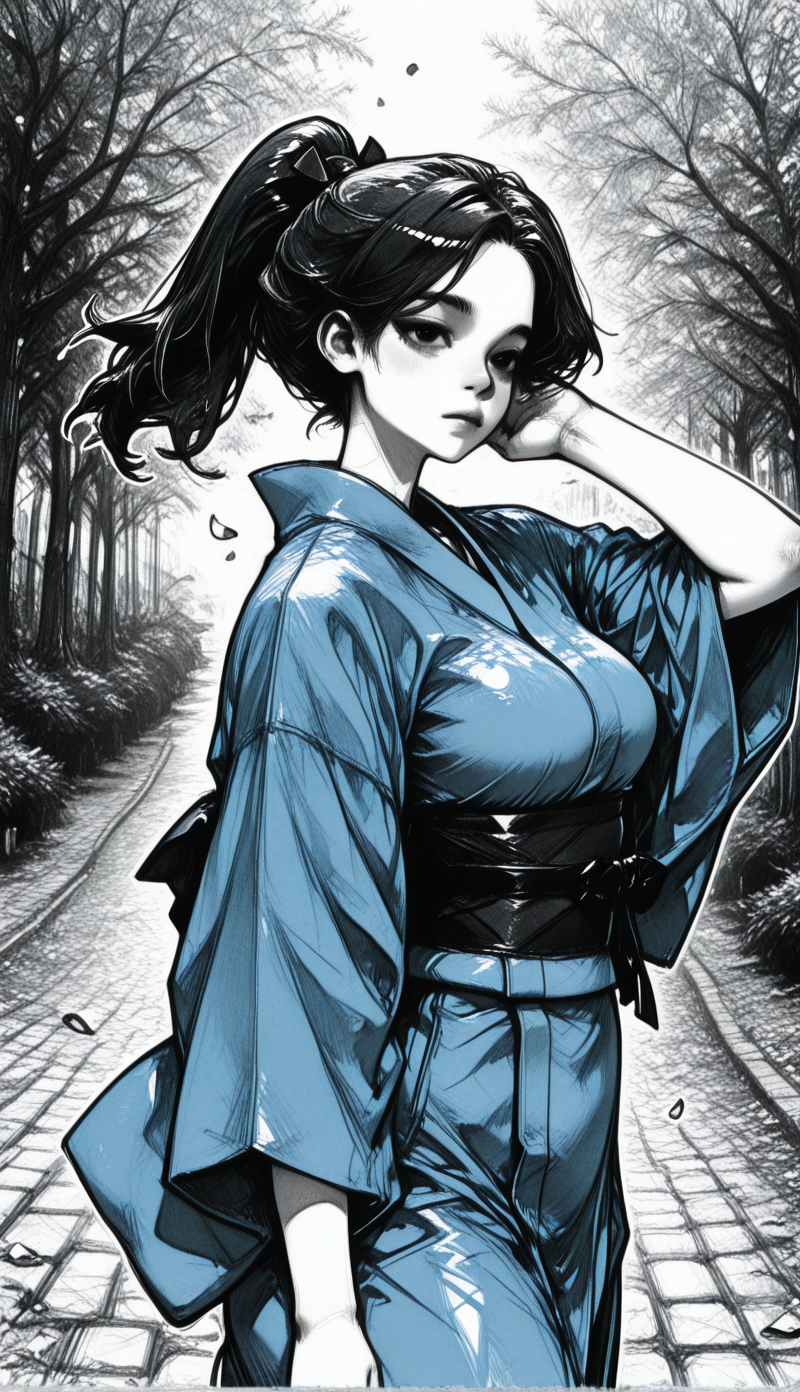

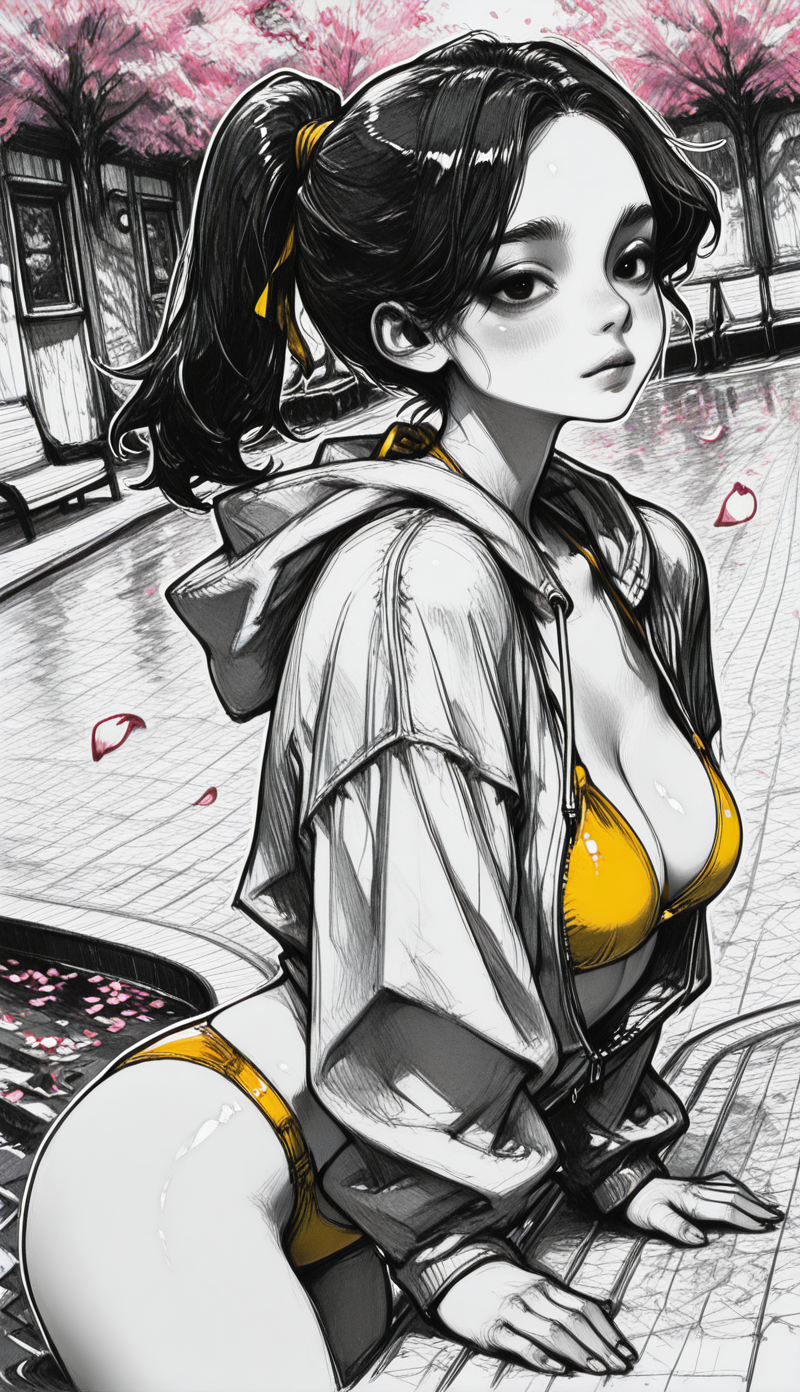
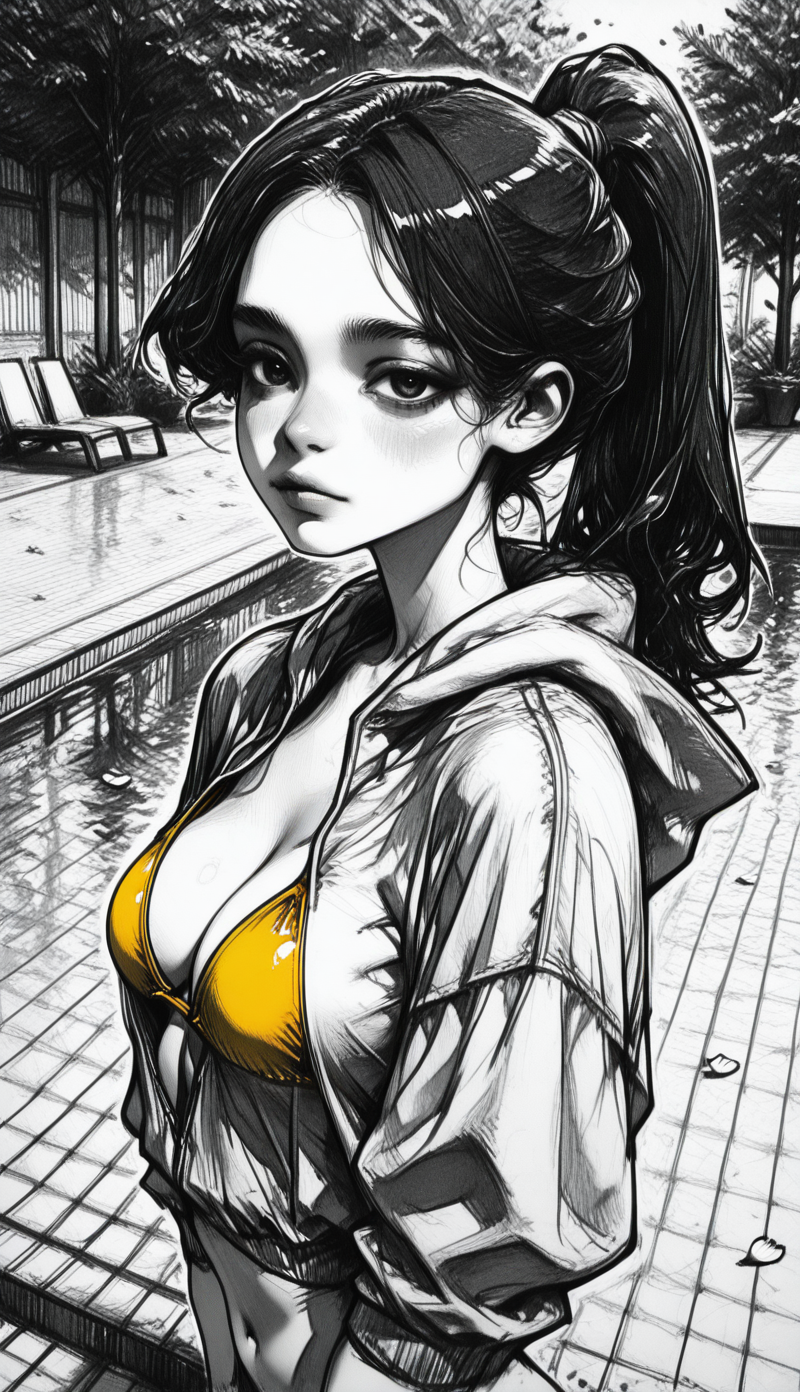

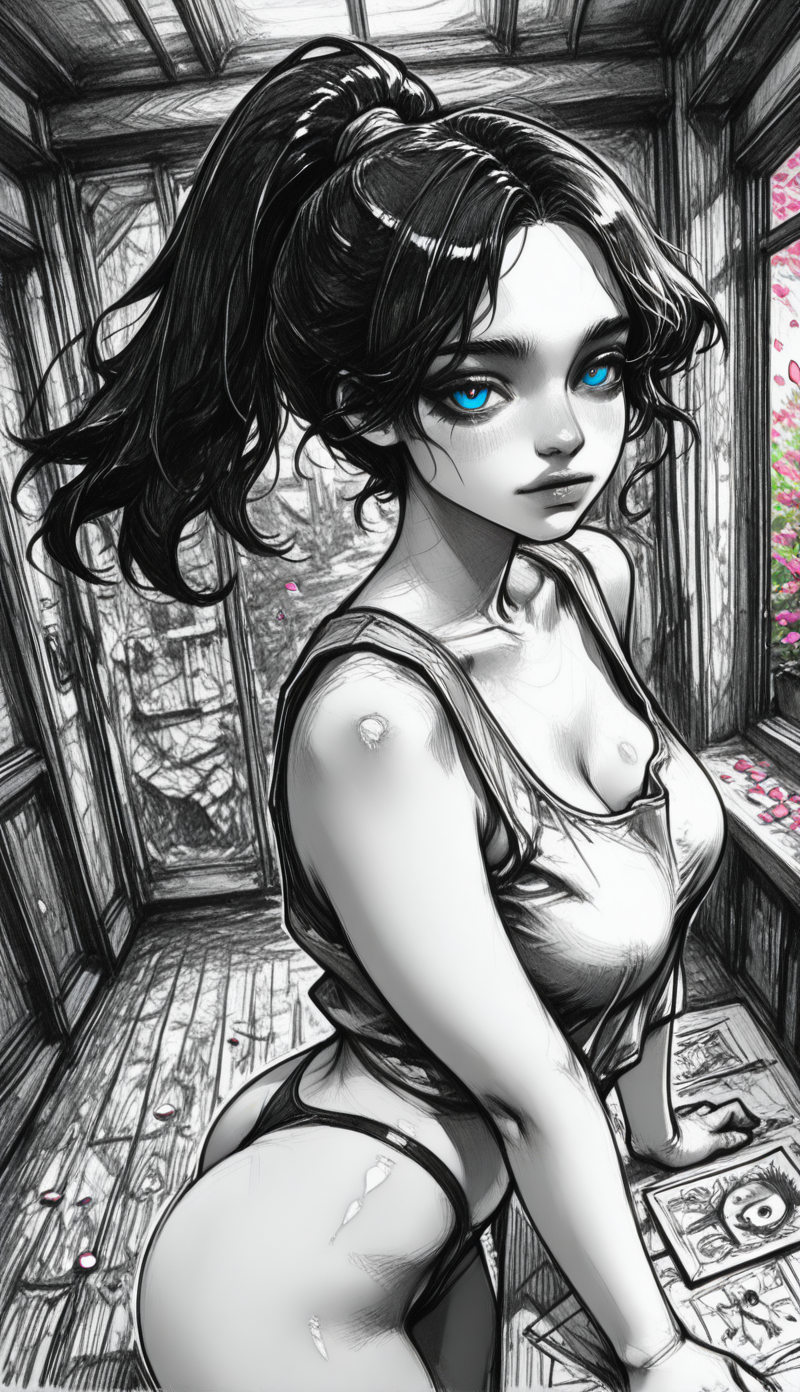
詳細
ファイルをダウンロード (1)
モデル説明
This is my first time creating LORA.
I made some mistakes,so there's no “trigger word” in this LORA.
Anyway,the outcome is good.
The checkpoint I used for training is this one:
https://civitai.com/models/2037836/darkcrystal
You’re welcome to try any other checkpoint, though I can’t guarantee consistent results with other models.
这是我首次制作LORA,因为某些失误,所以没有设置触发语。
我是使用了darkcrystal作为训练模型。
可以使用其他的checkpoint模型来进行生成,但是我无法保证效果稳定。
How to Use (3 Styles):
1. Base Prompt (Generate images like P1):
1.基础提示词
realistic:0.8, sketch paper texture, best quality, colorful background:1.1, layered linework, color pencil sketch:1.4, thin outline, newest, messy linework:1.2, sketch lines:1.5, detailed linework:1.2, oil painting:0.8, vibrant colors, very artistic
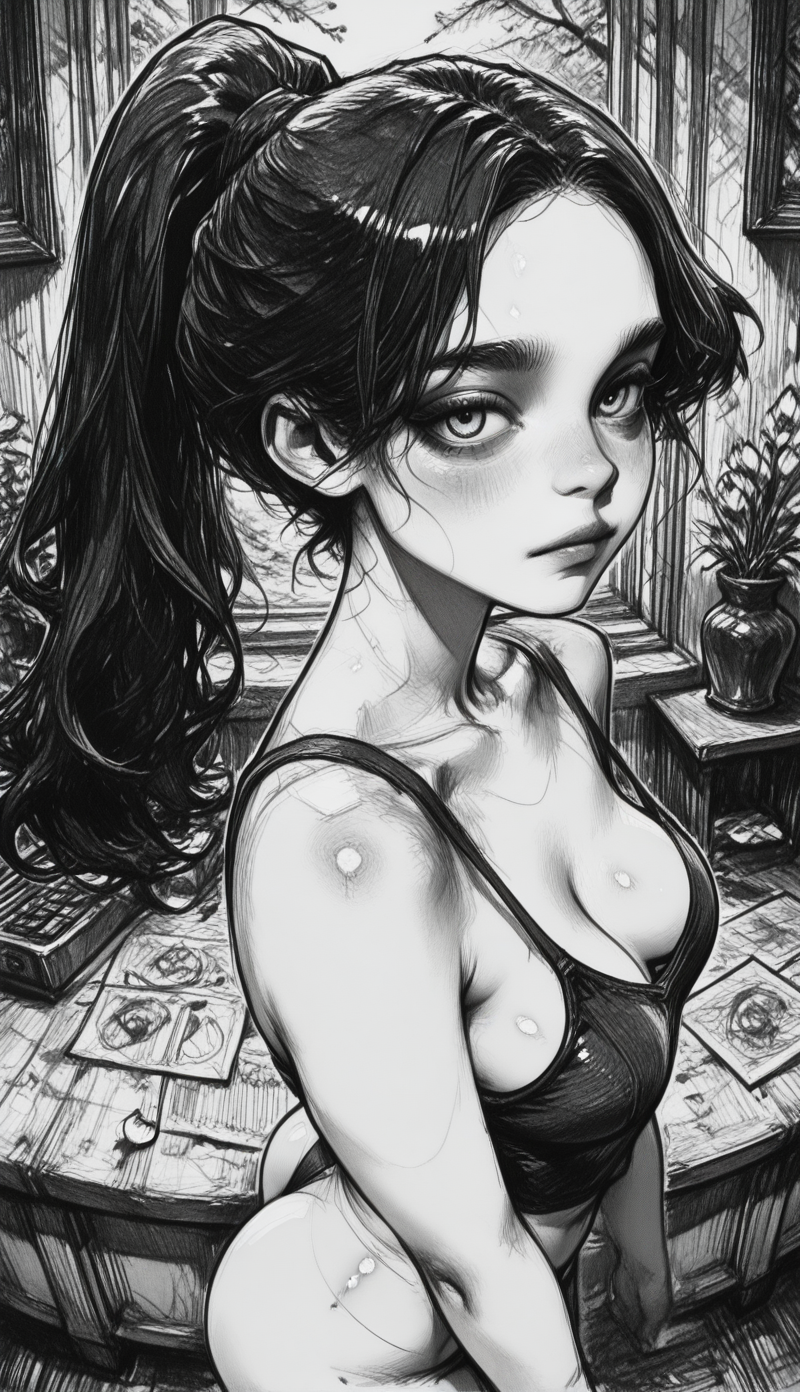
2. For images like P2 (Monochrome Style):
2.P2风格,加入“monochrome“
Add monochrome to the base prompt above.
3. For full Grayscale Sketch Style (like P3):
3.完全黑白的风格,类似P3,删除以下所有色彩相关提示语于
Delete these terms from the base prompt:
colorful background:1.1, color pencil sketch:1.4, oil painting:0.8, vibrant colors