Mask Maker for 6-Channel Regional Prompting



詳細
ファイルをダウンロード
このバージョンについて
モデル説明
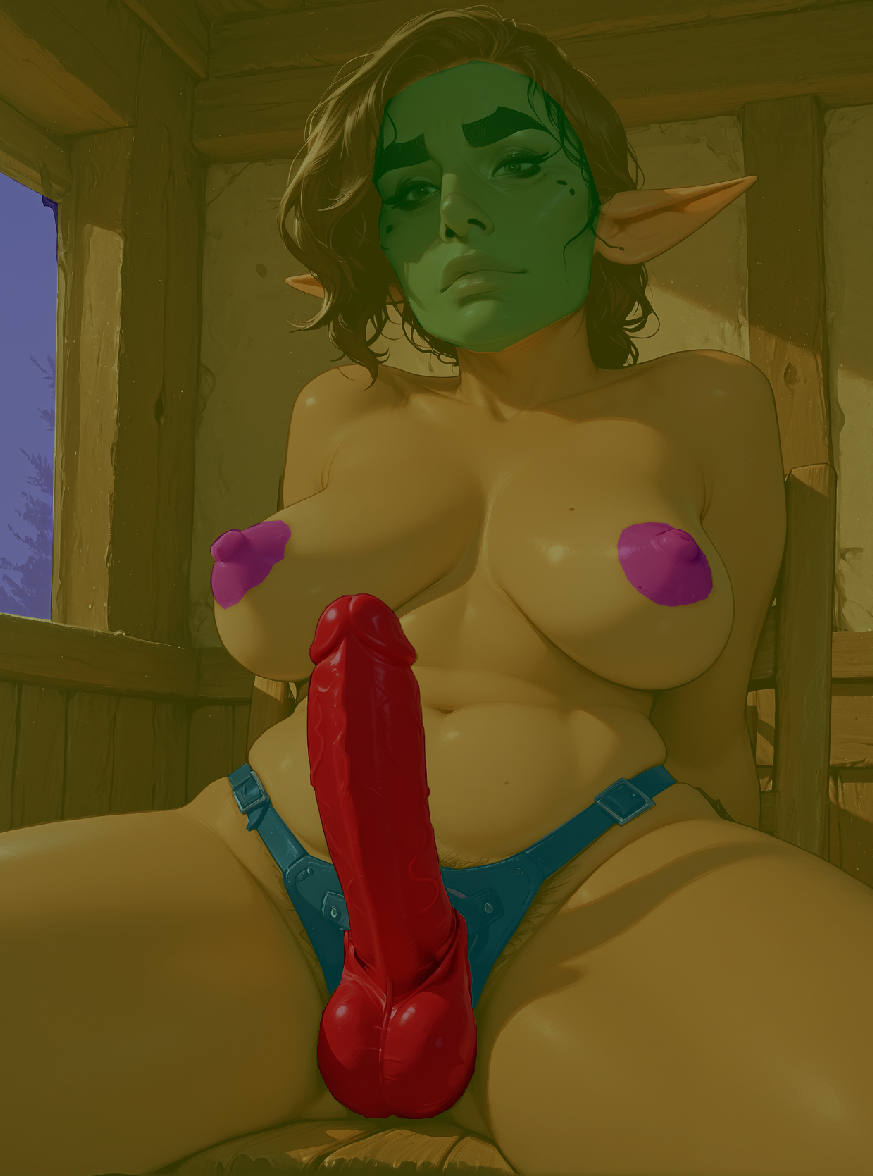
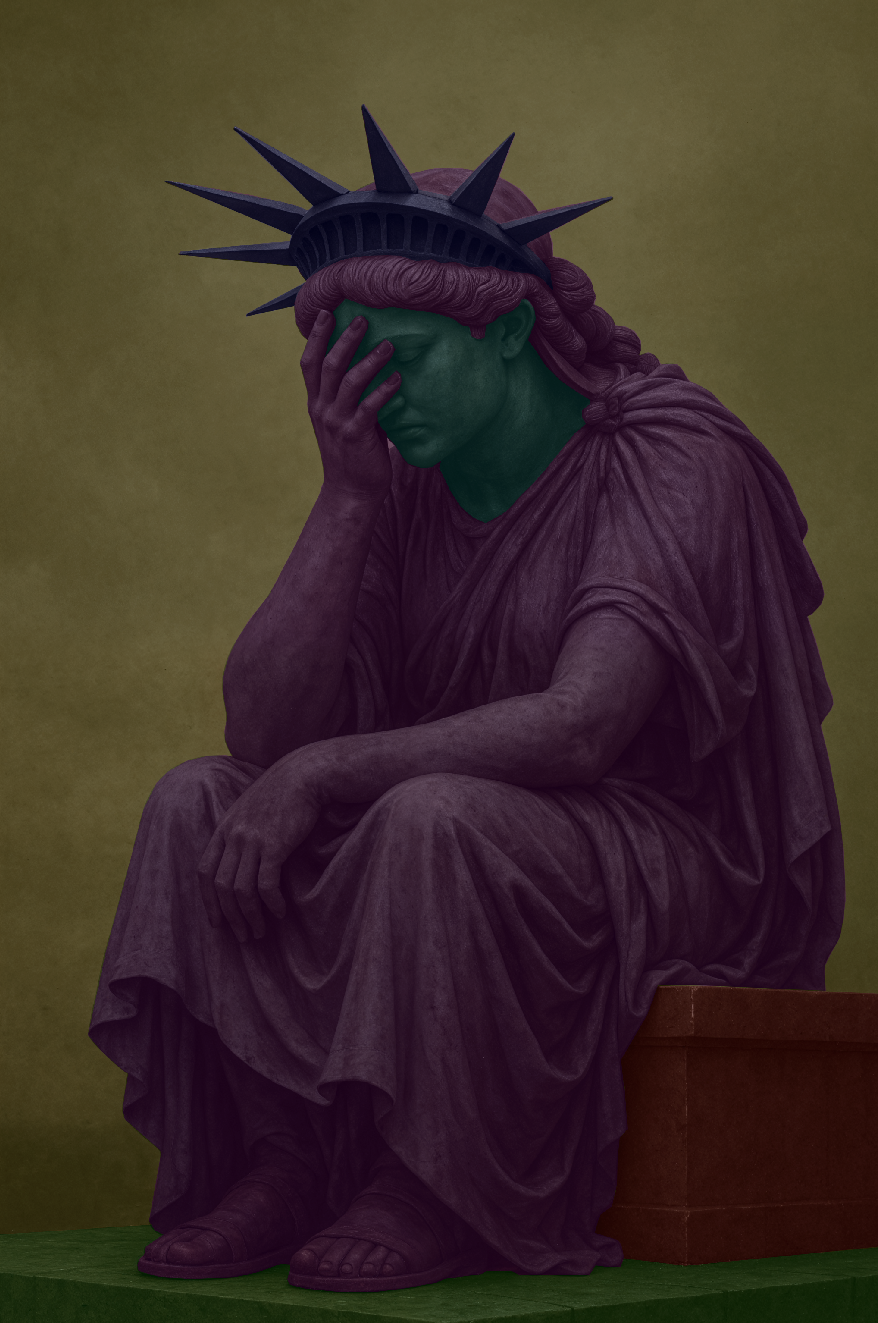
私は少し ⋆✴︎˚。⋆vibe coding⋆。˚✴︎⋆ を行い、2〜3色を使用する画像マスク作成を支援するシンプルなHTMLツールを作成しました。具体的には、このワークフロー(@Neuroger に謝意を)を使い始めたのがきっかけですが、類似の用途にも対応します。自由に取得し、好きなようにカスタマイズしてください。
3チャネル地域プロンプティング用マスクメーカー(RGB + ガイド画像)
地域プロンプティング向けのシンプルで正確なマスク描画ツール。
概要
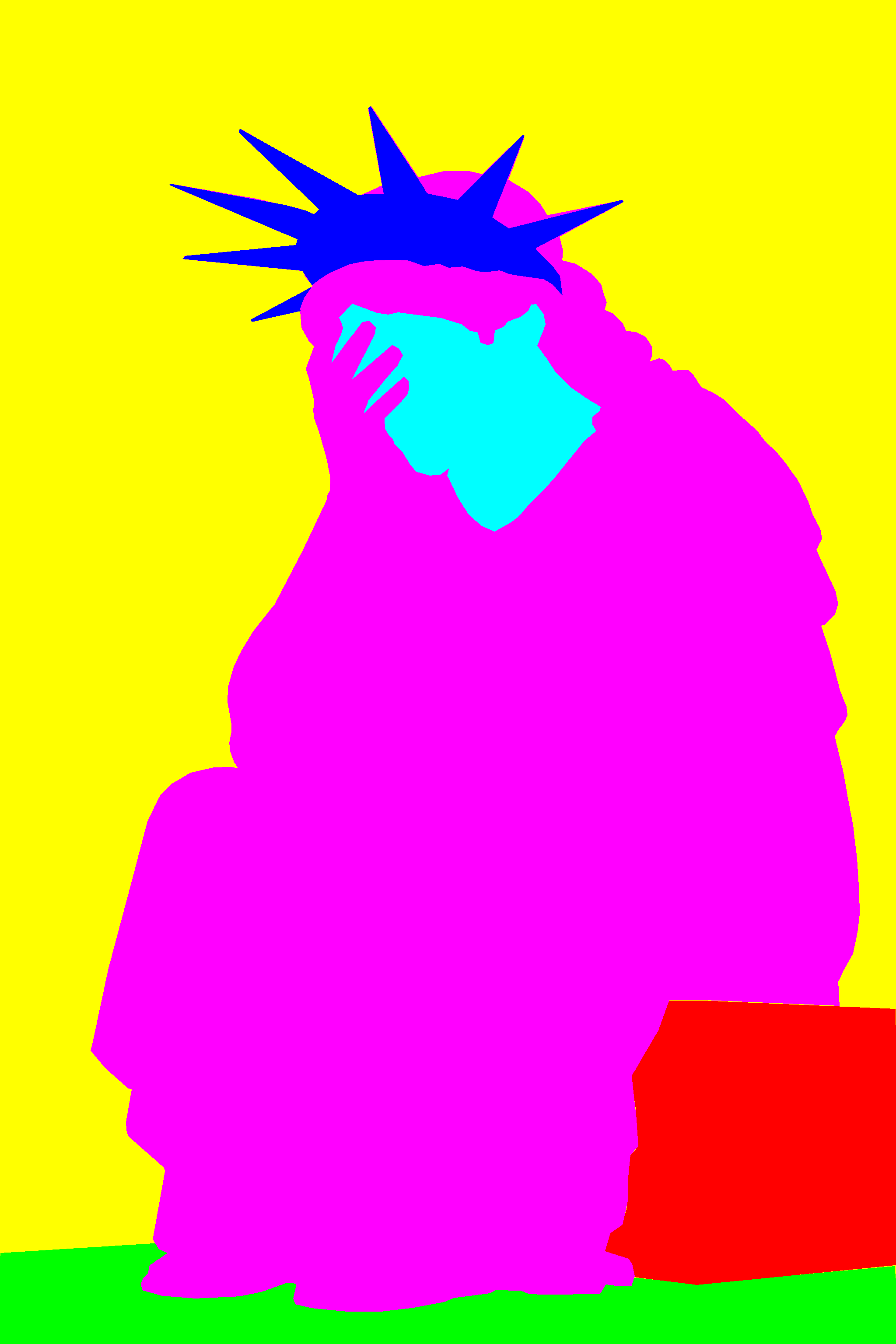
このツールは、地域プロンプティングワークフロー(例:SDXL、ComfyUIノード、またはRGBマップを受信する任意のモデル)で使用する赤、緑、青のマスクを描画できます。
ガイド画像をインポートし、カスタマイズ可能なブラシで描画し、純粋なRGB値でクリーンなマスクをエクスポートできます。
機能
ガイド画像のインポート(参照用に50%の不透明度で表示;エクスポートには含まれません)
純粋なRGBマスク出力
赤
#FF0000緑
#00FF00青
#0000FF
ブラシツール
正方形と円形の形状
サイズ調整可能(1–512 px)
消しゴムモード
クリーンな境界線用のラインツール
ズームイン/ズームアウト + マウスホイールズーム
ピクセルグリッドオーバーレイ(ズームに応じて自動スケーリング)
アップロードした画像にキャンバスを自動フィット
アスペクト比プリセット(1:1、3:4 など)+ カスタムモード
高解像度対応(任意の画像サイズ)
キャンバス端を超えた連続描画
(マウスを押したまま → キャンバス外に移動 → 再び入力 → 描画が継続。中断なし。)
エクスポート
エクスポートされる .png マスクには純粋なRGBまたは純粋な黒のみを含み、任意の地域プロンプティングシステムとの互換性を保証します。ガイド画像、不透明度プレビュー、輪郭、グリッドは含まれません。
使用方法
任意のブラウザでHTMLファイルを読み込みます(オフライン対応)。
(オプション)ガイド画像をアップロードします。
ツール → ブラシまたはラインを選択します。
色(赤、緑、青)または消しゴムを選択します。
領域を描画します。
ctrl+z / ctrl+y で元に戻す/やり直す
マスクをダウンロードをクリックして、クリーンなRGBマスクをエクスポートします。
一般的なワークフロー
ガイド画像を使って、衣類、照明領域、背景、被写体などをブロックアウトします。
マスクをエクスポートし、ComfyUIノード/ControlNet/Lora地域ノード/SDXLワークフローに投入します。
各RGBチャネルに異なるプロンプトテキストを割り当てます。
互換性
任意のStable Diffusion地域プロンプティング手法
ComfyUI地域コンディショニングノード
ADetailerマスク
カスタムマスクワークフロー
Krita/Photoshop(出力は標準的なPNG形式です)
注意点
プレビューのグリッドとガイド画像の不透明度はエクスポートに影響しません。
ブラシのエッジは描画中に実際の不透明度を使用しますが、保存時に完全なRGB値にクオンタイズされます。
オフラインで完全に動作;依存関係なし。
ライセンス
使用、変更、ワークフローへの組み込みは自由です。クレジットは歓迎されますが、必須ではありません。