Illustrious multitask Workflow





세부 정보
파일 다운로드 (1)
이 버전에 대해
모델 설명
If your detailers doesn't work, here how to solve it :
Click on the icon on the righ to your "New subgraph"


You should see all the detailers desactivated. Hold CTRL, select all of them and press CTRL + B


Once done, click back on "Illustrious multitask v6 to return in your workflow. This should work now.
Now the presentation :
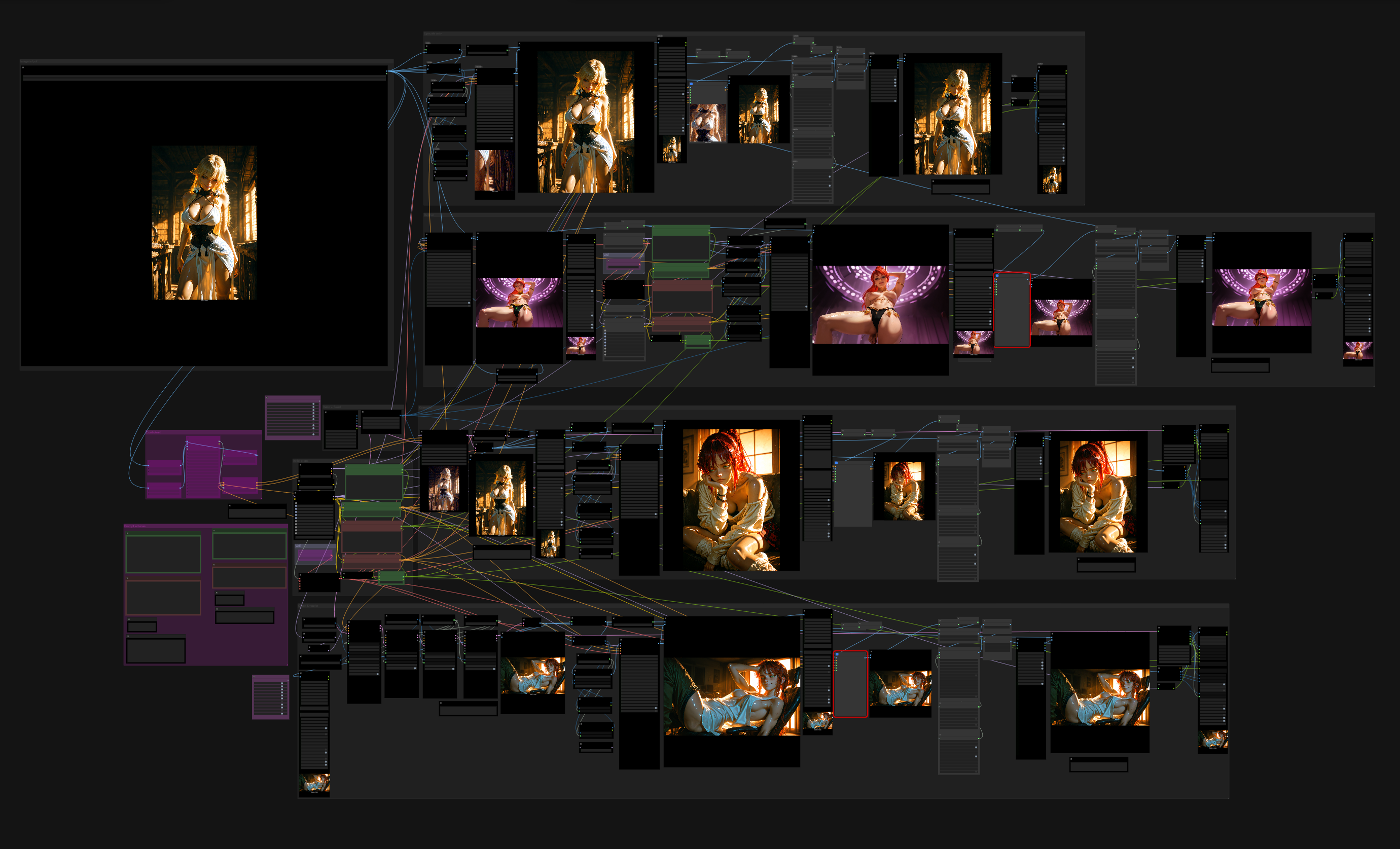
Before the last ComfyUI update, the 0.3.76, I was a huge user of the workflow Not so simple v13e : https://civitai.com/models/741620?modelVersionId=2344476 made by Gladas (https://civitai.com/user/Gladas). But after the update, the workflow became unusable.
So I made I new one based of Gladas' work, simplified to make it work and with the first generation separated from the upscale, making it an txt2img AND img2img workflow. The reason I did it is to prevent loosing an interesting generation composition by an upscaling or detailing gone wrong.
Update from 26/12/2025 :
So, as written above, It as originally and adaptation of an existing workflow, but I heavilly modified it according to my needs. Now I can say, even by using groups of node picked in worfkflows I like, I was able to make a workflow that I can call mine.
Enjoy creating with it and don't forget to support the original workflow creators.
Gladas, for the base
https://civitai.com/user/Gladas
HmNike, for the chain sampler add :
https://civitai.com/user/HmNike
And MrSmith2025, for the refiner :