[NewbieAI] Riya Style



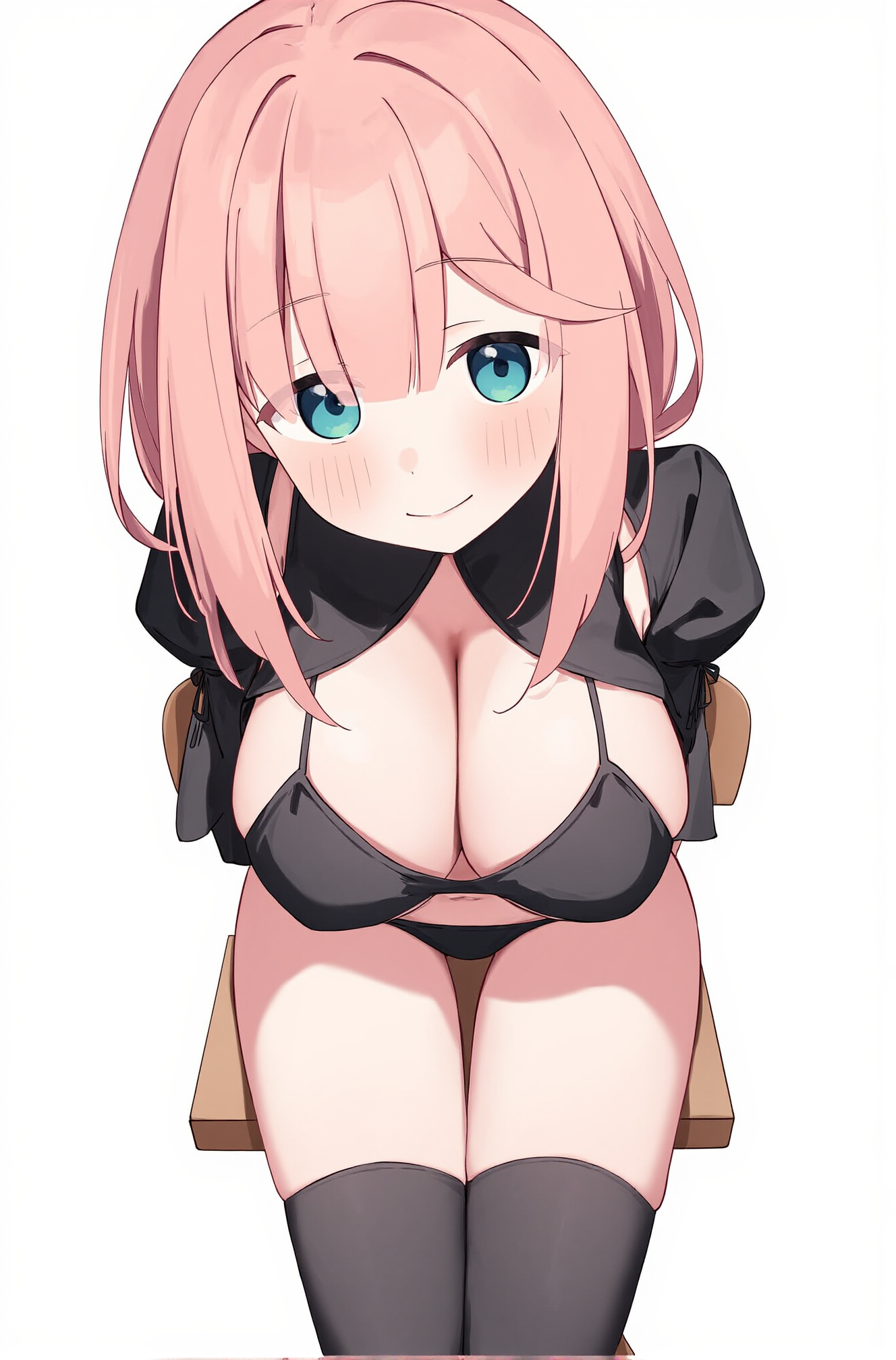

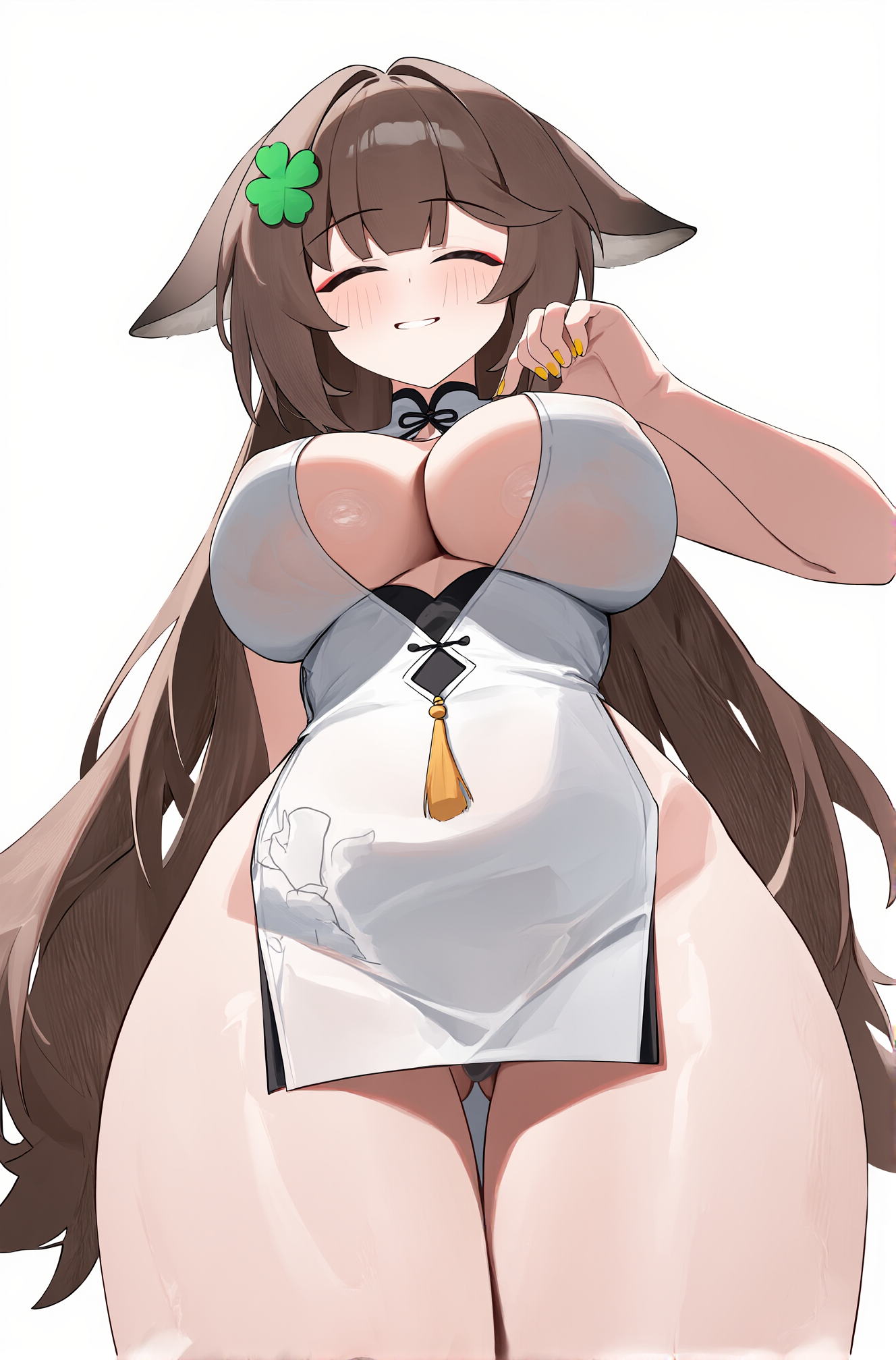


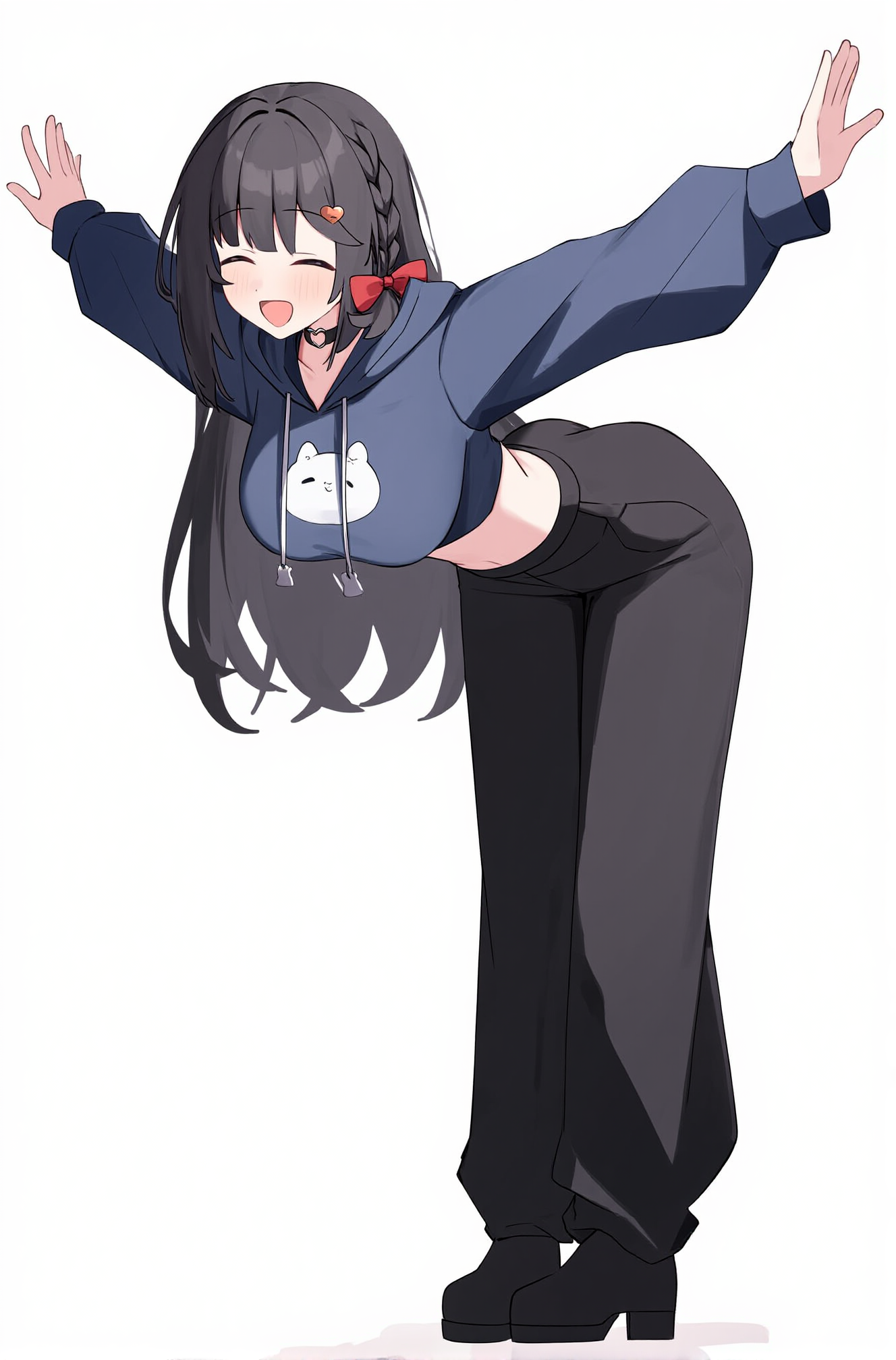





详情
下载文件 (1)
模型描述
Yi-Kuai style, works best with xml-formatted prompts
trigger word:
@riya
<style> riya </style>
<artist> riya </artist>
Full prompt example:
You are an assistant designed to generate anime images based on textual prompts. <Prompt Start>@riya <style> riya </style> <artist> riya </artist> <general_tags>
<count>1girl</count>
<artists>riya</artists>
<background>white background</background>
<environment>simple background</environment>
<atmosphere>cheerful</atmosphere>
<lighting>natural light</lighting>
<resolution>max_high_resolution</resolution>
<quality>very aesthetic, masterpiece, no text</quality>
<danbooru_tags> @riya, 1girl,#reze_(chainsaw_man) chainsaw man, 1girl, bare legs, barefoot, black choker, blush, breasts, choker, cleavage, closed mouth, collared shirt, feet, full body, green eyes, hair between eyes, hair bun, hugging own legs, looking at viewer, medium breasts, medium hair, no panties, no pants, outstretched arms, purple hair, shirt, sitting, smile, solo, toenails, toes, updo, wet, white background, white shirt
revealing clothes, sensitive
<body_type> curvy, large breasts, pointy breasts, thick thighs, thigh gap </body_type> </danbooru_tags>
<other>soft lighting with gentle shadows on the character’s clothing and face</other>
This is intended to be used with: