Akira Sendoh - Slam Dunk (Illustrious)







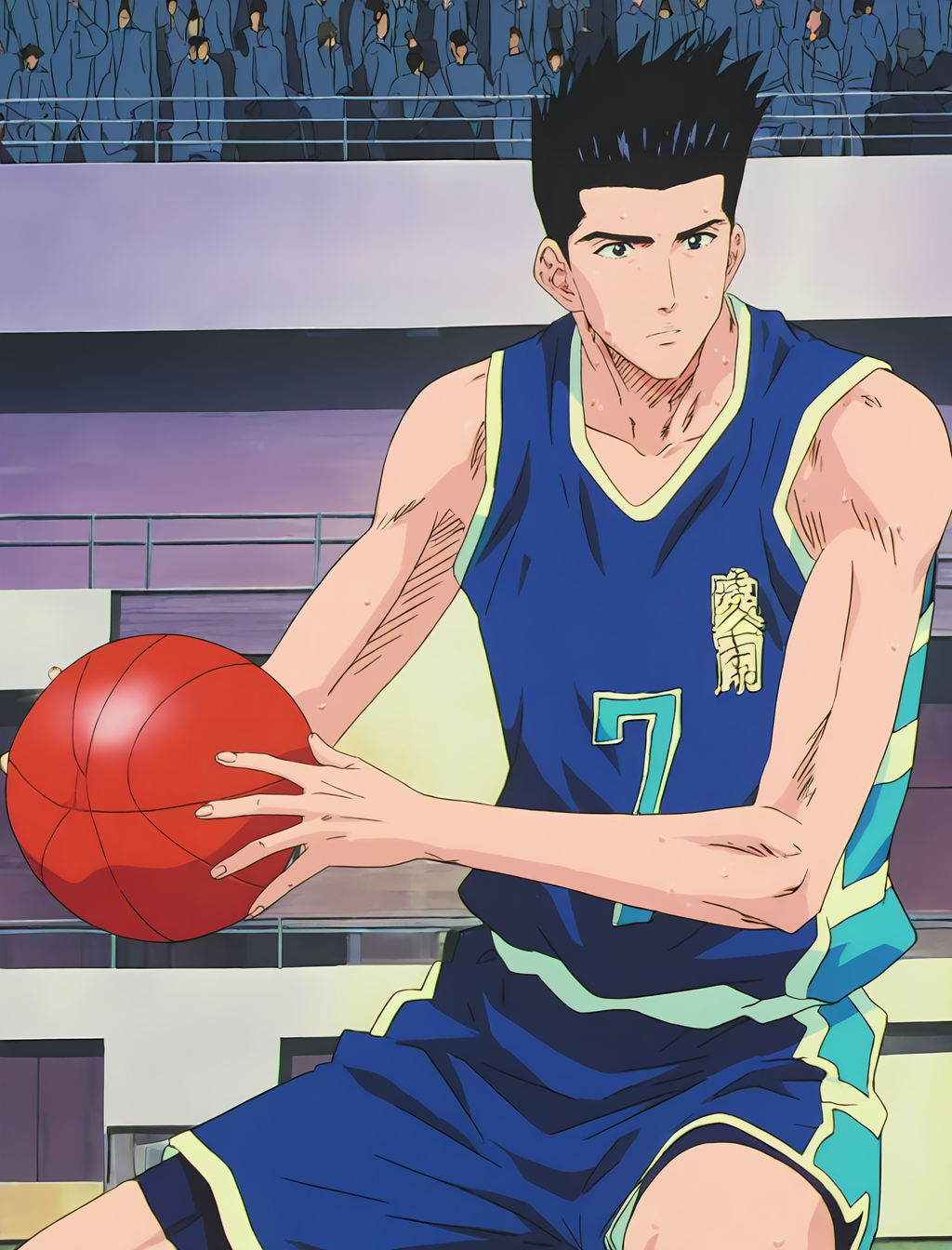


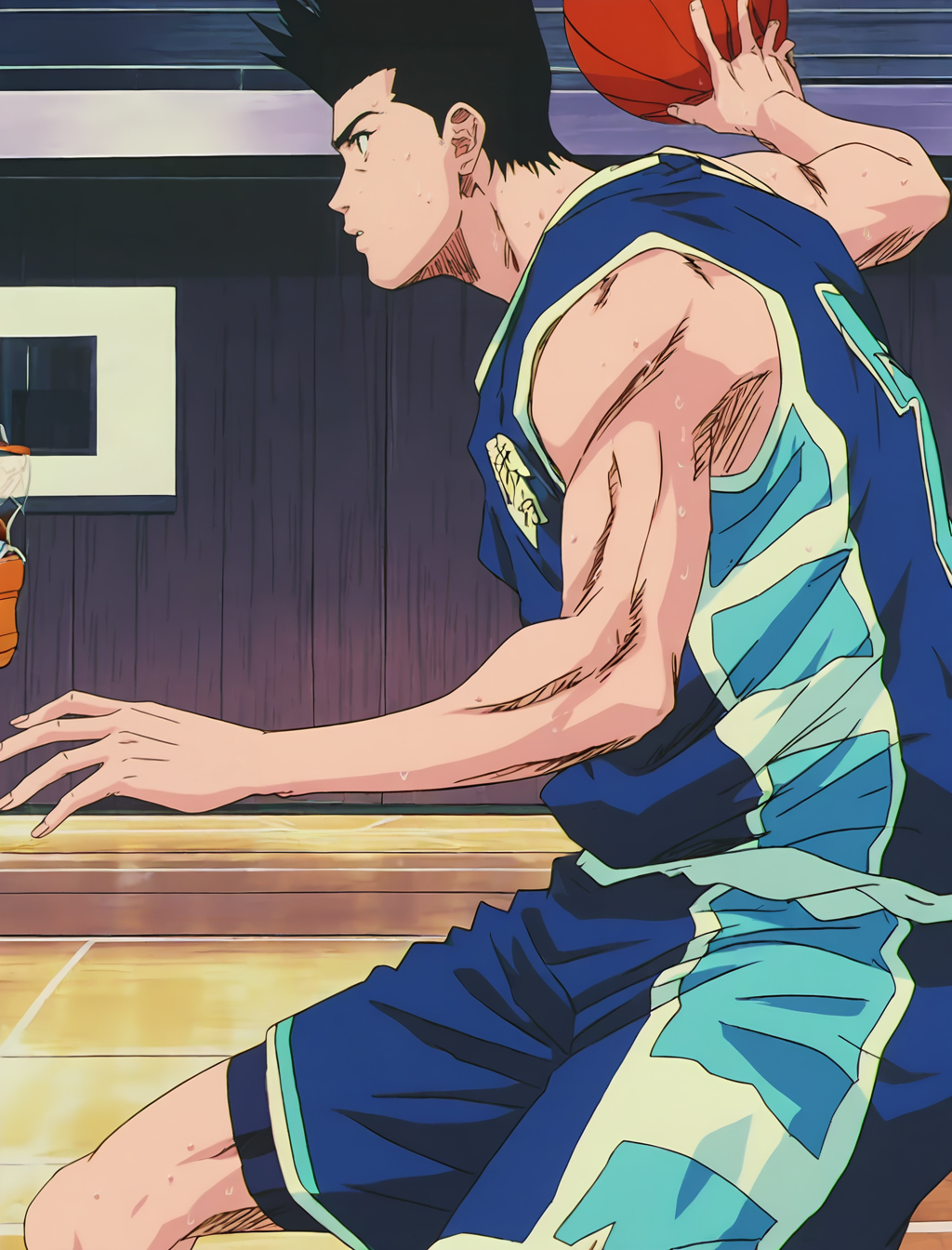
Details
Download Files (1)
Model description
Basic Parameters:
CFG Scale: 7
Steps: 20
Sampler: DPM++ 2m
Base Model: WAI-illustrious-SDXL (Illustrious)
Hires upscaler: R-ESRGAN 4x + Anime6B
Adetailer for face and hands
Trigger Words:
The main trigger word is "Akira Sendoh", and in my case I always add style and quality terms to the prompt such as:
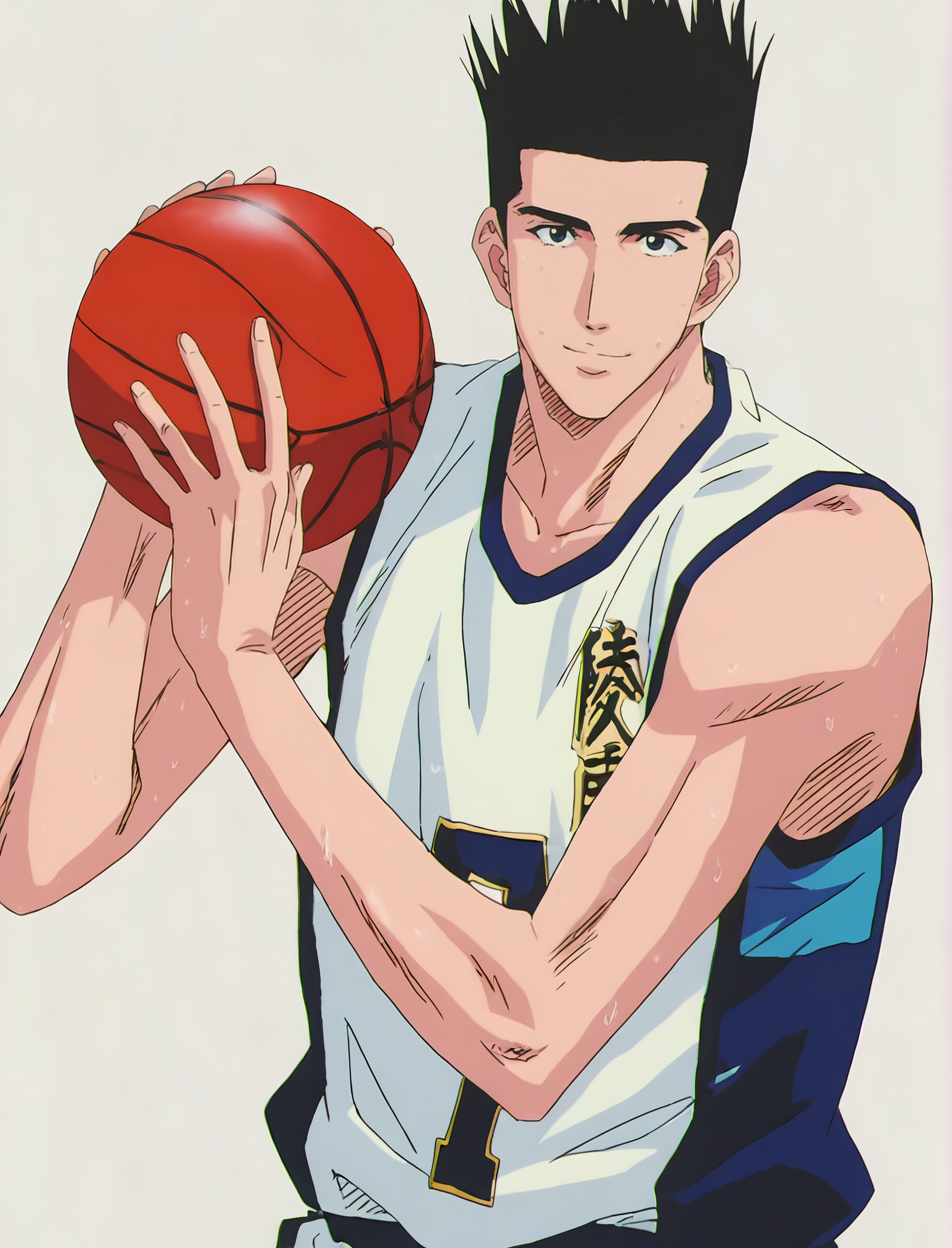
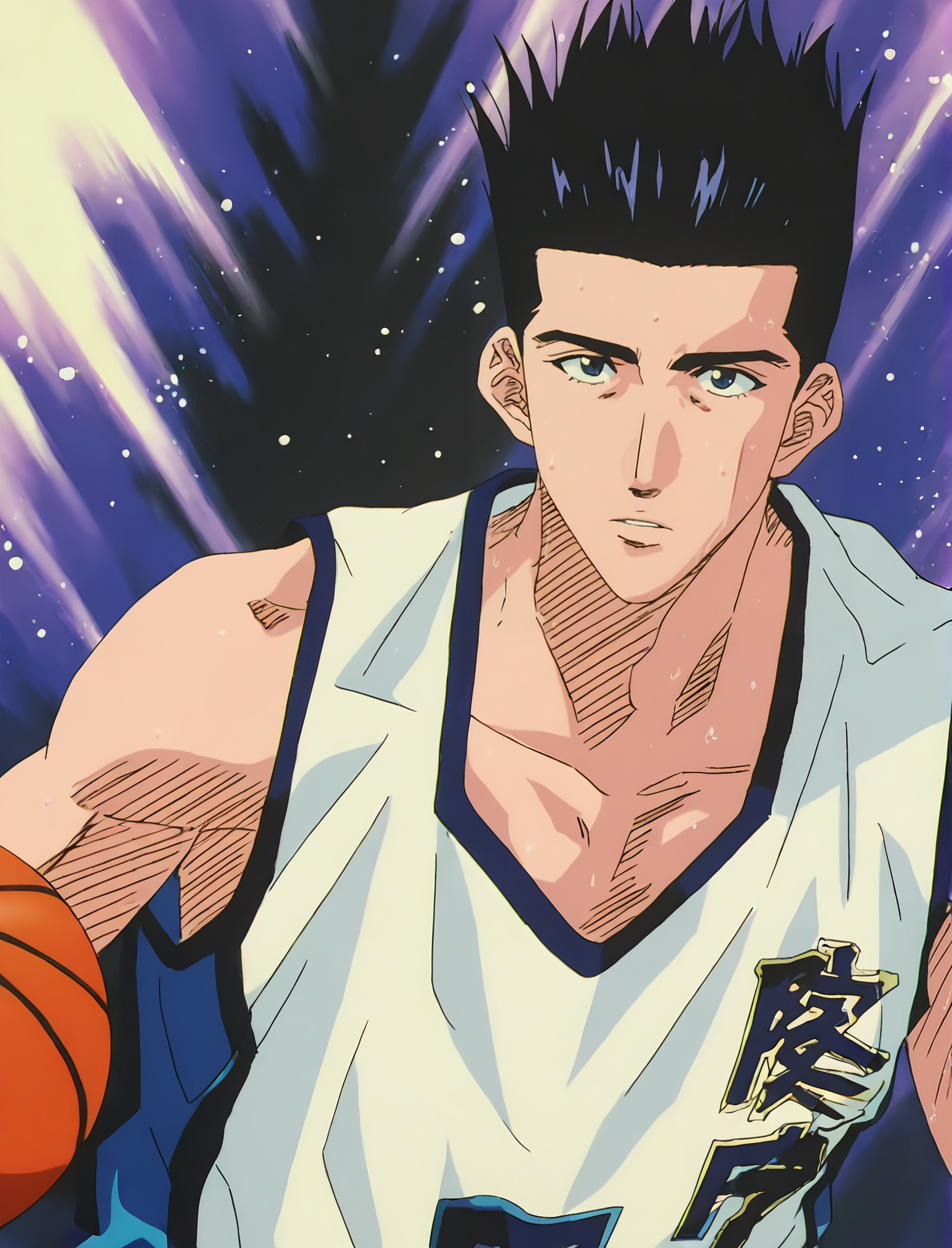
"anime screencap, anime source, anime coloring, masterpiece, best quality, high resolution, 4K, 8K".If you want him to appear wearing the white uniform, add this to the prompt: "Ryonan white basketball uniform".
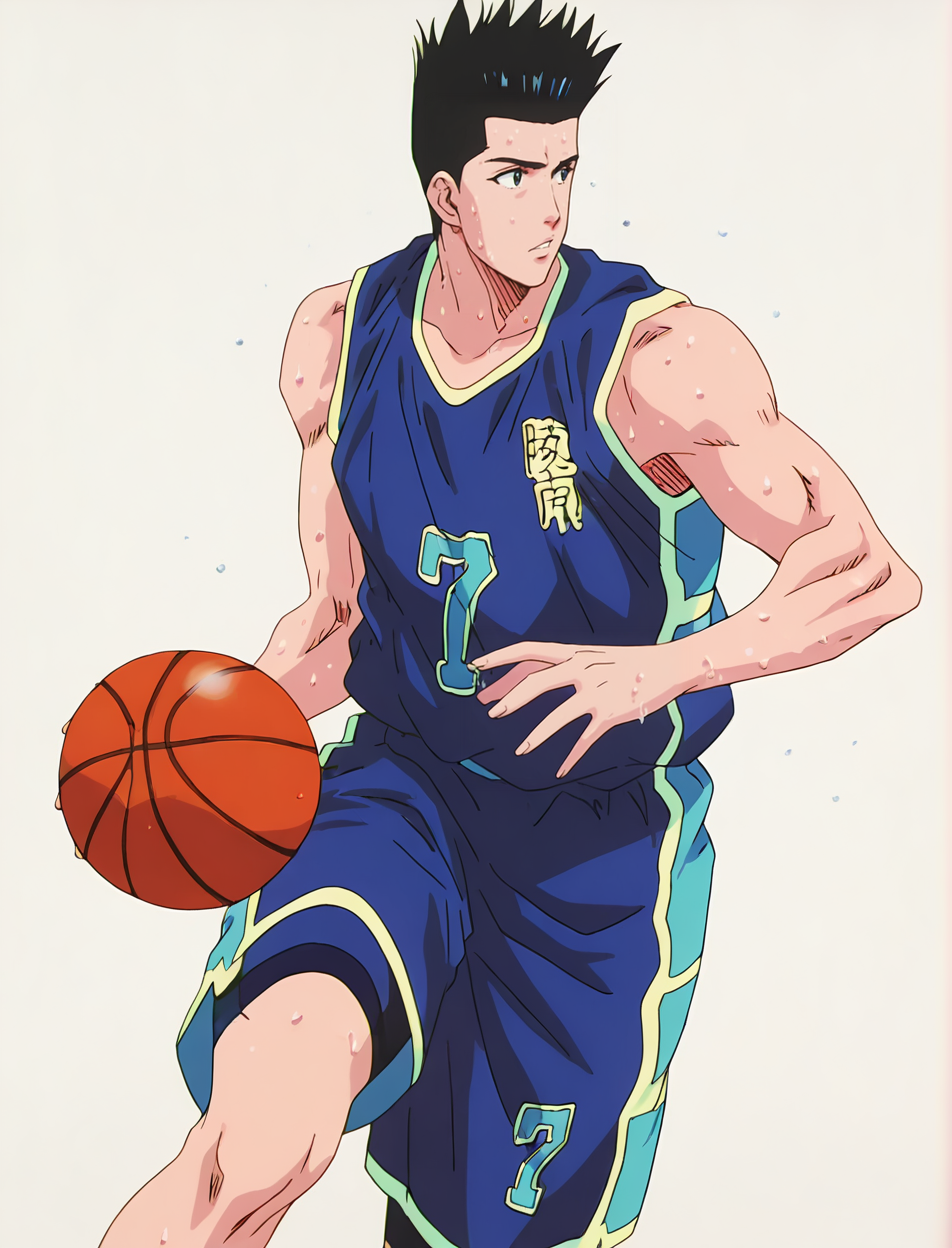
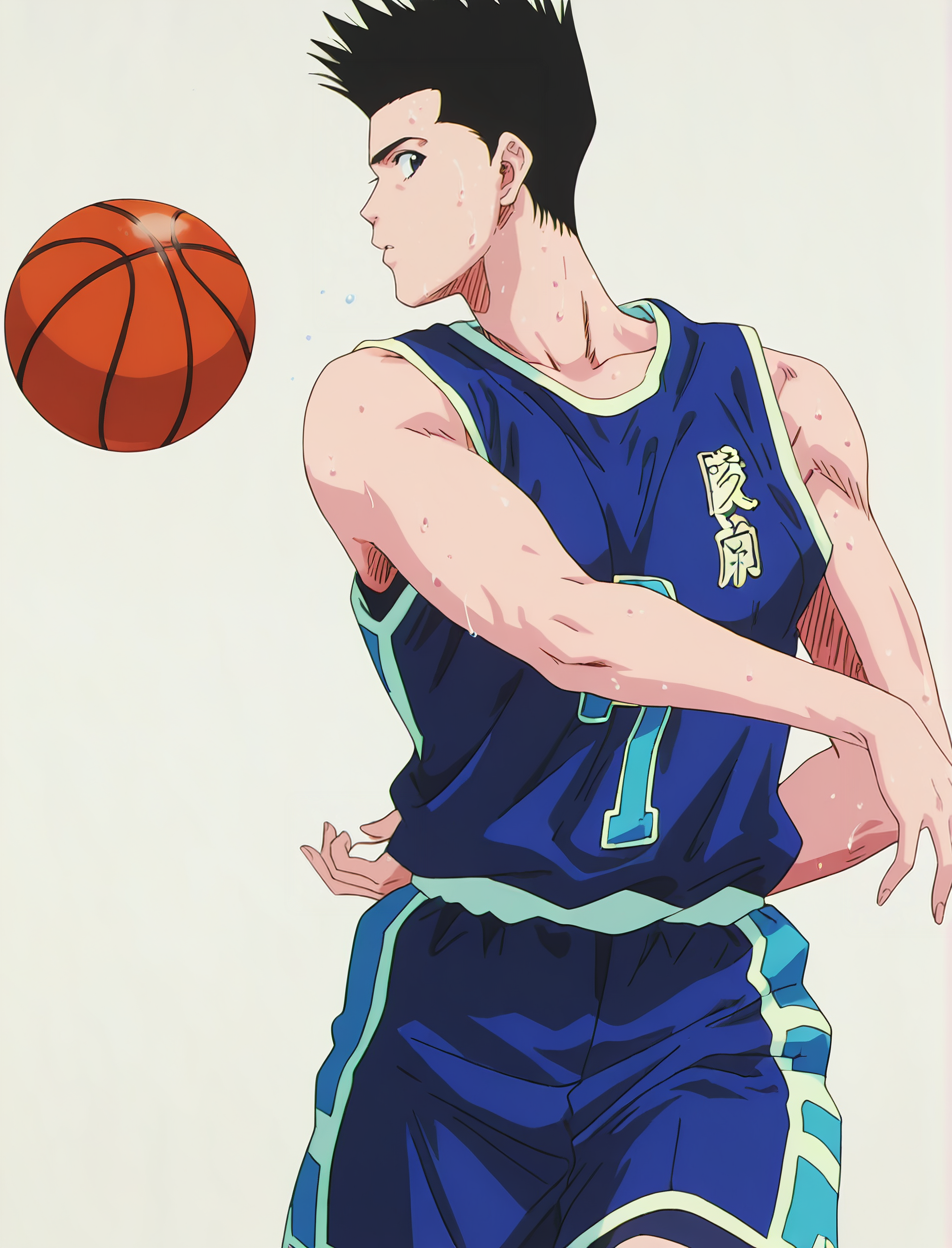
If, on the other hand, you want him to appear wearing the blue uniform, add this to the prompt: "Ryonan blue basketball uniform".
Things to Keep in Mind:
The LoRA sometimes struggles to generate Sendoh with the uniform specified in the positive prompt (especially because by default it tends to generate him with the white uniform), so it is highly recommended to specify the opposite uniform color that you don’t want in the negative prompt (using the trigger words mentioned above).
Since this is a character from a 90s anime and the Illustrious base model used for training is built from modern anime characters, the LoRA tends to generate Akira Sendoh with eyes that are too large and round, as if he were from a modern anime, thus losing part of the character’s facial identity. This is mainly noticeable only in close-up shots. Only in these cases, when you want a close-up image of Akira Sendoh’s face, it is recommended to add words like "narrow eyes, small irises" to the positive prompt and "big eyes, large irises" to the negative prompt. This way, even in close-ups, the character will retain the identity and style of a 90s anime. (WARNING! This is only recommended for close-up shots, as using it in long shots can make the face look worse.)
Have fun!