Shiny / Matte Slider


详情
下载文件 (1)
模型描述
A Shiny / Matte LoRA slider.
Recommended weights are -2.0 to 2.0 for extremes, but -1.0 to 1.0 is more realistic.
As usual with sliders, no keyword.
You can focus the effect on a specific object by specifying if the object should be shiny or not.
To achieve this easily you need to shift the slider where z-image usually struggles.
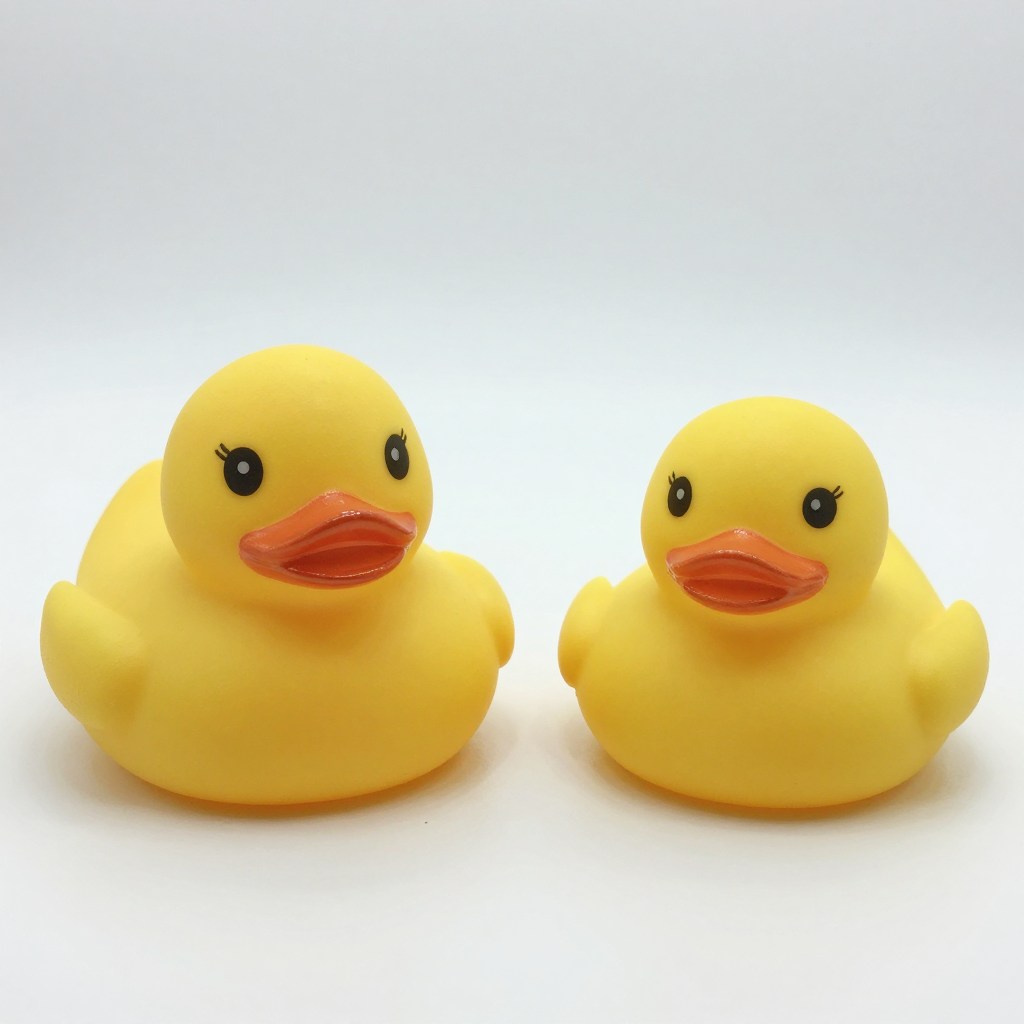
In the case of the two rubber ducks, specifying shiny / matte does not give good results as they usually are rather matte, so with the slider set to 1 for shininess and keywords for each duck you can have a shiny one and a matte one.