Glass People - Z-Image Turbo





세부 정보
파일 다운로드 (1)
모델 설명
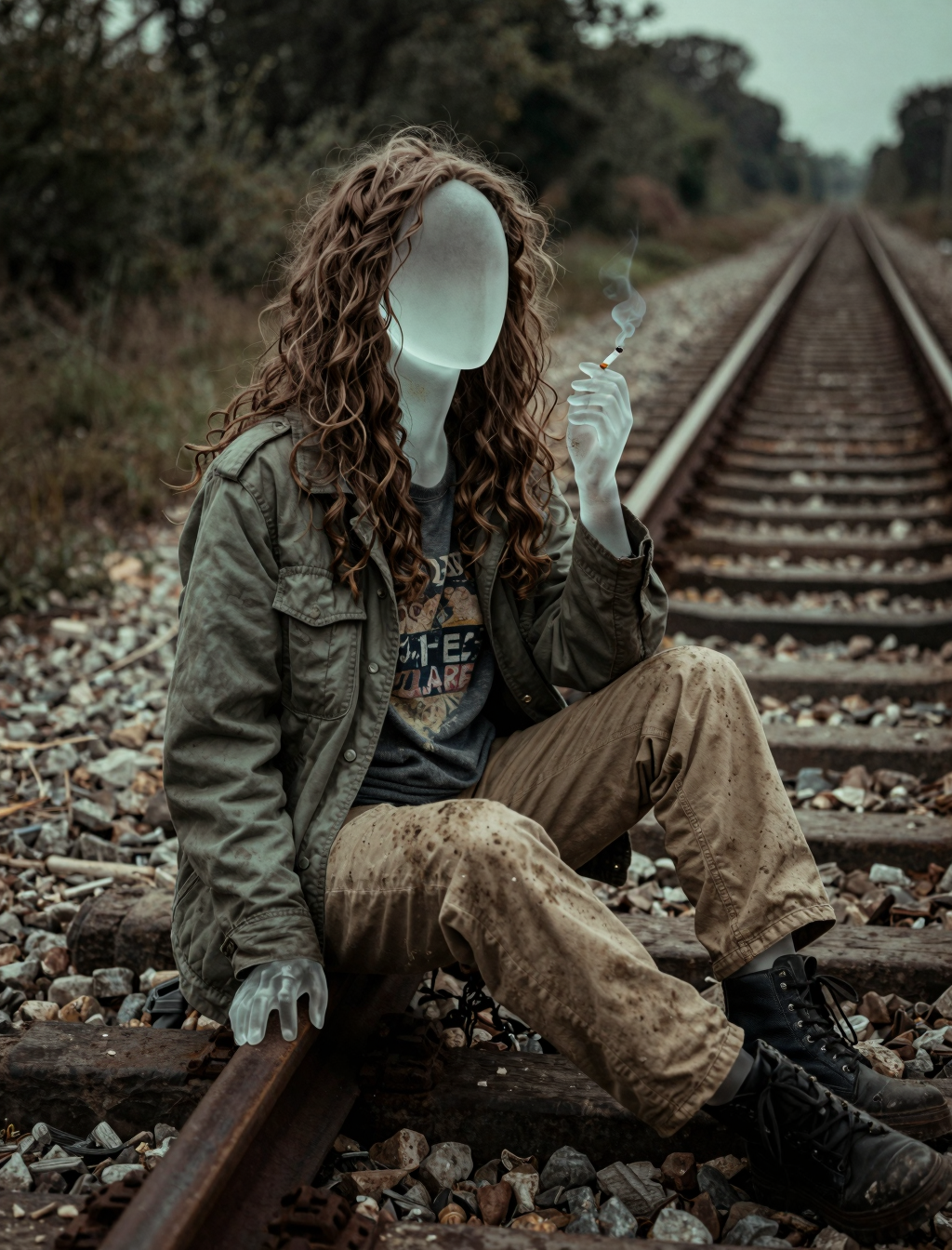
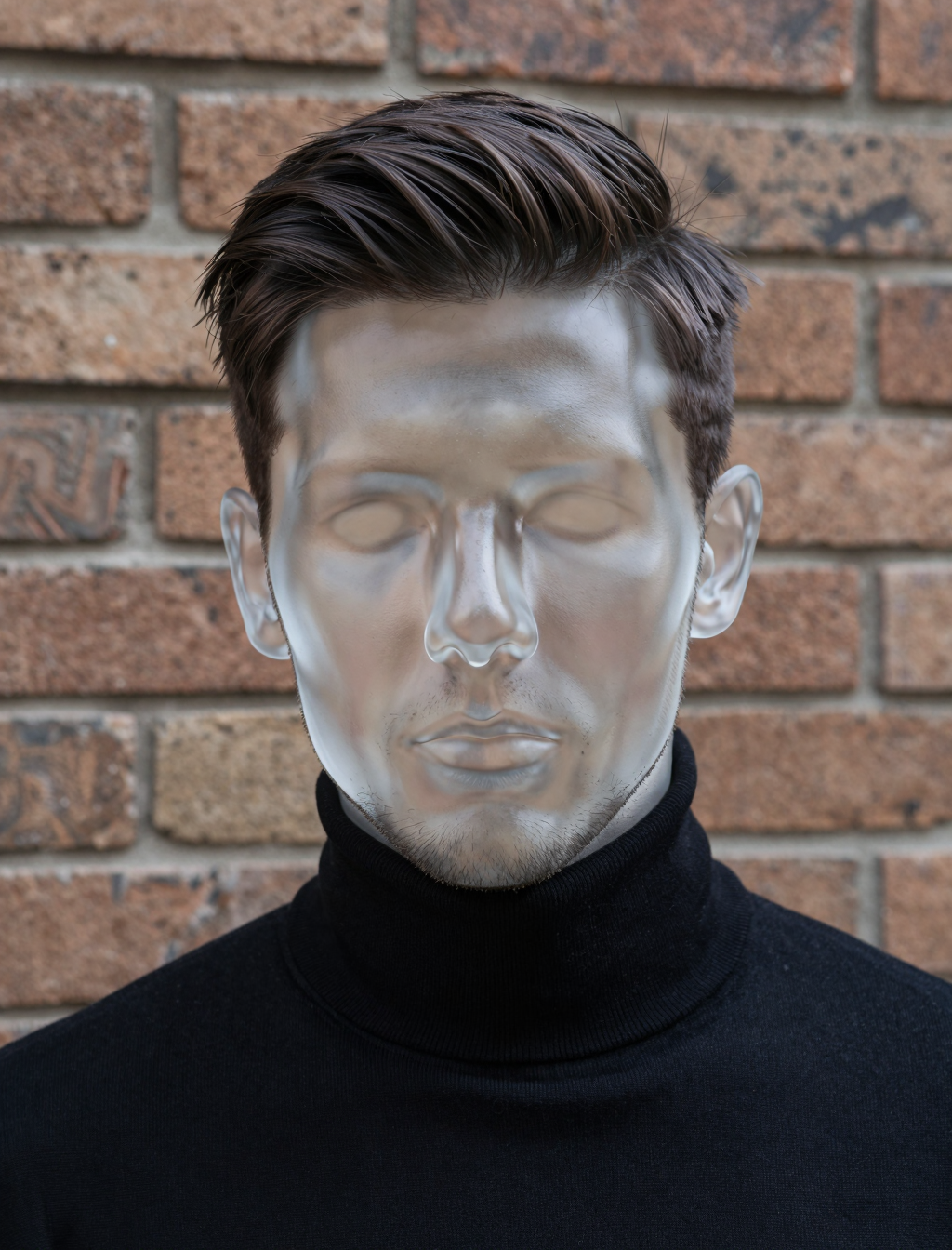
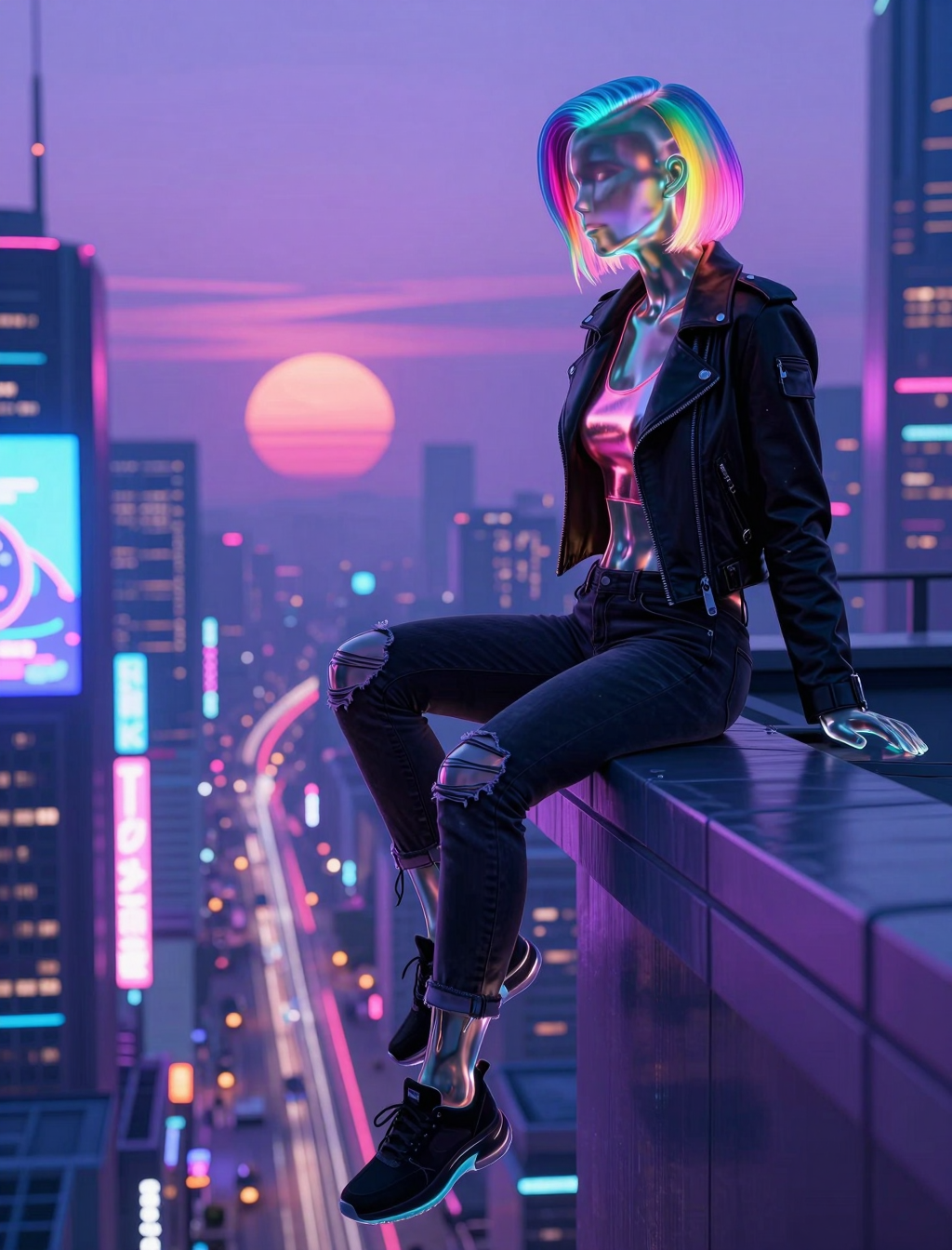
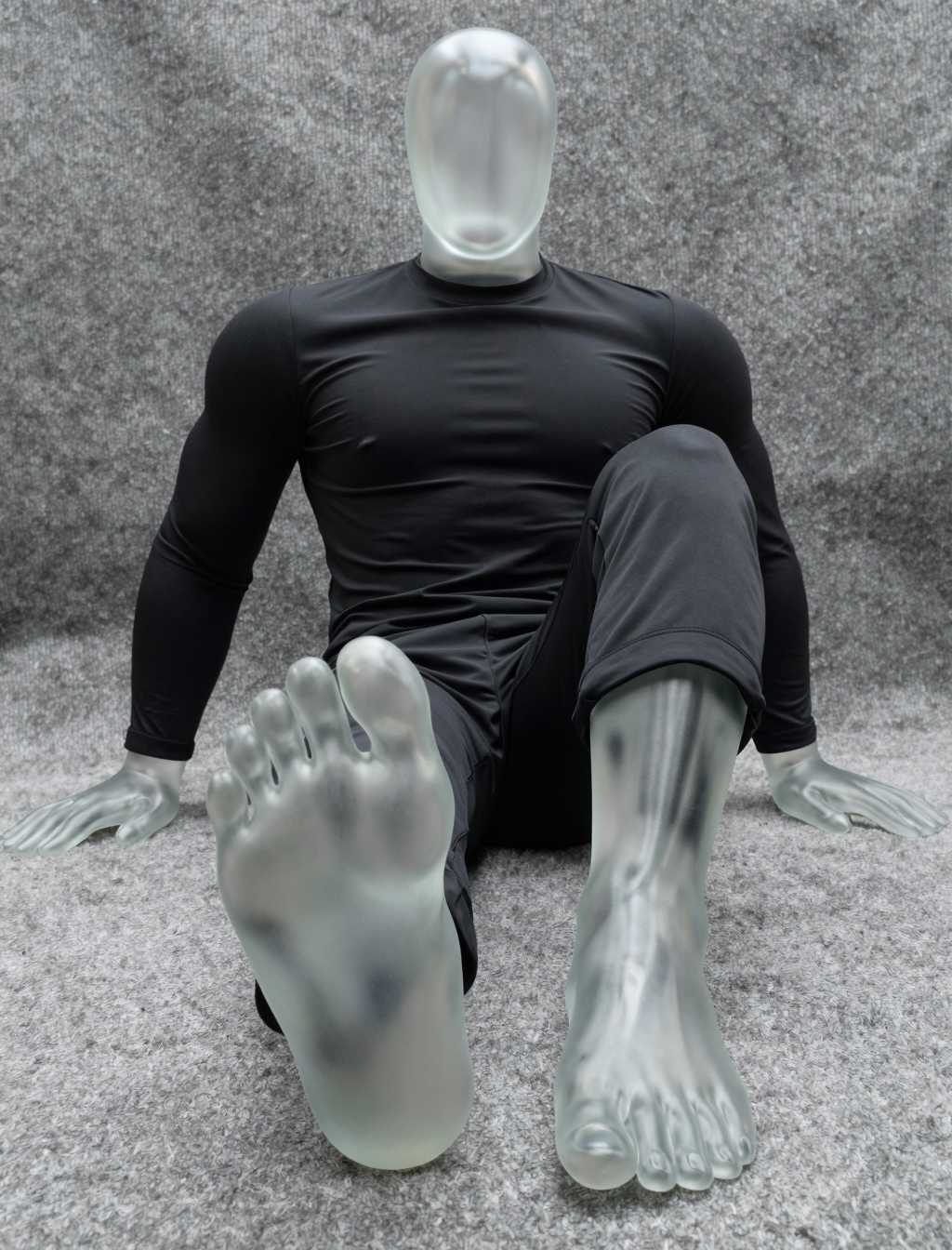
This LoRA allows creating people made of glass in Z-Image Turbo. They retain 'normal' clothes and hair.
Main trigger: Glass man / Glass woman
Many training captions also included the phrase “highly detailed face” and the caption order was mostly in the following example order: “Glass woman, (highly) detailed face, […]”.
Training images included faces with varying degrees of detail, however due to how the Qwen based text encoder works and the balance in sample count the model is not really capable of using these phrases to reproduce varying detail of the face.
When generating sample images, it has shown itself that prepending the sentence “Smooth round featureless mannequin head, egg shaped.” to the caption it is quite good at making featureless round heads. It then however struggles a bit more with hair (should you desire it), adding wig in the following sentences then helped.
Suggested LoRA weight: 0.7 – 1.3 (1.0 is a good default)
The model was trained with Blank Prompt Preservation, meaning it better retains original concepts of the model, thus allowing you for example to put a glass person next to a normal person (at least with some rerolls). However, at the same time it means that when the prompt deviates too far from the training prompts, you might need to reinforce in the text embedding that this is supposed to be a glass person. Often it helps having the “Glass man / woman” at the beginning of the description. Sometimes it can help to just write “made of glass” later in the prompt. Also remove actions / phrases which are not really possible for glass people -> verbs and interactions like eating, staring at, beautiful skin, … will make it more likely to instead generate a 'normal' person, or some mix between skin and glass.
However overall, it performs really well (in my opinion) and I am quite happy with it. It also allows some out of distribution generations, such as tinted / coloured glass (which was not contained in the training data).
And with that we can talk a bit about the
Training
This was actually not my first trial training Z-Image Turbo, but already like the 25th as I was trying out how well larger datasets work, which types of captions, good training settings and similar. And by the time I did this LoRA I already had some settings which worked mostly fine every time (at the cost of time). I actually did some training runs for different datasets I am very happy with, however it is not possible to upload them anymore – but I digress.
This specific LoRA was trained on about 130 image samples. I had a small set of them already and utilized larger closed source models to expand the size of the dataset.
[And thanks to using larger edit models, I now also would have a dataset to later train an edit version of this LoRA]
The images were captioned with Qwen3-VL-8B-Instruct. The specific prompt I used for captioning was:
“Describe the image. Start with: "Glass <man/woman>, [...]". Act as if it was a normal person for your description. Do not describe the glass / translucent skin / .... Describe at minimum the clothes and hair.”
However, I also had a custom logits processor to prevent phrases like “suggests” / “appears” / “maybe” and similar.
An example resulting caption is:
“Glass man, standing in front of a red door, wearing a dark blue and gray striped sweater with white horizontal stripes, and blue jeans. He has a full, reddish-brown beard and short, thinning hair on top, with some gray visible. His hands are in his pockets, and he’s wearing a gold watch on his left wrist.”
I then went through all captions, double checked them, slightly refined then and added some information about the detail grade of the face. (highly detailed face, detailed face, ...)
For training I used Ostris’s ai-toolkit. I originally started a run with:
Unquantized transformer, float8 text encoder
Rank 16
Batch size 1 with gradient accumulation 1
automagic optimizer with 3E-6 LR, 0 weight decay, 8000 steps
Weighted timesteps with balanced timestep bias
Blank Prompt Preservation with a loss multiplier of 0.6
Differential Guidance with a Guidance Scale of 3
Z-Image-De-Turbo as base model
(These settings fit in about 31GB of VRAM, so using an RTX 5090 to its fullest. With minor changes a batch size of 4 would also be possible, however in my tests that did not have that much of an impact on the results and Blank Prompt Preservation only supports a batch size of 1 currently, so I stayed with that.)
I let it run for one or two thousand steps, however noticed that it looks like it will most likely overcook in the samples and cause the model to forget human anatomy. Knowing the training with the adapter version 2 has less of these issues, I just queued up a second run which was exactly the same, besides using the original model with the zimage_turbo_training_adapter_v2.safetensors LoRA.
Here I also assumed it will completely overcook by step 8000, however I mostly merge different versions of the LoRA anyways, as in my experience the mid steps are the best, however the overcooked model versions can add some good detail if you merge them in with a really low weight, so I let both trainings run over night.
On a RTX 5090 the De-Turbo model took about 9 hours, the Turbo model with the adapter about 7 and a half. The difference in time between both is because I had a large amount of sample prompts, and frequently (every 250 steps) saved the state and sampled images and for the De-Turbo you need more steps when sampling making it slower.
As expected, both models overcooked and between both the adapter LoRA (A) was more general, while the output images of the De-Turbo model (B) more closely resembled my training images – at least the glass people part of it, however the backgrounds and textures became a huge blurry mess (at least with the 25 sampling steps – much more would probably then be needed).
For LoRA A, it looked visually the best around 4500 steps, for B it converged earlier and was fine in the range of 1500 to 3000 steps.
I loaded steps 2000, 4000, 6000 and 8000 of both LoRAs into ComfyUI and did a precursory check of the resulting images and necessary weights.
Based on that and feelings I did a merge (in a custom tool) of all individual intermediate saved models for LoRA A, with almost non-existent weight on the early steps, a majority of the weight around 4500 and a small part at the high step count (imagine the distribution of a bézier curve). For LoRA B I took steps 6000 and 8000, and their final contribution was around 5% to the resulting LoRA file.
(Merging both of them was possible only because they have the same rank)
I tested the results of the merge in ComfyUI (regarding how well it works with different weights, supports the different features from the training data, responds to prompts, ...) and finetuned the merge weights a bit until I felt it was sufficiently good.
I then converted the keys of the LoRA to be compatible with kohya’s sd-scripts and utilized the LoRA resize tool to resize the LoRA from rank 16 to rank 16 (with sv_fro with 0.95) which cut down the size of the LoRA from about 83 MB to 17.4 MB while retaining a sufficiently good amount of quality.
If you have any more questions, feel free to ask me. However I am barely online on this platform these days, so expect very long answer times.