Simple Image to Image Face-detailer



Details
Download Files (1)
Model description
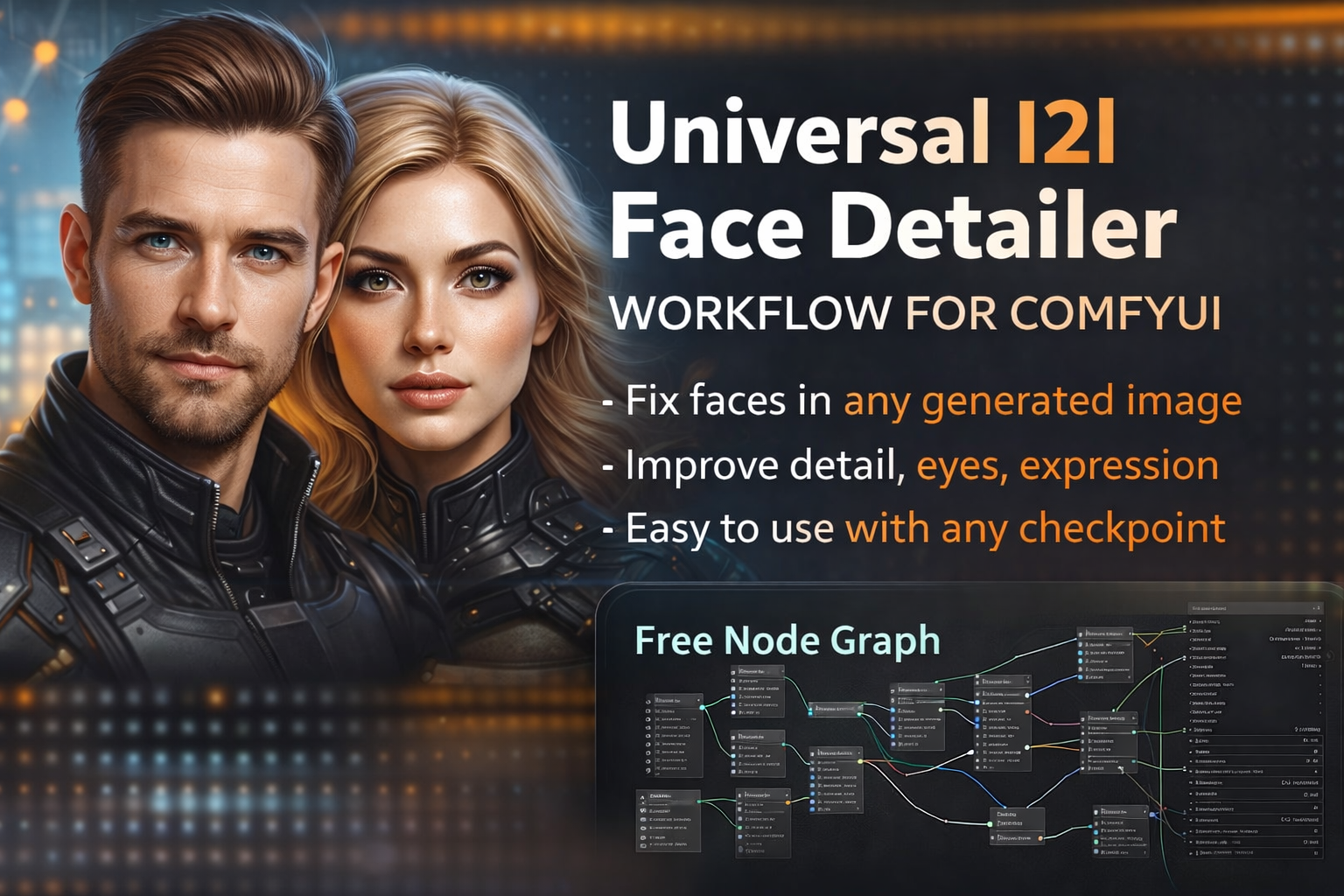
This is a universal Image-to-Image Face Detailer workflow for ComfyUI designed to work with any image model, intended for images you have already generated where the overall result is good but the face is either flawed, low-detail, or has the wrong expression.
The workflow is model-agnostic and only requires adding and rewiring the loader input nodes (checkpoint, VAE, CLIP) to match your setup.
This could potentially work as faceswap as well if you use a character lora.
The core idea is simple and efficient:
the workflow reuses the original image, model, and prompt, isolates the face region, upscales and re-renders only the face, and then seamlessly reattaches it to the original image. This preserves the original composition, lighting, and style while significantly improving facial detail, clarity, and expression accuracy.
It also supports controlled facial expression changes (emotion, gaze, mouth position, intensity) purely through prompting, without affecting the rest of the image.
Ideal for:
Fixing soft or broken faces
Enhancing eyes, skin detail, and facial structure
Refining expressions without re-generating the whole image
Consistent results across different checkpoints and styles
How the Workflow Works (Technical Overview)
1. Base Image & Model Input
The original image is loaded through an Image-to-Image pipeline.
The same checkpoint, VAE, and CLIP used for the base image are reused for face detailing.
This ensures style consistency and avoids mismatched lighting or texture artifacts.
2. Face Detection & Masking
A Face Detailer / Face Detection node identifies the face region automatically.
A precise mask is generated around the detected face.
The rest of the image is fully protected from modification.
3. Face-Only Upscaling & Re-Sampling
The masked face region is:
Cropped
Upscaled (for higher effective resolution)
Re-sampled using the same model and latent space
Because only the face is processed, you can push:
Higher steps
Stronger CFG
More detailed prompts
without destabilizing the entire image.
4. Prompt-Driven Expression Control
The face detailer uses the same base prompt, with optional face-specific additions.
By specifying expressions (e.g. calm, angry, seductive, tired, confident), the workflow can:
Adjust eyes, eyebrows, mouth, and facial tension
Change expression naturally without affecting pose or body
This works especially well for subtle emotional changes.
5. Seamless Reattachment
The refined face is blended back into the original image using the mask.
Color, lighting, and texture continuity are preserved.
No visible seams, harsh edges, or style breaks.
Key Advantages
Model-agnostic (works with any checkpoint)
Non-destructive (only the face is modified)
High-detail results without full re-generation
Supports facial expression changes
Fast and resource-efficient
Easy to adapt by rewiring loader inputs
⚠️ Disclaimer : Background & Unwanted Faces
FaceDetailer uses automatic face detection.
If your image contains multiple people, background characters, or small distant faces, those may also be detected and refined unless you restrict the settings. This includes blurry faces, partial faces, and background figures.
This workflow is intended to refine one main subject’s face, not crowds.
How to Ignore Background / Small Faces (Quick Guide)
Guide Size
Increase the guide size to ignore small or distant faces.
For single-subject images, values between 640–768 work best. This is the most important setting.
Bounding Box Threshold
Raising the confidence threshold helps skip blurry or low-quality faces.
Use 0.60–0.70 for cleaner detection.
Crop Factor
Lowering the crop factor reduces how much surrounding area is included and helps avoid catching nearby background faces.
Recommended range: 1.5–2.0.
SAM Detection Bias
Keeping detection centered prioritizes the main subject and ignores edge or background faces.
Drop Size
Increasing this value helps discard very small face detections.
Use 20+ for busy scenes.