photosxl, photosxl_frame2, subject on right side, human_figure, standing_pose, off-center composition, negative space on left, photo inset, environment focus, wide framing, multiple girls, 2girls
PhotosXL, photosxl_frame1, subject on right side, human_figure, standing_pose, off-center composition, negative space on left, environment focus, framed, picture frame, wide framing, 1girl, multiple girls, 2girls, realistic, photo (object), painting (object), reference inset, photo inset
photosxl, photosxl_frame3, subject on right side, human_figure, standing_pose, picture_(object), reference inset, photo inset, off-center composition, negative space on left, environment focus, 2girls
photosxl, photosxl_frame5, subject on right side, human_figure, reference inset, photo (object), photo inset, standing_pose, off-center composition, negative space on left, wide framing, 1girl
photosxl, photosxl_garden, subject on right side, human_figure, standing_pose, off-center composition, negative space on left, environment focus, bench, 1girl, solo, garden, field, flower, outdoors, grass
photosxl, photosxl_park1, subject on right side, human_figure, standing_pose, off-center composition, negative space on left, sign, realistic, building, neon lights, shop, environment focus, 1girl, solo, night, outdoors
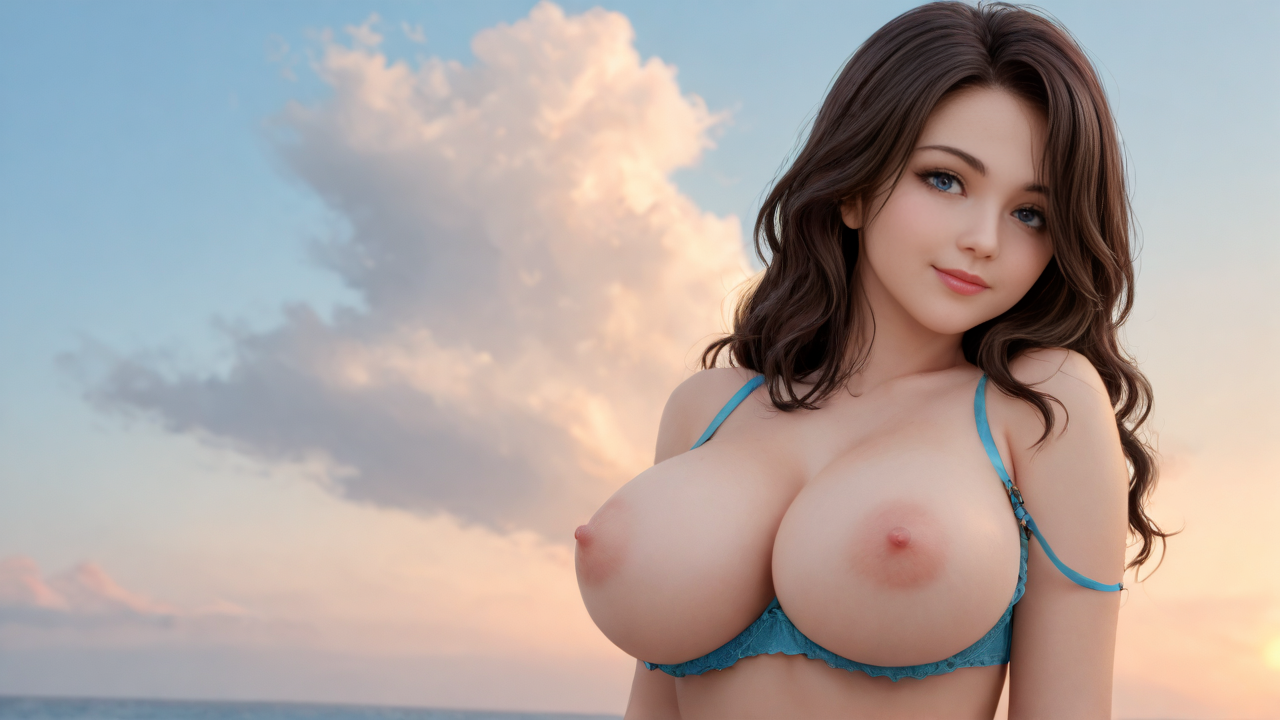
photosxl, photosxl_variable, photosxl_right, subject on right side, human_figure, standing_pose, off-center composition, negative space on left, environment focus, 1girl, solo, sky, cloud, window, city, cityscape
Before I was into Stable Diffusion, I worked with Photoshop to create my own wallpapers. I had the tendency to move the subject to one side, allowing the background greater visibility. Later I discovered doing the same thing on a generated image was more complicated than simply click and drag. Training set images are 1280x720.