Transformers Package Artstyle



詳細
ファイルをダウンロード (1)
このバージョンについて
モデル説明
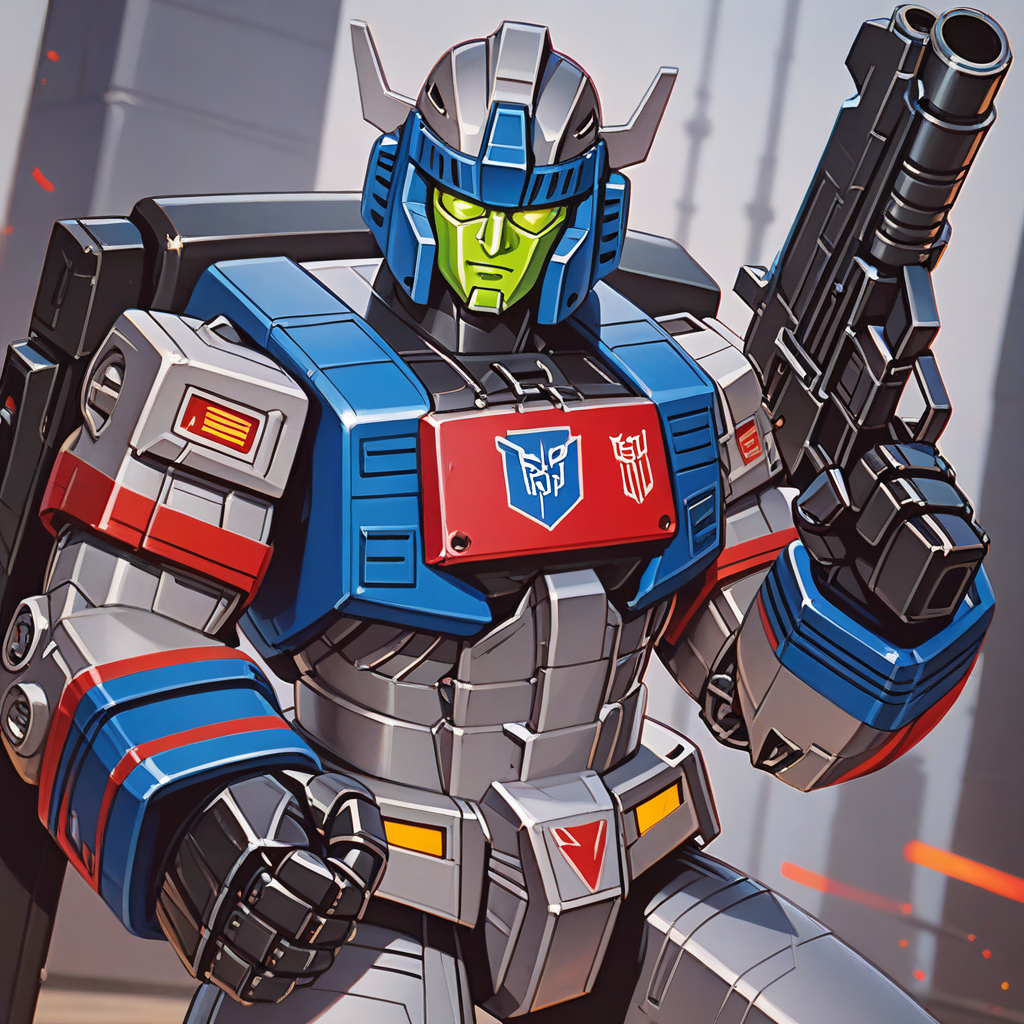
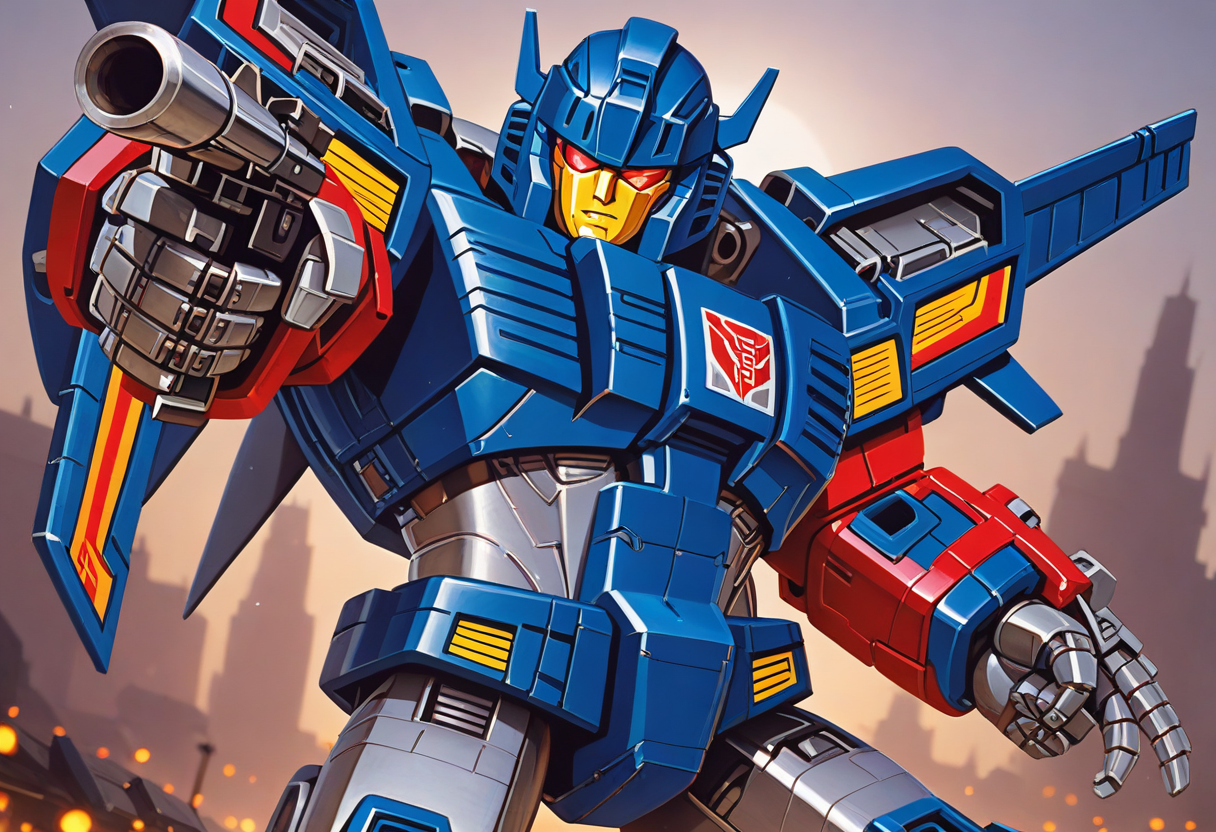
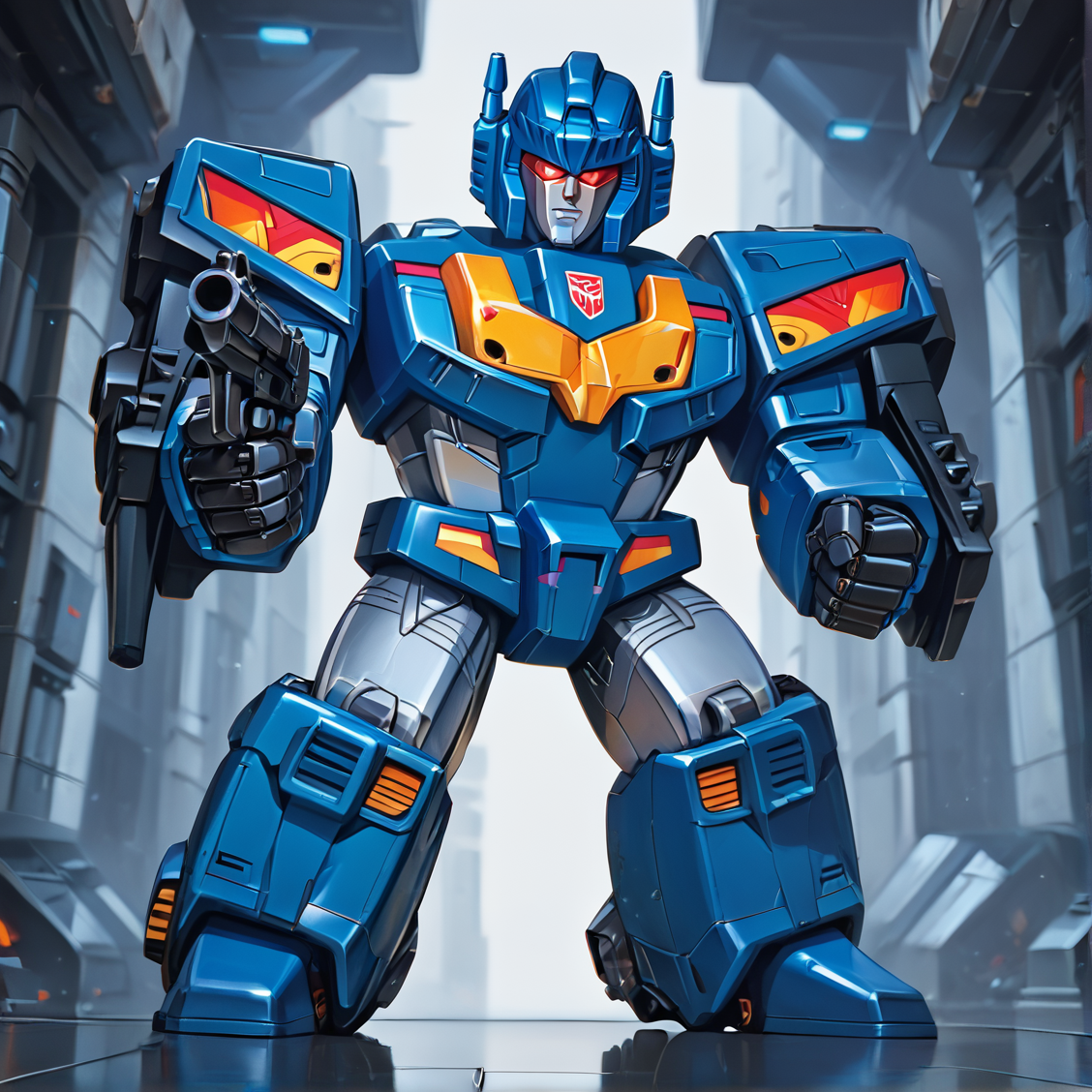
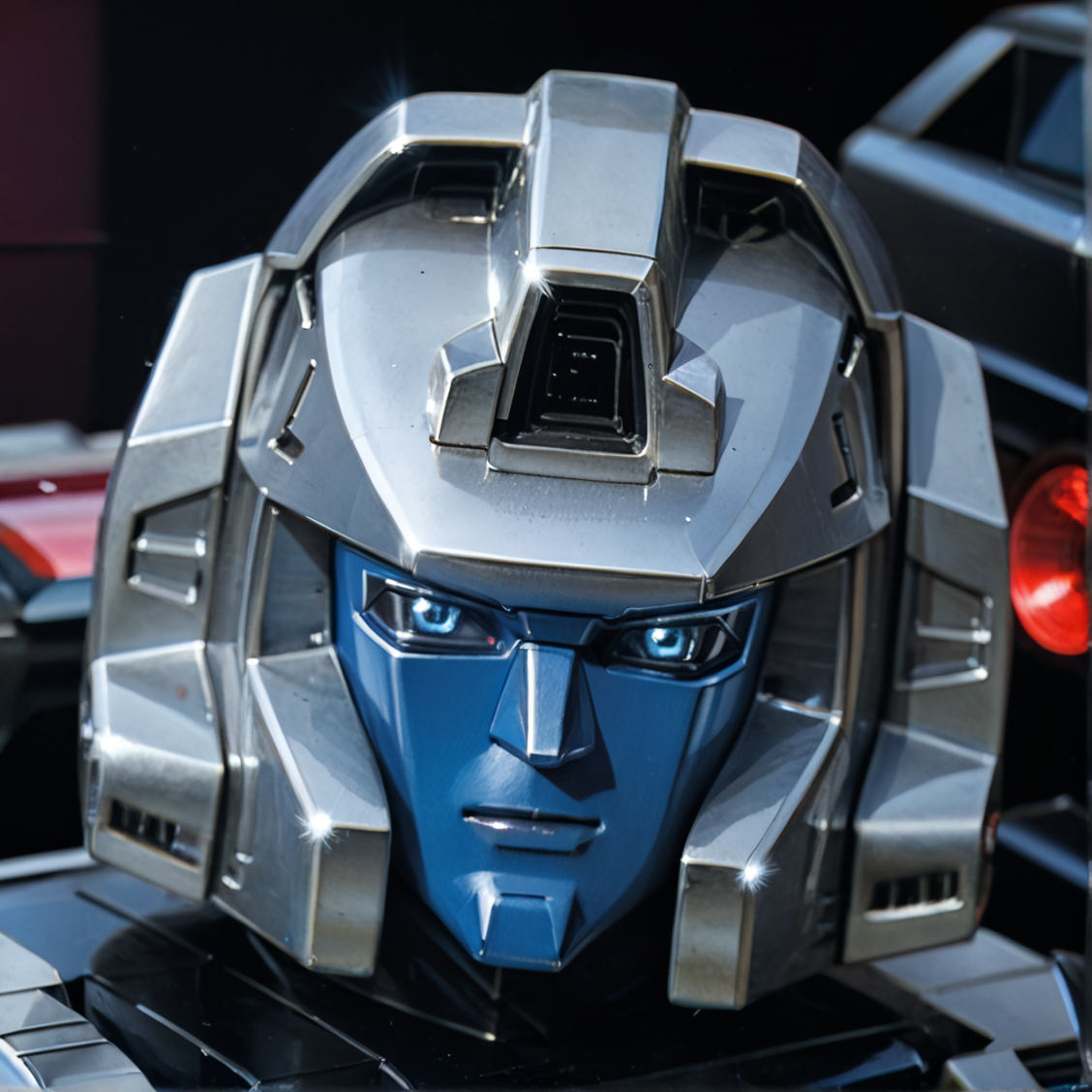
should help generating images with the style of the Transformers package artworks
so next try with Pony 😉
the checkpoint "Pony Diffusion V6 XL Turbo DPO merge" gives good results by only 10 -12 steps
please try prompting like this:
score_9, score_8_up, score_7_up, score_6_up, score_5_up,
(highest quality, illustration),
transformers_boxart, 1mecha, transformers, metallic, shiny surface, shiny edges with highlights, reflective surfaces, sun reflection, straight lines, sharp edges, angled details, robot, no humans, solo, science fiction, retro artstyle, helmet, robot face,
helmet, eyes, nose, mouth, chin,
holding gun, gun, chest, arms, hands, fist, sign on chest, abdomen, clear and crisp drawing, shadows, lights, highlights, smooth coloring, professional illustration,
(cowboy shot:1.2),
(background metallic style, colorful gradient:1.2),
and let your negative start like this:
score_6, score_5, score_4, 'source_pony', 'source_furry' (low quality, worst quality), displeasing,
...
config example:
cfg = 2.5
steps = 12
euler_a
clipskip = 2
1024 x 1024
weight = 0.65
trigger word: transformers_boxart
a LoRA weight from 0.5 to 1.0 gives good results depending on what other LoRA's are active
feel free to test and experiment with it
hope you enjoy and have fun 😀