Qwen edit 2511_Multi angle editing

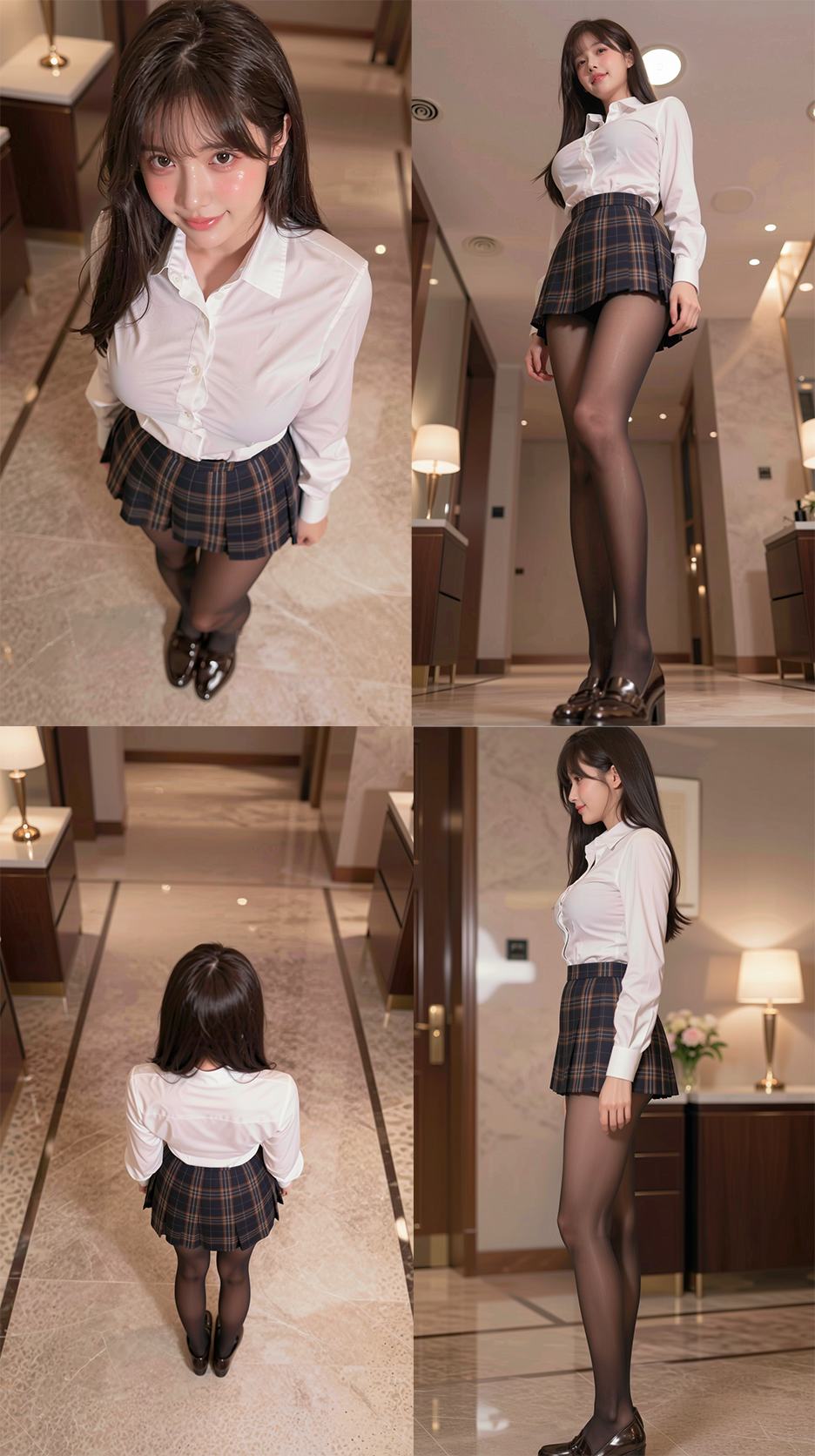
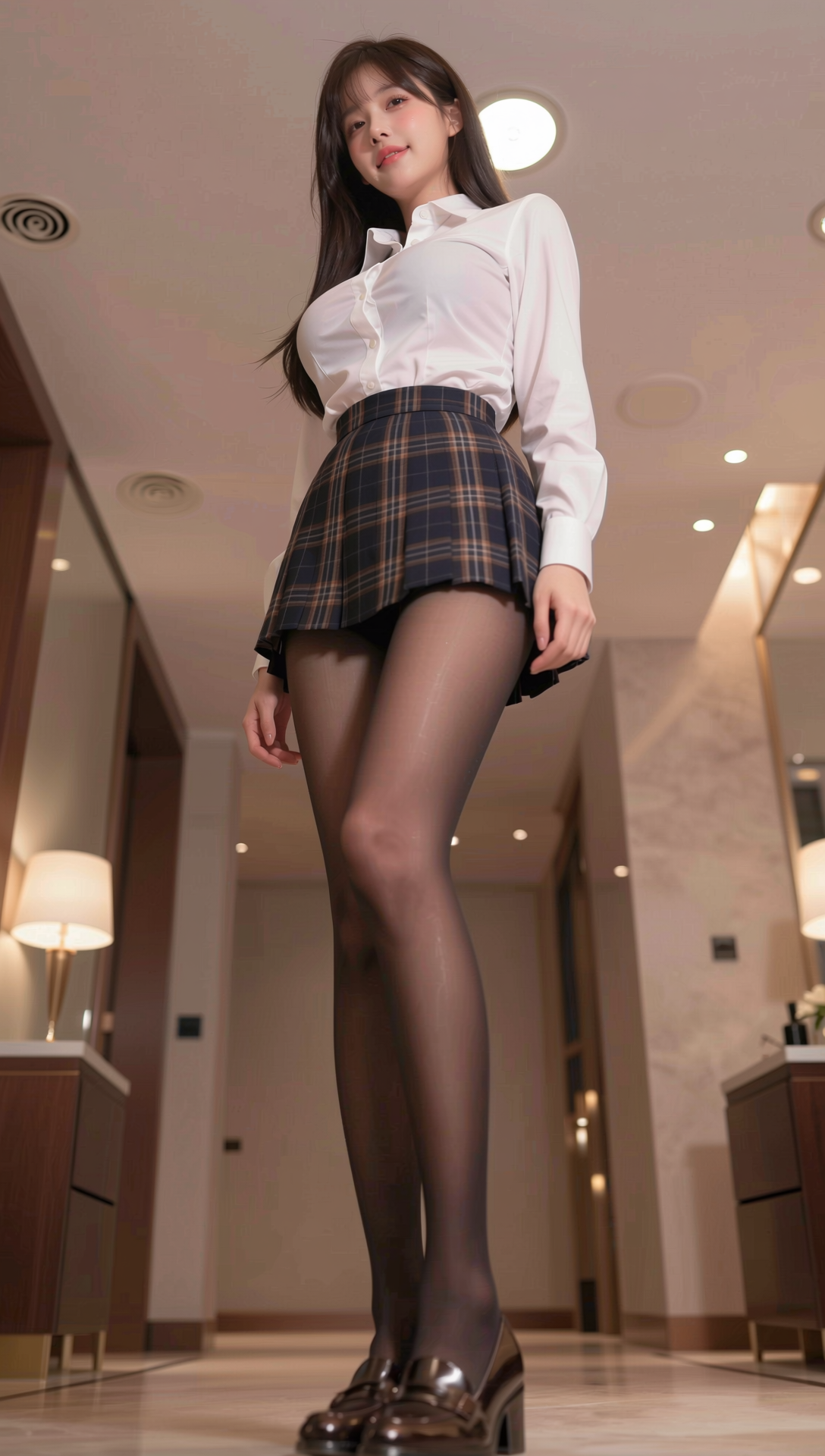
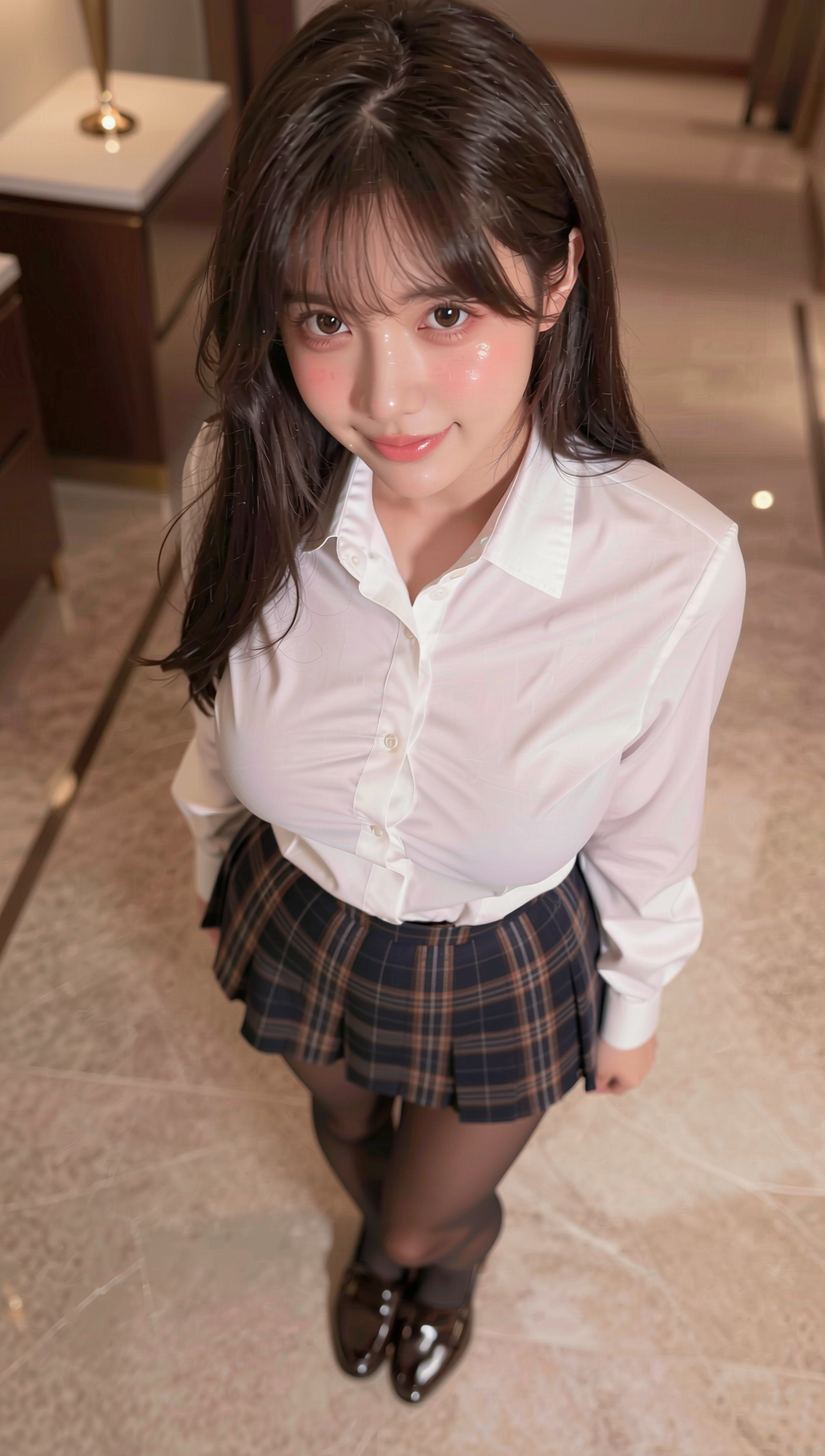


Details
Download Files (1)
Model description
Writing prompts like "view from above" or "45-degree angle" is a pain. What if you could just drag a 3D sphere to control your AI camera?
In this video, I introduce the new "Multiple Angles" LoRA for Qwen Edit 2511, combined with Terry Jia's amazing visual control node. I'll show you two powerful workflows: one for precise Single Image Angle Editing and another for generating 5-View Character Sheets in one click.
- - - - - - - - - - - - - - - - - - - - - - - - - -
🔽 GET THE FREE WORKFLOWS & 1000 BONUS COINS 🔽
✨ Register on RunningHub through my link to get 1000 FREE RH Coins!
💰 Plus, claim 100 extra coins every single day just by logging in.
1️⃣Workflow: Qwen2511 Multi-angle editing:
https://www.runninghub.ai/post/2010055896453357569/?inviteCode=rh-v1291
2️⃣Workflow: Qwen2511 Multi-angle editing(Batch Version):
https://www.runninghub.ai/post/2009903047484383233/?inviteCode=rh-v1291
🔽Free download models/Loras 🔽
Model links:
1️⃣Download link for Qwen Edit 2511 (huggingface):
https://huggingface.co/Comfy-Org/Qwen-Image-Edit_ComfyUI/tree/main/split_files/diffusion_models
2️⃣Download link for Qwen Edit 2511 (Online storage):
https://pan.quark.cn/s/56442da3e9c5
plug-in:
1️⃣Download link for ComfyUI-qwenmultiangle (GitHub):
https://github.com/jtydhr88/ComfyUI-qwenmultiangle.git
LoRA:
1️⃣Qwen-Image-Edit-2511-Lightning(huggingface):
https://huggingface.co/lightx2v/Qwen-Image-Edit-2511-Lightning/tree/main
2️⃣Qwen-Image-Edit-2511-Multiple-Angles-LoRA (huggingface):
https://huggingface.co/fal/Qwen-Image-Edit-2511-Multiple-Angles-LoRA/tree/main
3️⃣Qwen-Image-Edit-2511-Multiple-Angles-LoRA (Online storage):
https://pan.quark.cn/s/17218f5bd3de
4️⃣Download link for Qwen Edit 2511 FP32 (Online storage):
https://pan.quark.cn/s/56442da3e9c5
- - - - - - - - - - - - - - - - - - - - - - - - - -
💡 Why is this LoRA special?
It was trained on over 3000 sets of 3D Gaussian Splatting data, giving Qwen a near-native understanding of 96 different camera positions. Combined with the "Qwen Multiangle" node, you get a visual UI to control Azimuth, Elevation, and Distance perfectly.
If this tool helps your character design workflow, please SMASH that LIKE button and SUBSCRIBE for more advanced ComfyUI tutorials!
#Qwen2511 #ComfyUI #CameraControl #AICharacterDesign #StableDiffusion #RunningHub #LoRA #Workflow #GenerativeAI