FLUX.2 [klein] AIO









Details
Download Files (4)
About this version
Model description
🚀 FLUX.2 [klein] 4B AIO | Sub-Second Image Generation
Ultra-Fast • 4-6 Steps • Text-to-Image + Image Editing • All-in-One • Apache 2.0
✨ What is FLUX.2 [klein] 4B AIO?
FLUX.2 [klein] 4B AIO is an All-in-One repackage of Black Forest Labs' newest compact image generation model. This version includes VAE, Text Encoder (Qwen3) and UNet in a single file – just load and go!
"Klein" means "small" in German – but this model is anything but limited. It delivers exceptional performance in Text-to-Image, Image Editing and Multi-Reference Generation, typically reserved for much larger models.
🔄 UPDATE
⚡ Flux2-klein-4B-AIO-NVFP4
Fast generation with blackwell in just a few seconds — even at 4 steps, and scales nicely with more steps 🚀
🕒 Performance
Prompt executed in 2.08 seconds
██████████████ 4 / 4 steps
~2.65 it/s
✅ Extremely fast
✅ Stable
✅ Great quality for a distilled setup
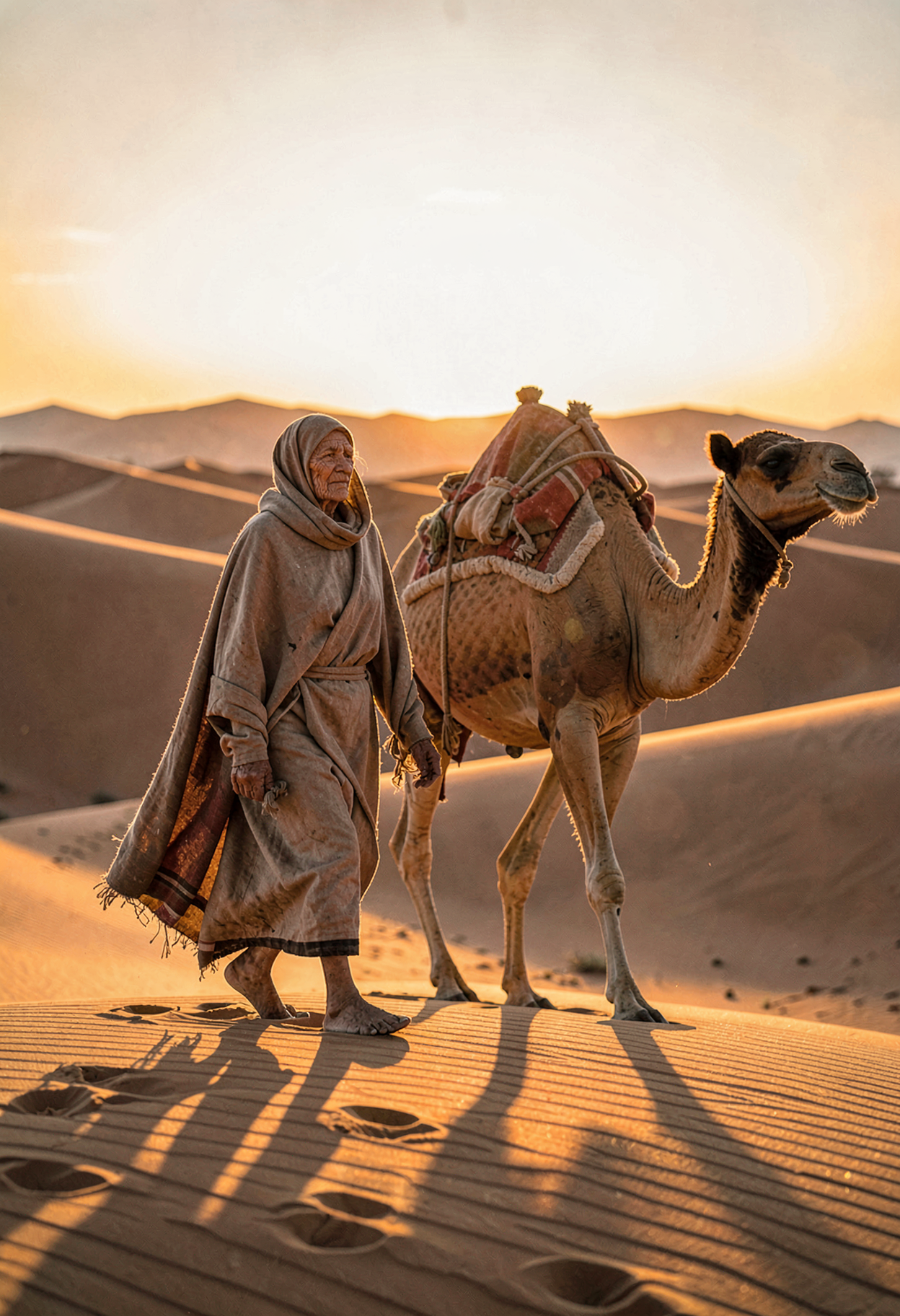
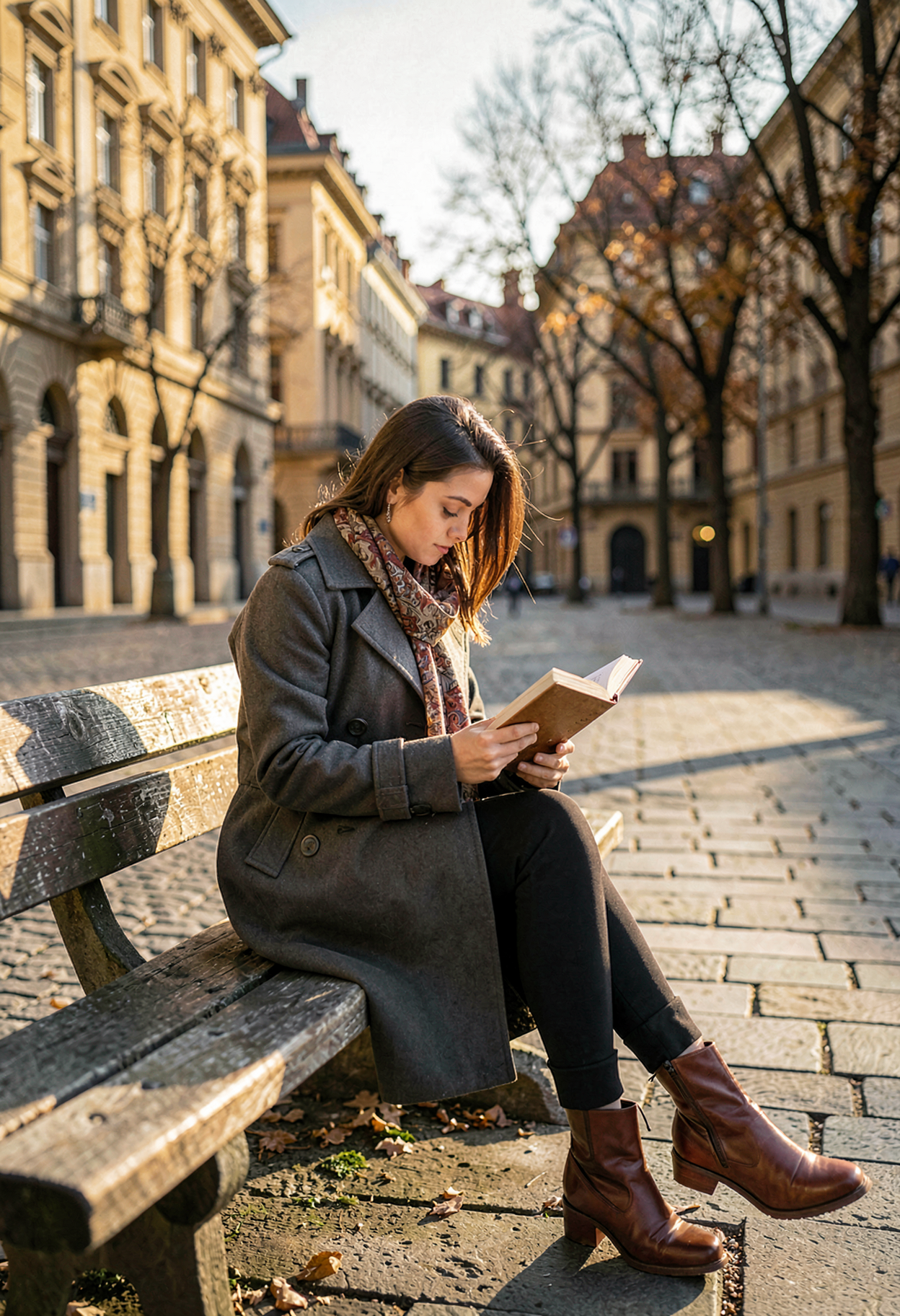
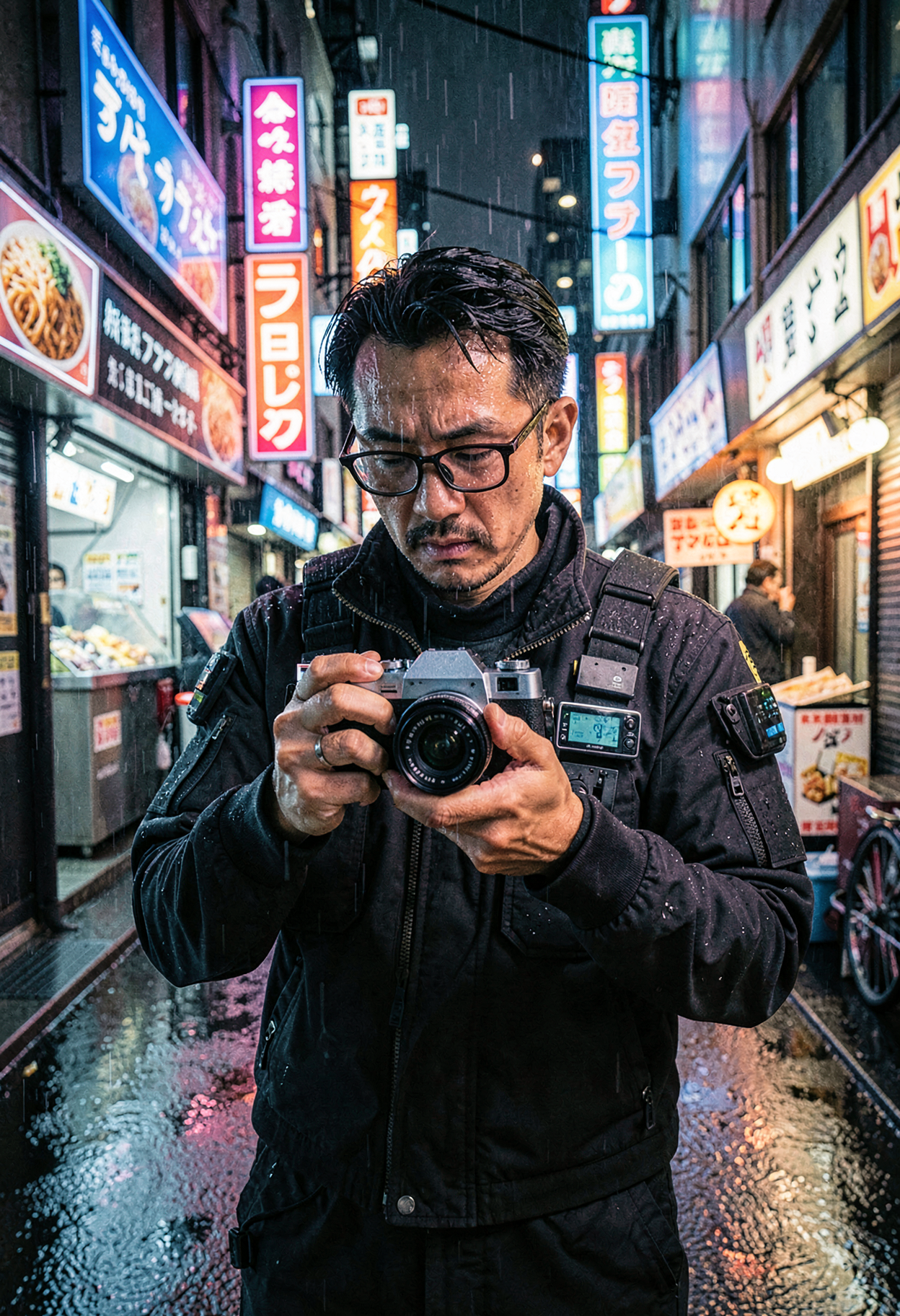
🖼️ Example Generation
Prompt:
Anime, powerful anime illustration with vibrant dark fantasy colors, one adult woman inspired by Jouryuu, tall imposing presence, long hair flowing dramatically, intense anime eyes, wearing an ornate battle-inspired dress referencing official visuals, heavy fabric and strong silhouette, standing confidently in a ruined temple environment, low-angle camera enhancing dominance, dramatic backlighting with red and violet tones, strong shadows, intense cel-shading, bold anime lineart, intimidating yet elegant presence, correct anatomy, no text, no watermark.
💡 This setup is optimized for speed, making it ideal for quick iterations, testing ideas, or just having fun generating without long wait times.
Have fun generating — and as always, thanks for all the feedback and support 🙌✨
📦 Available Versions
🟡 FP8-AIO (~7.7 GB) – Recommended for most users
Precision: FP8
UNet: FP8
Text Encoder: FP8
VAE: BF16
Best for: Most users, quick tests, everyday use, lowest VRAM
🔵 FP16-AIO (~15 GB) – For older GPUs
Precision: FP16
UNet: FP16
Text Encoder: FP16
VAE: BF16
Best for: Older GPUs (GTX 10xx, RTX 20xx), broadest compatibility
🟢 BF16-AIO (~15 GB) – Maximum quality
Precision: BF16
UNet: BF16
Text Encoder: BF16
VAE: BF16
Best for: RTX 30xx/40xx/50xx, professional/commercial work
🔴 NVFP4-AIO (~5.7 GB) – Maximum speed ⚡
Precision: NVFP4
UNet: NVFP4
Text Encoder: FP4-mix
VAE: BF16
Best for: RTX 50xx only, ultra-fast generations, Blackwell GPUs, low VRAM + extreme performance
🎯 Key Features
⚡ 4-6 Step Generation – Sub-second inference on modern hardware
📦 All-in-One – No separate VAE/Text Encoder download needed
🎨 Unified Architecture – T2I, I2I Editing & Multi-Reference in one model
📐 1024×1024 native – Optimized for this resolution
💾 Low VRAM – Runs on consumer GPUs with ease
📜 Apache 2.0 – Fully open for commercial use!
🔧 LoRA-compatible – Base version ideal for fine-tuning
⚙️ Recommended Settings
Steps: 4-6 (step-distilled, more steps ≠ better)
CFG: 1.0 ⚠️ CRITICAL!
Sampler: euler
Scheduler: simple (or "normal")
Resolution: 1024×1024 (native)
⚠️ CRITICAL: CFG Must Be 1.0!
This is a distilled model optimized for CFG 1.0. Higher CFG values will produce worse results!
✅ CFG 1.0 = Correct
❌ CFG 3.5+ = Wrong, will look bad
Additional Notes
4-6 Steps are optimal! The model was step-distilled for fast inference
No negative prompts needed – works but not required
Natural language prompts – Just describe what you want to see
📥 Installation (ComfyUI)
Quick Start
Download your preferred version (FP8/FP16/BF16)
Place in
ComfyUI/models/checkpoints/Load with the "Load Checkpoint" node
Generate!
Folder Structure
ComfyUI/
└── models/
    └── checkpoints/
        └── flux-2-klein-4b-bf16-aio.safetensors  (or fp16/fp8)
🎨 Example Prompts
Photorealistic
A professional photograph of a barista making latte art in a cozy
coffee shop, morning light streaming through windows, shallow depth
of field, shot on Sony A7III
Digital Art
A majestic dragon perched on a crystal mountain peak, aurora borealis
in the background, fantasy digital painting, highly detailed scales,
dramatic lighting
Product Photography
Minimalist product photo of a luxury perfume bottle on white marble,
studio lighting, reflection, commercial photography
💻 Capabilities
✅ What FLUX.2 [klein] 4B can do:
Text-to-Image (T2I) – High-quality image generation from text
Image-to-Image (I2I) – Single-reference editing
Multi-Reference – Multiple input images for controlled transformations
Text Rendering – Improved text rendering in images
Photorealistic – Professional photo quality
Artistic Styles – Diverse artistic styles
⚠️ Limitations:
Optimized for 1024×1024 (other resolutions possible but not optimal)
4B model – less detail than larger models for complex scenes
Distilled version – less output diversity than base models
🔧 Technical Details
Parameters: 4 Billion
Architecture: Rectified Flow Transformer
Text Encoder: Qwen3-based
Inference Steps: 4-6 (step-distilled)
Native Resolution: 1024×1024
Precision: BF16 / FP16 / FP8
License: Apache 2.0
🆚 Comparison: 4B vs 9B
FLUX.2 [klein] 4B
Parameters: 4B
VRAM: ~8-13 GB
GPU: RTX 3090/4070+
Quality: Very Good
License: Apache 2.0 ✅
Commercial Use: Yes!
FLUX.2 [klein] 9B
Parameters: 9B
VRAM: ~29 GB
GPU: RTX 4090+
Quality: Excellent
License: Non-Commercial ❌
Commercial Use: No
→ 4B is perfect for: Consumer hardware, commercial projects, fast iterations
❓ FAQ
Q: Do I need separate VAE/Text Encoder files?
No! AIO = All-in-One. Everything is included in a single file.
Q: Can I use this for commercial projects?
Yes! The 4B version is licensed under Apache 2.0.
Q: Why only 4-6 steps?
The model was step-distilled. More steps won't improve quality.
Q: Why must CFG be 1.0?
This is a distilled model optimized for CFG 1.0. Higher values will degrade output quality.
Q: FP8 vs BF16 – What's the difference?
FP8 is smaller and faster, BF16 has slightly better quality. For most applications FP8 is sufficient.
Q: Does this work with LoRAs?
Yes! Especially the Base version (non-distilled) is ideal for LoRA training.
Q: What's the difference to the 9B version?
9B has better quality but is non-commercial only. 4B is Apache 2.0!
🐛 Troubleshooting
Images look "washed out" or oversaturated
Check CFG – must be 1.0 for distilled model!
Use 4-6 steps
Poor text rendering
Be more specific in your prompt
Use simple, short text
Place text requirements at the beginning of the prompt
Colors look off
Try BF16 version instead of FP8
Ensure your monitor is properly calibrated
🙏 Credits
Original Model: Black Forest Labs Architecture: Rectified Flow Transformer Text Encoder: Qwen3 AIO Repackage: SeeSee21
Official Links:
📋 Changelog
v1.1 – January 2026 ⚡
🆕 Added NVFP4 AIO variant (RTX 50xx / Blackwell)
⚡ Ultra-fast inference (optimized for 4 steps)
🧠 Extremely low VRAM usage
🎯 Designed for maximum speed while keeping good image quality
v1.0 (January 2026)
Initial Release
BF16, FP16 and FP8 versions
All-in-One with VAE + Text Encoder + UNet
License: Apache 2.0 – Free for personal AND commercial use! 🎉
The fastest open-source image generation model for ComfyUI! ⚡
Download and start creating! 🚀