i2i2v (i2i + i2v) - AIO Qwen 2511 Background Removal + Wan 2.2 360 Video/Batch Generator


详情
下载文件 (1)
关于此版本
模型描述
Info
General Use/Goal:
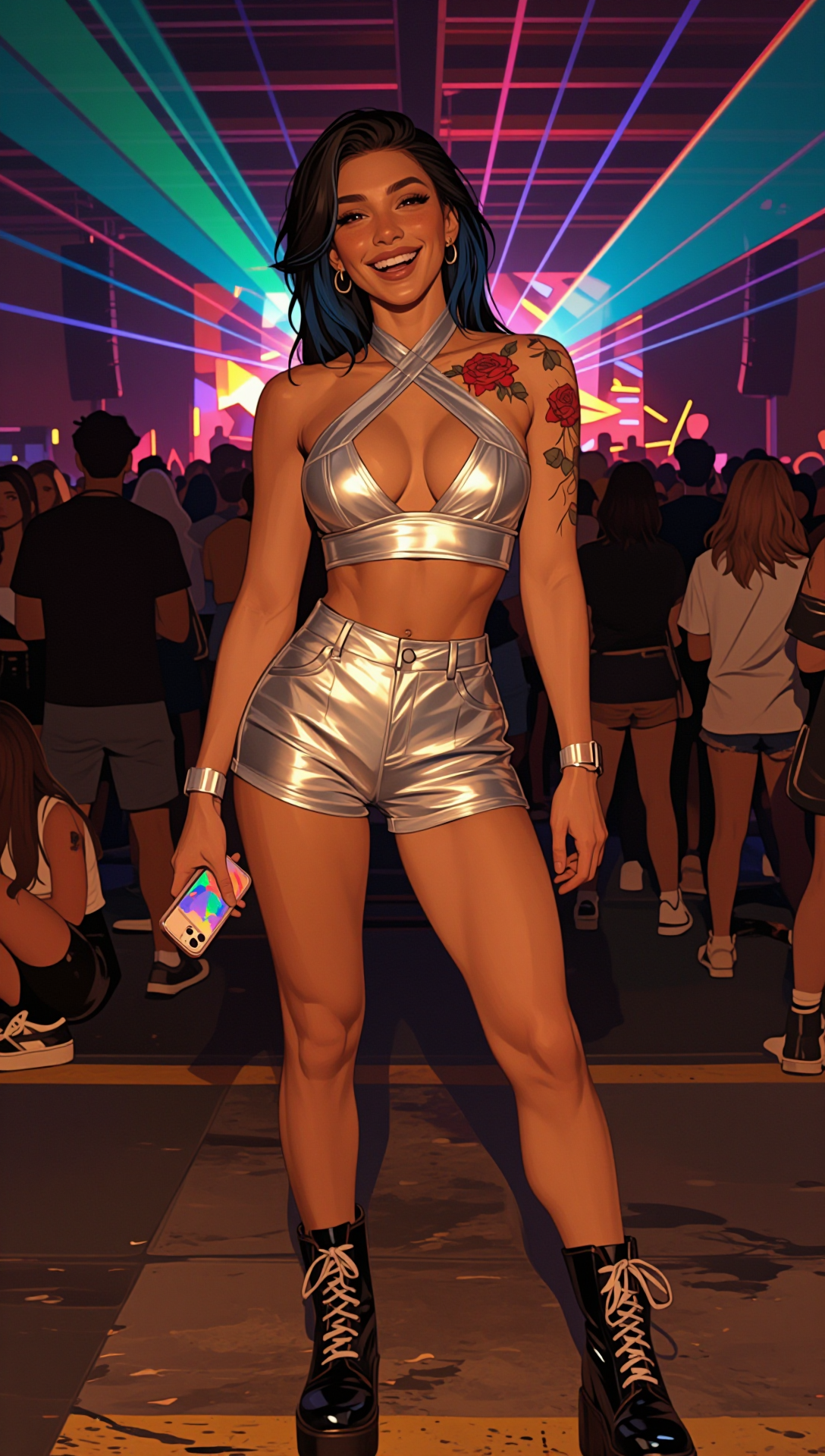
Creates a blank slate background via Qwen 2511, dropping our person into a blank white void and outputting the resulting image
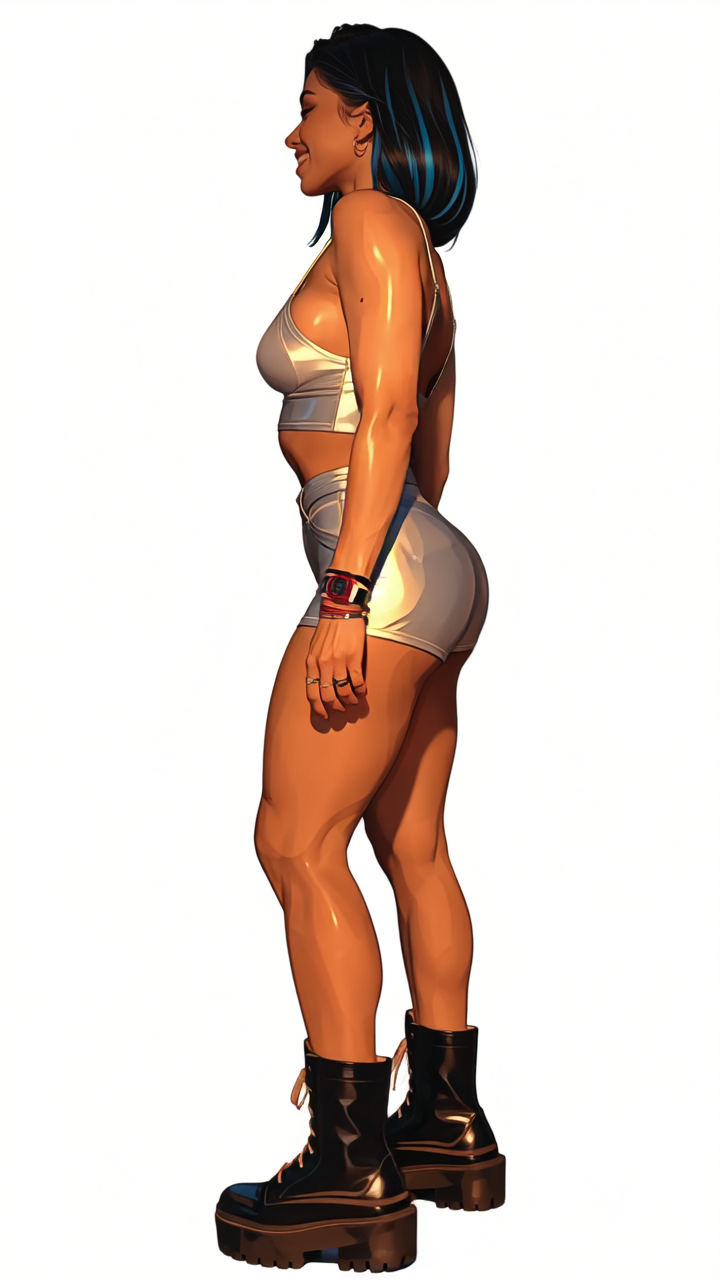
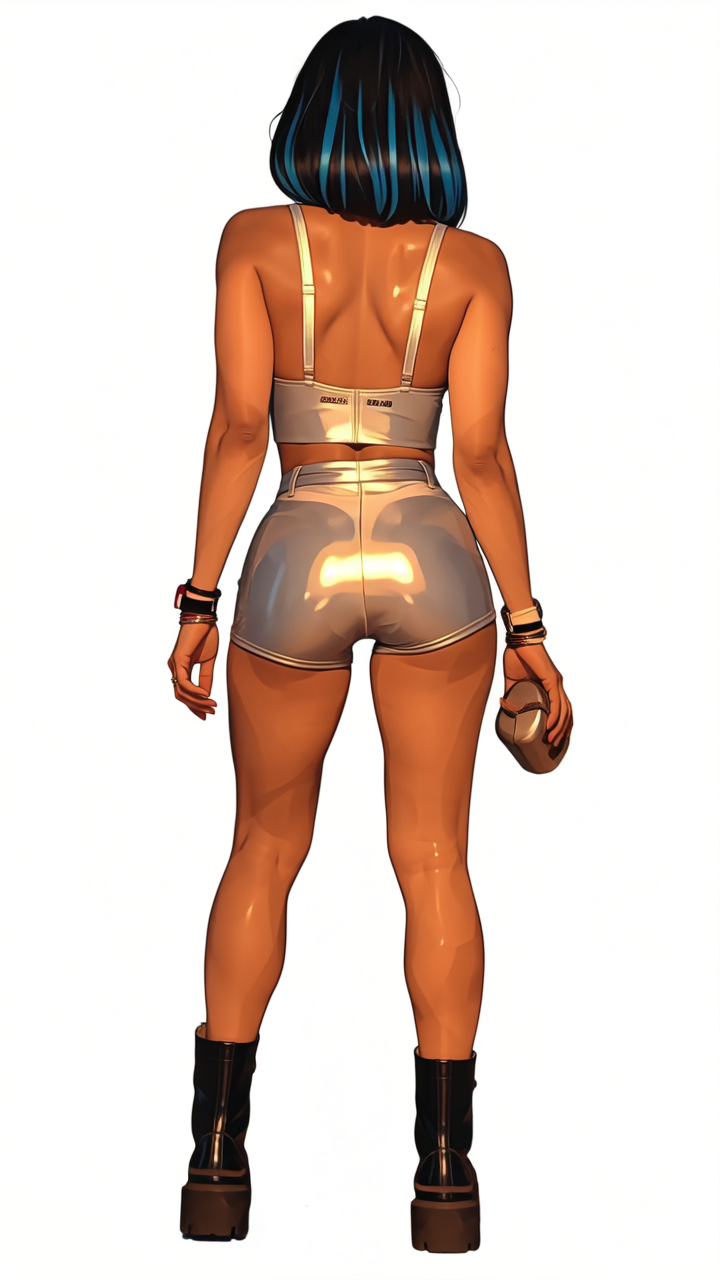
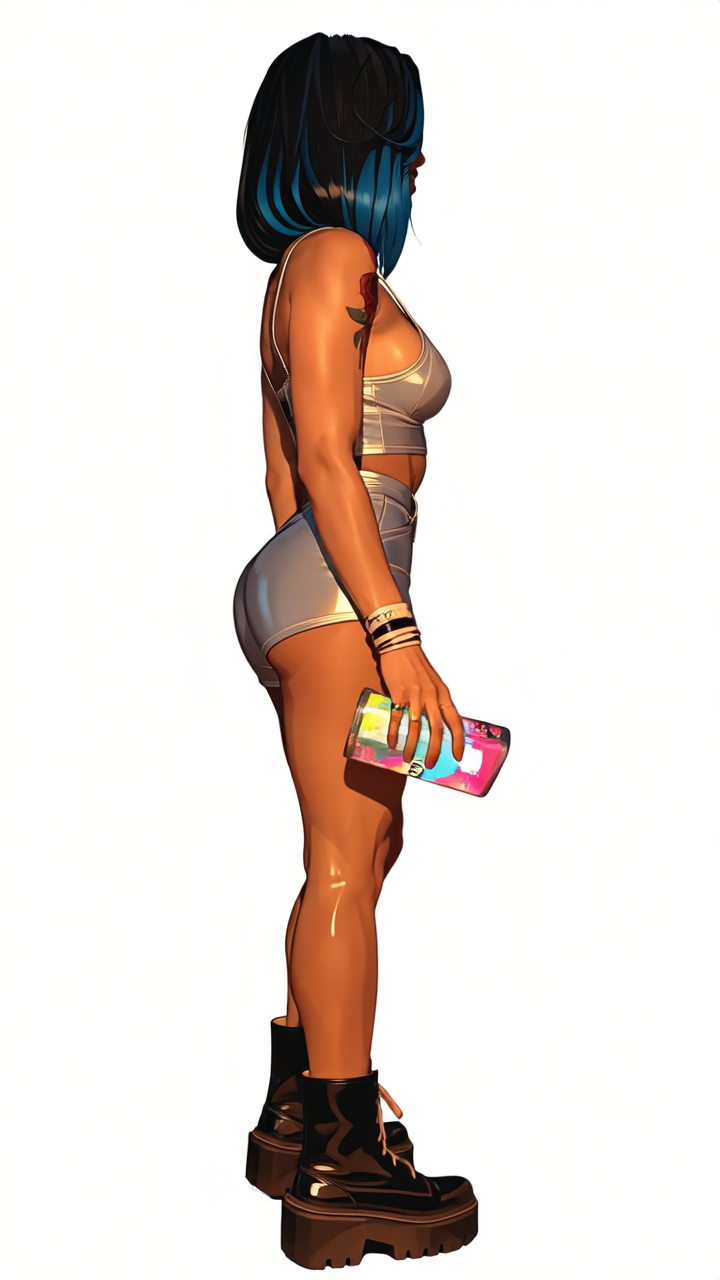
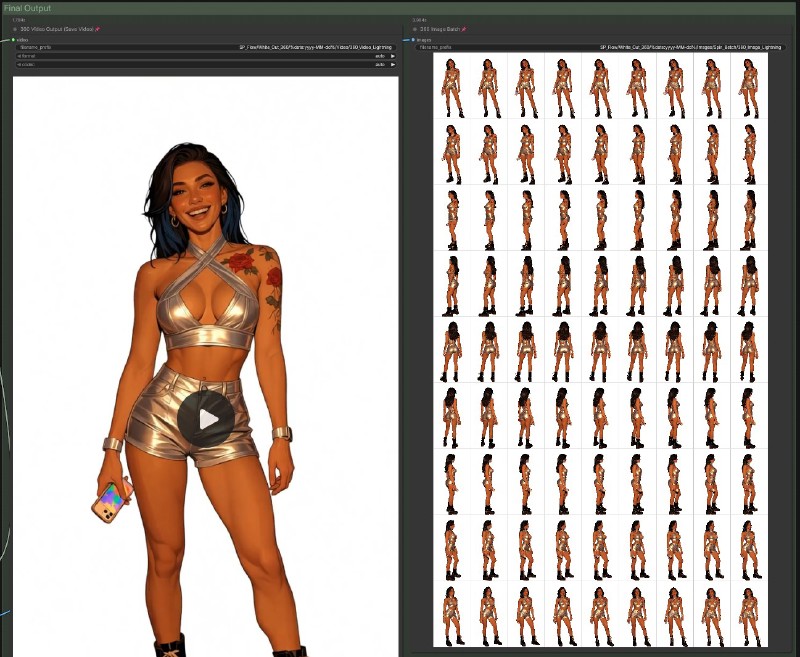
Takes the above output, creates a Wan 2.2 360 orbit video, outputting the video and an image batch of each frame
Final Output
A clean base image with no background for future use
A 360 orbit video that can be leveraged in other works
An image frame batch of the 360 video for use in character creation, reference images, lora training, or whatever else you have in mind (I've found multiple uses for the "slightly turned" variation of an image I just couldn't get a previous t2i prompt to behave on)
What Lead Here:
I've been looking to get more into automating runs through ComfyUI to serve multiple purposes in one go, while also bumping up against the desire to start training my first character LORAs with as little friction as possible to make prompting and output more consistent. That path merged on and lead me to @KelevraQuakenstein's 360 degree i2v video creator / image extractor which is in large part the basis of this workflow, but I was running into issues with Wan 2.2 generating weirdness with unique poses, positions, etc. which I started to diagnose largely down to background artifacts. Not to mention the generations for the far side of an image being kind of insane from time to time (as to be expected) as context is lost in the turn (and honestly never existed to begin with).
While playing with ideas that could help simplify and allow for reused prompts in bulk, I decided why not remove the background from a ton of images, then queue them up in my modified version of Kelevra's workflow, and call it good?
So I fired up the ComfyUI template I'd modified for Qwen 2511 image edit and started removing backgrounds. After some settings and prompt tweaking, I got it down to a decent beat with 95% plus success for what I was looking for. The issue was, with Qwen being less than instant on my hardware, I was stockpiling images and not seeing quick enough feedback on the 360 rotation and image batch to know if where I was headed was the right direction.
Then it clicked, why not clean them both up and combine them?
Enter my i2i2v - QWEN 2511 Background Remove to WAN 2.2 360 Spin (Lightning v1) workflow which allows us to remove the background to a blank slate (for use in other i2i setups), save our output image, then fire that image directly into the WAN 2.2 360 Spin workflow and save our output video and image batch, labeled, all simultaneously.
In the end, we should get an image with an edited subject, paired against a solid white background for future use/character creation/lora baseline generation. Immediately following this we get a 360 spin output video, and a batch of images that match on a per frame basis for training a lora or whatever else you feel is useful.
Overview
The process itself works off a modified combination of the ComfyUI Qwen Image Edit workflow and pairs that to a modification and cleanup of Kelevra's Wan 2.2 360 video creator and batch image extractor. The two workflows essentially pair, with the second awaiting the output of the first. This means you can fire multiple runs off with multiple images loaded up and walk away, the workflow should take care of the rest.
Full Workflow Overview:

Qwen 2511 Portion:

WAN 2.2 Video Portion:

Final Output:
Use the appropriate models for your VRAM/RAM/CPU needs, but this should be fairly plug and play to whatever hardware you're running on as long as you can get an appropriate model to run on it. Speed and clarity may vary, but overall the process should be smooth.
Prompting Guide (WIP)
Single Subject - Background Removal - 360 Orbit
The default prompt was tested over the course of 50+ generations to give solid results, more often than not, which was one of the main points of combining this into a single workflow (being able to batch this on one image after another) after coming back to a bunch of images that Qwen took liberties with I didn't account for with proper prompting in my first iteration of this across two workflows. This was on me, but partially defeated the purpose of the shotgun/automate approach I was looking for.
Qwen Portion (Workflow Default)
Positive:
Remove the background from the image and replace with a blank white backdrop, leaving only the same original human subjects in the same position, same pose, and same placement within the image.Negative:
NULLWan 2.2 Portion (Workflow Default)
Positive:
ultra realistic, super high detail, modeling, steady camera. orbit 360Negative:
Vibrant colors, overexposed, static, blurry details, subtitles, style, artwork, painting, image, still, overall grayish tone, worst quality, low quality, JPEG compression artifacts, ugly, incomplete, extra fingers, poorly drawn hands, poorly drawn face, deformed, disfigured, malformed limbs, fused fingers, motionless image, cluttered background, three legs, many people in the background, walking backwardsMultiple Subject - Background Removal - 360 Orbit
Multiple subjects tend to work fantastically in the Qwen image edit with the prompt I settled on (previous iterations would cause subject removal, over editing, or general AI nightmare generation). Success rate using the default is upwards of 90% for a clean cut, with success dropping the more "primary" subjects that are in the photo. Background subject it does well at cutting out. The Wan portion needs work, and will be updated. Usually you'll get a handful of good images out of it, but a large portion will be trash/have ghosting or artifacts/create AI limbs. Not ideal for lora use, may have some good character use.
Qwen Portion
Positive:
Remove the background from the image and replace with a blank white backdrop, leaving only the same original human subjects in the same position, same pose, and same placement within the image.Negative:
NULLWan 2.2 Portion
Positive:
WIP (to come after further testing/verification)Negative:
WIP (to come after further testing/verification)Object/Item - Background Removal - 360 Orbit
Further testing on the horizon, but will be updated after this is done. It worked on my cat flawlessly with the default, but I'd like to get a broader range here.
Qwen Portion
Positive:
WIP (to come after further testing/verification)Negative:
WIP (to come after further testing/verification)Wan 2.2 Portion
Positive:
WIP (to come after further testing/verification)Negative:
WIP (to come after further testing/verification)Tips
General use should be pretty simple as far as plug and play as long as you have the required nodes, and the correct models. I referenced by exact (searchable at your place of choosing) name in the workflow each of the diffusion models, loras, vae, and text encoders used in the workflow
I would, unless required, not change the prompts built in to the current workflow. You may have specific need to do so (in which case have at it) for specific poses, angles, or use cases, but for a single subject looking to create a character output what I have in place has worked for me with greater than 95% success on both ends
Sometimes the seed it picks just sucks for your subject, even if it isn't overly complicated/multiple people. I'd run a second round with a different seed before editing prompts heavily if this is the case
There is an optional rgthree lora node in the image edit portion which can be leveraged if your version of Qwen requires unlocking NSFW (if that's what you're looking to generate), or you want to edit an image in transit which may require the use of a lora
I've also left the default 2nd and 3rd image nodes from the ComfyUI template that can be leveraged as reference images should your prompt require it. My recommendation, though, would be that if you're going to get really crazy with image editing beforehand this batch workflow might not be the right solution for you, and a split set of workflows may work better for your situation (or an update/edit to mine with a custom pause/review node)
That said, you can go crazy with it and queue up multiple runs of this just to see what happens, which was the point to begin with (kick off ten runs, go do something else, see what you got - no need to babysit or wait for all the image edits and then queue up all the video outputs)
You're free to remove the Lightning lora in the image edit and use what I was calling the "full fat" version in testing, however I found that aside from adding 1-10 minutes (depending on the image complexity and size) to the Qwen portion, nearly no other benefit was gained. After extensive testing here I just scrapped that version entirely. If you're getting crazier with image editing in workflow, though, you may see benefit from it
Known Issues / Next to Come
Future Enhancements:
For version two my plan is to add enhanced throughput to image property identification and use, passing those down appropriately to later steps. Currently you still have to set the WAN 2.2 video output resolution and framerate to your desired needs, but I'm planning on enhancements here that update and variablize this data for future use and correct aspect ratio identification
Cleanup and general tightening of the workflow, visually. I'm on a Samsung G9 with plenty of side to side screen real estate, but I've also recently dropped from a four monitor setup to this and am a sucker for having too many things and references open at one time. In the next version if I don't need to see it (and you don't need to ever edit it) it'll likely be condensed and collapsed
Optional Upscale (image and video) in workflow will likely come with the update that allows for better handling of predetermined image sizing and cropping settings. Still trying to get better at this on my own and understand the math behind it before I worked it into something with this many moving pieces. There will likely be an add-on to this flow that is optional that adds frames and upscale, especially for when it's being used for things outside of character studies/lora data generation.
Variations of this workflow branching off for background replacement and related prompting, replacing the video stage two with a dedicated image edit prompt based on having a clean background slate to work with
Known Issues:
The WAN 2.2 portion can struggle with multiple subjects or weird rotational axis requirements (especially very elaborate poses) still. Editing the prompt to account for this specifically can help, but it hasn't solved everything (and somewhat defeated the purpose of being able to batch out a bunch of these) - long story short, the more complex your image/subject, the more tweaking you may have to do in that portion
If your model isn't spinning you're likely not using the Orbit lora. I wasn't, so mine weren't. Make sure you snag a version of that and you should be good to go.
Extremely large images plus Qwen on even decent hardware can add a ton of time to this, even with the lightning setup. I found that by cropping or resizing my images down it massively helped. You may have better hardware than my testing specs (5080, 64GB RAM, Ryzen 7 9800X3D) which may make that trivial, but you also might be using heavier models as a result. Smaller images will help with time frames massively.
Generation of off screen limbs if a subject is really out of center can still be a bit wonky. I've had it work, I've had it create nightmares. YMMV
Held objects can get a bit wonky as it spins/creates the third dimension there. Sometimes it works absolutely fine, other times not so much. The most awkwardness I've seen in testing is on cell phones held awkwardly for selfies. If you're cropping after for a face lora this is essentially a non-issue, but if you're doing this for a character/full body use you may want to crop those portions out (or tag accordingly)
While cleaning up to publish today something I did stopped the clear VRAM node from posting to console, will look into and fix with the first update
General Notes:
Theoretically this works with Qwen 2512 or Qwen 2509, or whatever similar version you choose, as long as you use the correct VAE, Clip, and Diffusion Models
If you want to use something like Wan NSFW Posing Nude for your batch image generation you absolutely can, just swap the Orbit Lora for that (or bypass and and a lora node to the Wan portion), the goal of the batch is to get character output/multiple angles, other non 360 rotation loras would serve this purpose well, just edit and prompt accordingly
When the more complex version happens I'll likely fork this one leaving it as light weight as possible, and branch from there
I'm working on a prompt guide to add to the top of this that has more success for multiple subjects/different subjects/more unique poses. Update to come (in progress above)