1 Click Image set Workflow (10)

Details
Download Files (1)
Model description
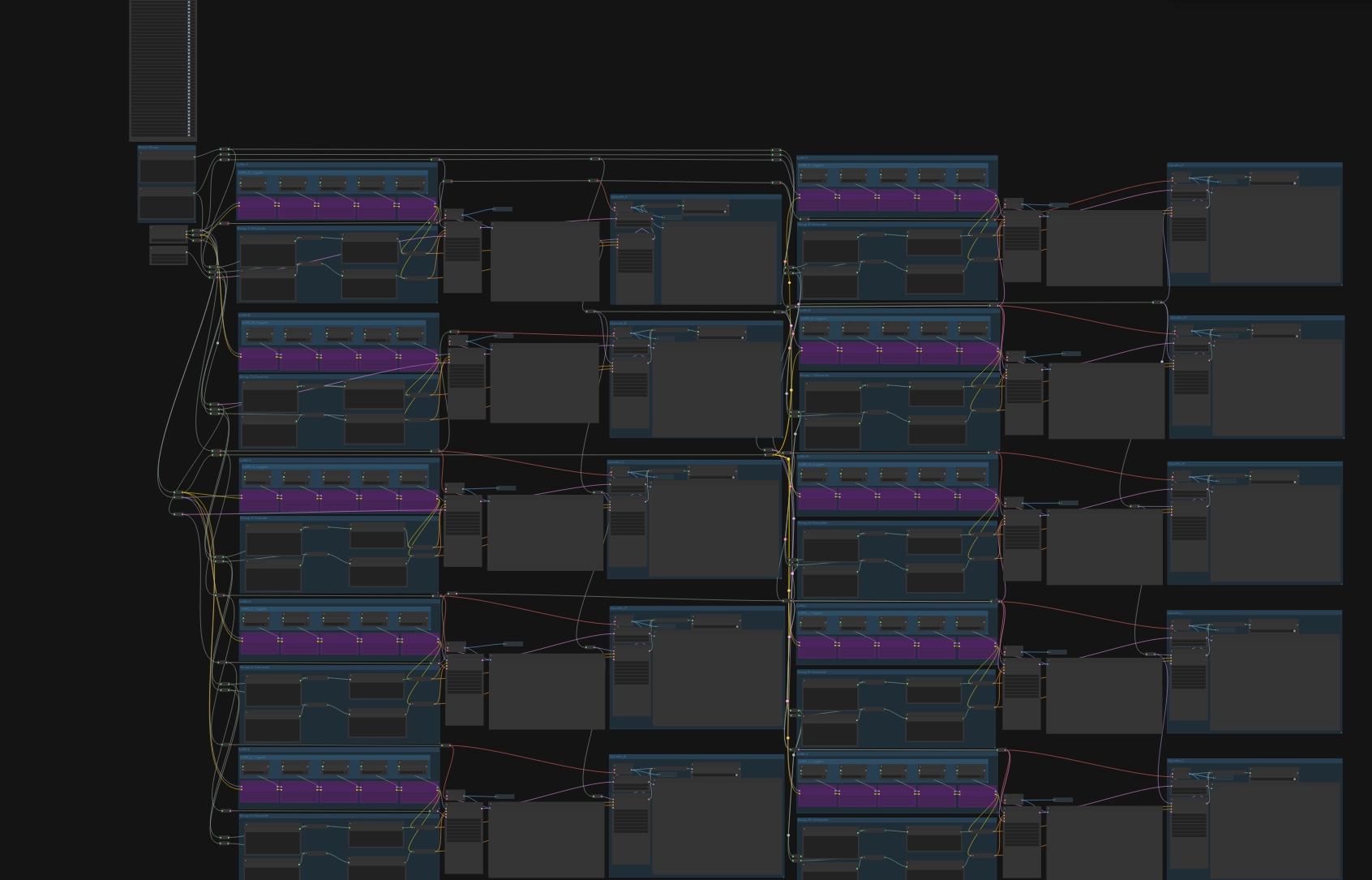
Workflow Usage Guide Multi-Group Generator
This workflow allows you to generate 1–10 images with one click, using multiple character groups while sharing one global environment prompt.This workflow creation is a collaborated work with AuroraDragon, the Workflow Bounty Winner.
Workflow Structure Overview
GROUP 1  → Character A
GROUP 2  → Character B
GROUP 3  → Character C
GROUP 4  → Character D
GROUP 5  → Character E
GROUP 6  → Character F
GROUP 7  → Character G
GROUP 8  → Character H
GROUP 9  → Character I
GROUP 10 → Character J
GLOBAL GROUP → Shared Environment Prompt
GROUP 1–10 Character Groups
Each group represents one image type.
You may:
Use 1 group only, or
Use all 10 groups, or
Any number in between
✅ Put in Character Groups
Gender
Species
Race
Face features
Hair
Eye color
Anthro / feral traits
Character-specific tags
Character-specific negatives
Optional LoRAs (1–5)
❌ Do NOT Character Groups
Background
Pose
Clothing
Scene
Camera angle
Lighting
GLOBAL GROUP Shared Prompt
This group controls everything shared across all characters.
Anything written here is automatically appended to all 10 groups.
✅ Put Here
Clothing
Pose
Background
Environment
Lighting
Mood
Camera angle
Time of day