Tutu's favorite (cute bunny)\图图的心头好(可爱小兔)


Details
Download Files (1)
About this version
Model description
Created with Tutu AI Workflow
Tagged with Tutu Annotator. Trained with Tutu Trainer.
This LoRA is part of my Tutu AI workflow. Tutu Trainer is used for LoRA training, model resource management, parameter presets, and training checks. Tutu Annotator is used for dataset annotation, prompt reverse engineering, English-friendly tags, and cleaner searchable captions.
For an animal LoRA, clean captions help the model understand the target subject instead of mixing it with the whole scene. In this case, the target is simple and direct: a cute rabbit / bunny portrait direction.

- Official website: https://zhaotutu.xyz/
- Tutu Trainer: https://zhaotutu.xyz/downloads/tututrainer/
- Tutu Annotator: https://zhaotutu.xyz/downloads/tutuannotator/
- Bilibili: https://space.bilibili.com/431046154
- YouTube: https://www.youtube.com/@zhaotutu/videos
- Telegram: https://t.me/zhaotutu
- TikTok: https://www.tiktok.com/@zhaotututu
- Reddit: https://www.reddit.com/user/zhaotututu/
- GitHub: https://github.com/zhaotututu
- Email: [email protected]
- QQ: 331506796
Tutu's Favorite: Cute Bunny
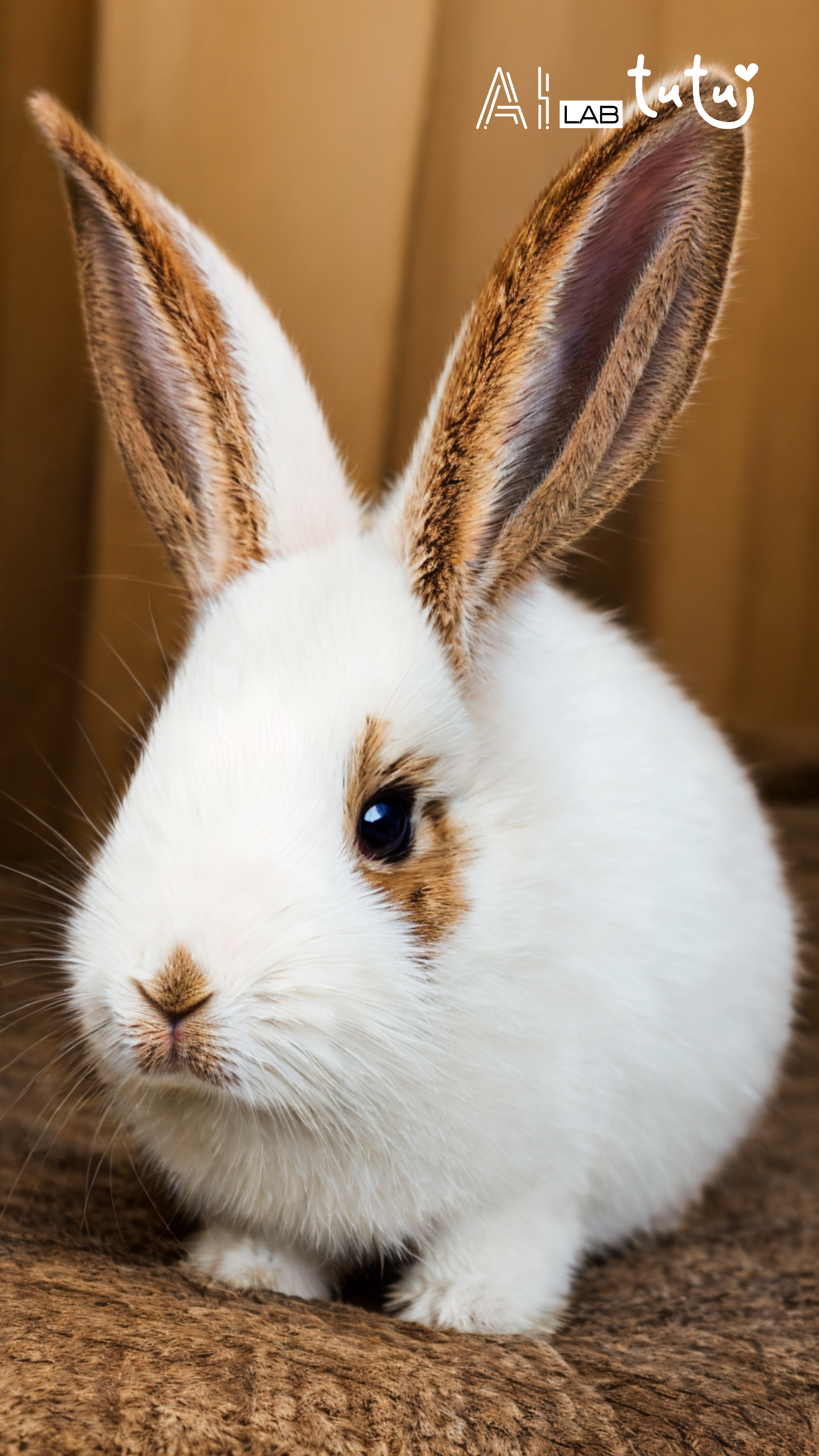
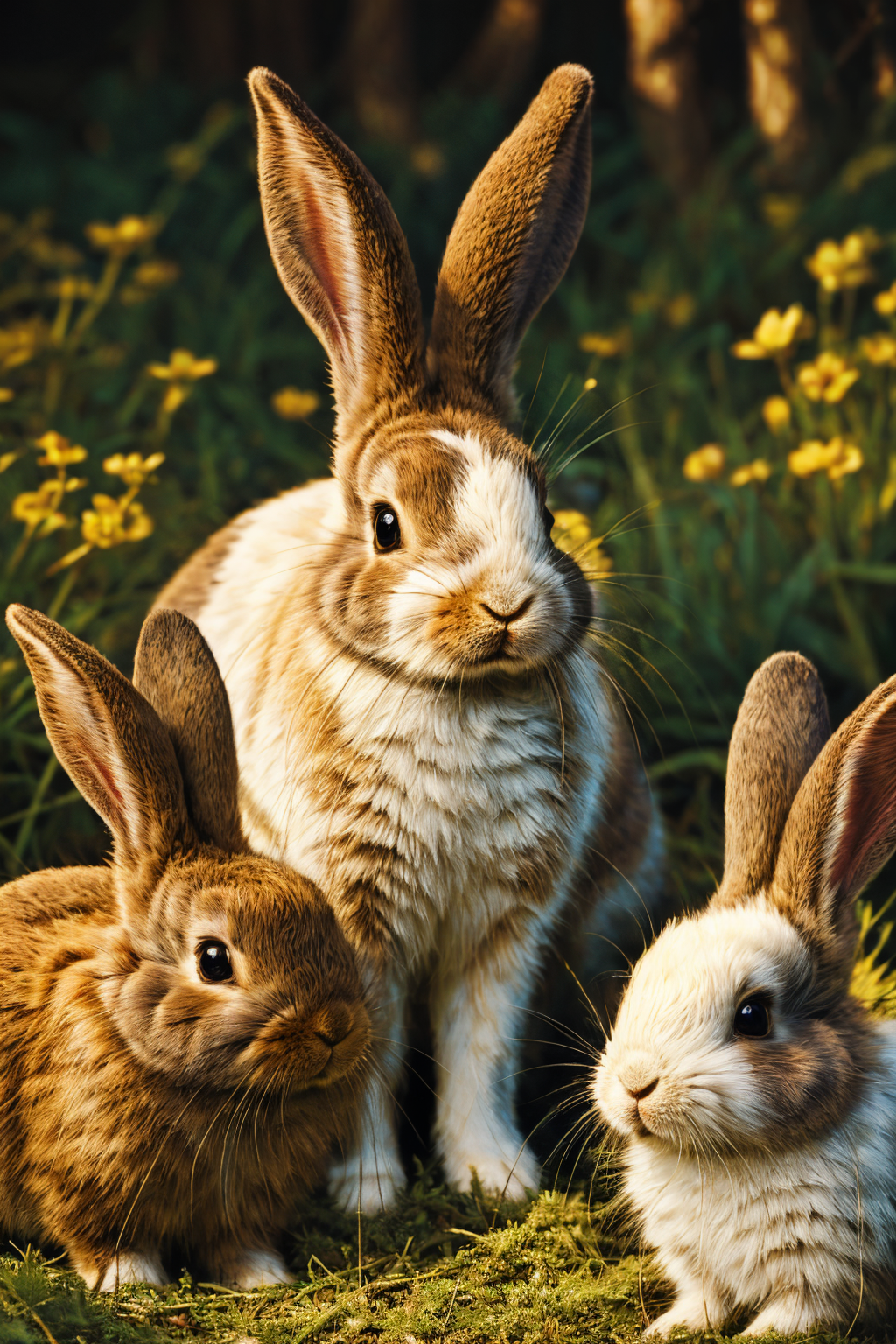
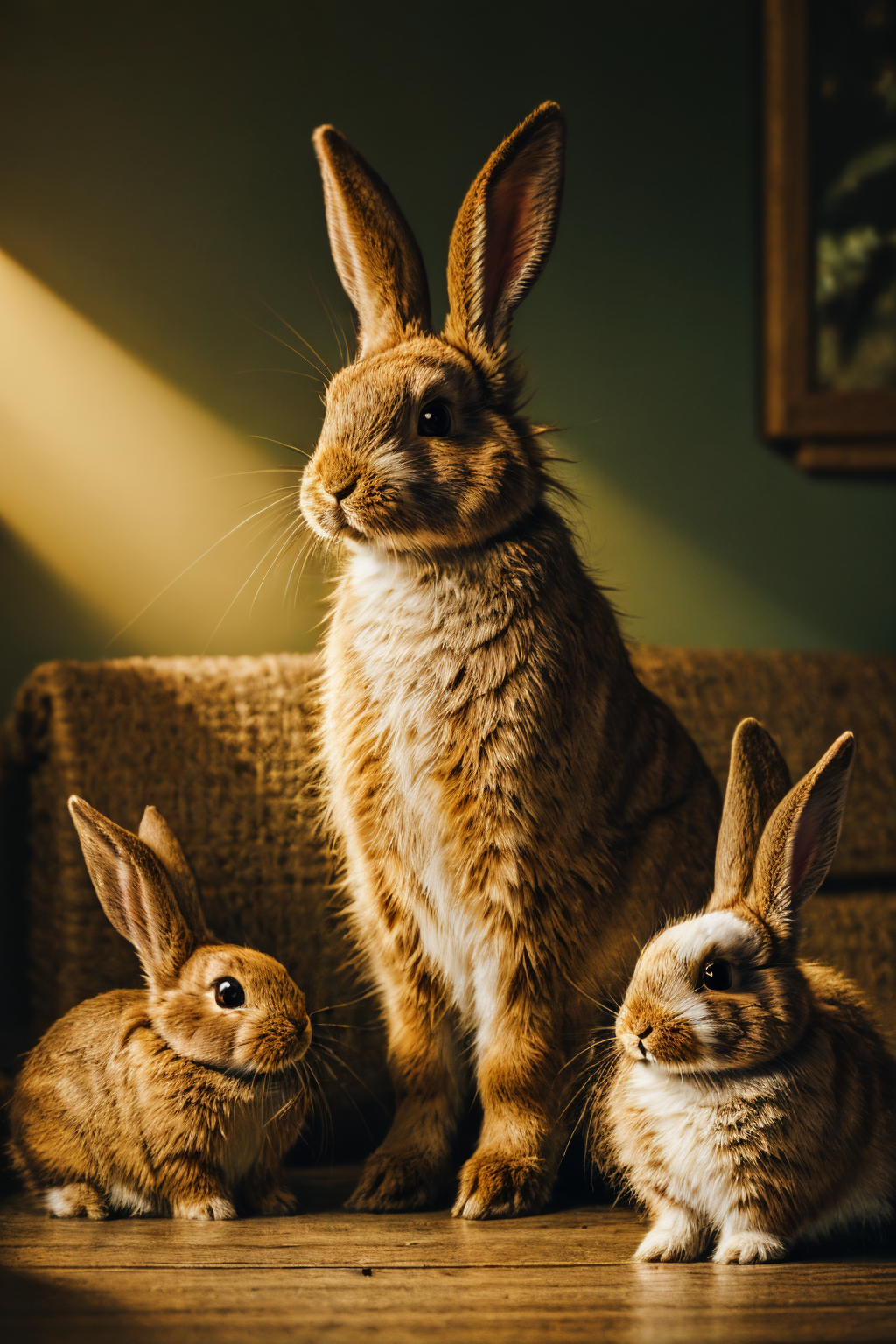
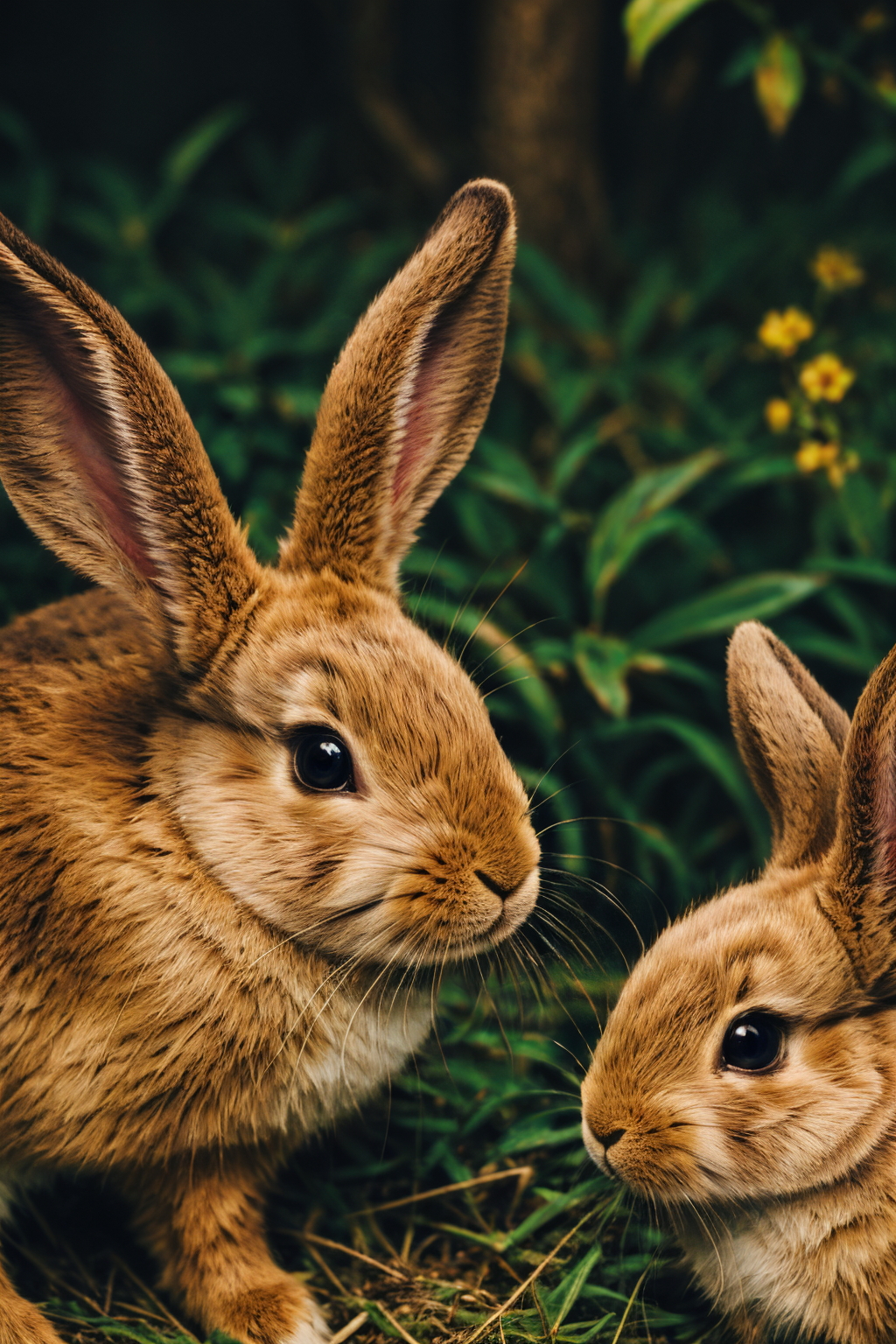
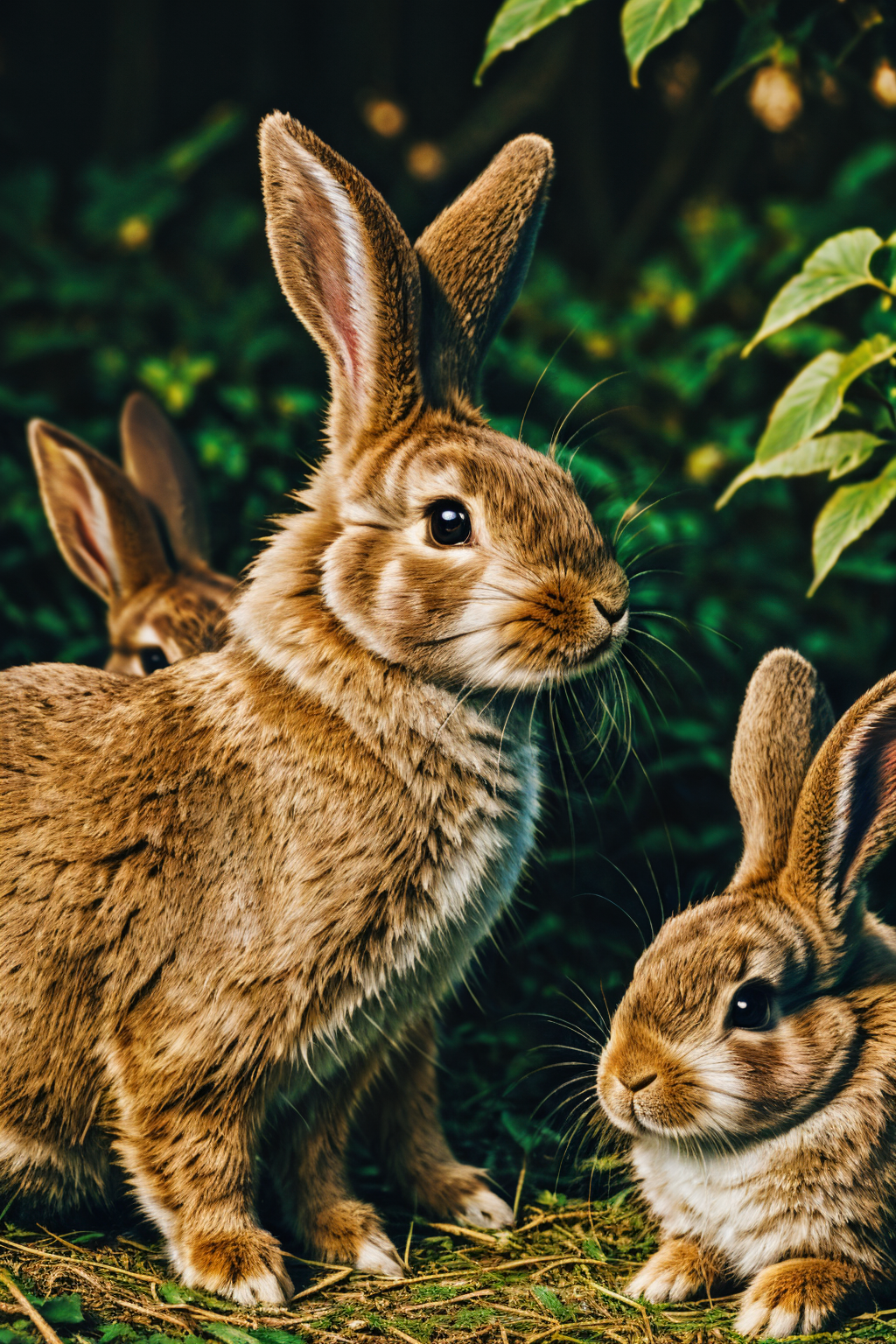
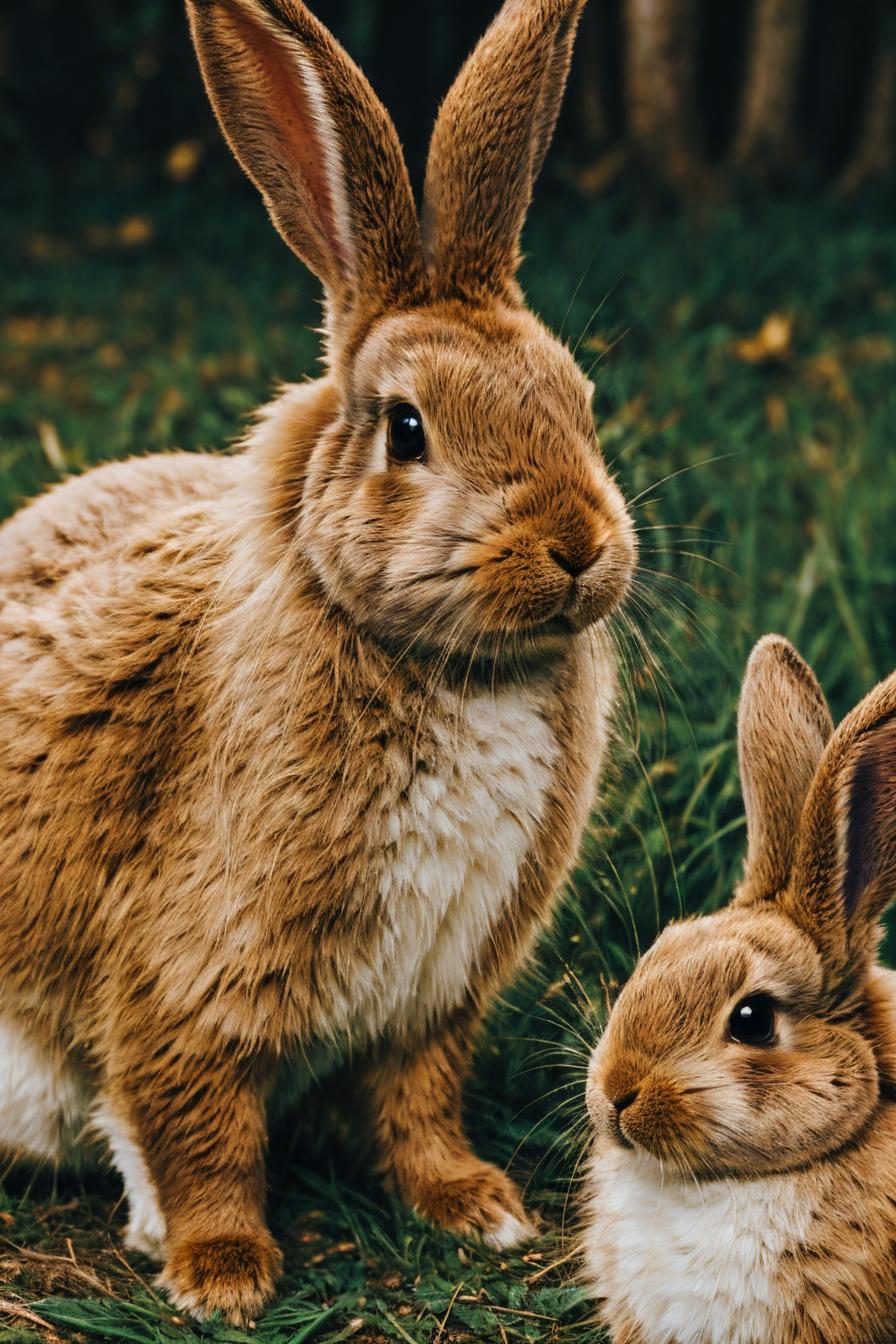
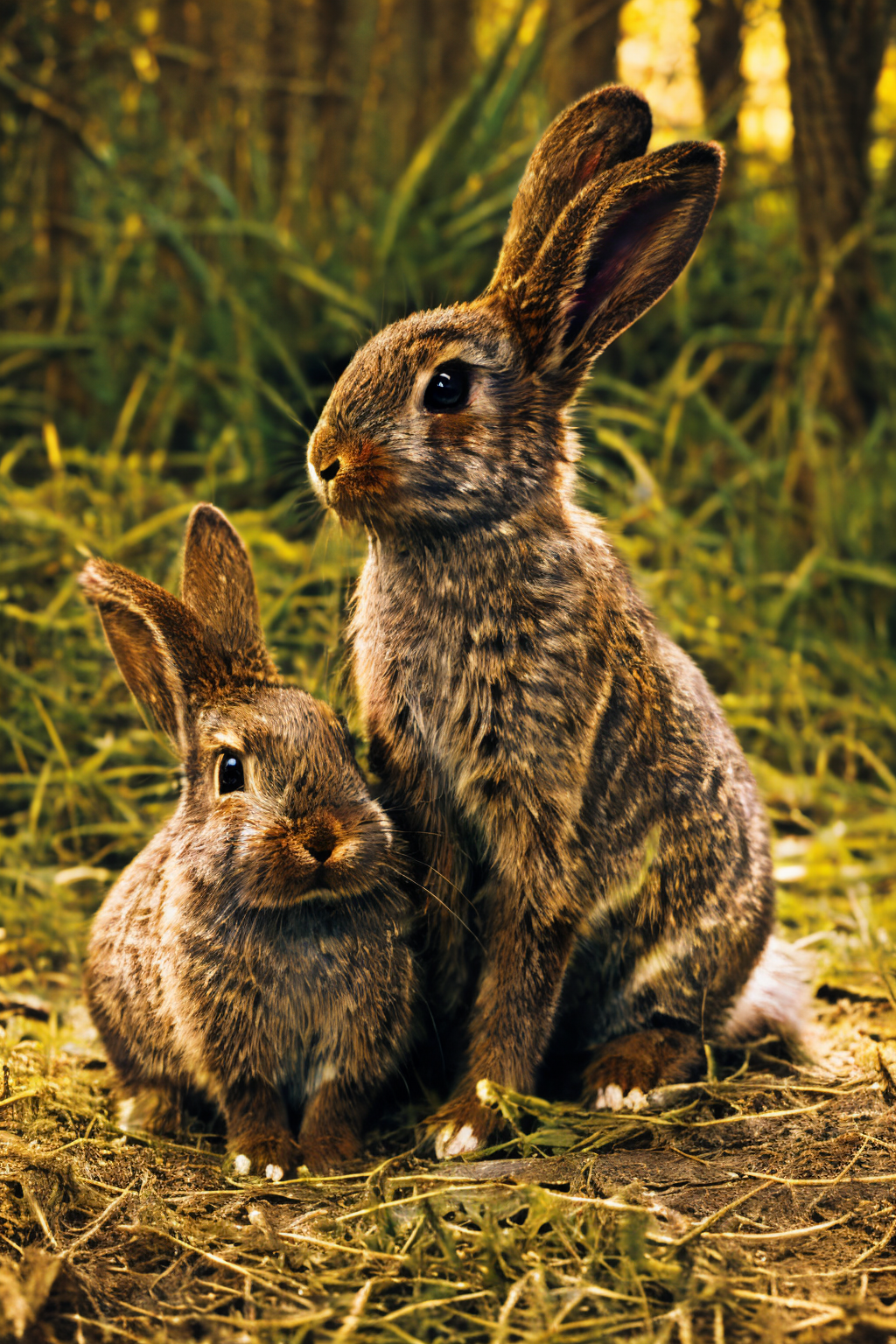
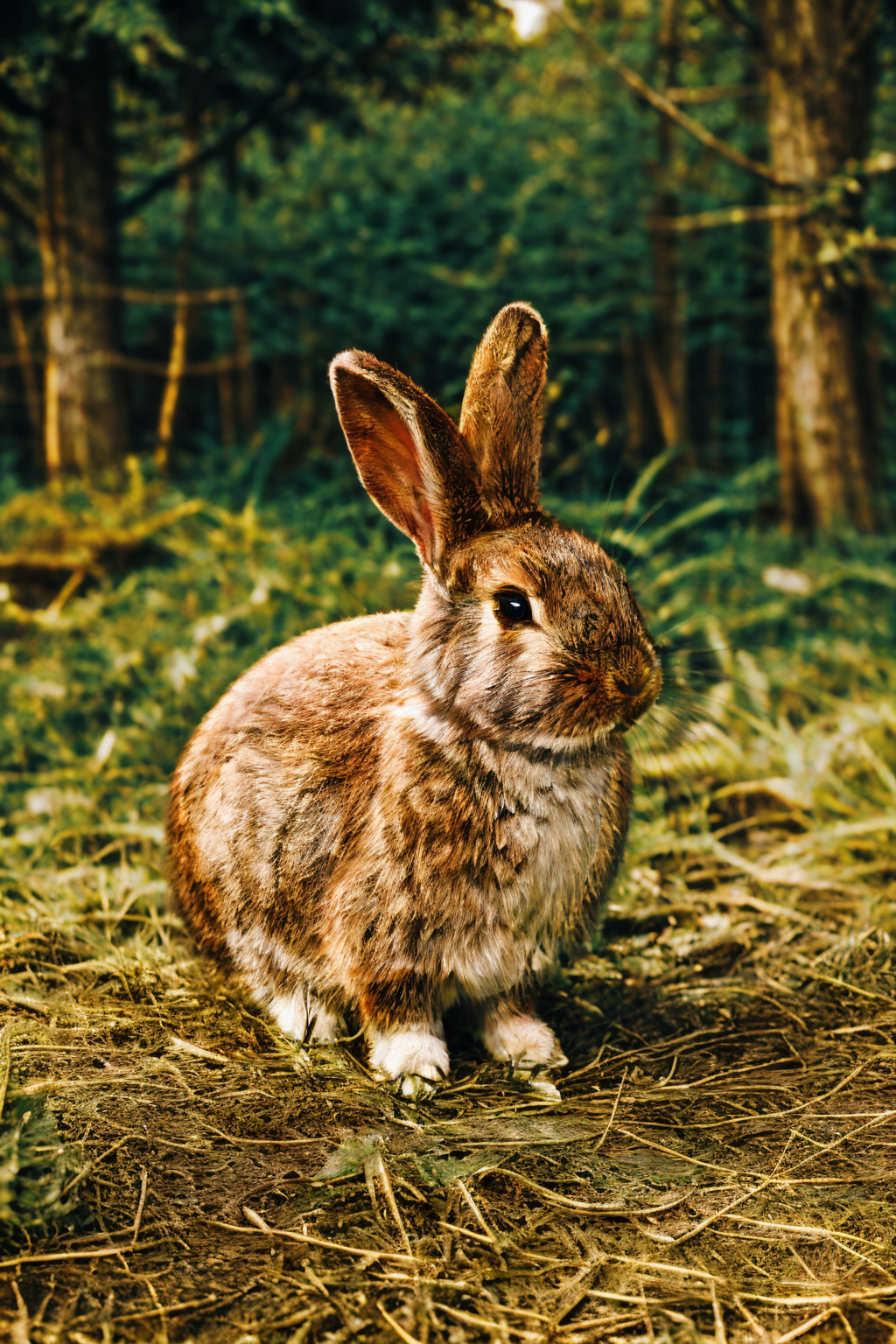
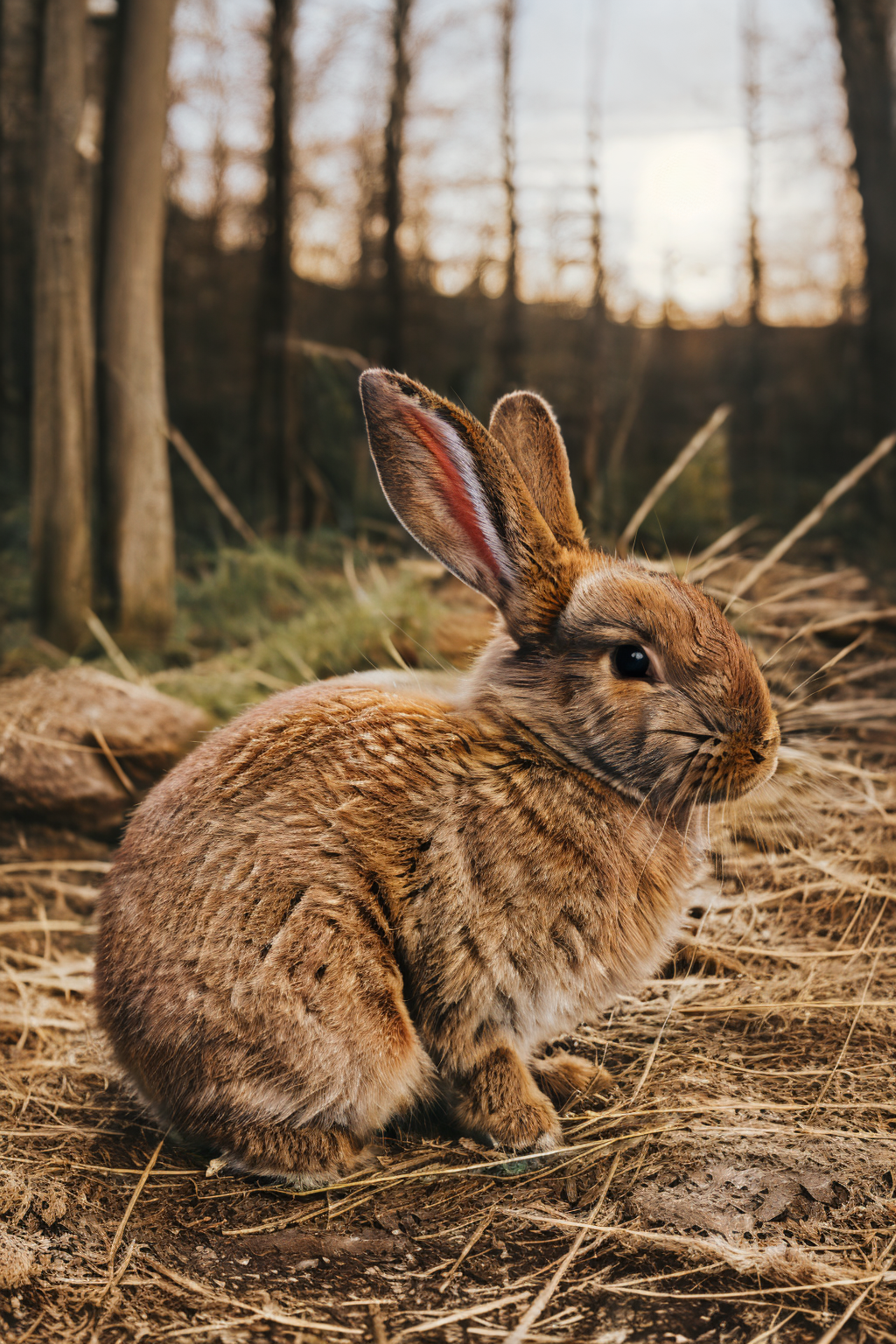
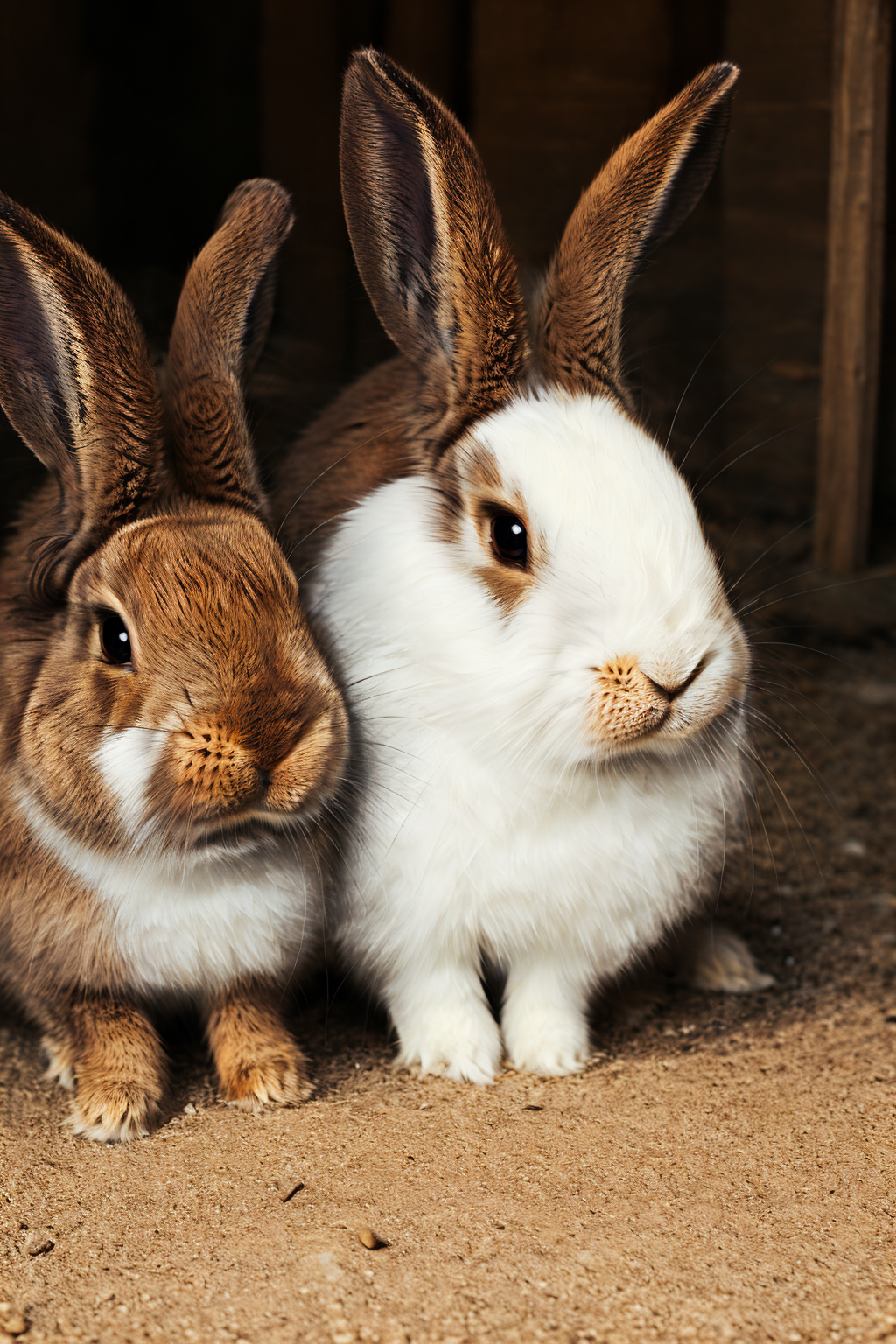
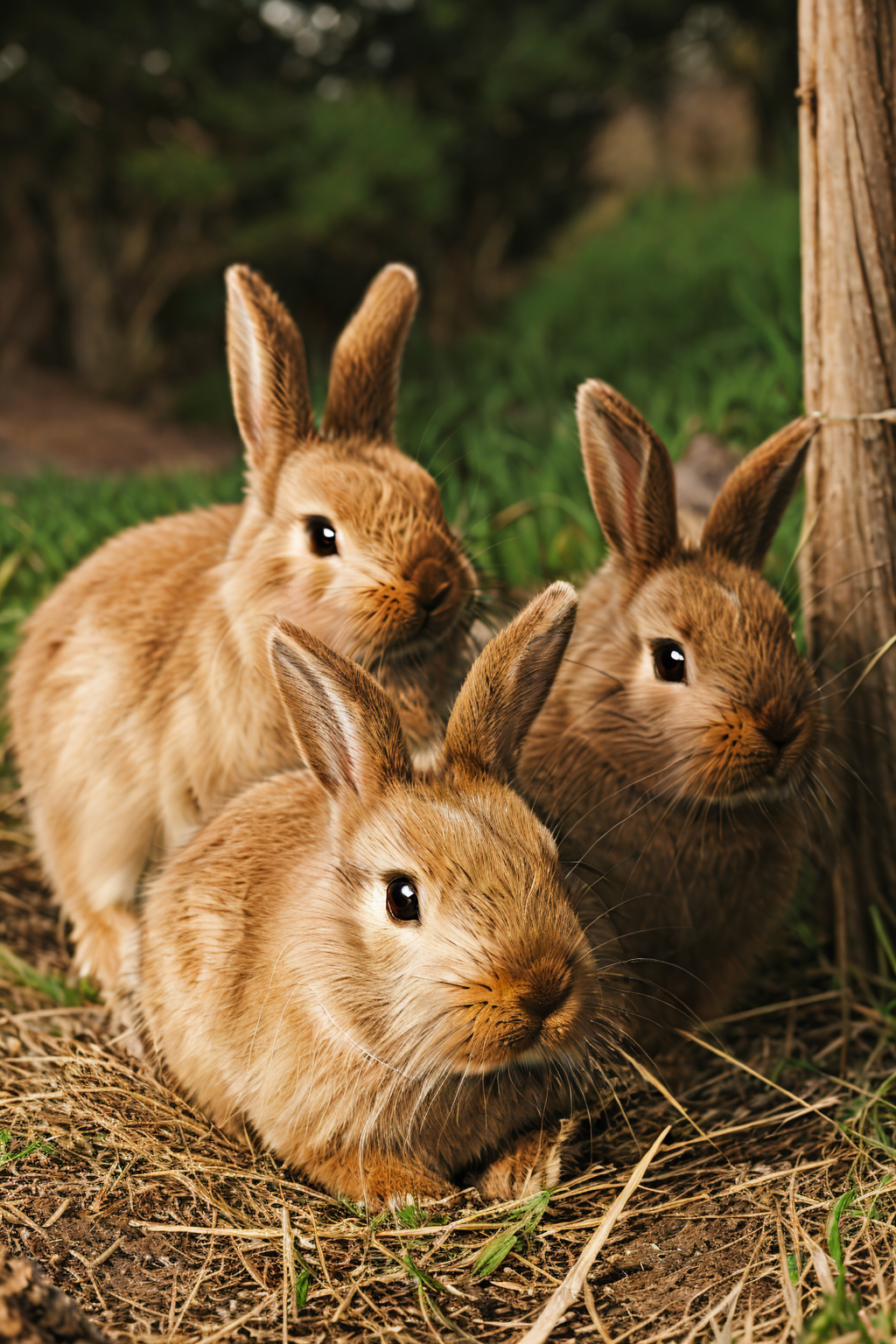
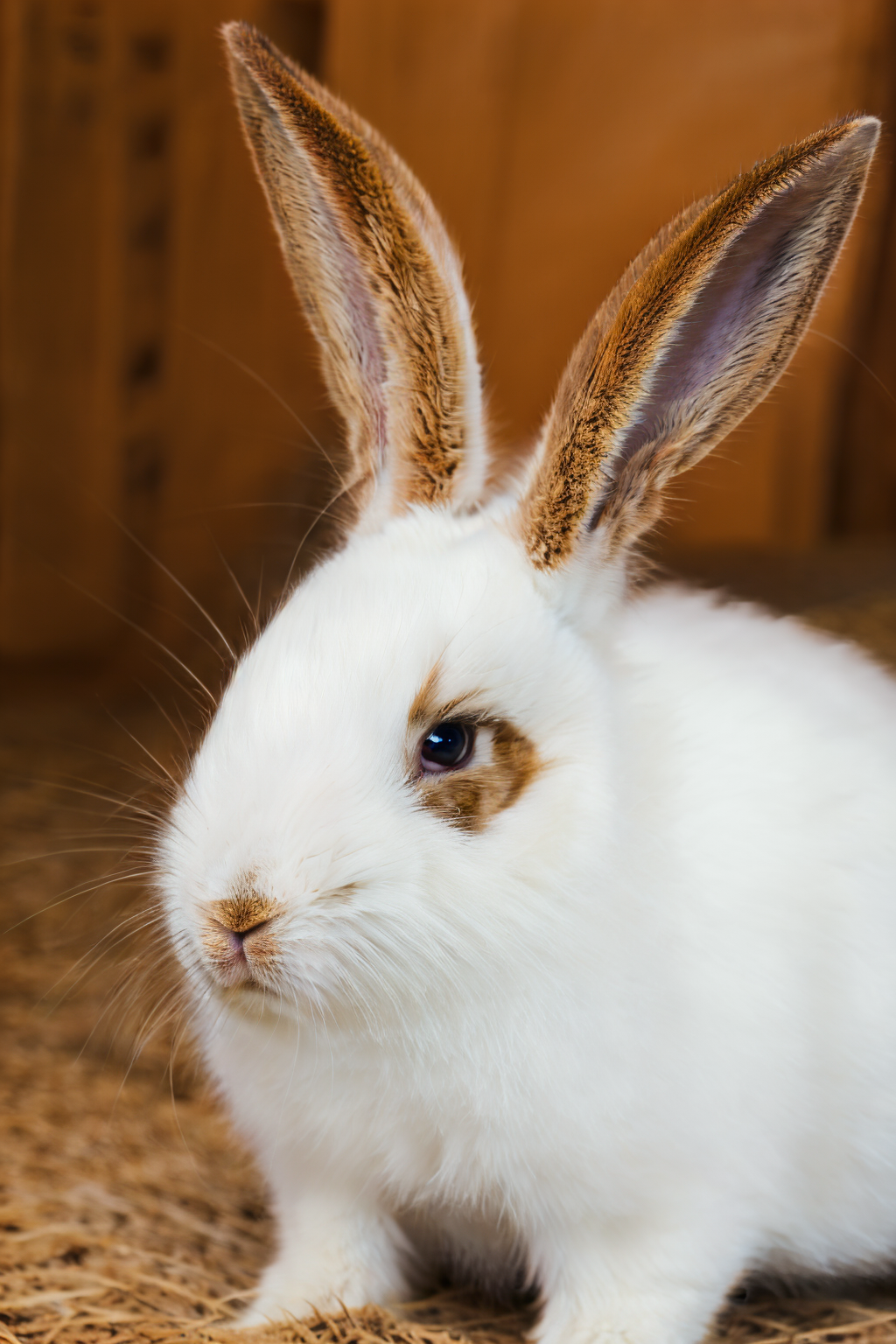
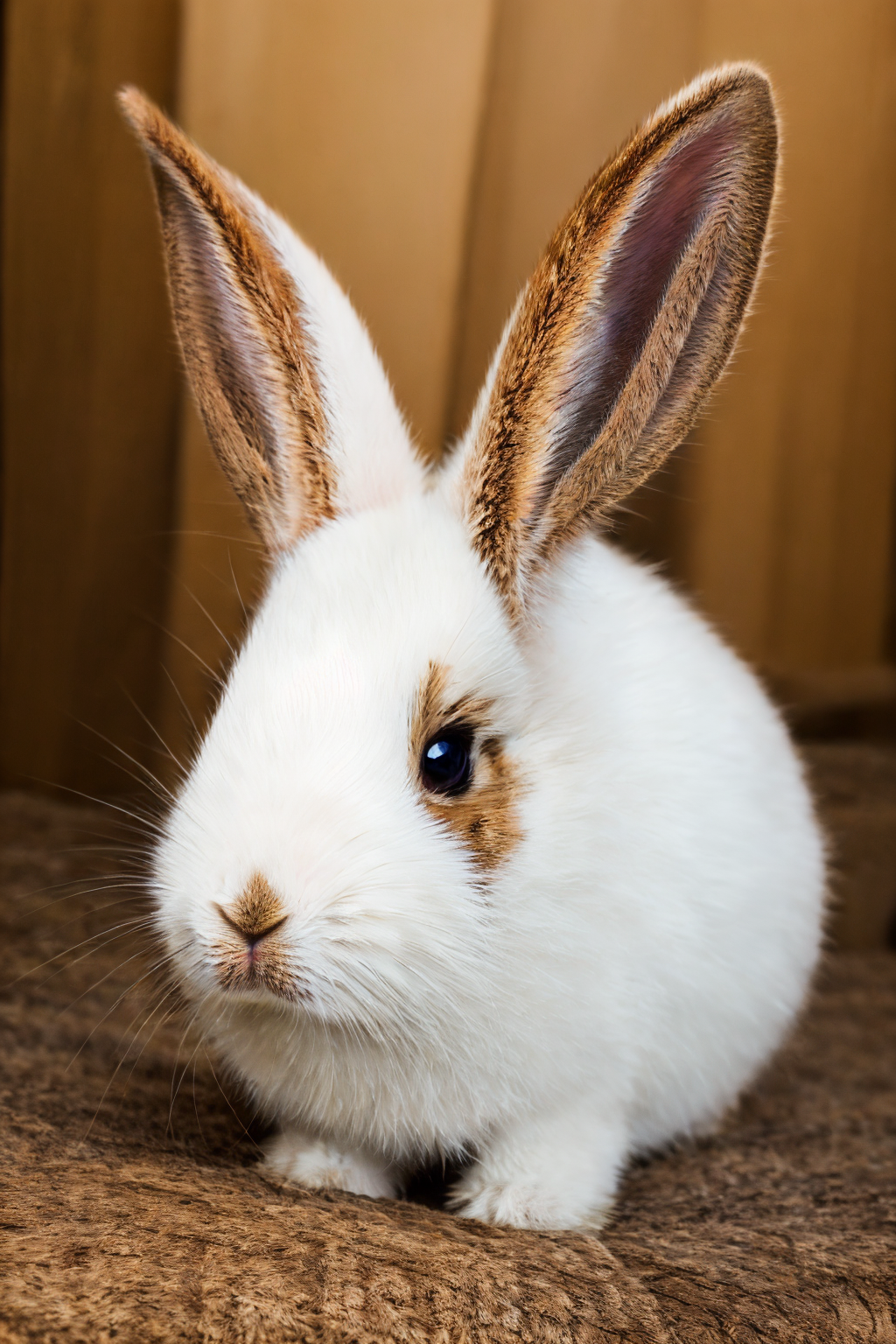
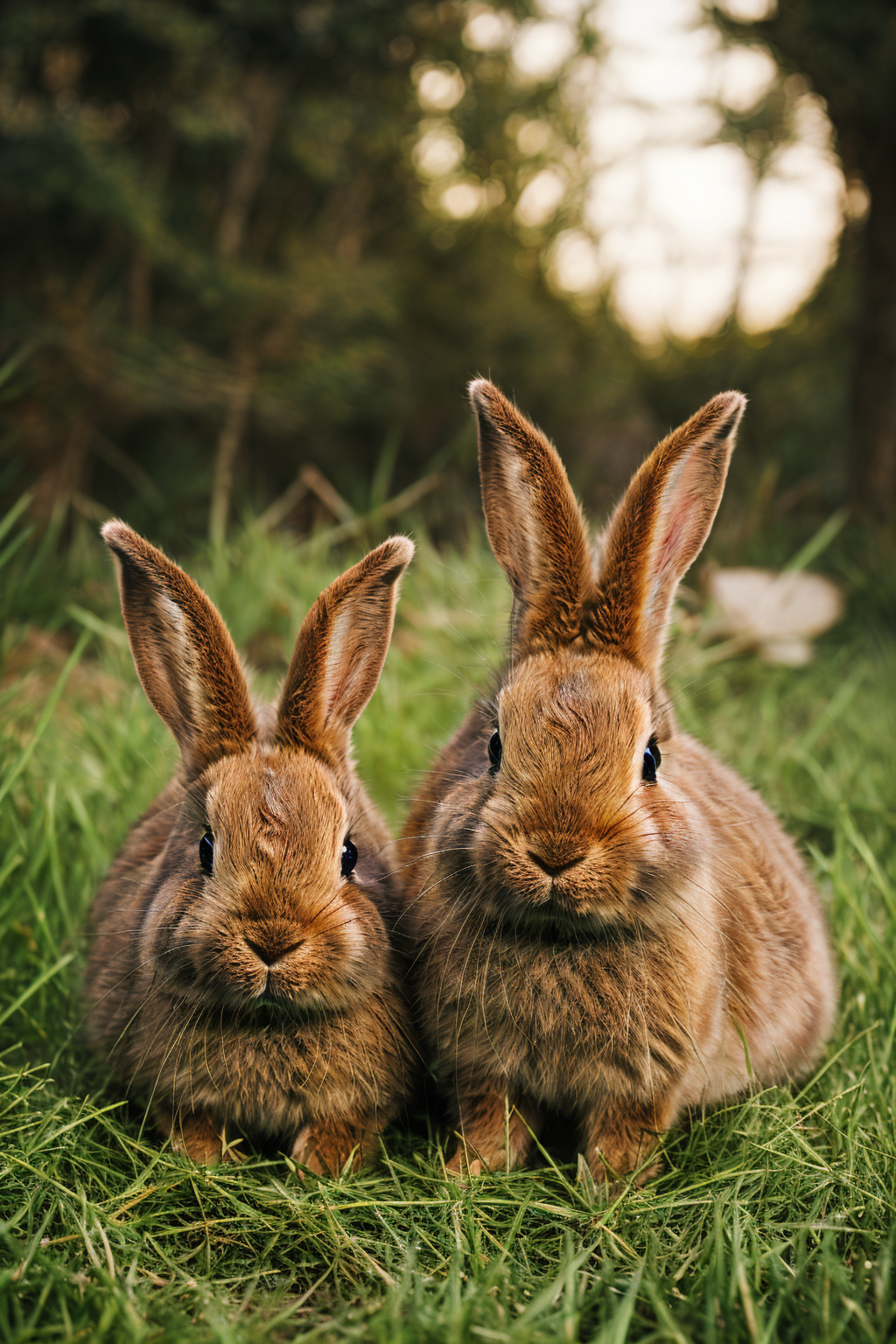
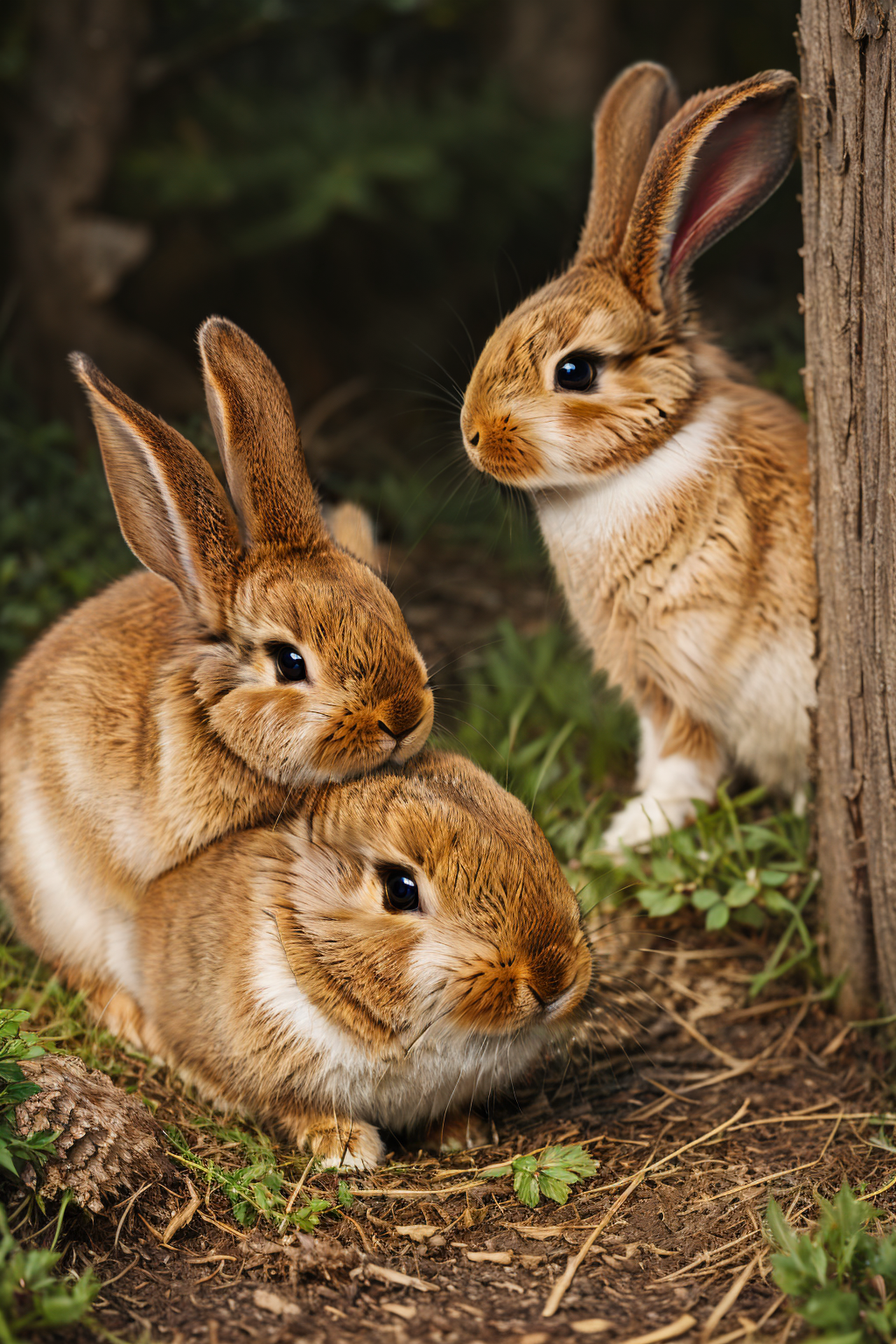
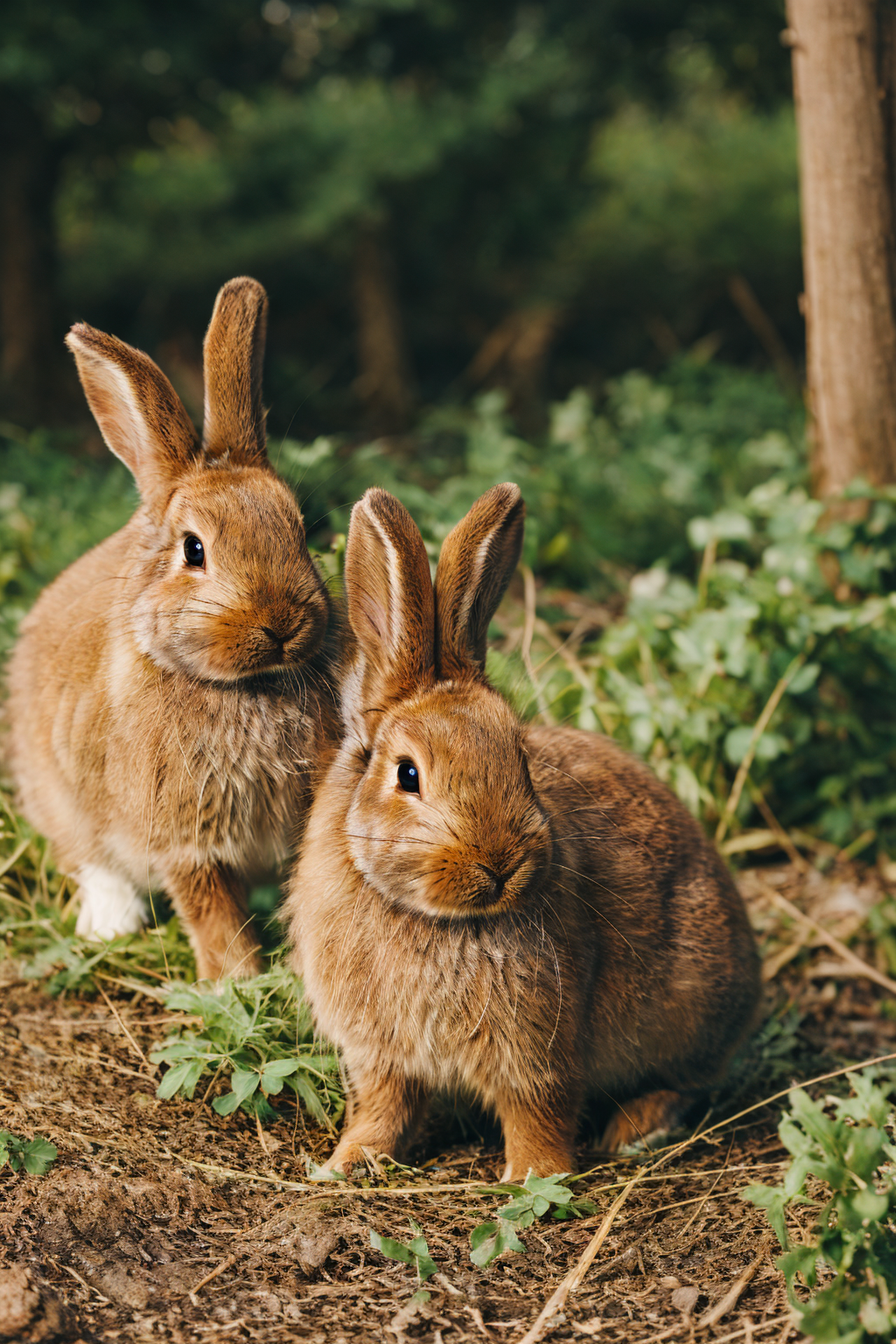
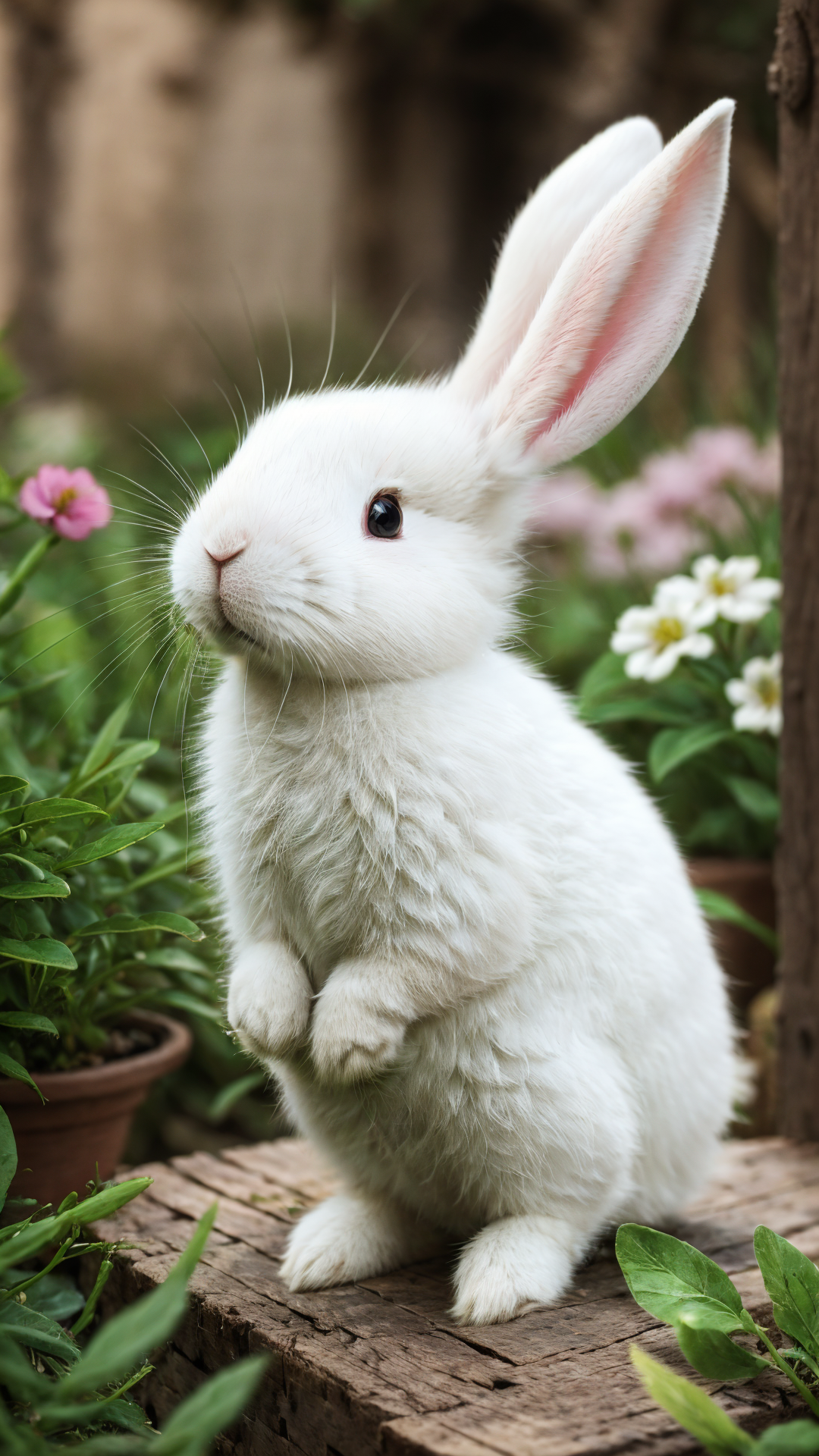
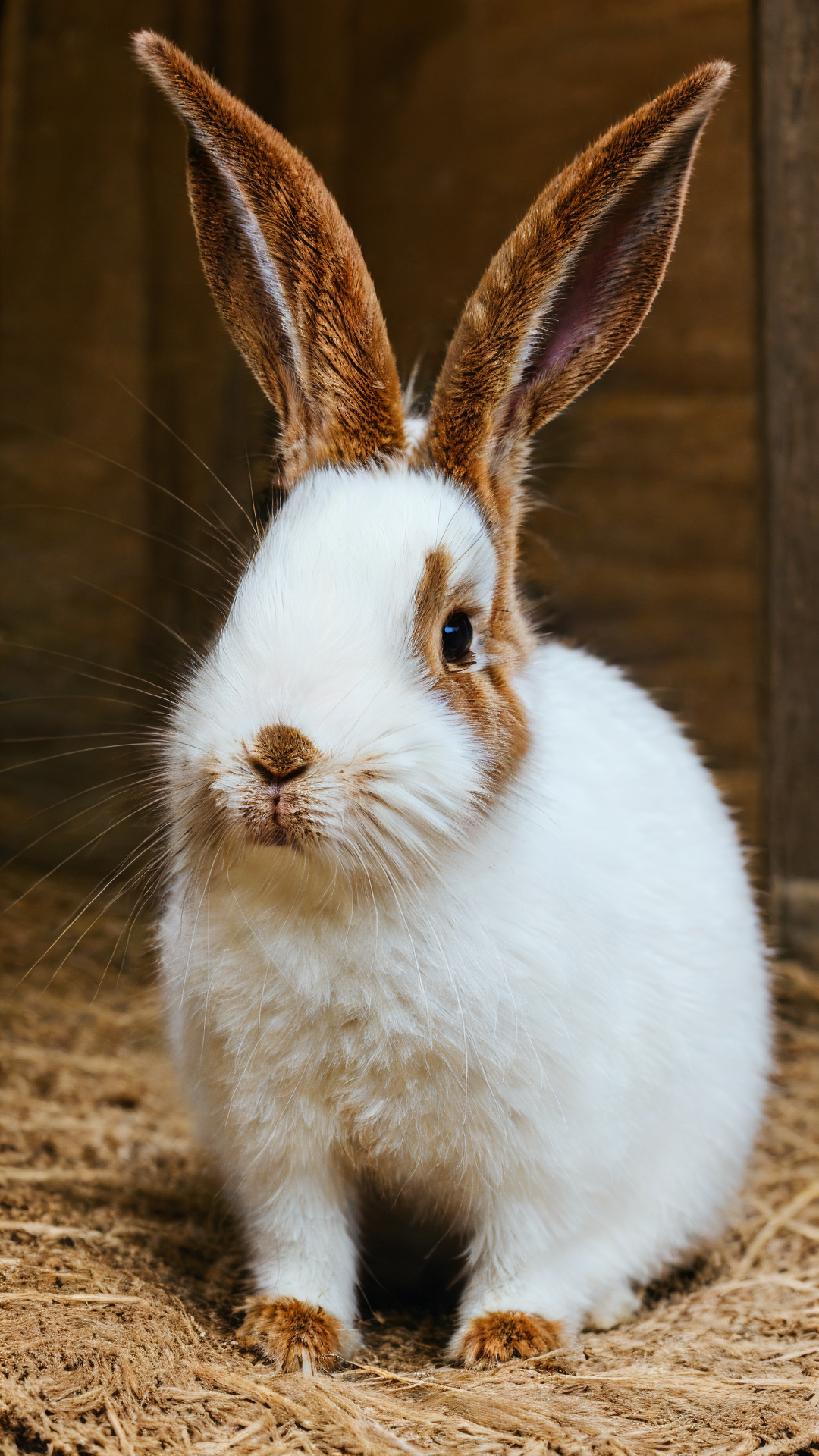
This is a cute rabbit / bunny LoRA for SD 1.5. If you use this model, the base model will be pushed strongly toward a cute bunny direction. In the original test, many different checkpoints were not spared. That is the fun of this model.
Compared with my clothing and pantyhose models, this one is simpler and more playful. It is useful when you want an animal portrait, a cute rabbit character, a fluffy bunny close-up, or a themed illustration where the rabbit is clearly the center.
- Type: cute rabbit / bunny animal LoRA
- Base model: SD 1.5
- Main trigger:
animal portrait, tutututu, rabbit - Important: this older SD 1.5 model uses four "tu":
tutututu - Recommended LoRA weight: adjust by preference
- High-resolution fix: recommended, but keep it gentle; around 0.35 is a good starting point
What this model is good at
- Creating cute rabbit / bunny portraits.
- Making the rabbit subject stronger even on checkpoints that do not naturally prefer animal portraits.
- Producing fluffy, soft, and charming animal images.
- Working for close-up, half-body, and themed illustration directions.
- Adding a playful subject-focused LoRA to an SD 1.5 workflow.
Recommended settings
- Make sure the LoRA is loaded correctly.
- Use
animal portrait, tutututu, rabbit. - Adjust LoRA weight by taste. Higher weight gives a stronger rabbit lock; lower weight leaves more room for the base checkpoint.
- High-resolution fix is recommended, but do not set the denoising strength too high. Start around 0.35.
- If the image becomes too forced, lower the LoRA weight before changing the whole prompt.
- If the rabbit features are weak, strengthen
rabbit,bunny,animal portrait, andfluffy.
Prompt keywords
Main trigger:
animal portrait, tutututu, rabbit
cute rabbitcute bunnyanimal portraitfluffy rabbitwhite rabbitbunny close-upsoft furstorybook illustrationstudio animal portrait
Generation notes
This model has a very clear personality: it tries to bring the rabbit forward. If that is exactly what you want, use a stronger weight and a simple animal portrait prompt. If you want a more balanced scene, lower the weight and describe the background, lighting, and composition carefully.
Different checkpoints will produce different rabbit styles. Some may become realistic, some may become cute and illustrated, and some may become fantasy-like. Use the example images as a direction rather than a fixed answer.
Responsible use
- You are fully responsible for any creative work made with this model.
- Do not use this model to create or share illegal, harmful, malicious, defamatory, fraudulent, or political content.
- If you use this model commercially or need custom LoRA cooperation, please contact me first. Thank you.
中文说明
这是图图的心头好:可爱小兔 / 兔子动物 LoRA。用这个模型时,它会把大模型很明确地往可爱小兔方向推。原始测试里,各种大模型基本都无一幸免,这也是这个模型好玩的地方。
和我的服装、丝袜类模型相比,这个模型更简单、更轻松。它适合动物肖像、可爱兔子角色、毛茸茸小兔特写,以及以兔子为主体的主题插画。
- 类型:可爱小兔 / 兔子动物 LoRA
- 基础模型:SD 1.5
- 主触发词:
animal portrait, tutututu, rabbit - 重要:这是较早的 SD 1.5 模型,使用 四个 tu:
tutututu - 推荐 LoRA 权重:看你自己的喜好调整
- 高清修复:建议开启,但不要太高,0.35 左右可以作为起点
模型特点
- 适合生成可爱兔子 / 小兔肖像。
- 即使底模本身不偏动物肖像,也能把兔子主体推出来。
- 容易生成毛茸茸、柔软、可爱的动物图。
- 适合特写、半身、主题插画等方向。
- 是一个很直接、很有趣的 SD 1.5 主体 LoRA。
推荐设置
- 先确认 LoRA 已经正确加载。
- 使用
animal portrait, tutututu, rabbit。 - 权重按喜好调整。权重越高,小兔特征越强;权重越低,底模发挥空间越大。
- 建议开启高清修复,但重绘幅度不要太高,可以从 0.35 左右开始。
- 如果画面被推得太强,先降低 LoRA 权重。
- 如果兔子特征不够,请加强
rabbit、bunny、animal portrait、fluffy。
提示词参考
主触发词:
animal portrait, tutututu, rabbit
cute rabbitcute bunnyanimal portraitfluffy rabbitwhite rabbitbunny close-upsoft furstorybook illustrationstudio animal portrait
出图建议
这个模型的性格很明确:它就是会努力把小兔推到画面里。如果你想要很强的小兔主体,可以提高权重并使用简单的动物肖像提示词。如果你想要更平衡的场景,就降低权重,并把背景、光线和构图描述清楚。
不同底模会给出不同的小兔风格。有的更写实,有的更可爱插画,有的会偏幻想。例图可以作为方向参考,不必追求完全一致。
声明
- 你需要对使用本模型生成的任何作品承担全部责任。
- 请不要使用本模型制作或传播违法、有害、恶意、诽谤、诈骗或政治相关内容。
- 如果你希望将本模型用于商业用途,或有定制 LoRA / 合作需求,请先联系我,谢谢。
日本語説明
これは Tutu's favorite: cute rabbit / bunny animal LoRA です。このモデルを使うと、base model がかなり強く cute bunny 方向へ引っ張られます。元のテストでは、いろいろな checkpoint がほとんど逃げられませんでした。そこがこのモデルの楽しいところです。
clothing や pantyhose モデルと比べると、これはもっとシンプルで playful な LoRA です。animal portrait、cute rabbit character、fluffy bunny close-up、rabbit を中心にした illustration に向いています。
- Type: cute rabbit / bunny animal LoRA
- Base model: SD 1.5
- Main trigger:
animal portrait, tutututu, rabbit - Important: this older SD 1.5 model uses four "tu":
tutututu - Recommended LoRA weight: adjust by preference
- High-resolution fix: recommended, but keep it gentle; around 0.35 is a good starting point
Model Features
- Good for cute rabbit / bunny portraits.
- Makes the rabbit subject stronger even on checkpoints that do not naturally prefer animal portraits.
- Produces fluffy, soft, charming animal images.
- Works for close-up, half-body, and themed illustration directions.
- A direct and playful subject LoRA for SD 1.5.
Recommended Settings
- Make sure the LoRA is loaded correctly.
- Use
animal portrait, tutututu, rabbit. - Adjust LoRA weight by taste. Higher weight gives a stronger rabbit lock; lower weight leaves more room for the base checkpoint.
- High-resolution fix is recommended, but start around 0.35.
- If the image becomes too forced, lower the LoRA weight first.
- If rabbit features are weak, strengthen
rabbit,bunny,animal portrait, andfluffy.
Prompt Keywords
Main trigger:
animal portrait, tutututu, rabbit
cute rabbitcute bunnyanimal portraitfluffy rabbitwhite rabbitbunny close-upsoft furstorybook illustrationstudio animal portrait
Generation Notes
This model has a clear personality: it tries to bring the rabbit forward. If you want a strong bunny subject, use a stronger weight and a simple animal portrait prompt. If you want a balanced scene, lower the weight and describe background, lighting, and composition.
Responsible Use
- You are responsible for any creative work made with this model.
- Do not use this model for illegal, harmful, malicious, defamatory, fraudulent, or political content.
- For commercial use, custom LoRA, or cooperation, please contact me first.