Tutu's black eye (2.5D large model)/图图的黑眼圈(2.5D大模型)


詳細
ファイルをダウンロード (1)
このバージョンについて
モデル説明
Created with Tutu AI Workflow
Built with Tutu Trainer workflow. Tagged and documented with Tutu Annotator support.
This checkpoint is part of my Tutu AI workflow. Tutu Trainer is used for training, model resource management, parameter presets, and training checks. Tutu Annotator helps build cleaner English-friendly tags, searchable captions, and more consistent documentation.
For a checkpoint, the workflow goal is not only a single trigger word. It is the whole generation experience: face quality, good-image rate, 2.5D stability, and predictable parameter behavior.

- Official website: https://zhaotutu.xyz/
- Tutu Trainer: https://zhaotutu.xyz/downloads/tututrainer/
- Tutu Annotator: https://zhaotutu.xyz/downloads/tutuannotator/
- Bilibili: https://space.bilibili.com/431046154
- YouTube: https://www.youtube.com/@zhaotutu/videos
- Telegram: https://t.me/zhaotutu
- TikTok: https://www.tiktok.com/@zhaotututu
- Reddit: https://www.reddit.com/user/zhaotututu/
- GitHub: https://github.com/zhaotututu
- Email: [email protected]
- QQ: 331506796
Tutu Black Eye: 2.5D Checkpoint
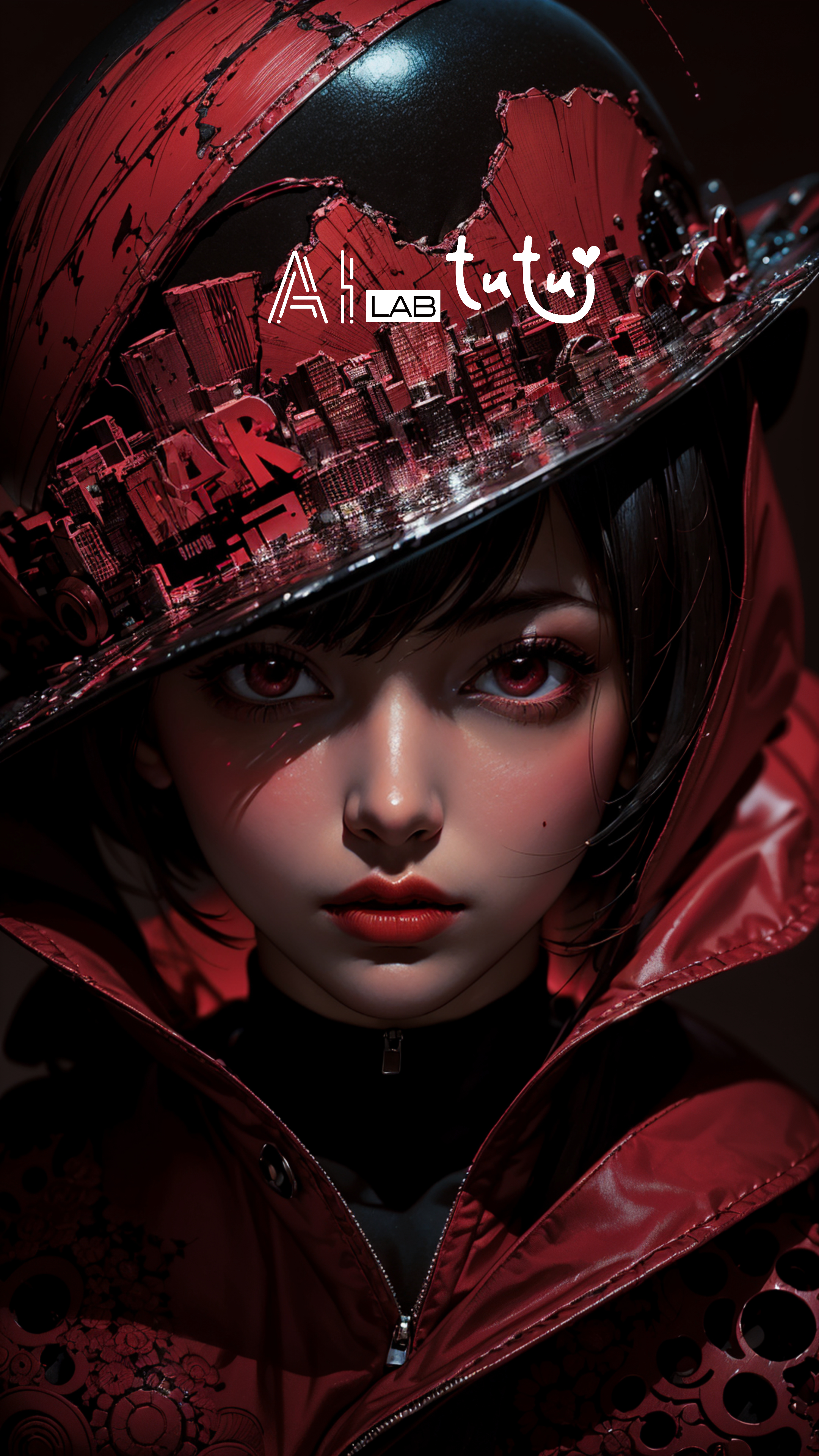
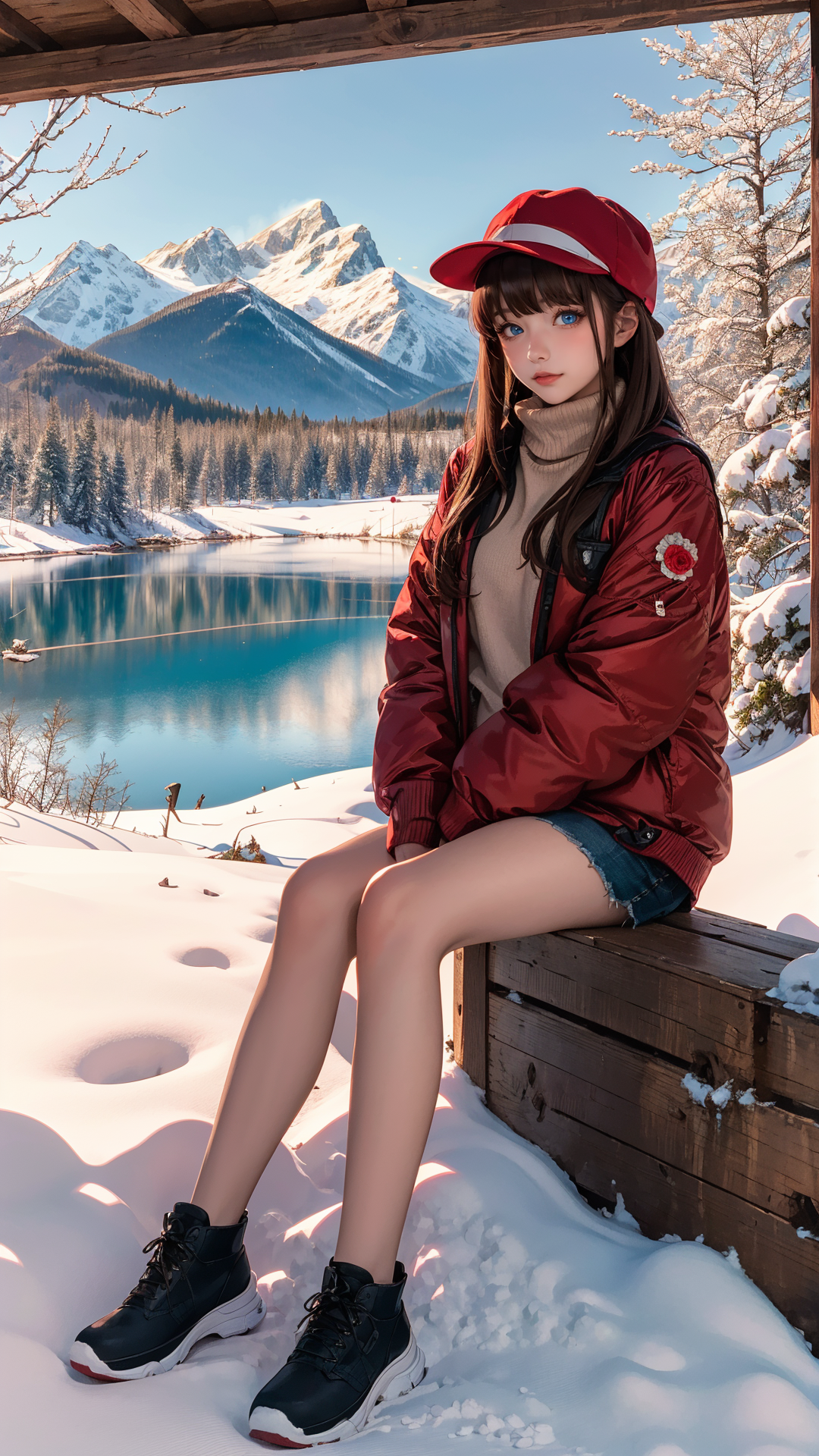
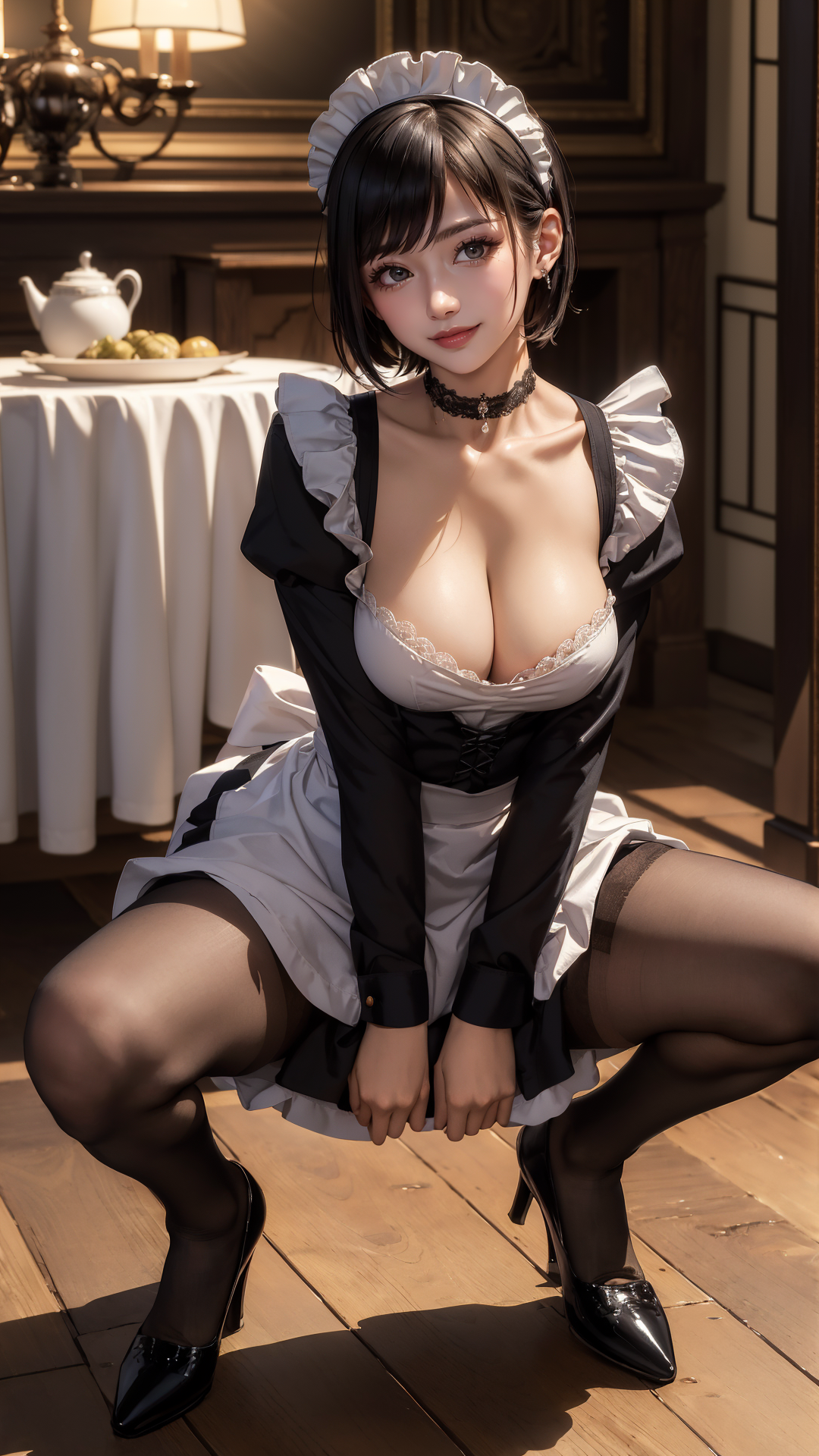
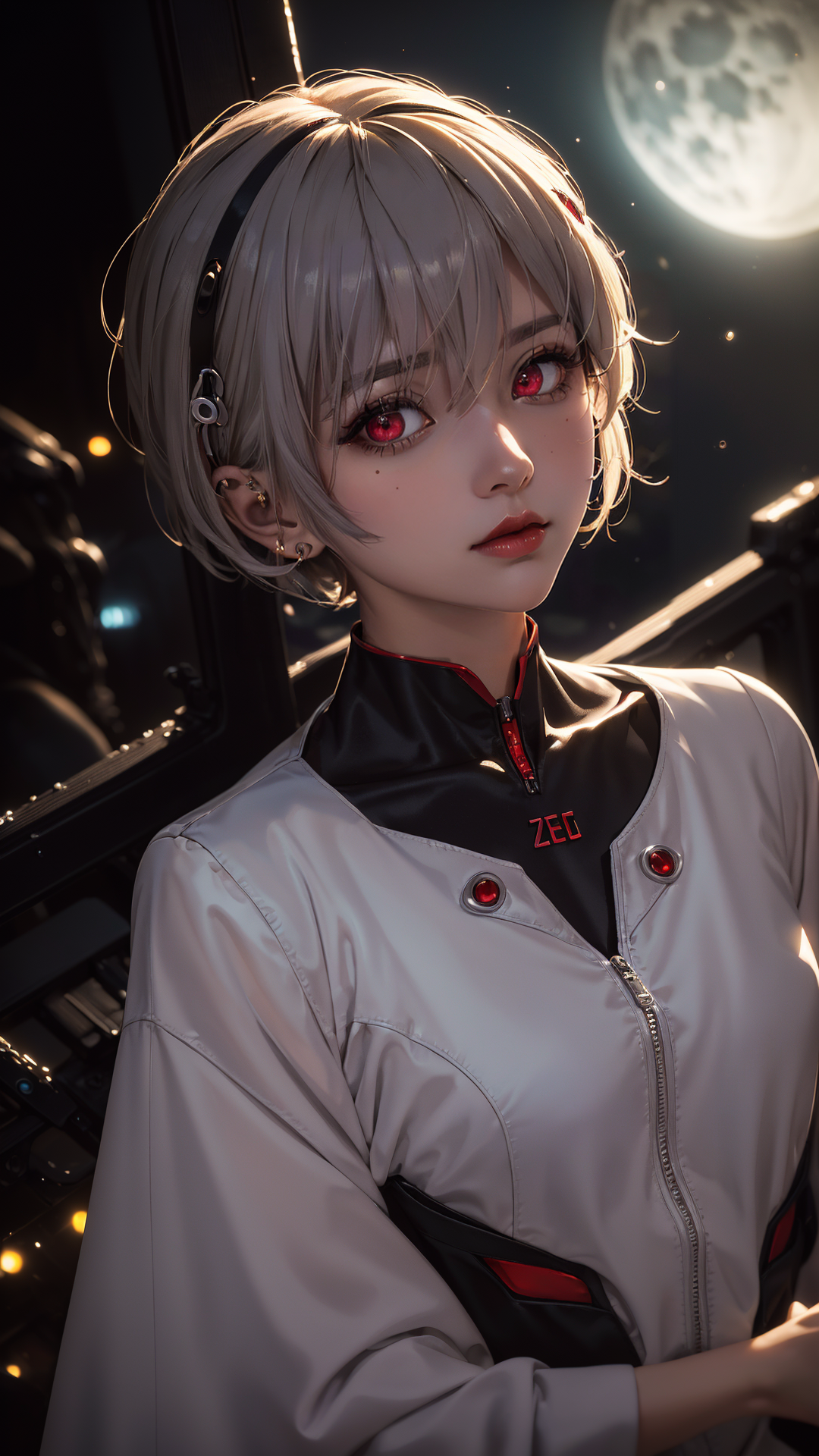
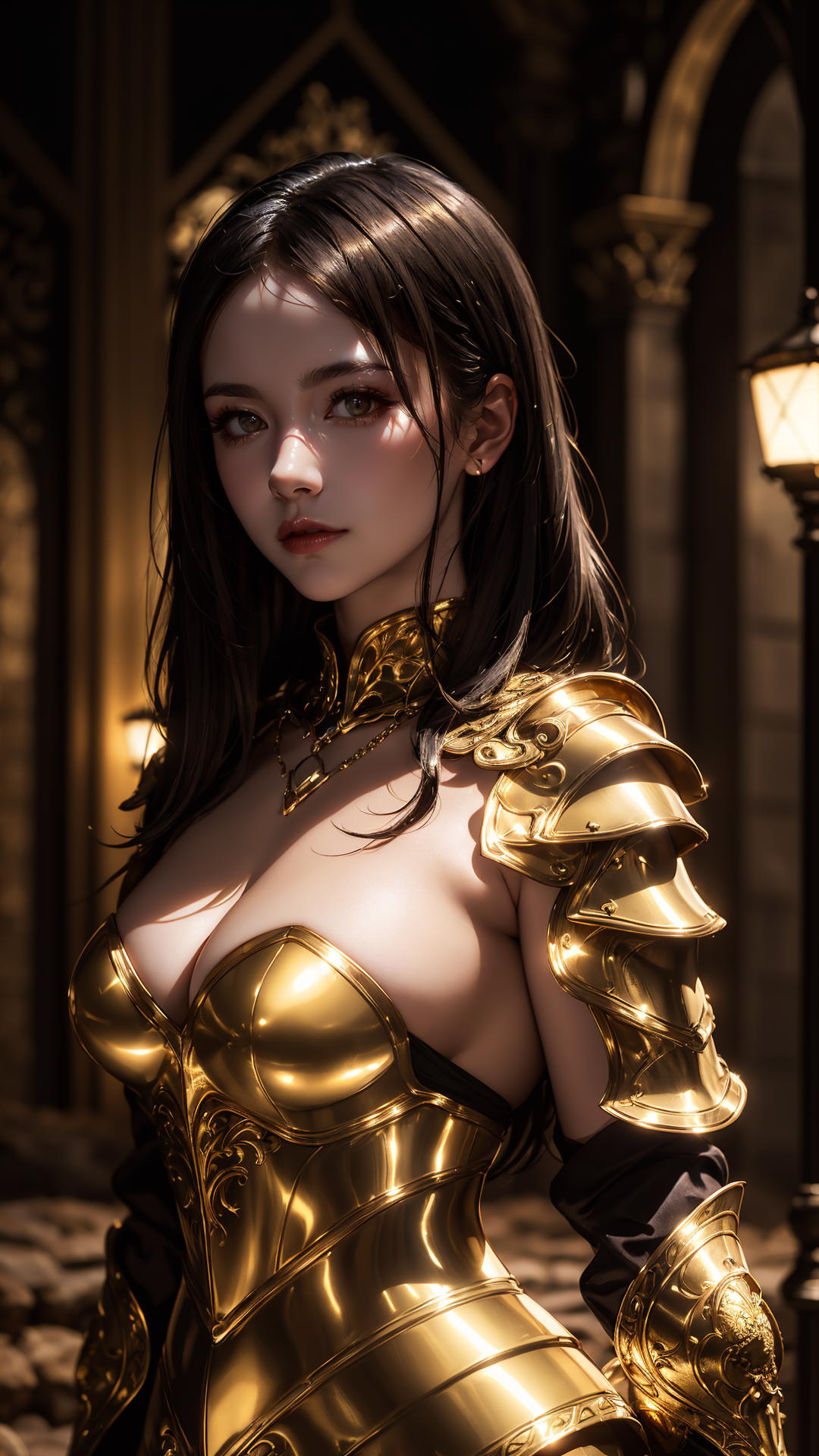
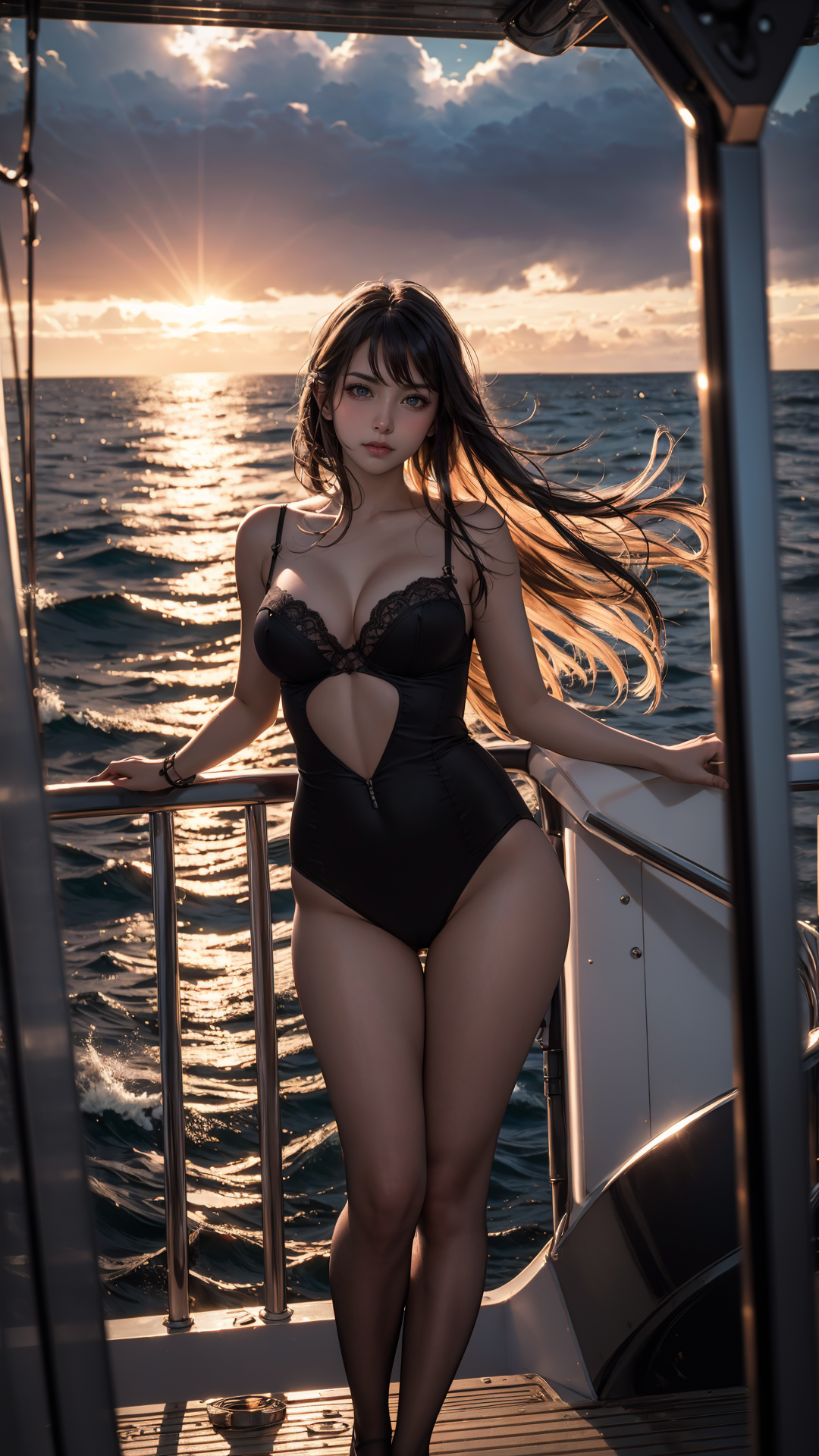
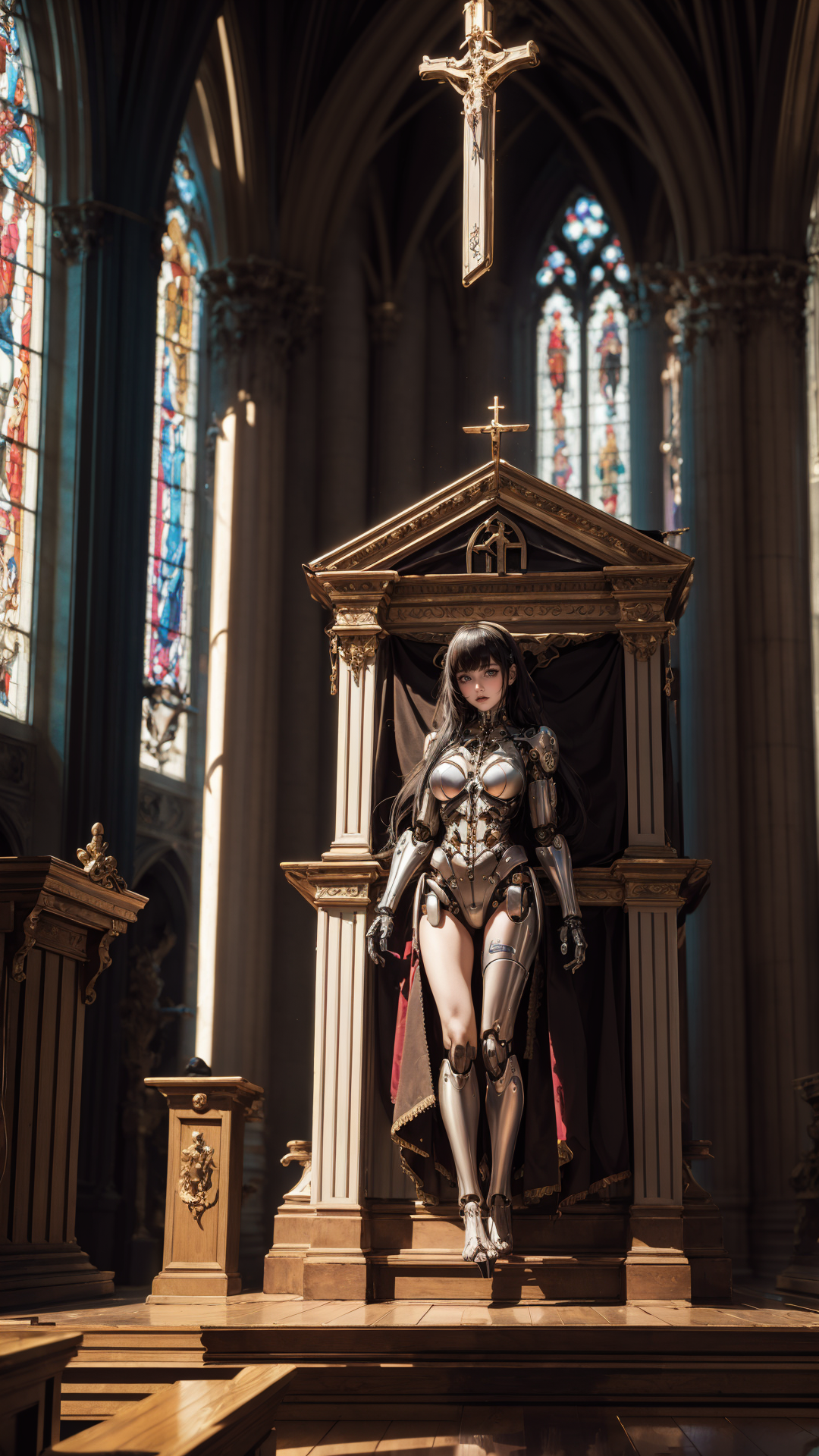
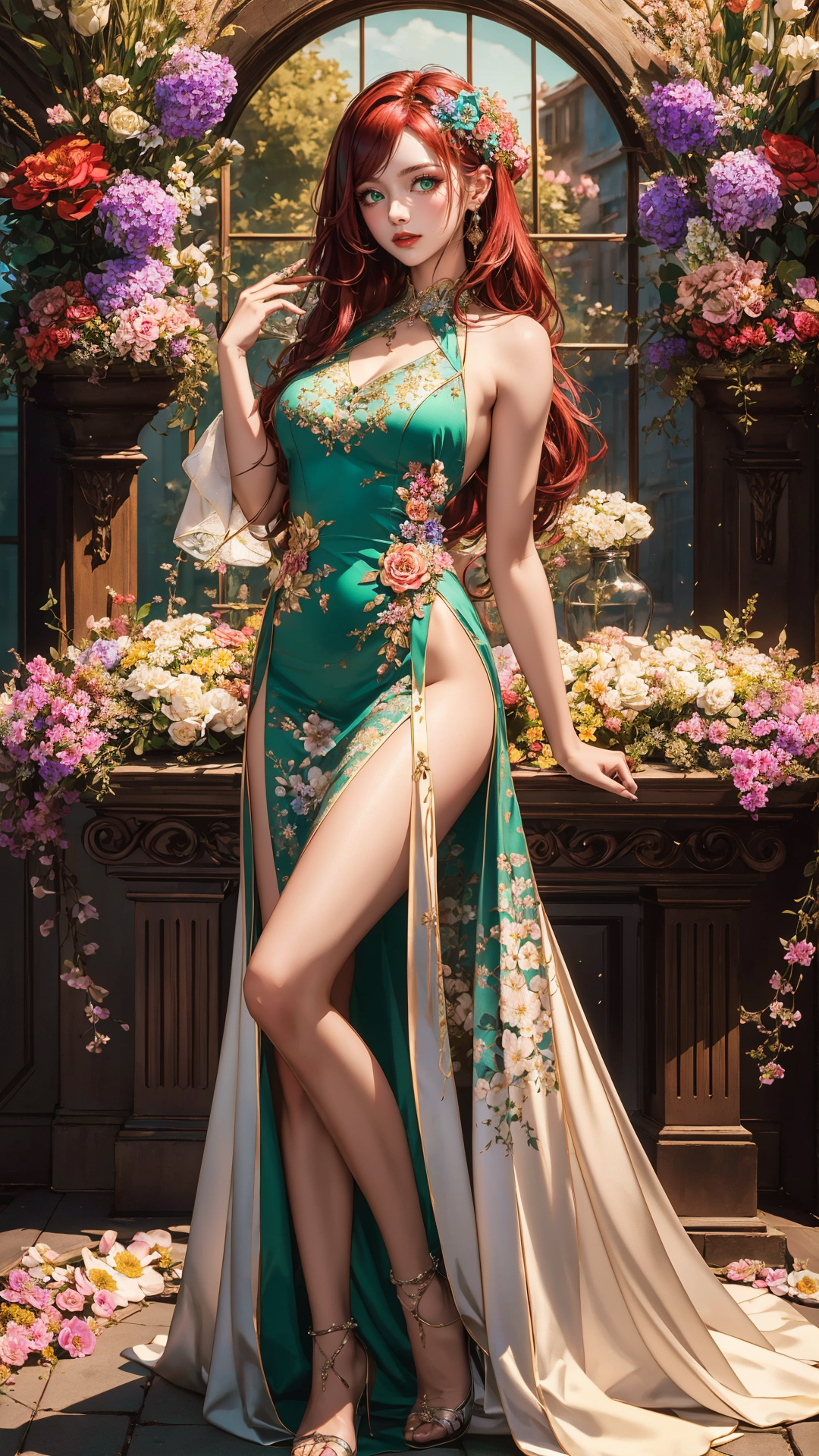
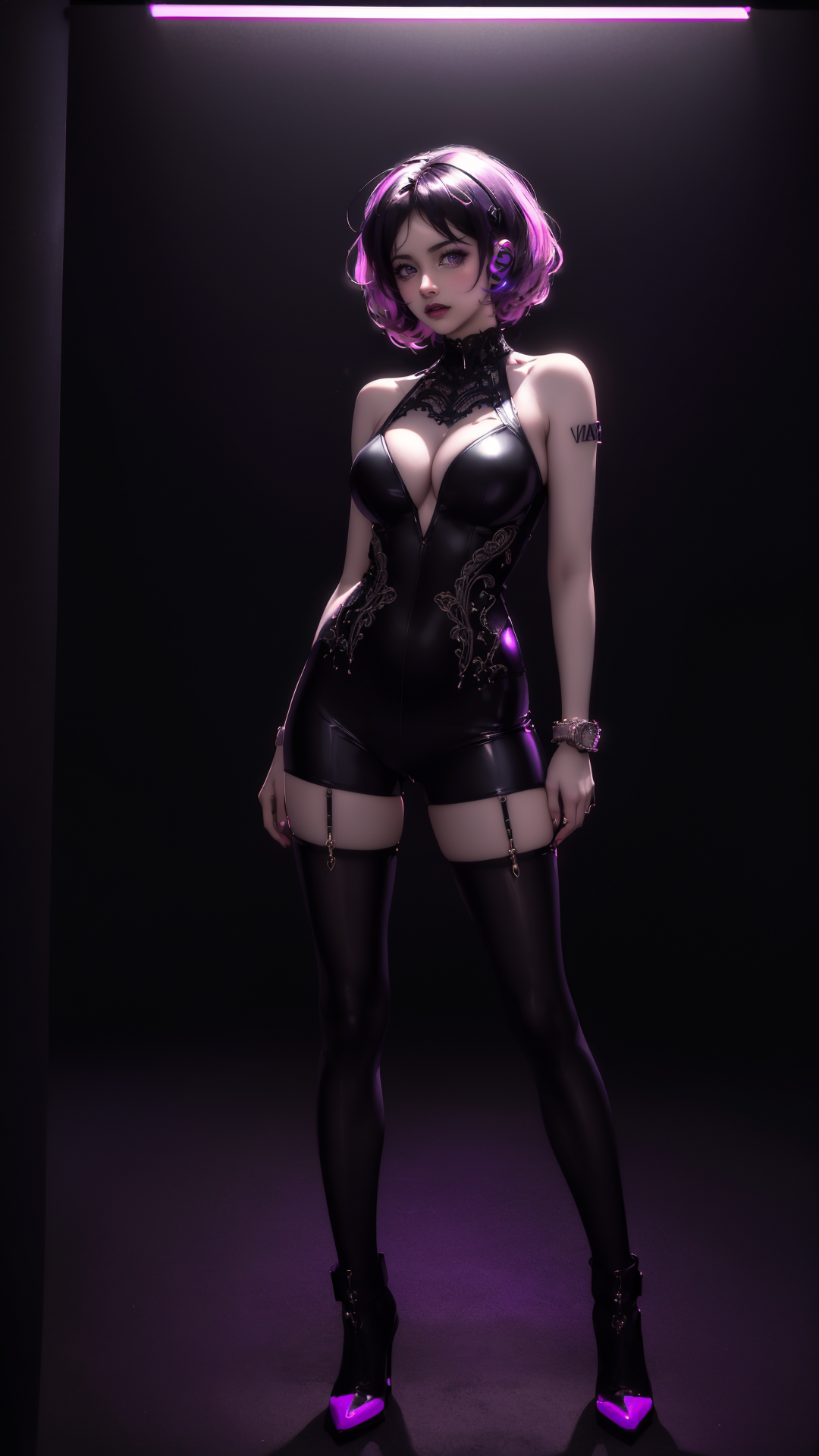
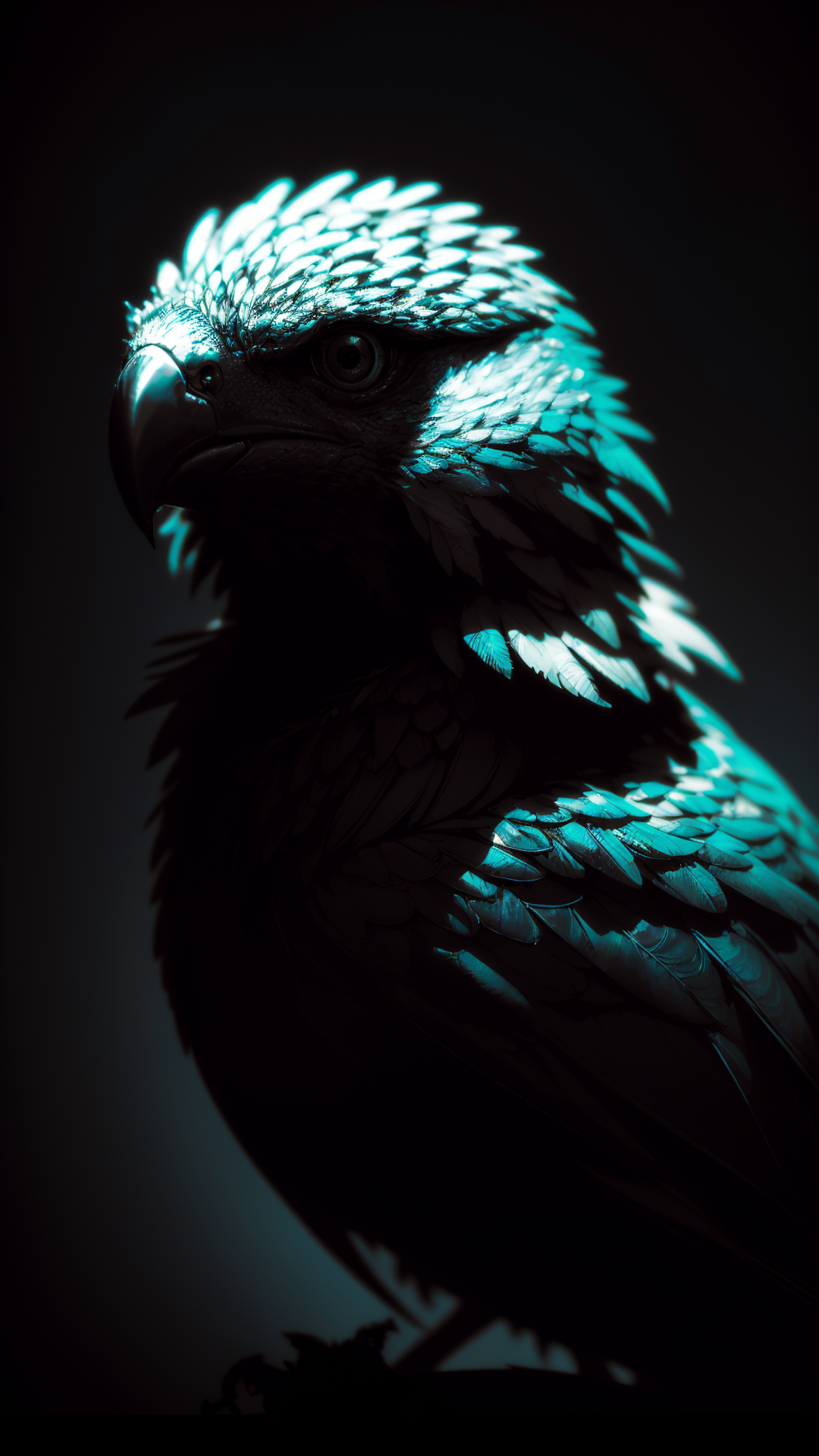
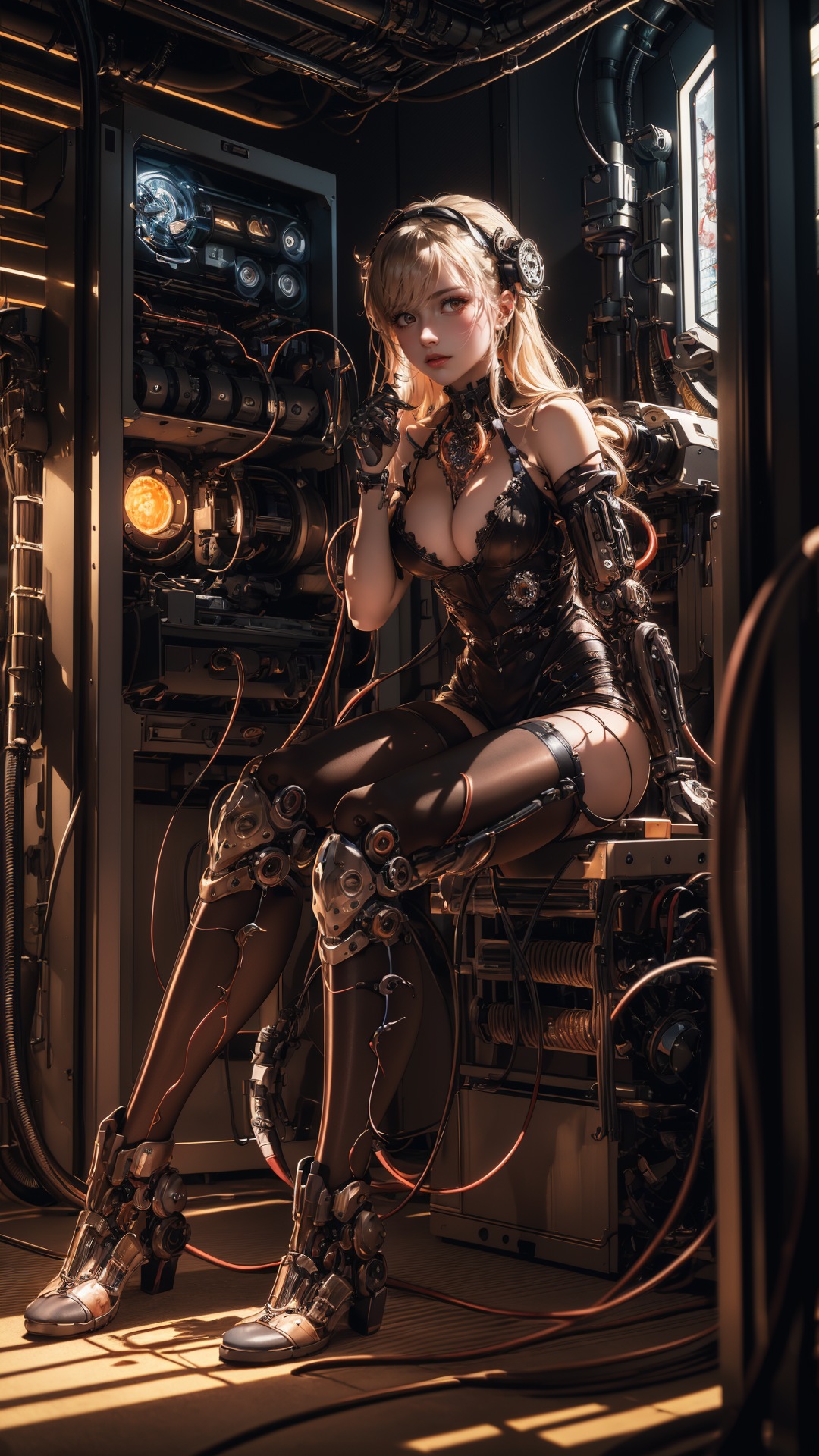
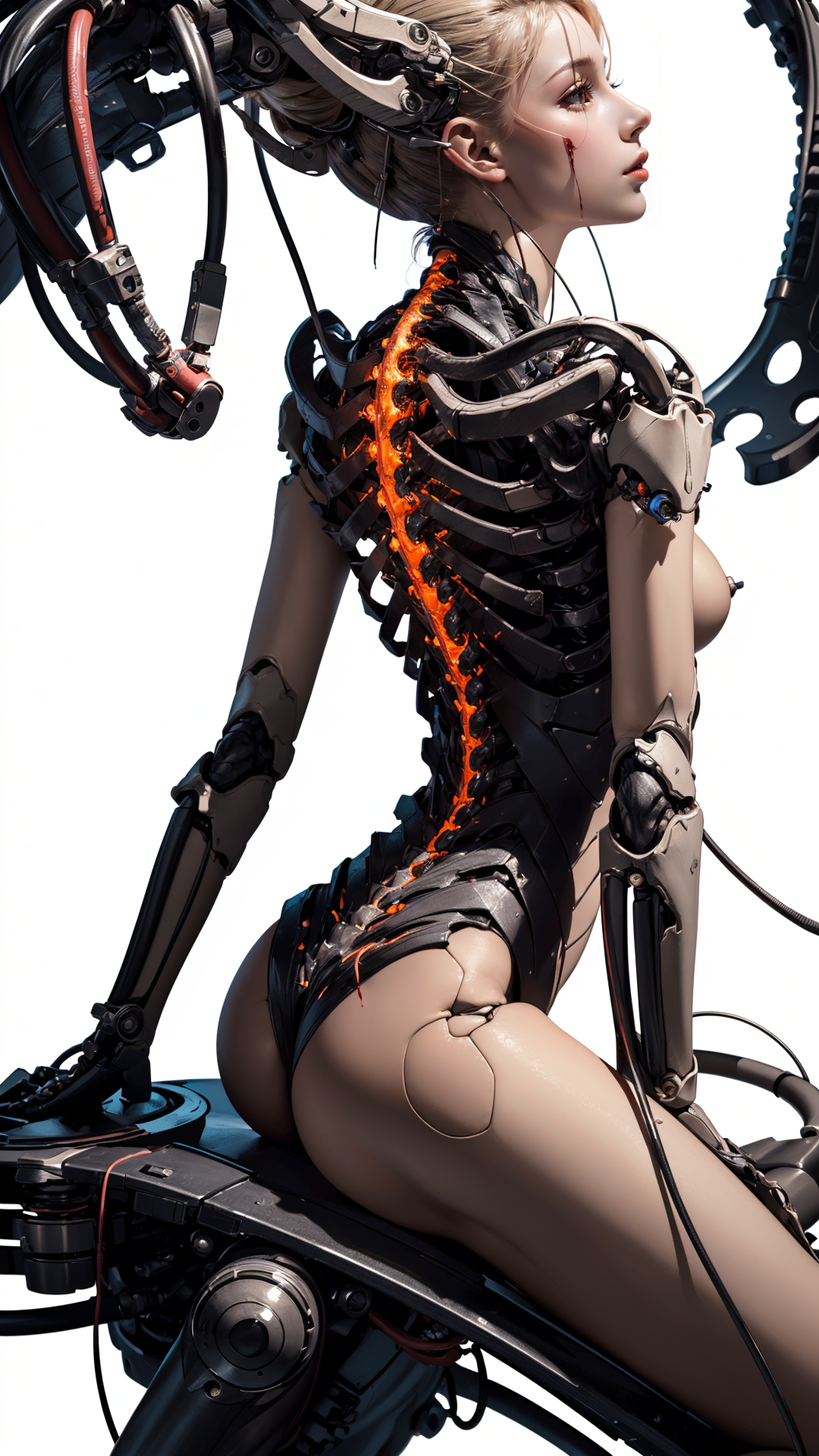
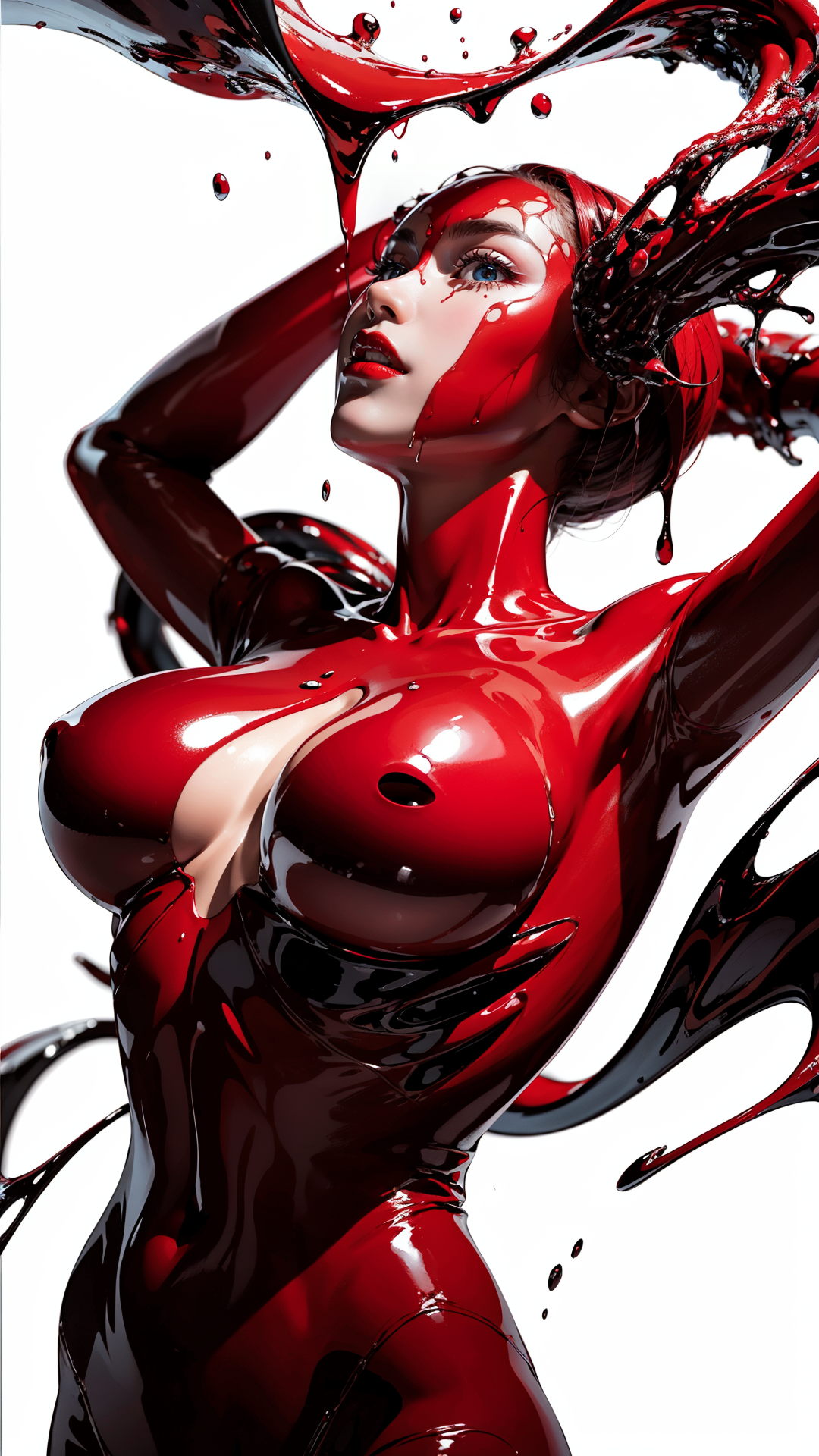
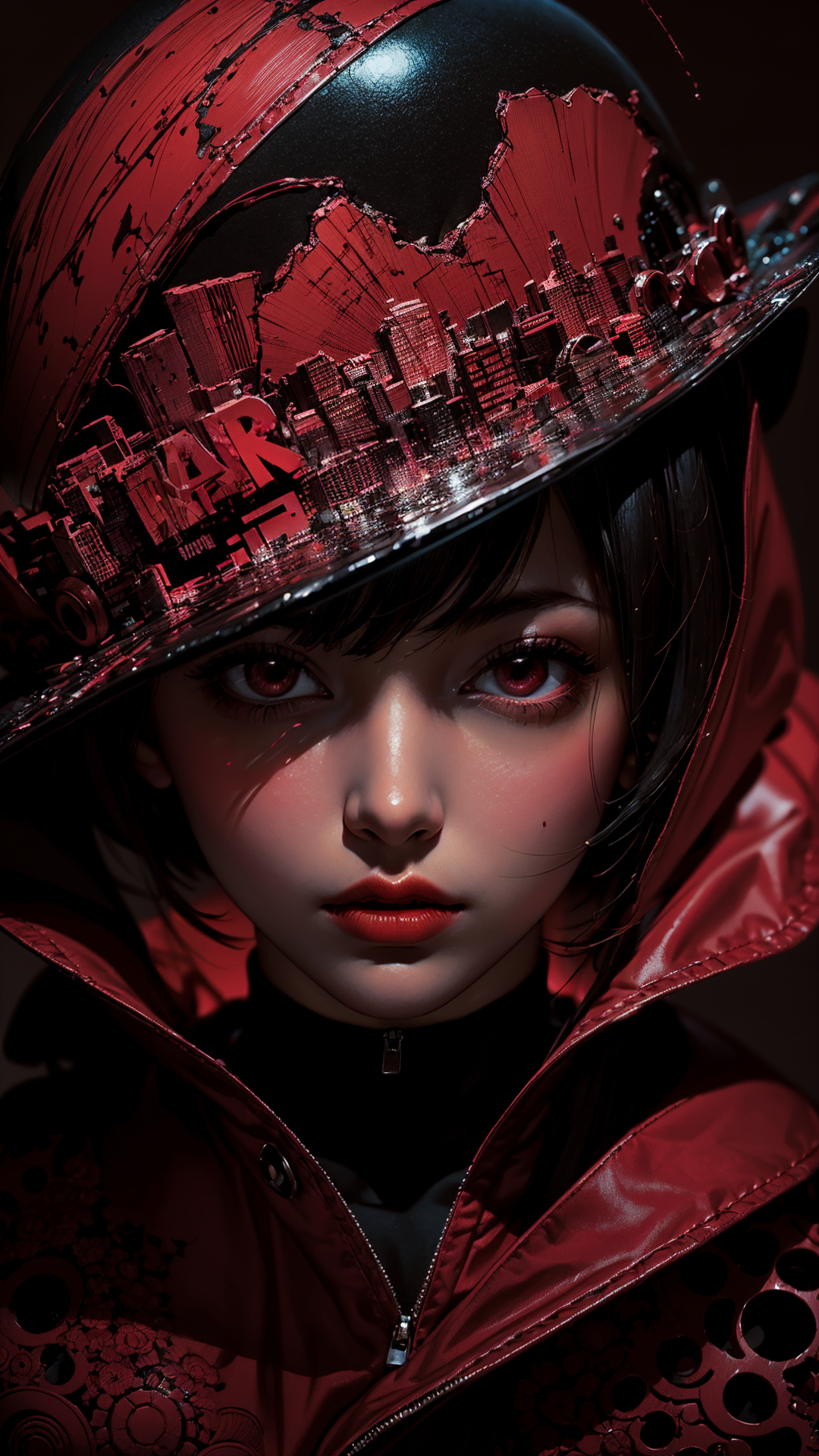
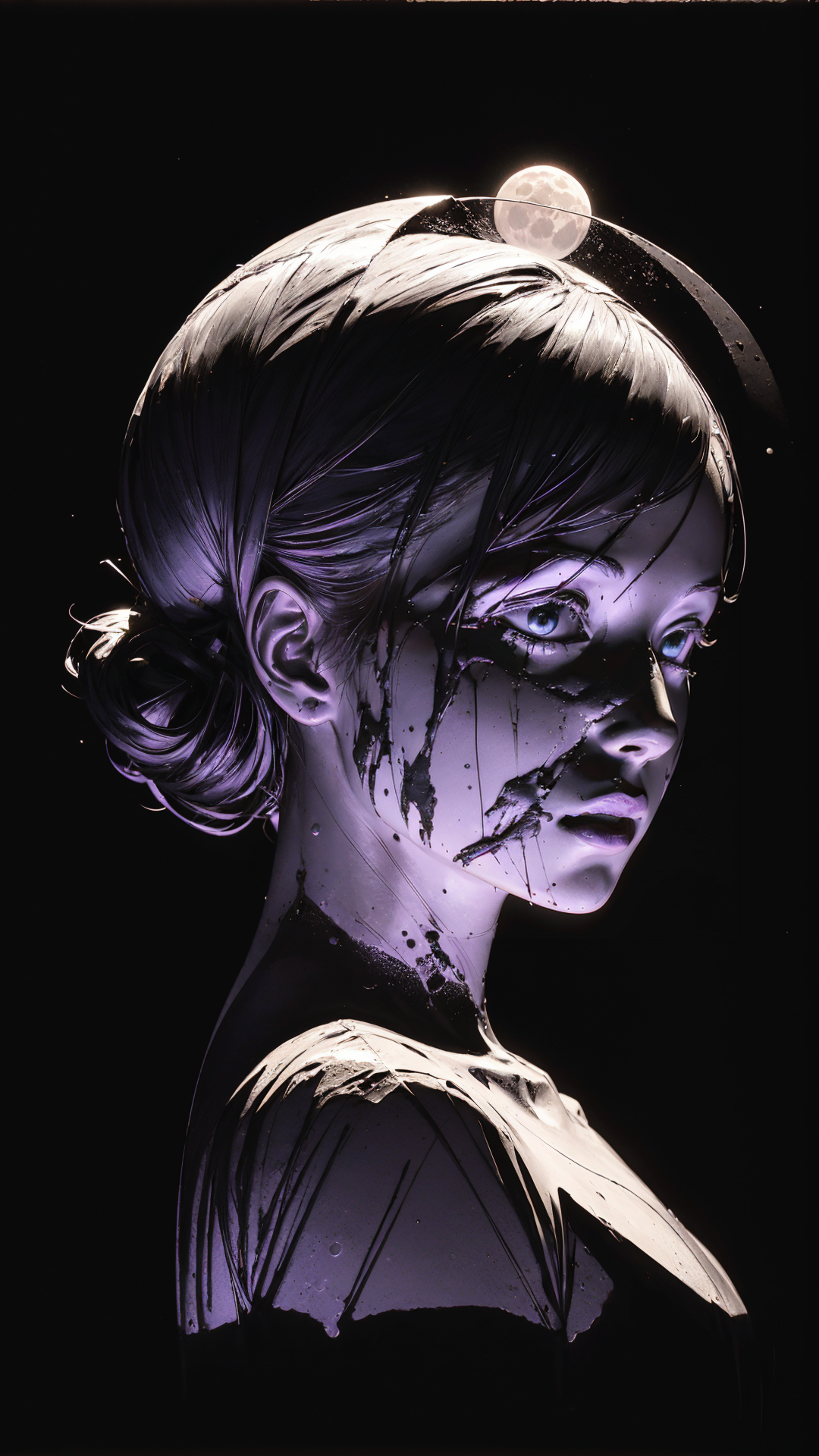
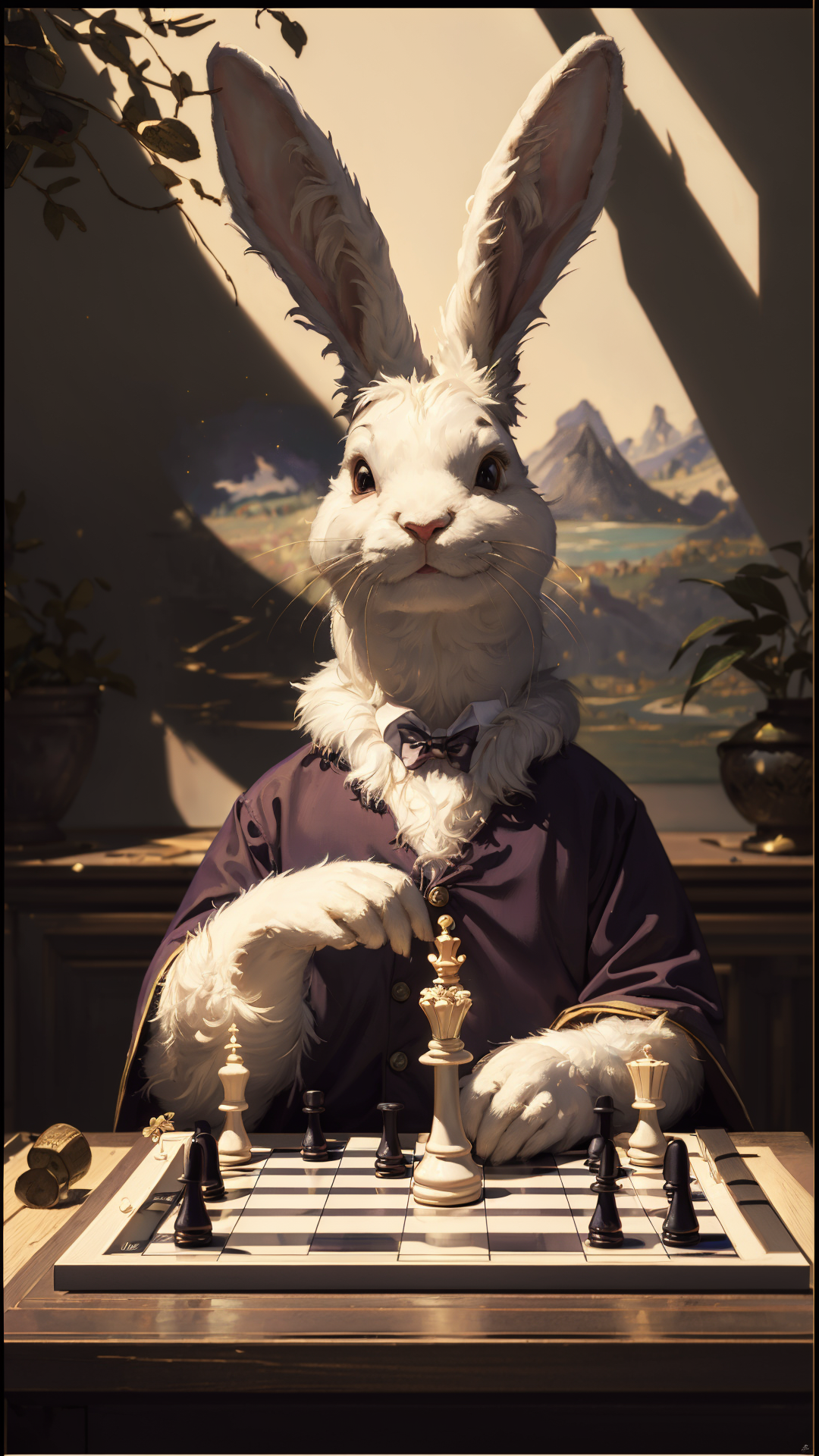
This is a 2.5D checkpoint made after many rounds of training and fusion. The main purpose is to optimize faces and improve the good-image rate. In practice, that goal has basically been achieved.
V2.0 is an epic enhancement version. It uses more rigorous data cleaning, scientific training, and fusion work, and it is intended to handle many kinds of 2.5D images more easily.
- Model type: Checkpoint
- Checkpoint type: trained checkpoint
- Base model: SD 1.5
- Current focus: 2.5D portraits, face quality, good-image rate
- Trigger words: no fixed trigger required
- VAE: no extra VAE needed for V2.0
V2.0 generation settings
- VAE: not needed.
- Steps: within 80; I often use 40.
- Sampler:
DPM++ 2M SDE Karras; other samplers can also work. - Hires.fix upscaler: I often use
4x-UltraSharp; other upscalers can also work. - Hires steps: I often use 20.
- Denoising strength: adjust according to the image goal.
- Upscale: 2x.
- Size: 540 x 960, or 512 x 768.
- CFG Scale: 7.
- ADetailer: turn on for distant faces; close-up faces may not need it. Use
face_yolov8n_v2.pt.
Prompt starting points
For Asian 2.5D portraits, this starting direction often works well:
high-resolution image, natural light, Asian ethnicity, young woman
You can add 1girl, but I often prefer using Asian ethnicity, young woman directly when the target is an Asian young woman. For hairstyle, you can try long hair and bangs; I used this kind of direction a lot in early testing.
V1.0 history
I do not know why I suddenly wanted to make a checkpoint, but I did. The early version used many stylized real photos, some of my own retouched photo material, and an adjusted 2.5D style direction.
For V1-style use, I often used around 50 steps, DPM++ 2M SDE Karras, 4x-UltraSharp for hires fix, 540 x 960 or 512 x 768 size, and CFG 7.
For close-up face images, do not set hires denoising too high; around 0.2-0.35 is often enough. For full-body or panoramic images, you can raise it slightly and turn on ADetailer.
FAQ
Why does the face still differ from the sample?
Sampler, prompt, resolution, hires settings, ADetailer, and LoRA combinations can all change the result. Use the parameter suggestions as a starting point, not a fixed rule.
Should ADetailer always be on?
No. I usually turn it on for full-body or distant faces. For close-up images, you can decide based on the result.
Does V2.0 need an external VAE?
No extra VAE is needed for normal use.
Responsible use
- You are fully responsible for any creative work made with this model.
- Do not use this model to create or share illegal, harmful, malicious, defamatory, fraudulent, or political content.
- If you use this model commercially or need custom model cooperation, please contact me first. Thank you.
中文说明
这是一个经过多轮训练和融合得到的 2.5D checkpoint。主要目的就是优化面部以及提高良图率,实际使用下来,这个目标基本已经达到。
V2.0 是史诗级增强版,进行了更严谨的数据清洗、训练和融合,目标是让各种 2.5D 图都更容易拿捏。
- 模型类型:Checkpoint
- Checkpoint 类型:训练模型
- 基础模型:SD 1.5
- 当前重点:2.5D 人像、面部质量、良图率
- 触发词:不需要固定触发词
- VAE:V2.0 不需要额外挂 VAE
V2.0 出图建议
- VAE:不用。
- 迭代步数:80 以内,我经常用 40。
- 采样方法:
DPM++ 2M SDE Karras,别的也行。 - 高分辨率修复放大算法:我经常用
4x-UltraSharp,其他也可以。 - 高分迭代步数:我经常用 20。
- 重绘幅度:根据出图需求确定。
- 放大倍数:2。
- 宽高:540 x 960,或 512 x 768。
- CFG Scale:7。
- ADetailer:远景脸建议开,近距离脸部可以看情况不开。模型使用
face_yolov8n_v2.pt。
起手提示词
如果要出亚洲 2.5D 人像,可以从这个方向开始:
high-resolution image, natural light, Asian ethnicity, young woman
可以再加 1girl,但如果目标就是亚洲年轻女性,我更常直接用 Asian ethnicity, young woman。发型可以写 long hair、bangs,因为早期测试里我经常使用这个方向。
V1.0 历史
不知道为什么忽然就想做个大模型了,所以就做了。早期版本用了很多风格化的真实照片,也用了一些自己的修图素材,并对 2.5D 风格做了适当调整。
V1 风格的使用里,我经常用 50 步左右,采样器 DPM++ 2M SDE Karras,高分修复用 4x-UltraSharp,尺寸 540 x 960 或 512 x 768,CFG 7。
如果是近距离怼脸,高分修复的重绘幅度不要太高,0.2-0.35 往往够了。如果是全身或全景,可以适当拉高一点,并打开 ADetailer。
常见问题
为什么脸和示例图还是不一样?
采样器、提示词、分辨率、高分参数、ADetailer 和 LoRA 组合都会影响结果。这里的参数是起点,不是唯一标准。
ADetailer 要一直开吗?
不用。我通常在全身或远景脸时打开;近距离脸部可以根据结果决定。
V2.0 需要额外挂 VAE 吗?
正常使用不需要额外挂 VAE。
声明
- 你需要对使用本模型生成的任何作品承担全部责任。
- 不要使用本模型制作或传播非法、有害、恶意、诽谤、诈骗或政治用途内容。
- 如果将本模型用于商业用途,或需要定制模型合作,请提前联系我,谢谢。
日本語説明
これは複数回の training と fusion で作った 2.5D checkpoint です。主な目的は face quality の最適化と good-image rate の向上で、実用上その目的はかなり達成できています。
V2.0 は epic enhancement version です。より厳密な data cleaning、scientific training、fusion を行い、さまざまな 2.5D images を扱いやすくすることを目指しました。
- Model type: Checkpoint
- Checkpoint type: trained checkpoint
- Base model: SD 1.5
- Current focus: 2.5D portraits, face quality, good-image rate
- Trigger words: fixed trigger は不要です
- VAE: V2.0 は extra VAE 不要です
V2.0 推奨設定
- VAE: 不要です。
- Steps: 80 以下。私はよく 40 を使います。
- Sampler:
DPM++ 2M SDE Karras。他の sampler でも使えます。 - Hires.fix upscaler: 私はよく
4x-UltraSharpを使います。他でも大丈夫です。 - Hires steps: 私はよく 20 を使います。
- Denoising strength: 画像の目的に合わせて調整してください。
- Upscale: 2x。
- Size: 540 x 960、または 512 x 768。
- CFG Scale: 7。
- ADetailer: 遠い顔では on、close-up では必要に応じて。
face_yolov8n_v2.ptを使ってください。
起点プロンプト
Asian 2.5D portrait の場合、この方向から始めると使いやすいです:
high-resolution image, natural light, Asian ethnicity, young woman
1girl を追加してもよいですが、Asian young woman を狙う場合は Asian ethnicity, young woman を直接使うことが多いです。髪型は long hair、bangs を試せます。
V1.0 の経緯
なぜか急に checkpoint を作りたくなり、作りました。初期版では style 化した実写写真、自分で retouch した素材、調整した 2.5D style direction を使っています。
V1 style の使用では、steps 50 前後、DPM++ 2M SDE Karras、hires fix は 4x-UltraSharp、size は 540 x 960 または 512 x 768、CFG 7 をよく使いました。
close-up face では hires denoising を高くしすぎないでください。0.2-0.35 くらいで十分なことが多いです。full-body や panoramic image では少し上げ、ADetailer を使ってください。
FAQ
なぜ sample と顔が違いますか?
sampler、prompt、resolution、hires settings、ADetailer、LoRA combinations によって結果は変わります。推奨設定は starting point として使ってください。
ADetailer は常に on ですか?
いいえ。full-body や遠い顔では on にすることが多いですが、close-up では結果を見て決めてください。
V2.0 は external VAE が必要ですか?
通常使用では extra VAE は不要です。