Full Eyes detection (Adetailer)


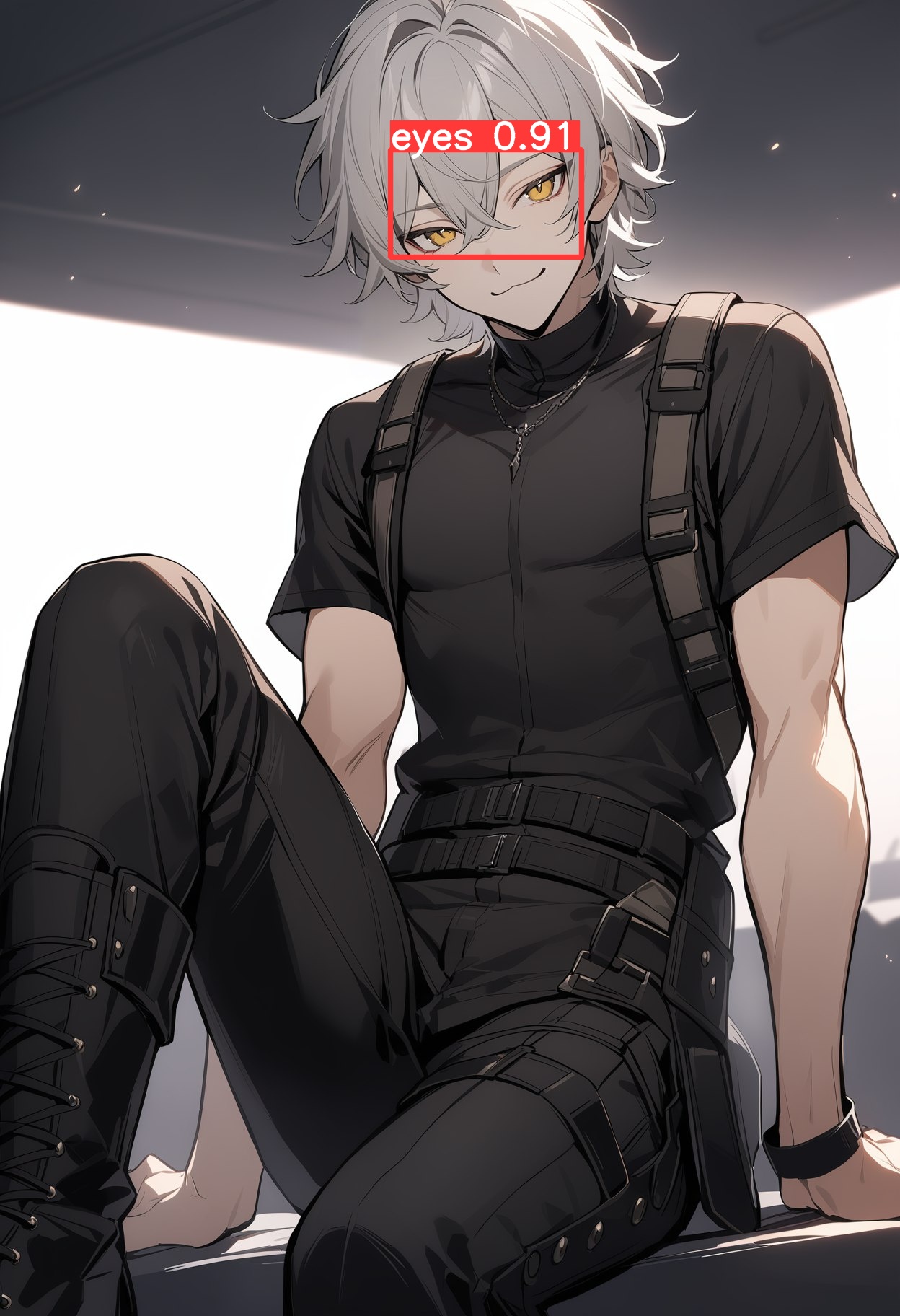
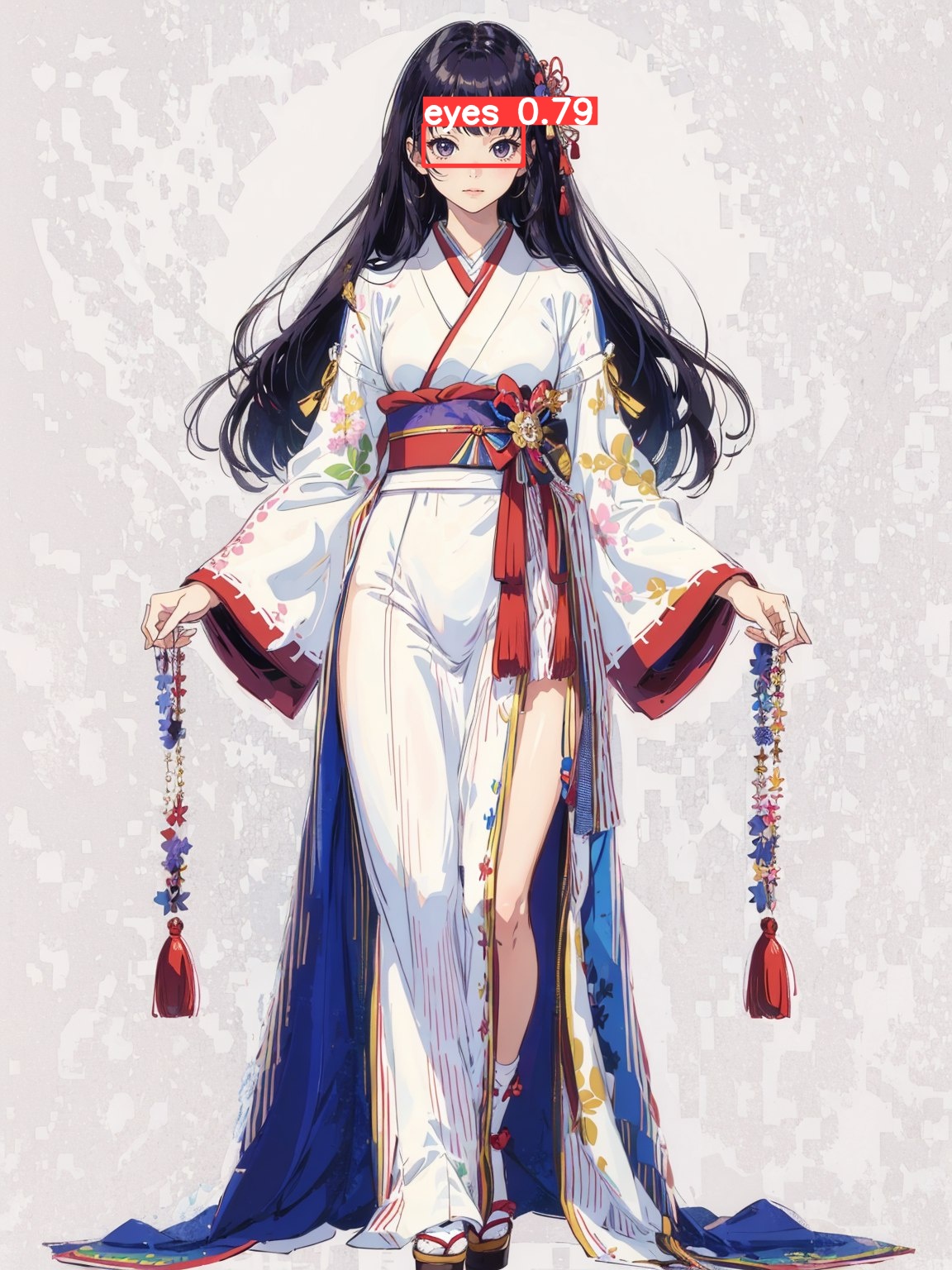
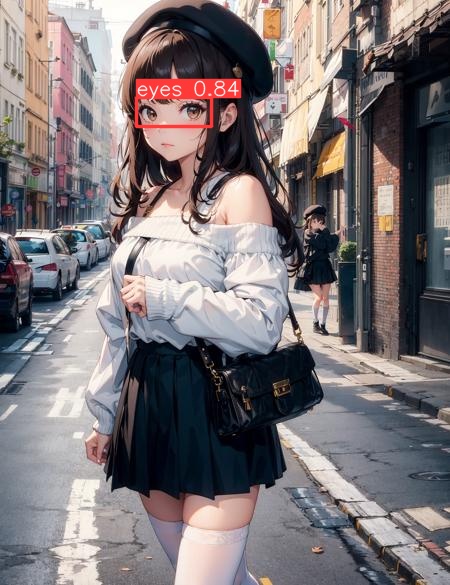
세부 정보
파일 다운로드 (1)
이 버전에 대해
모델 설명
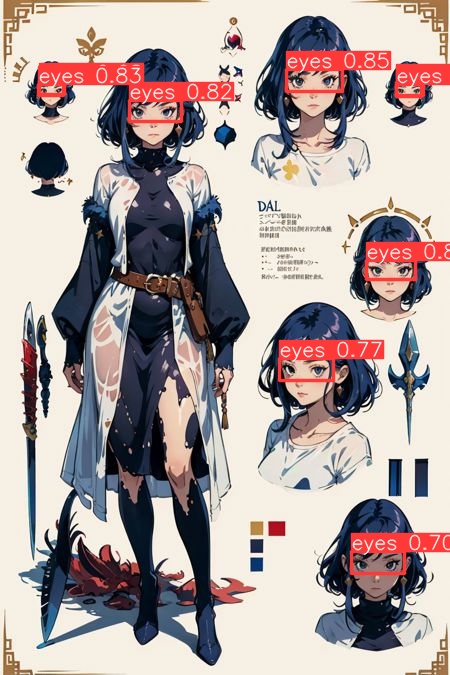
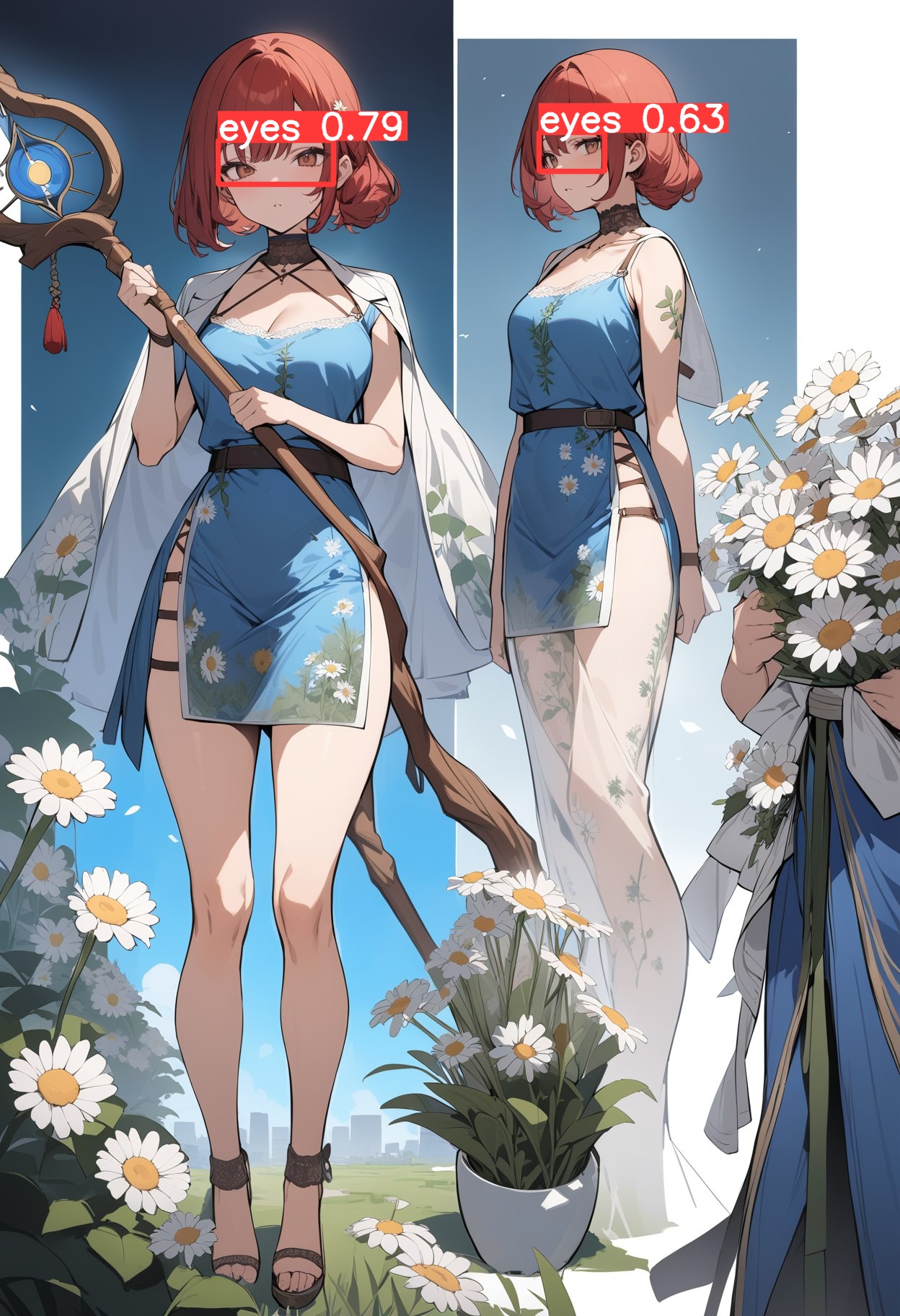
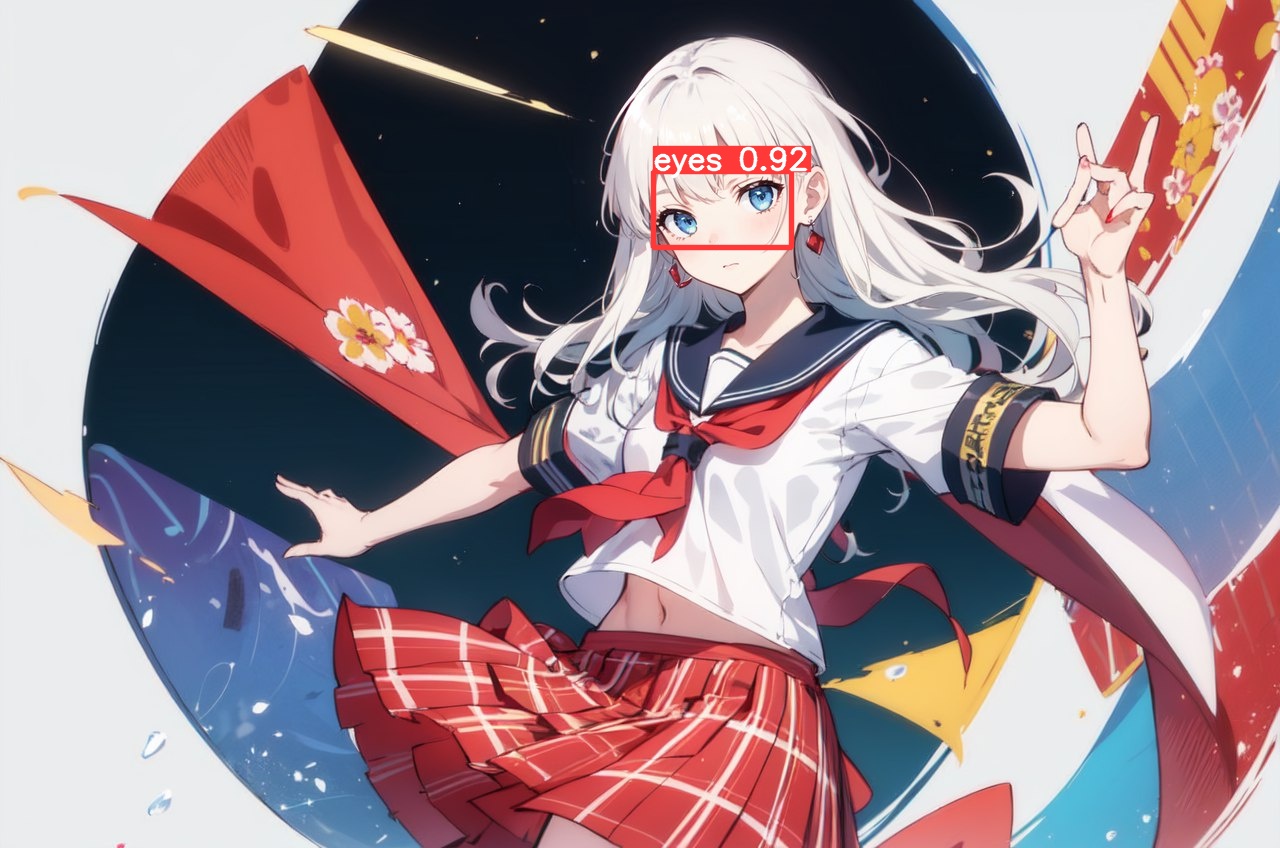
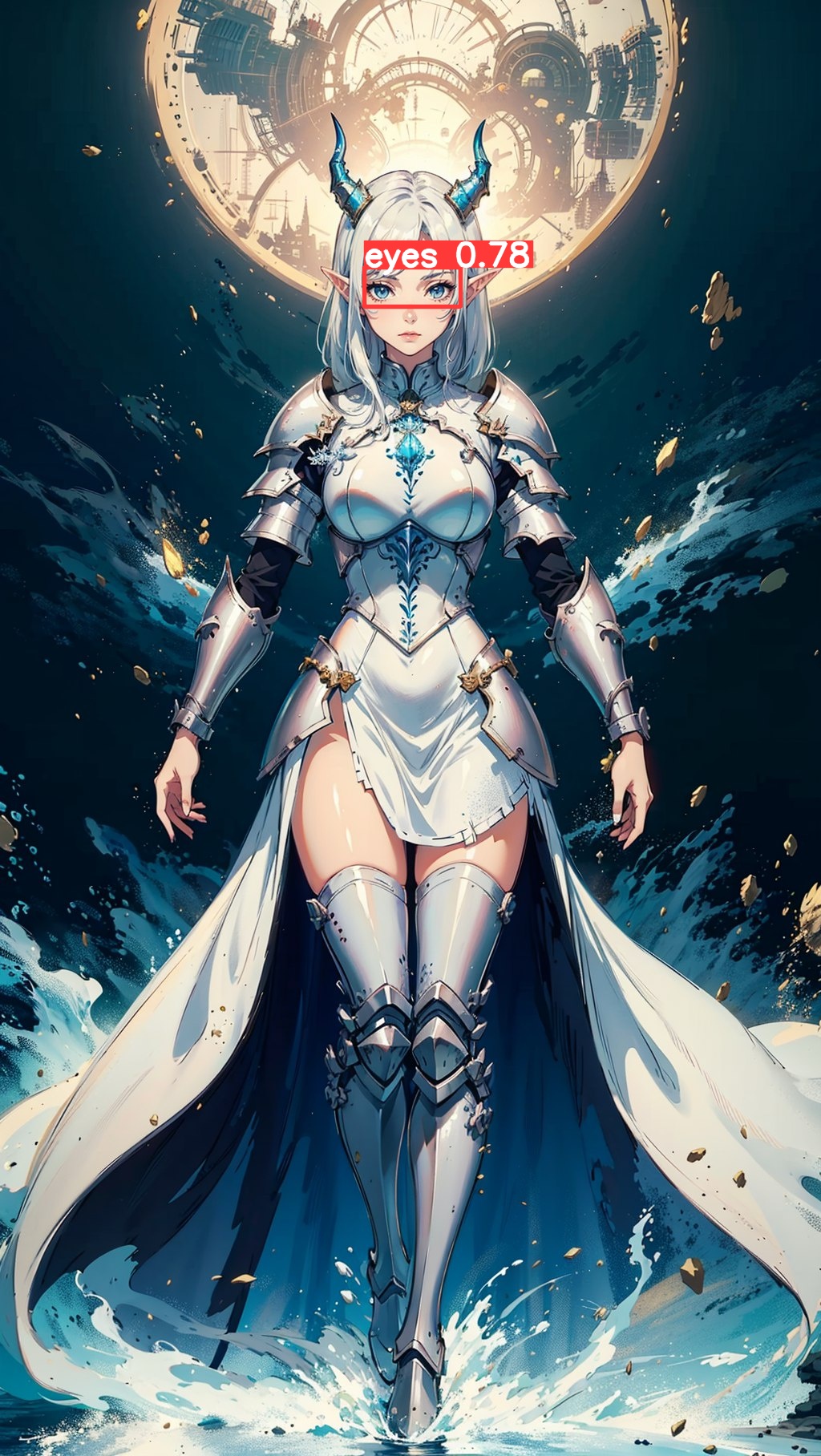
This model is designed to detect pairs of eyes, unlike this model https://civitai.com/models/150925/eyes-detection-adetailer , mine is designed to detect pairs of eyes. Thanks to the creator, this has inspired me to train this model
This is my first project on yolov8
Recommended confidence threshold 0.3-0.4
The model works:
1) With anime characters;
2) With humans;
3) With animals;
4) with anyone with pronounced eyes;
5) Works at close and very far distances.
The model also detects closed eyes or if one eye is open but both eyes are visible.
What doesn't work:
1) If a character has one eye covered by something (patch, hair, etc), the model does not recognize it;
2) If there is only one eye in the image with no context that there is another eye.
How to use:
How to install:
Go to https://github.com/Bing-su/adetailer and install Adetailer
Place the this file (full_eyes_detect_yolo8s.pt) in "stable-diffusion-webui\models\adetailer"
and reload WebUI.
Install for Automatic1111:
Open "Extensions" tab.
Open "Install from URL" tab in the tab.
Enter https://github.com/Bing-su/adetailer.git to "URL for extension's git repository".
Press "Install" button.
Wait 5 seconds, and you will see the message "Installed into stable-diffusion-webui\extensions\adetailer. Use Installed tab to restart".
Go to "Installed" tab, click "Check for updates", and then click "Apply and restart UI". (The next time you can also use this method to update extensions.)
Completely restart A1111 webui including your terminal. (If you do not know what is a "terminal", you can reboot your computer: turn your computer off and turn it on again.)