Ananke Hi-Res




Details
Download Files (1)
About this version
Model description
Update !
Ananke-V2:
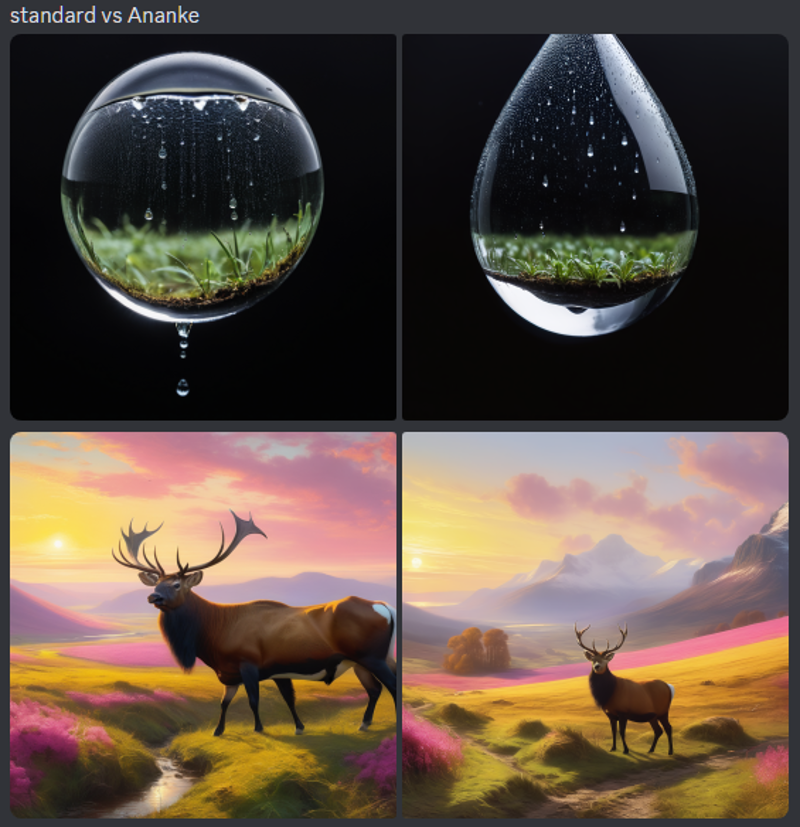
For SDXL models, at denoise 1.0, second image will differ greatly but can improve quality and coherence to the prompt. Designed as a starting point for others to build upon
video guide here
Ananke-V14: based on v2, Added Lora loader to both passes, Added Control Nets to 2nd Pass.
video guide here
~
for use with my "AspectSize" custom node for comfyUI:
https://github.com/MushroomFleet/DJZ-Nodes
However you can remove this node if you wish, Aspect Size sets the following maximum resolutions:
SD 512x512
SDXL 1024x1024
Cascade 2048x2048
Using your chosen aspect ratio, the custom node will do some rounding math to find safe values for inference (this all helps with quality). The Workflow is a 2 stage process, "txt2img2img" with 4X upscale applied to the final output.
Bypass the upscaler with Ctrl+B or remove it, to increase speed.
Consider using 2X upscale as you approach 1:1
The aim is to generate high quality designs quickly at irregular/extreme aspect ratios without breaking the "divisible by 2 rule". This problem seemed to affect SD Cascade stage A due to pixel_unshuffle, but the same fix applied to SDXL seems beneficial.