Text Generator | ComfyUI workflow



详情
下载文件 (1)
关于此版本
模型描述
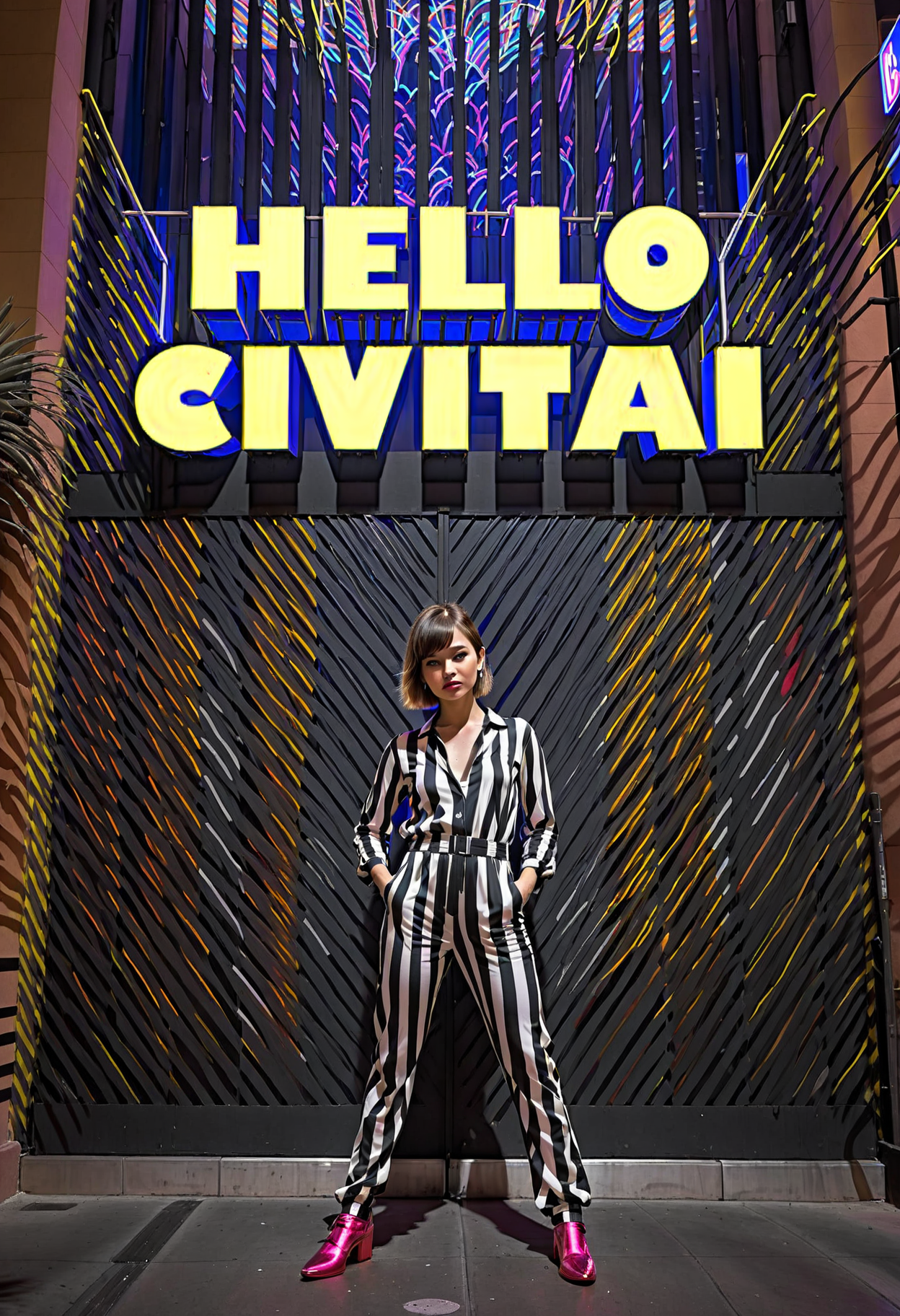
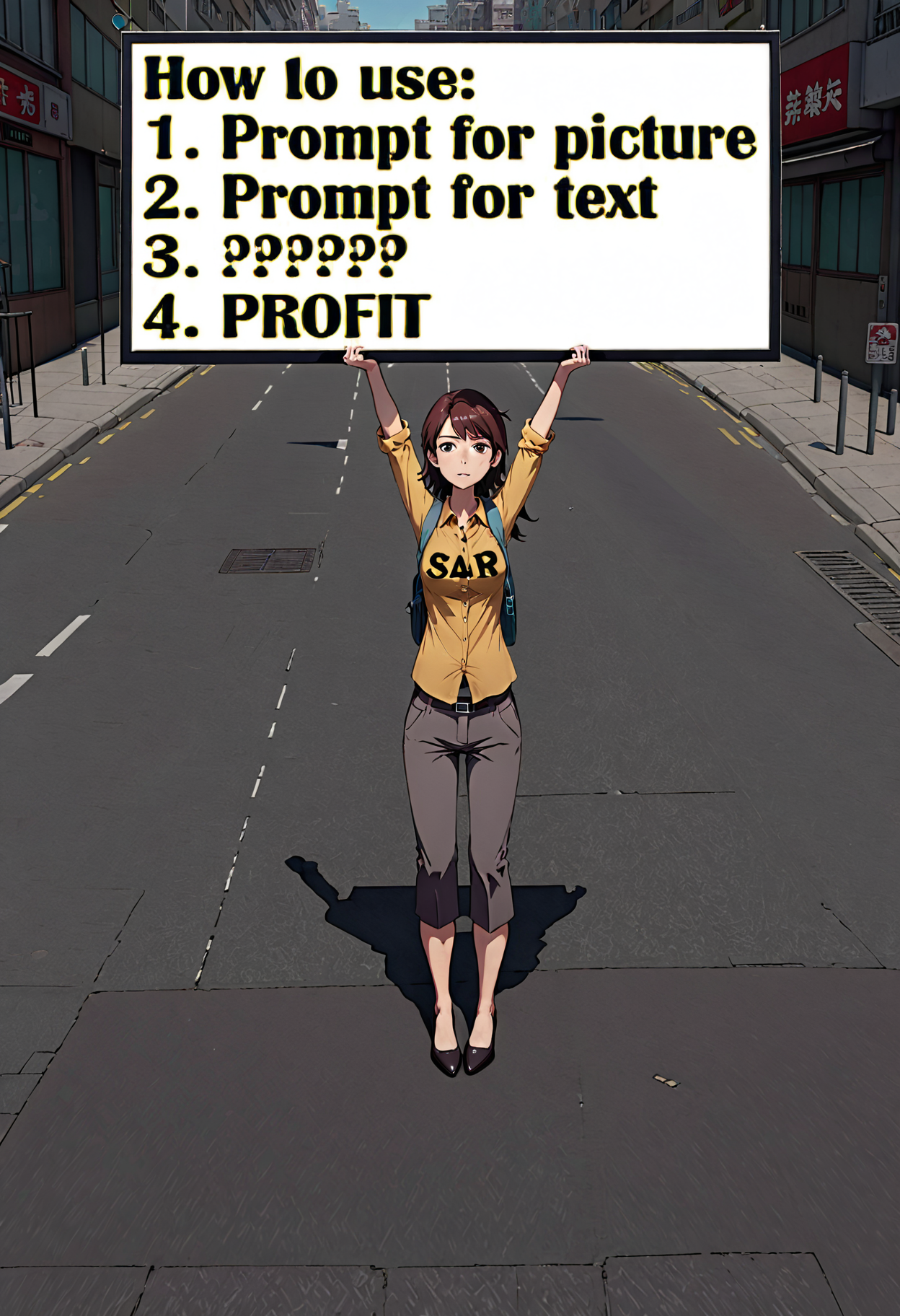
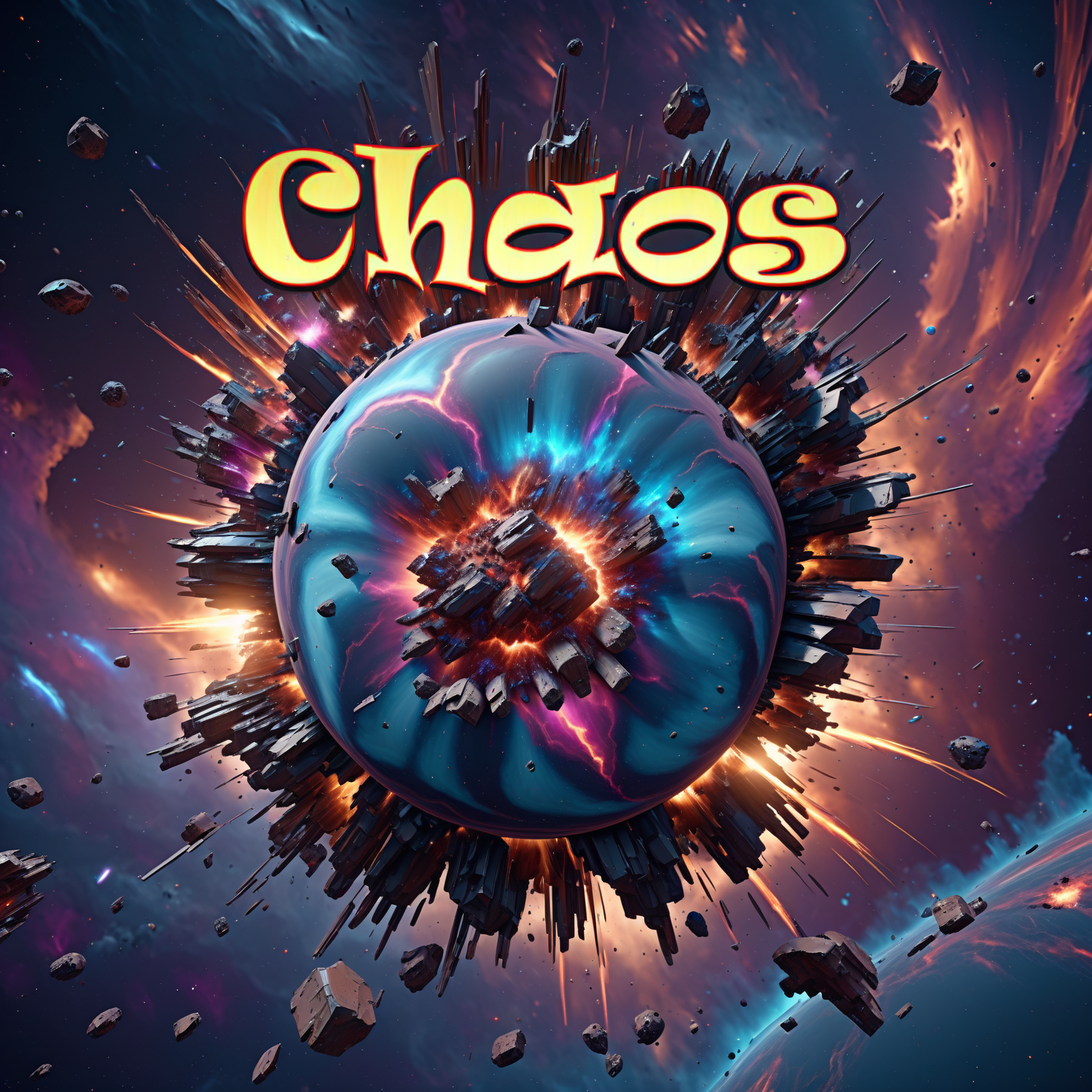
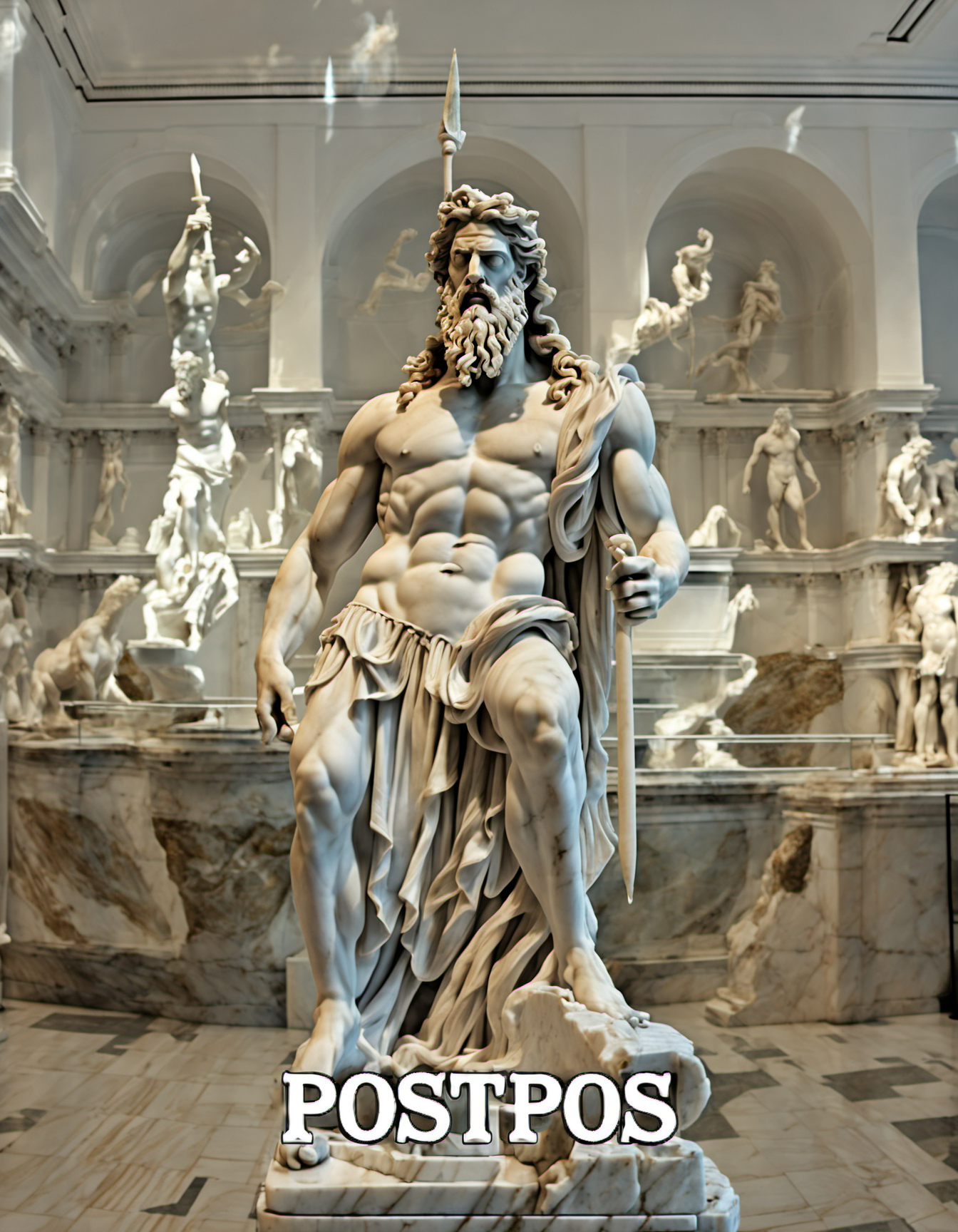
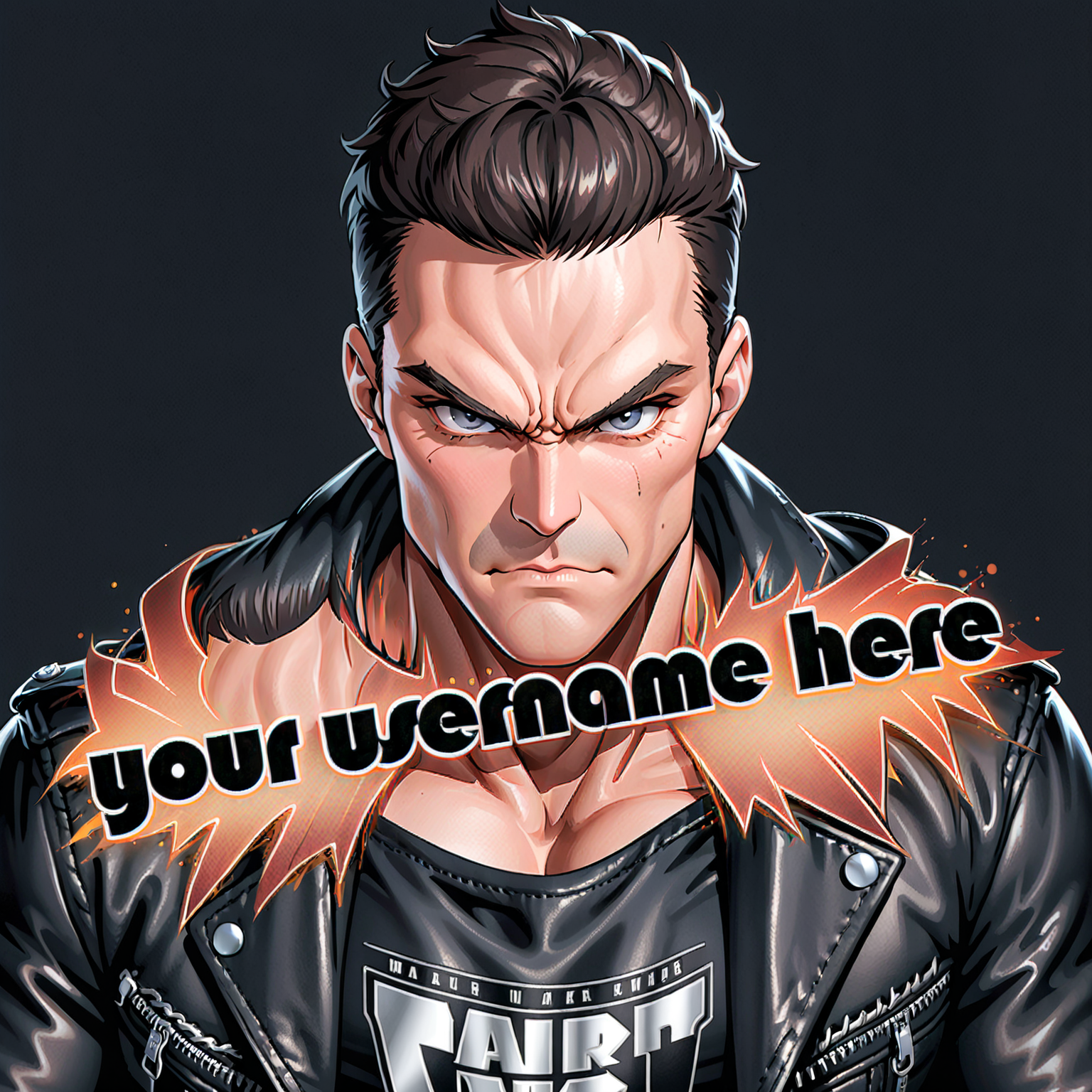
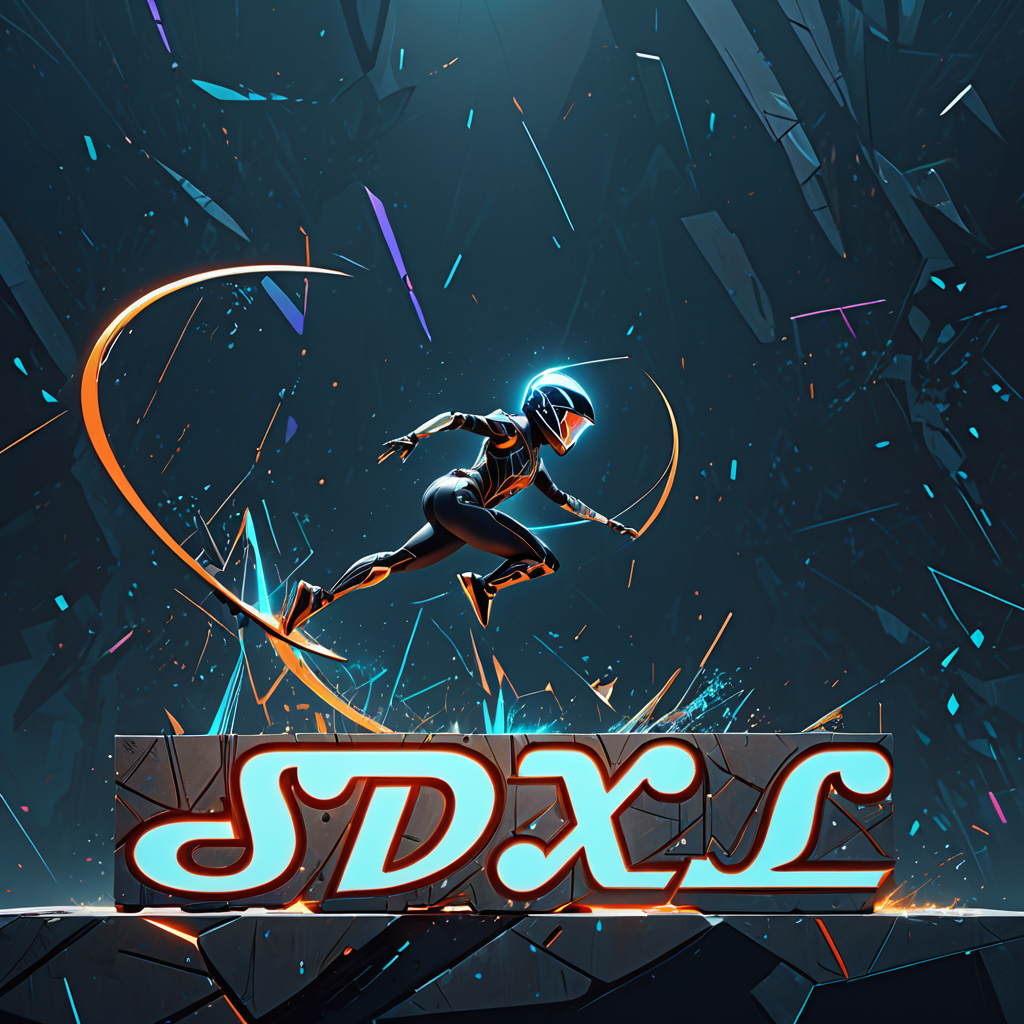
This workflow allows you to generate custom text as part of an image. You can vary text size, color, angle and font.
SDXL only. And it doesn't really work with PonyDiffusion, as you can see in the last image of v1.0.
Installation and dependencies
Install WAS Node Suite custom nodes
Install Custom Scripts custom nodes;
Install Allor custom nodes;
Install ControlNet-LLLite custom nodes;
Download SDXL OpticalPattern ControlNet model (both .safetensors and .yaml files), and put it into "\comfy\ComfyUI\models\controlnet";
Download QRPattern ControlNet LLLite model and put it into "\comfy\ComfyUI\custom_nodes\ControlNet-LLLite-ComfyUI\models" folder;
Download and open the workflow.
How to use
Write a prompt for the whole picture;
Write a prompt for text;
Write actual text;
(optional) Set text color;
(optional) Set text font, size and angle;
(optional) Set text offset (0.5/0.5 is center).
Run it.
Notes
Big and bold letters are easier to generate.
Upscaling also helps.
Comment says ControlNet LLLite might cause problems. If so, just bypass it (Ctrl + B).