Feminine Identities - Toonz





詳細
ファイルをダウンロード (1)
このバージョンについて
モデル説明
Update:
Added some more characters
added prompting additions to certain character to aid with creation
Ya Need To Read This. It Ain't Like The Other Ones:
This is an ongoing project. So, Pony can know who you're referring to when you mention a fictional character's name and generate a picture accordingly. Well, kind of.
The following wildcard is damn near 600 names of cartoon, anime, and video game vixens from all kinds of media. This is a long ass list. And it's a pretty good one. However.....
There are instances where it doesn't render the right person or get their look entirely correct, depending on the "Ponypoint" you are using.
Examples:
 Ok.. So we all know this is this illustrious Dr. Harleen Quinzel...
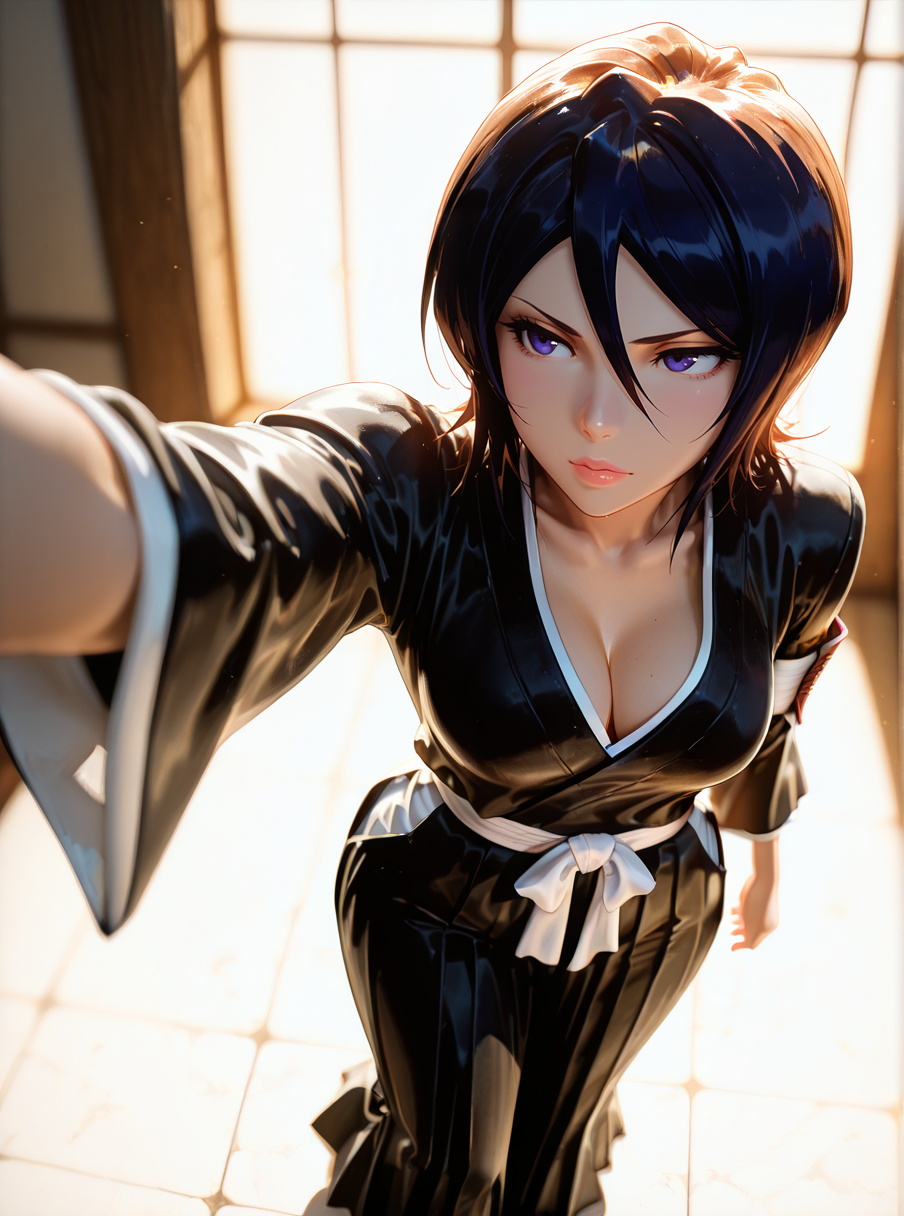
 And we all know this is fierce Shadaloo assassin, Cammy White. That's obvious. BUT...
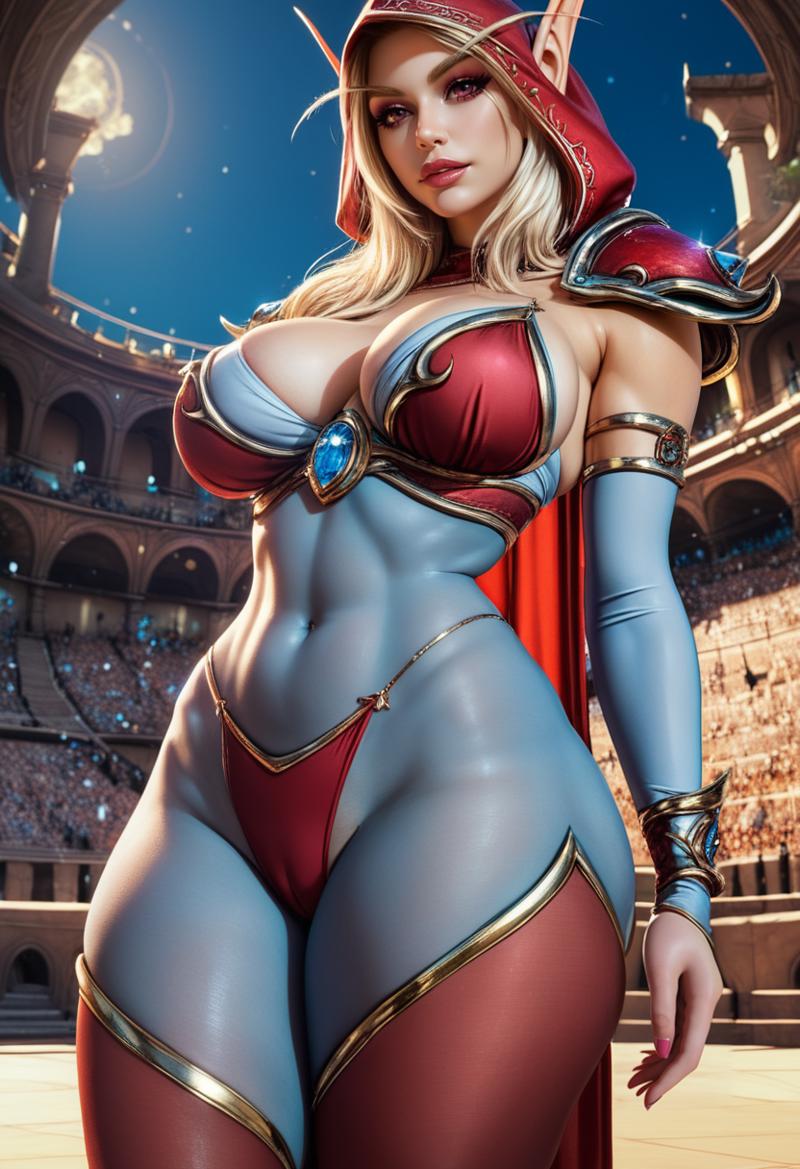 Ok.. I won't lie. The outfit looks kind of fire, but we all know this is NOT what Sylvanas Windrunner looks like...
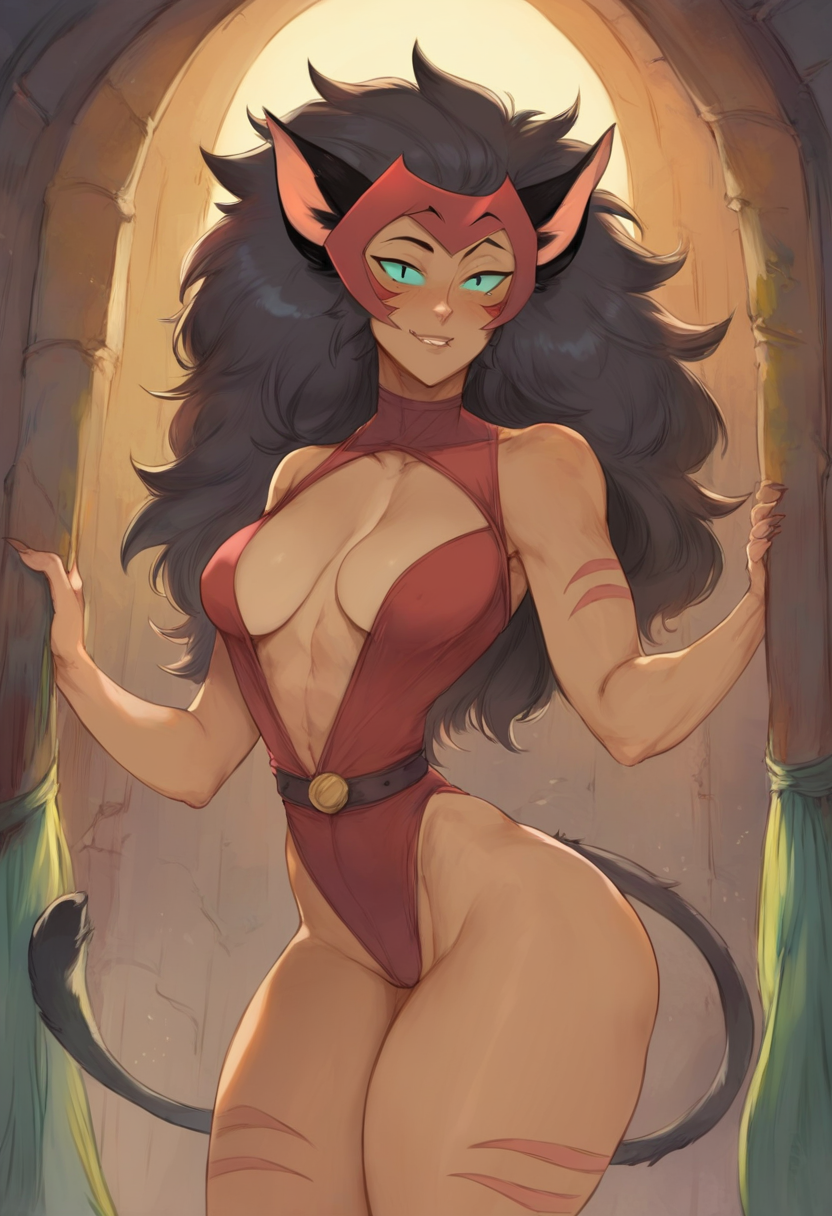
 And... HARPO, WHO DIS WOMAN?!! This is not our favorite blue kitty of a mother, Nicole Watterson.
Now, based on name alone, some of these can be generated with the proper prompt tweaking, but I tend to get a prompt where I want it and then let it generate forever while I'm asleep or at work. Still, it's a good wildcard listing. If you wish, you can go inside and tweak some problematic names with additional info attached to them.
Regarding updates, I will continue to dig through the Booru tags and test names to see how well other names work. For instance, I can get a Wilma Flintstone, but it doesn't seem to like Betty Rubble. If there are LoRAs out there for specific names you see on the list, I recommend installing the LoRA and attaching its info to the name inside the wildcard. I'm not doing all of that for you between work, family, and trying to get some sleep.
And now, back to our regularly scheduled program!
Installation:
Using this wildcard, you will need the dynamic prompt extension for stable diffusion. This allows you to place the file inside the wildcards sub-folder. The folder structure should look like the following:
----- \stable-diffusion-webui\extensions\sd-dynamic-prompts\wildcards
I also recommend downloading the Adetailer extension. You can install it directly from the Extensions tab. Wildcards work rather well within this, considering Adetailer is an automatic type of inpainting. A couple of good articles on Adetailer are here and here.
Oh, and it doesn't hurt to have a few extensions like SD Web Ui Tag Complete for its drop-down list, Gelbooru Prompt, or Danbooru Prompt if you want to grab the tags off of other images.
And.. there you have it. I hope you enjoy what this wildcard can do for you. Enjoy, and good luck on your imaginative and creative journeys!
wildcards work with SD 1.5, XL, and Pony versions
images on display were generated using Pony Diffusion V6 XL