(SD 1.5 + SDXL +Pony Workflow) Apply Lora effect to image


세부 정보
파일 다운로드 (1)
이 버전에 대해
모델 설명
(SD 1.5 + SDXL + PONY Workflow) Apply Lora effect to image
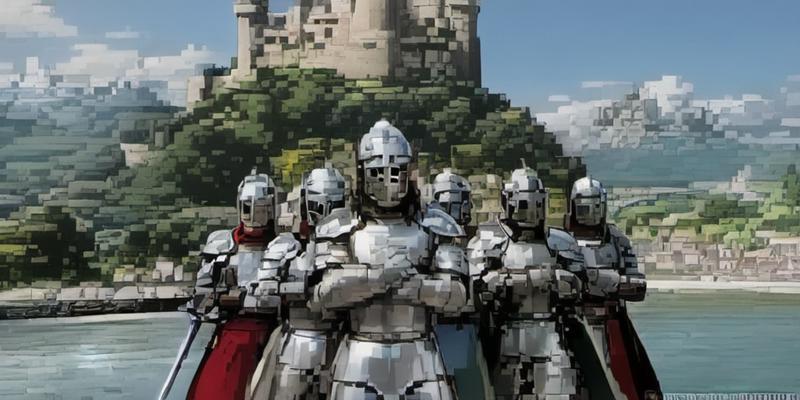
For an existing image, apply a lora so that it's effect is put on the image input.
For example, using the "Pixelize Art" Lora (link below) in this workflow applies to an input image the "Pixelized Art" effect.
Requires:
Efficient Nodes
WD14 Tagger
(Image Compare - Optional)
Note that there are four folders, for SD15, SDXL (twice) and Pony, with at least the following workflows:
Apply_LoraFX_To_Image_Efficient_WithCompare
With Image Compare
For SD 1.5 there is an seperate workflow with an upscaler node included too.
Note that the "applied effect" can be adjusted by changing the Lora Strength, and by changing the denoise (SD 1.5). For SDXL/Pony the denoising needs to be adjusted by changing the steps / start_at_step ratio, which is a little tricky (calculation included in the workflow).
(SD 1.5) Pixelized Art Lora: https://civitai.com/models/533977/sd-15-lora-v2-hd-pixelized-art
(SDXL) Pixelized Art Lora: https://civitai.com/models/536161/sdxl-lora-v2-hd-pixelized-art
(Pony) Pixelized Art Lora: <work in progess>
Input:
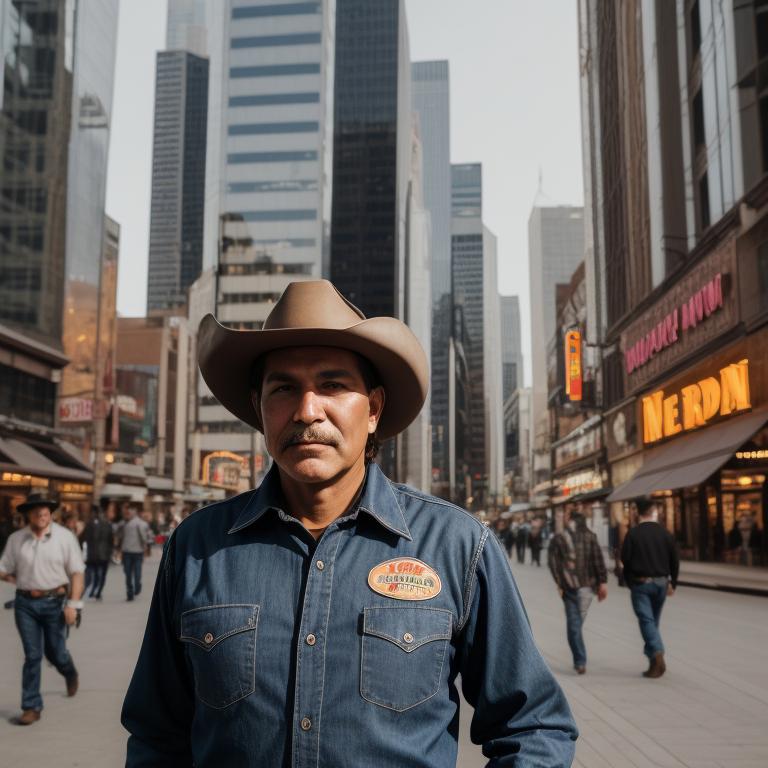 Output SD15:
 Output SDXL:
Input #2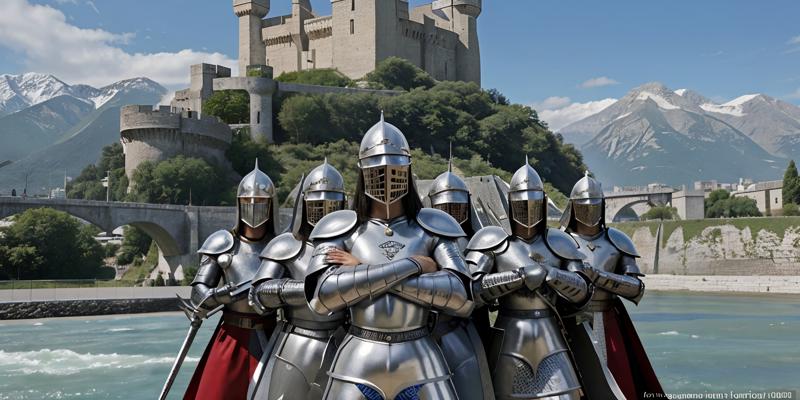 Output #2 SD1.5:
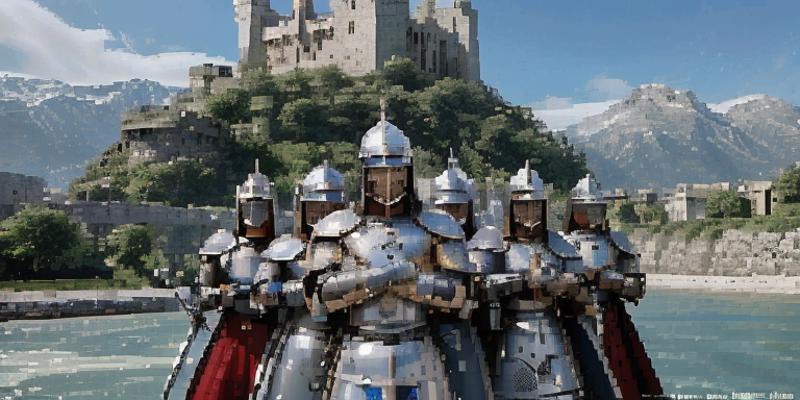 Output #2 SDXL:
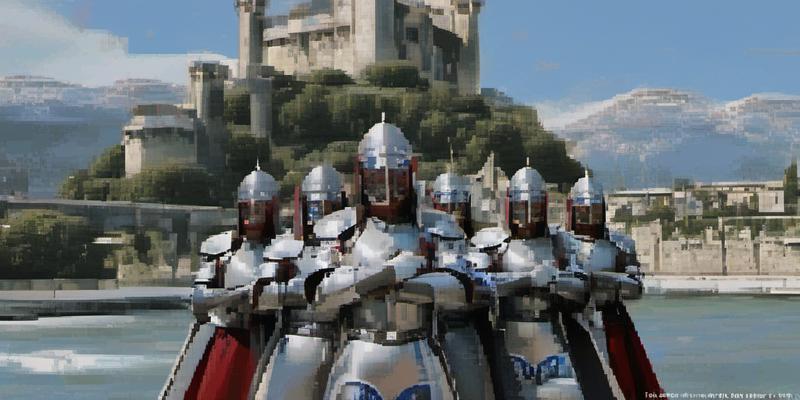 Output #2 SDXL (V2)
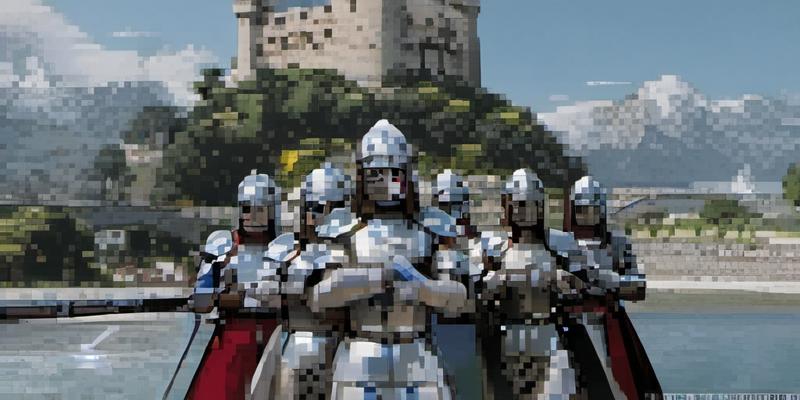 Output #2 (PONY)