Make Your Ponies Come Alive! - ComfyUI Workflow - Multipass Pony / SD3 / SDXL / SD15 / Face detailer / Civitai Metadata

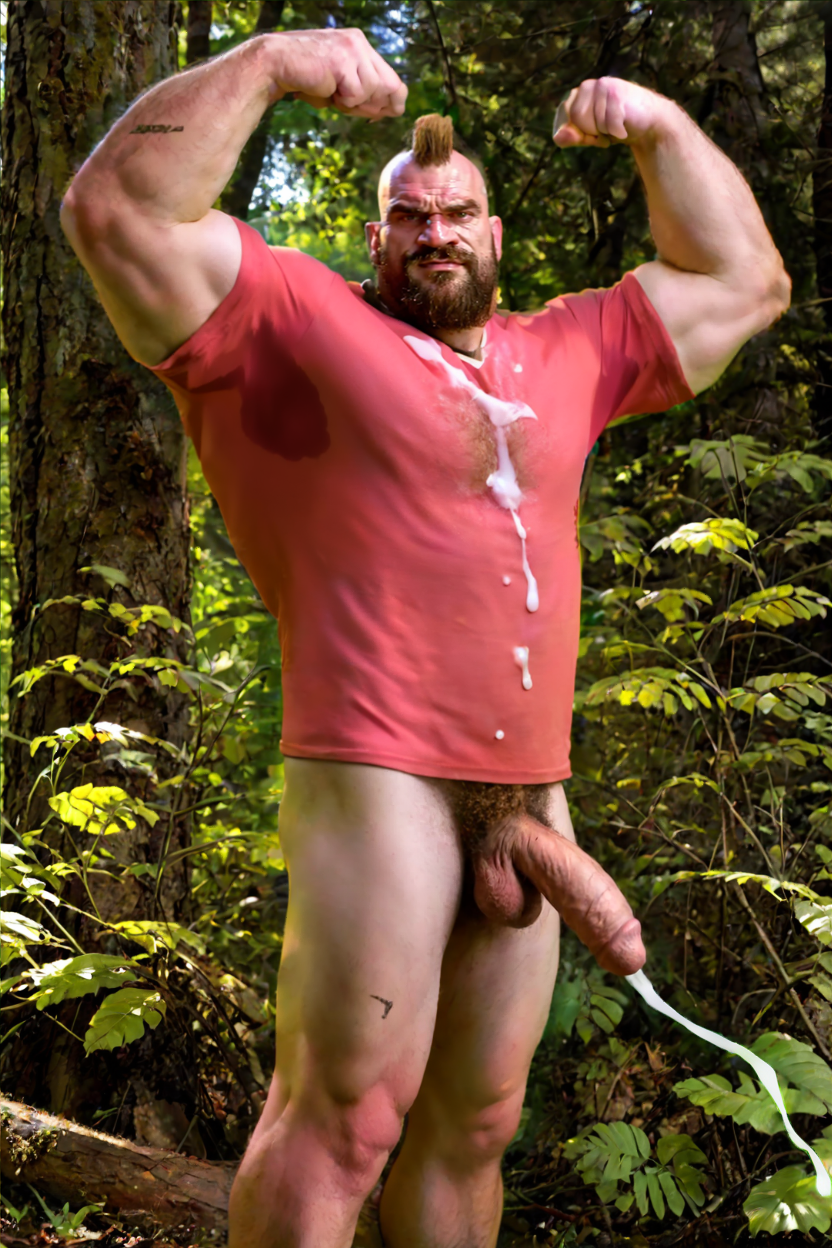
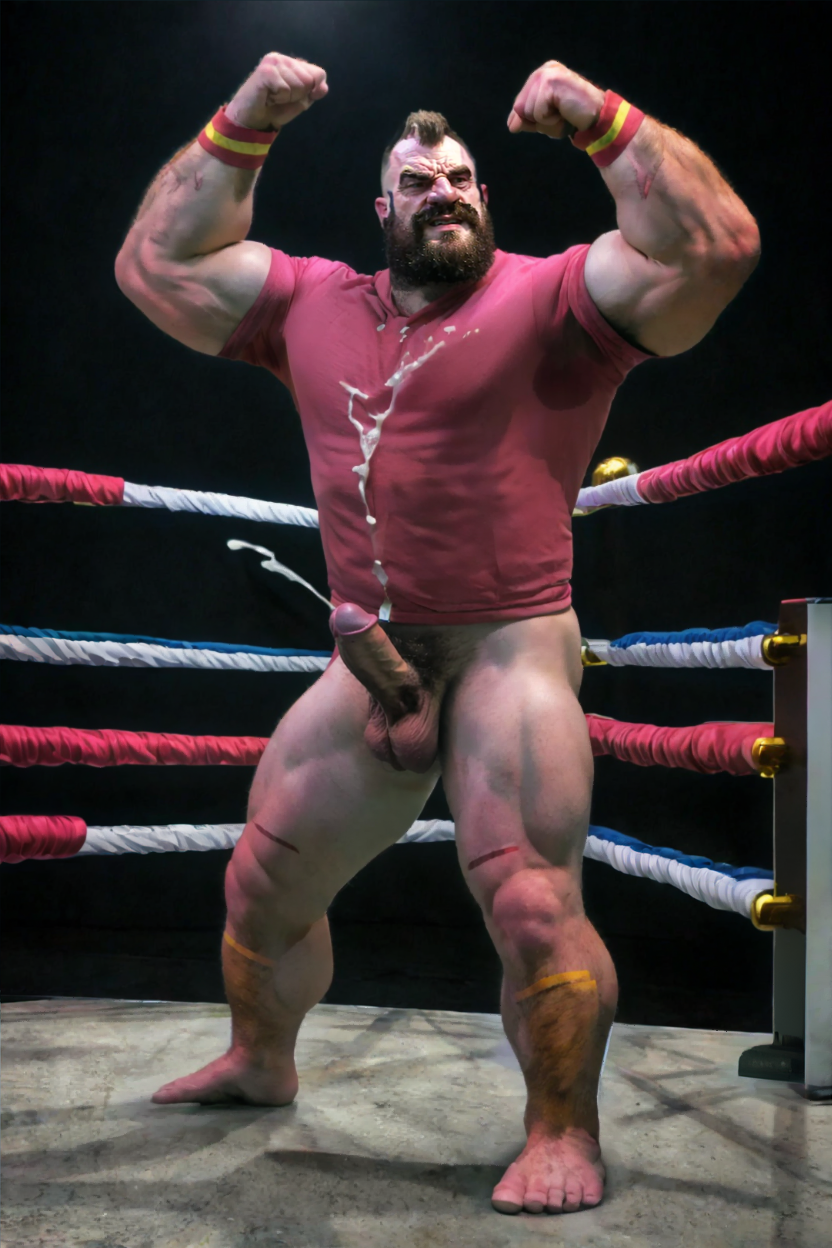
Details
Download Files (1)
About this version
Model description
Make Your Ponies come alive! - ComfyUI Workflow
v 1.2: better masking. Fixed canny controlnet that was off. Other minor things.
A gigantic noodle monster workflow that makes your Pony generations more realistic by passing it through optional SD3 for background (not recommended), SDXL for background (recommended) / SDXL for character, SD15 for more character realism with ControlNet, + facedetailer + penis detailer on the NSFW version + Civitai metadata saver for all LoRas used.
It uses a lot, I mean, really a lot of custom nodes. Use ComfyUi manager to help install everything.
SD3 performs worse than SDXL for background. I don't think it's worth it.
The best effect IMO is when you use this to improve the base Pony model for realism (which the quality of it is horrible). If you are using an already finetuned PonY Realism merge, the effect will be less, but it is still better.
Keep in mind that you need to set the correct LoRas for each pass if you want it to work correctly. Specially on the SD1.5 pass. It needs either a base model that knows what you want to generate (for example, a nude male) or you need to set the LoRas for penis for example.
It will default to SDXL detailed penis. IMO the SD15 penis (bettercocks) performs better than the SDXL one (xpenis). Just use the black node (fast muter) to disable SDXL Penis Inpaint and leave the 1.5 penis inpaint. The image saved will be the SD15 one.
Also right to the right side of the prompt nodes, you can use the Bridge Image (node #1146) to open up the "mask editor" or SAM detector, to create a manual mask of the area that you want to keep as pony. For example, a cumshot, a body part that is not greatly represented by the other models or are being distorted/worsened by the other models (like a anus or anything really).
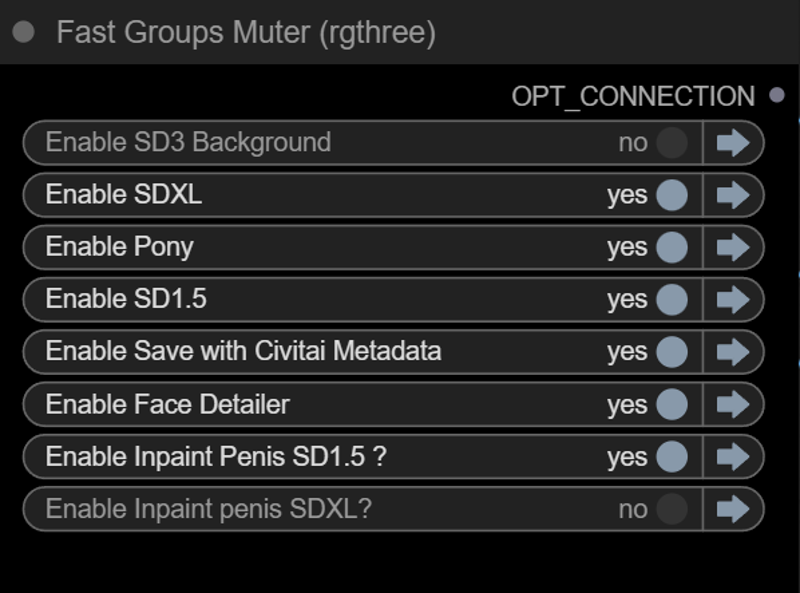
WHAT YOU REALLY NEED TO SET TO MAKE THIS WORK
1) Set all Purple models, choose your Pony, SDXL and SD15
2) Set all Blue nodes: Loras for each pass (Pony, SDXL and SD15)
3) Set Positive and Negative. Pony exclusive prompts (score etc) will be automatically removed for SDXL and SD15 passes.
OPTIONAL
Change Brown values if you want
Change Cyan values if you want (not recommended)
Use Black node, Fastmuter, to choose what you want
This Workflow will DO:
1) Start with a Pony image composition for base
2) SD3 background (IF ON)
3) SDXL:
When SD3 ON : foreground (person)
When SD3 OFF: Background <-- Recommended
4) SD15 foreground refinement/details
5) SD15 face detailer
6) SD15 and SDXL penis detailer. You can disable this. Or change it to whatever part you want. Need tinkering.
6) Save with Civitai metadata with ALL Loras and Pony model
*it will add a text to the positive prompt to warn people it was done with this workflow, you can edit if you want.