Scene Composer: Workflow





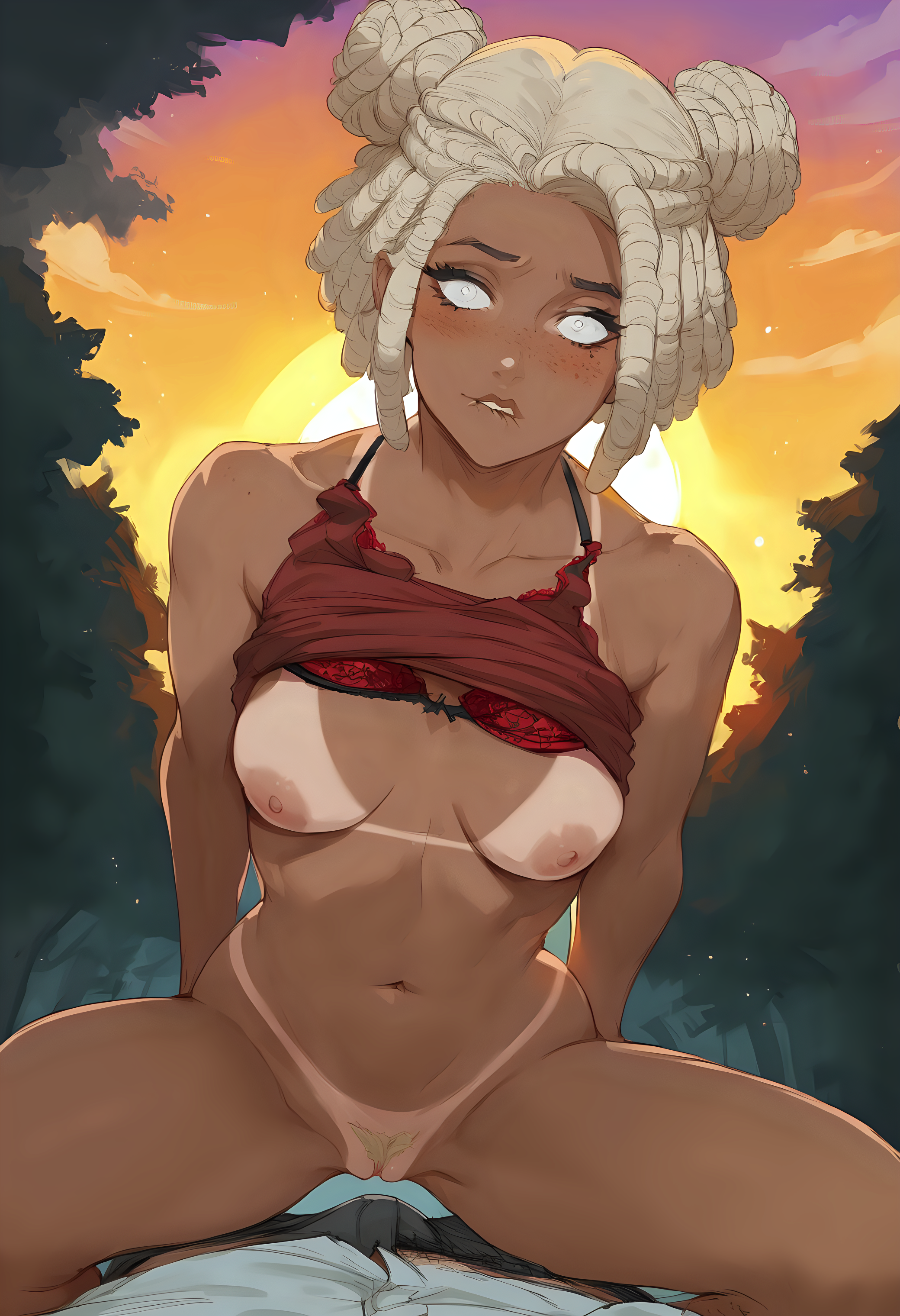


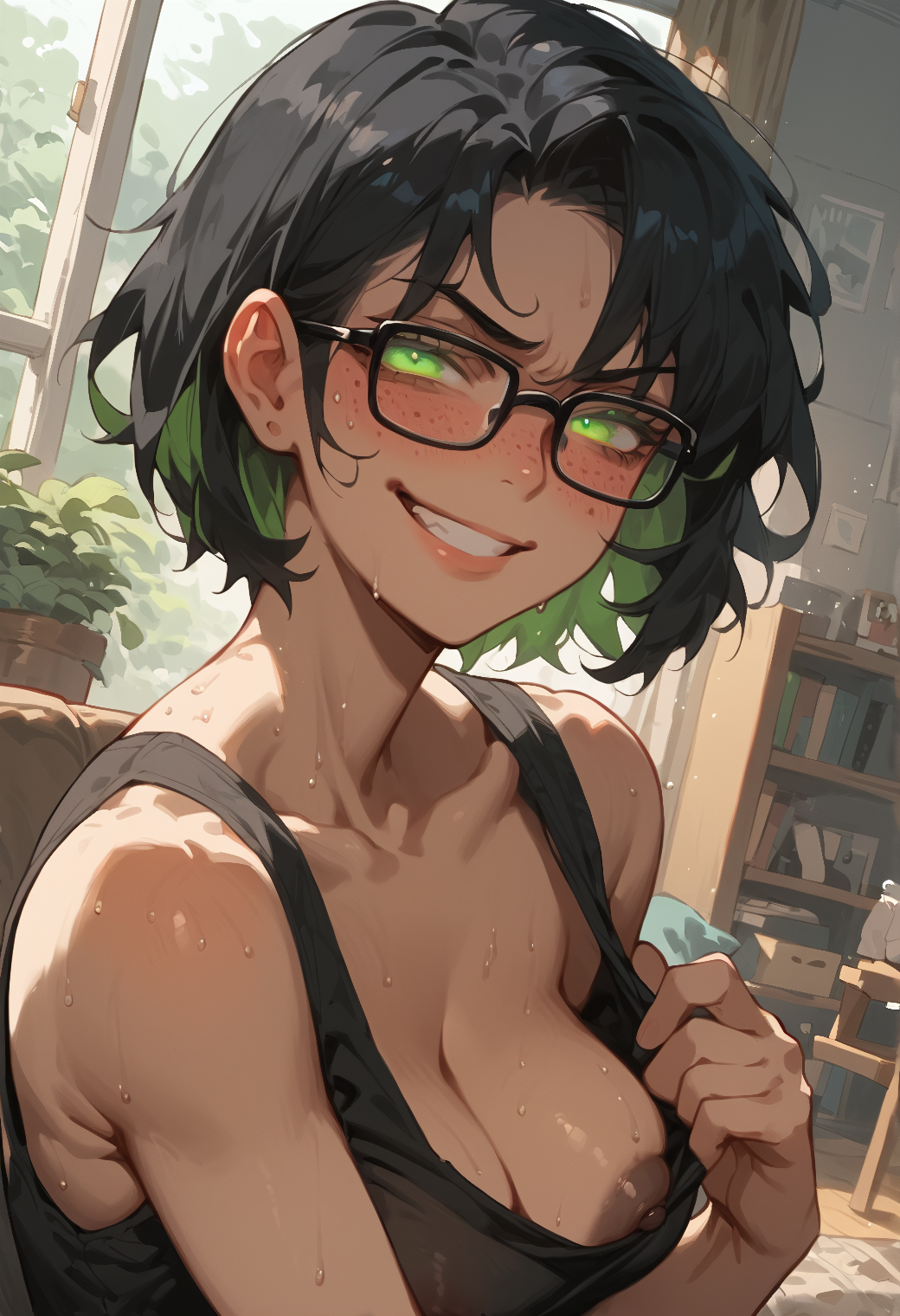
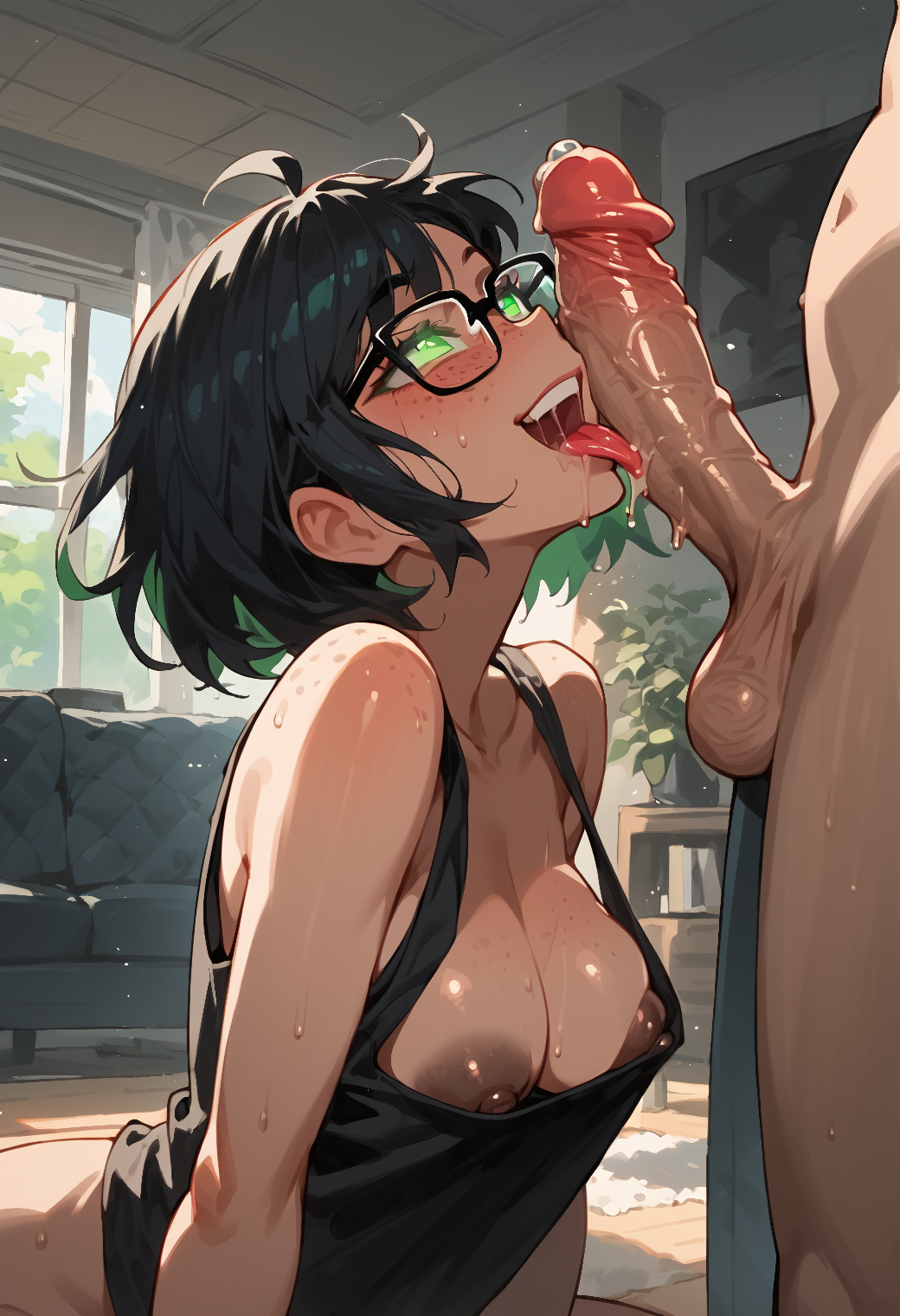


详情
下载文件 (1)
关于此版本
模型描述
Note: the last version of the workflow has been greatly simplified to use the ComfyUI sub-workflow system. In consequence, it has less features than the previous ones, but is more stable. I will try to re-include these features over time.
Introduction
Here's my Scene Composer worklfow for ComfyUI.
The main goal is to create short 5-panels stories in just one queue. For that, it chose randomly parts of the prompt that are used for generation, like:
Character (e.g. hair, eyes, attitude)
Clothes & Underwear
Sexual position and action
To keep consistency, it also keeps certain parts of the prompt to inject it across all scenes (like the environment, the main character and their clothes). You can read my Overview & Usecases article for more explanations!
If you're looking for a simpler workflow, check my Main ComfyUI Workflow. I also suggest to have a look at my Prompt Notebook to better understand how I structure tags.
If you have any comment or request, please feel free to share!
Features
Note: features in gray are in progress and need to migrate to v1.x
Random procedural generation of prompts
Main character (e.g. body, hair, eyes, tattos, piercing, horns, tail,…)
Attire (e.g. clothes, swimsuit, underwear, uniform, accessories.…)
Environment (e.g. place, daytime, nighttime, weather,…)
Action in scene (e.g. starting scene, sexual encounter, ending scene,…)
Predefined personas (demon, goblin, furry, slime, etc)
One place to control all scenes parameters
Seed, steps, CFG, image size, etc.
HighRes-Fix (2nd Pass)
LoRA stacker
Keep control over scenes
Re-generate one or many elements by changing its seed
Re-generate one or many scene by changing its seed
Overwrite and compose the final prompt with variables
Scenes consistency
Tags update dynamically according to the scene (e.g.
wetis added if there's rain)Attire state stay across scenes (if character lose clothes, it stay lost)
If clothes are torned, they stay so
Bondage ropes stay on character, with clothes
Output
Upscaling, pre-processing
Images scene merged into one
CivitAI metadatas & workflow embedded
Setup
Simply import the workflow.json file attached to this article in ComfyUI. You can also drag-and-drop the workflow image directly in the interface.
I personally don't have a very powerful computer. For people in the same situation, check my environment on my Main ComfyUI Workflow article, I explain how I rent and setup machines on remote.
Models
In theory, the workflow can work with any models that use Danbooru-like tags. I personally use Illustrious/NoobAI/Pony-based models and mix with some anime-oriented LoRAs. Have a look at my last images metadatas if you're curious!
Custom nodes
To achieve this workflow, I developed the comfyui-scene-composer extension. You can use as standalone in your own workflow. If you have trouble setting things up, check the repository.