Fn-Mix Pony XL


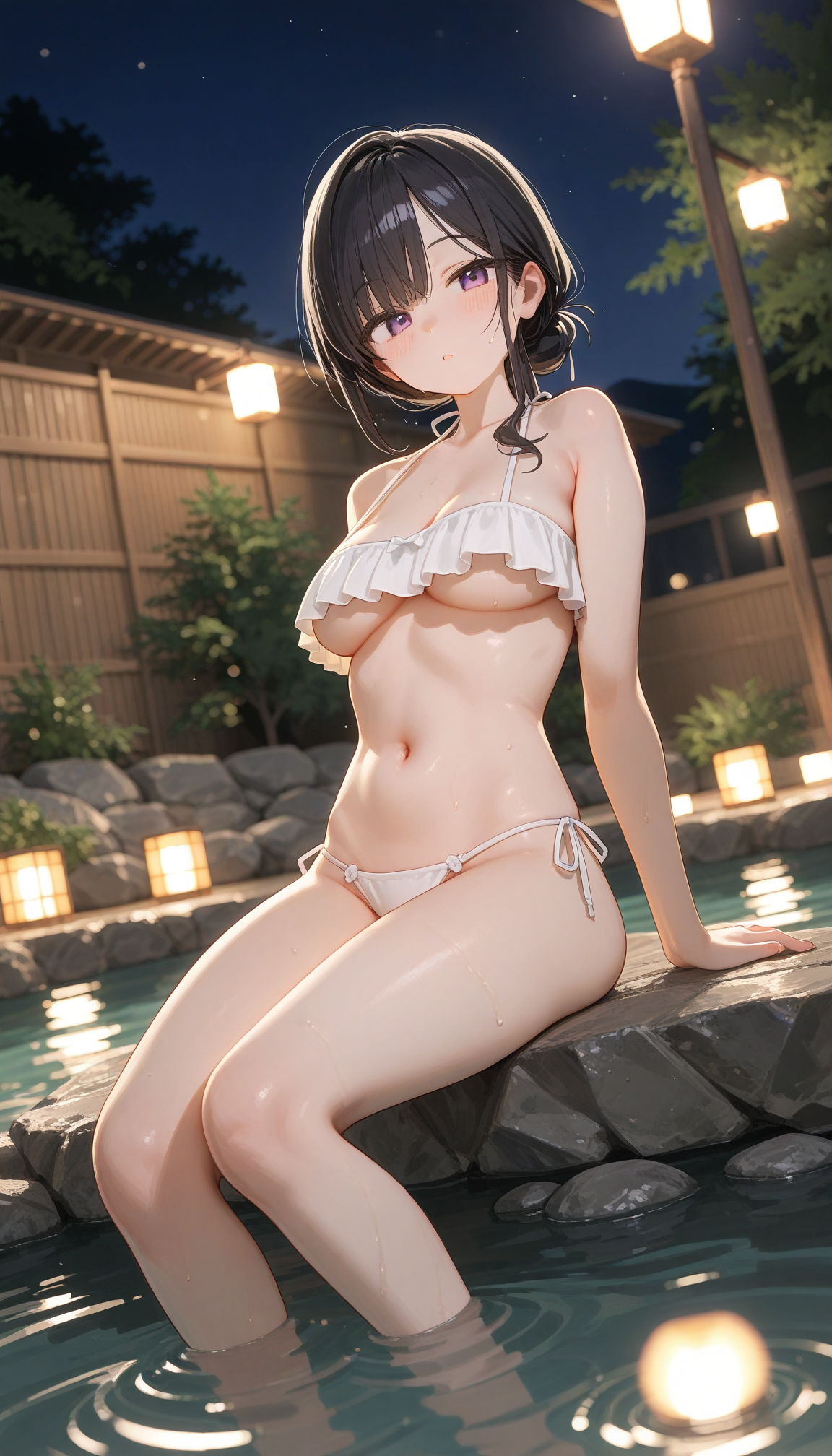
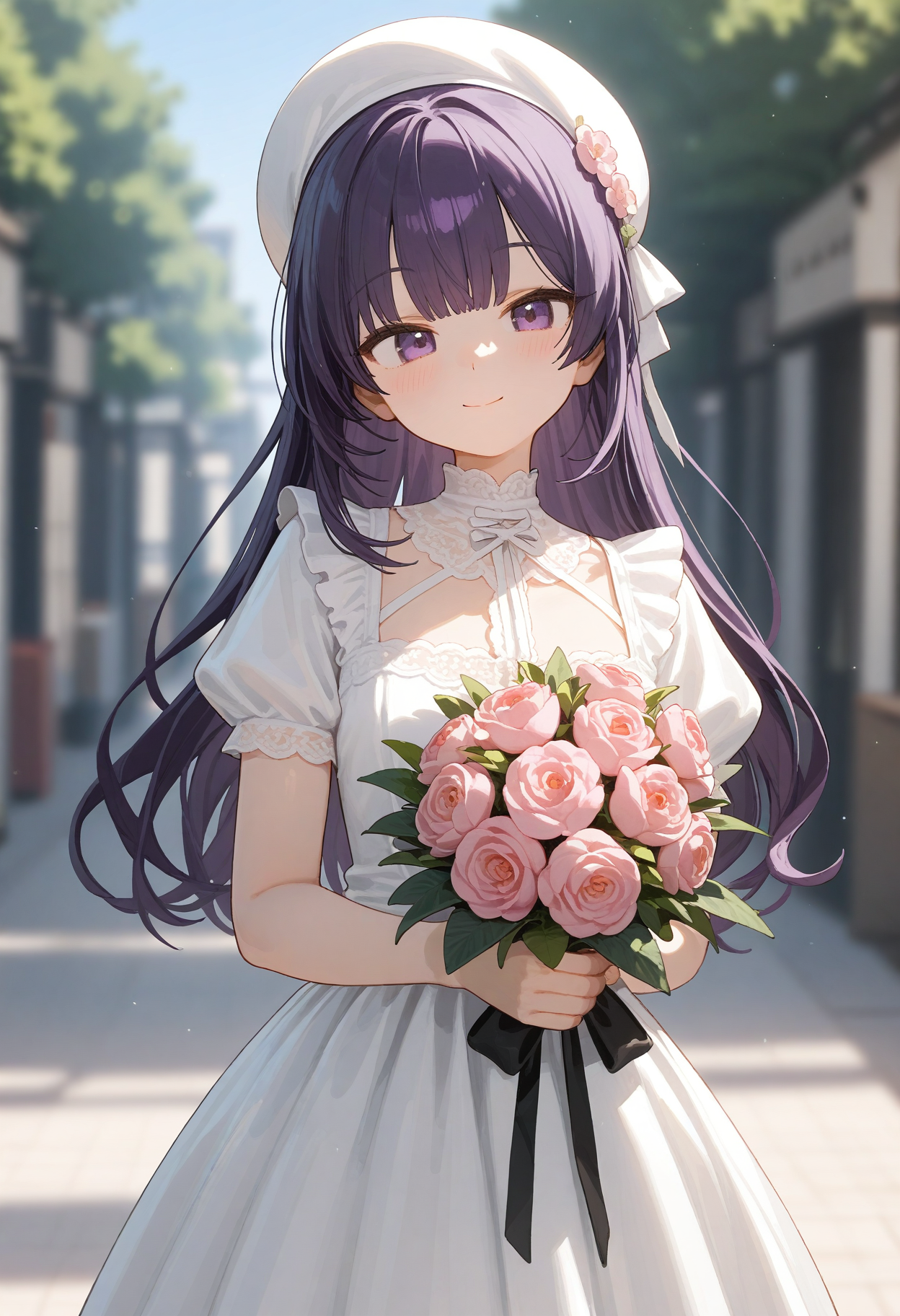


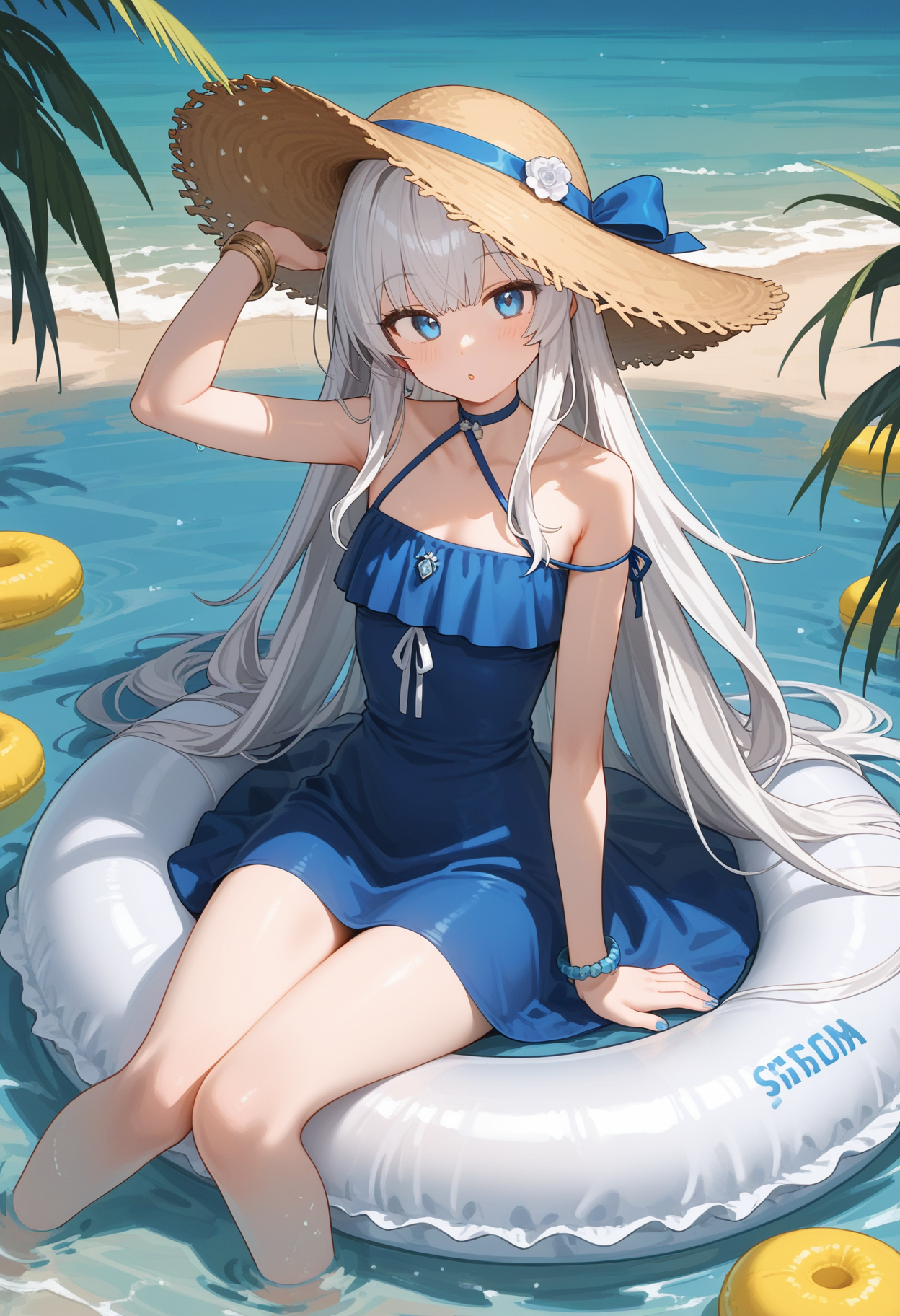
詳細
ファイルをダウンロード (1)
このバージョンについて
モデル説明
使用须知 | Instructions for use
此模型融合了 Hyper-SDXL-8steps 模型,推荐: Clip Skip=-2,CFG=2,Step=10-20,分辨率=832*1216,768*1344。
This model integrates the Hyper-SDXL-8steps model, recommends Clip Skip = -2, CFG = 2, Step = 10-20, Resolution = 832*1216, 768*1344.
V1.6
此版本基于V1.5-beta优化,保持了V1.5-beta的风格,但在画面表现上更为细腻。
整体配置与V1.5-beta配置通用。
This version is optimized based on V1.5-beta, maintaining the style of V1.5-beta, but with more detailed graphics.
The overall configuration is common to the V1.5-beta configuration.
V1.5-beta
此版本基于V1.0,尝试通过融合现实风格的LoRa以及部分风格化LoRa,更改了V1.0的人物及背景表现,整体上表现良好。
This version is based on V1.0 and attempts to change the character and background performance of V1.0 by fusing realistic-style LoRa and partially stylizing LoRa. Overall, it performs well.
1.5-beta版本优点:
整体画面更偏向真实风格/3D渲染风格,光影表现力更强。
风景类型背景真实性和精细度提高。
Advantages of the 1.5-beta version:
The overall picture is more realistic/3D rendering style, with stronger light and shadow expression.
Improved background authenticity and fineness for landscape types.
部分场景下仍然会出现部分问题:
背景部分在未填写提示词时直接生成可能导致画面背景与人物光影差异较大,或背景为现实风格,人物为动画风格,导致画面整体较为割裂。
使用手部动作提示词时,容易出现较差的效果。
部分提示词下容易出现过于真实的画面。
某些衣服生成效果可能较差。
Some problems still occur in some scenarios:
The background part is directly generated when the prompt word is not filled in, which may lead to a large difference between the background of the picture and the light and shadow of the characters, or the background is a realistic style and the characters are an animation style, resulting in a more fragmented picture as a whole.
When using hand action prompts, poor results are prone to occur.
Some prompt words are prone to overly realistic pictures.
The generation effect of some clothes may be poor.
推荐:
在填入背景信息相关提示词后,可添加“photo background, blurry background, depth of field, ”等提示词,有助于优化背景虚化效果及提高背景真实度。
生成步数可提高至15步。
放大模型可选择使用x2的模型,以加快生成速度。
个人测试:使用 RealESRGAN_x2plus 模型会出现本应模糊的背景变得清晰,并不清楚其他 x2 模型效果,所以如果使用时请先进行测试。
Recommend:
After filling in the background information related prompt words, you can add "photo background", "blurry background", "depth of field" and other prompt words, which helps to optimize the background blur effect and improve the background authenticity.
The number of generating steps can be increased to 15.
Zoom in on the model You can choose to use the x2 model to speed up the generation.
Personal test: Using the RealESRGAN_x2plus will make the background that should be blurred clear, so please test it first if you use it.
下面是推荐的prompt案例:
Here are the recommended prompt example:
Postive Prompt:
1girl, medium breasts,
blunt bangs, hair up, looking at viewer,
frilled one-piece swimsuit, white swimsuit,
outdoors, onsen, wooden floor,  water,
partially submerged, leaning forward,
day, cloudy sky, mountain,
BREAK cowboy shot, photo background, blurry background, depth of field,
BREAK score_9,score_8_up,score_7_up,
Negative Prompt:
score_6,score_5,score_4,source_furry,source_pony,ugly,bad feet,bad hands,
V1
基于Prefect Pony XL作为底模进行训练所得的多个lora融合的产物。
The product of multiple Lora fusion based on Prefect Pony XL as the base model.
Prefect Pony XL作为底模,使用个人在NAI3和tPony生成图片、以及收集到的AI生成图片进行训练所得的LoRa,进行融合并微调,同时添加了Hyper-SDXL-8steps加速生成速度。
Prefect Pony XL is used as the base model, use the images generated in NAI3 and tPony and the collected AI-generated images to train the LoRa, fusion and fine-tuning, and Hyper-SDXL-8steps is added to accelerate the generation speed.
当前仅在Comfyui中使用,未在Webui中测试。
Currently only used in Comfyui, not tested in Webui.
已发现问题:
在某些未知提示词下,可能出现画质大幅下降/出现色块的问题。
在全身和半身图等人物脸部占比较小的情况下,即使高清修复后,眼部质量仍然较差。
Problem found:
There may be a significant decrease in image quality/color patches under some unknown cue words.
In cases where the face of a person is relatively small, such as full body and half body images, the eye quality is still poor even after high definition repair.
推荐/Recommend:
postive: score_9, score_8_up, score_7_up, negative: score_6, score_5, score_4, source_furry, source_pony, ugly, bad feet, bad hands, Size: 832*1216
CFG: 2 | Dynamic CFG: 8-2, Cosine Down
Steps: 12
生成后进行高清修复,并使用adetailer/detailed fix对脸部、眼部进行修复。
After generation, perform high definition repair, and use adetailer/detailed fix to repair the face and eyes.
高清修复推荐/HireFix Recommend:
CFG:2
Step: 5-10
本文英文部分为AI生成,如有错误敬请见谅。
The English part of this article is generated by AI. Sorry for any errors.
以上,祝你愉快。
The above. Wish you a pleasant time.