DataSetPrepare-Gemini

详情
下载文件 (1)
模型描述
plz read my guid for lora training I
https://civitai.com/articles/7365/flux-lora-training-low-gpu-kohya-ssdscript-linux
prepare this tool plus the node to be very accurate and fast
lets go
Clone this repository into your ComfyUI's
custom_nodesdirectory:cd /path/to/ComfyUI/custom_nodes git clone https://github.com/al-swaiti/ComfyUI-OllamaGeminiInstall the required dependencies:
pip install google-generativeai requests vtracer
Configuration
-Gemini API Key Setup
get your free api key from Google AI Studio.
Create a new API key or use an existing one.
Copy the API key.
add your api-key to
config.jsonfile in the node directory :{ "GEMINI_API_KEY": "your_api_key_here" }
-DataSet- setup
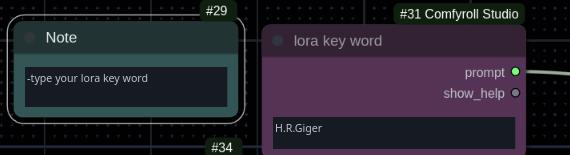
type your Lora Key-word (Ex: goldxxx >this what will be used in image generation)
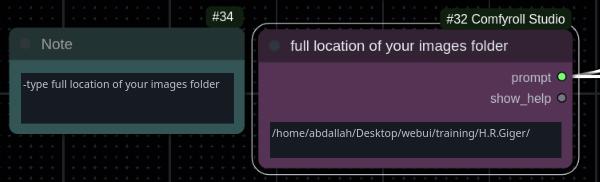
type your image location
Enable Auto-queue
 RunThe WorkFlow!