Gaping Assholes LORA


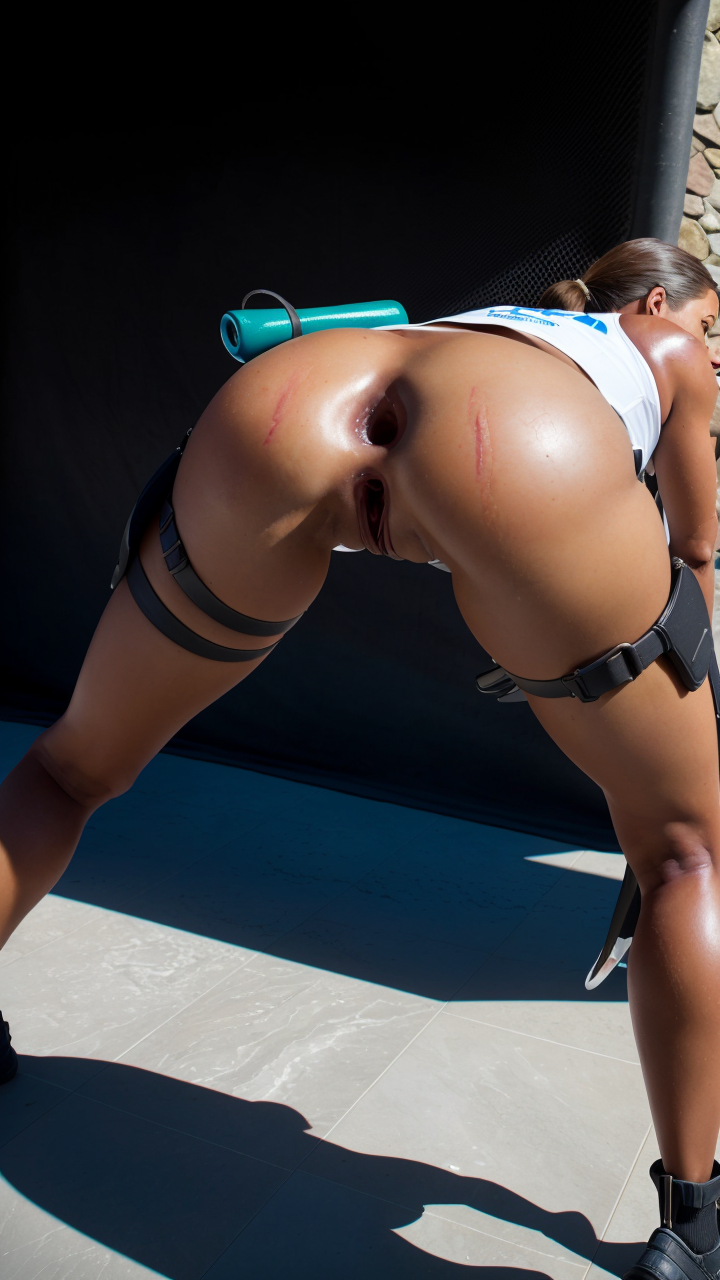
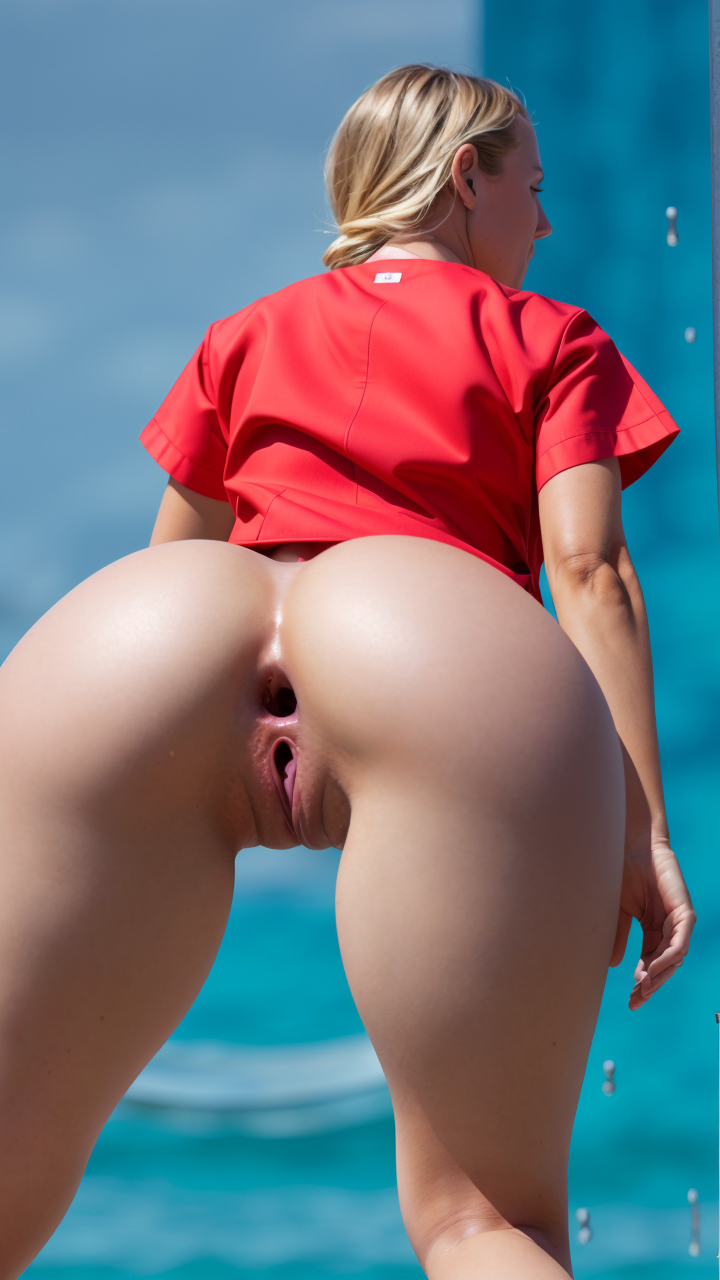
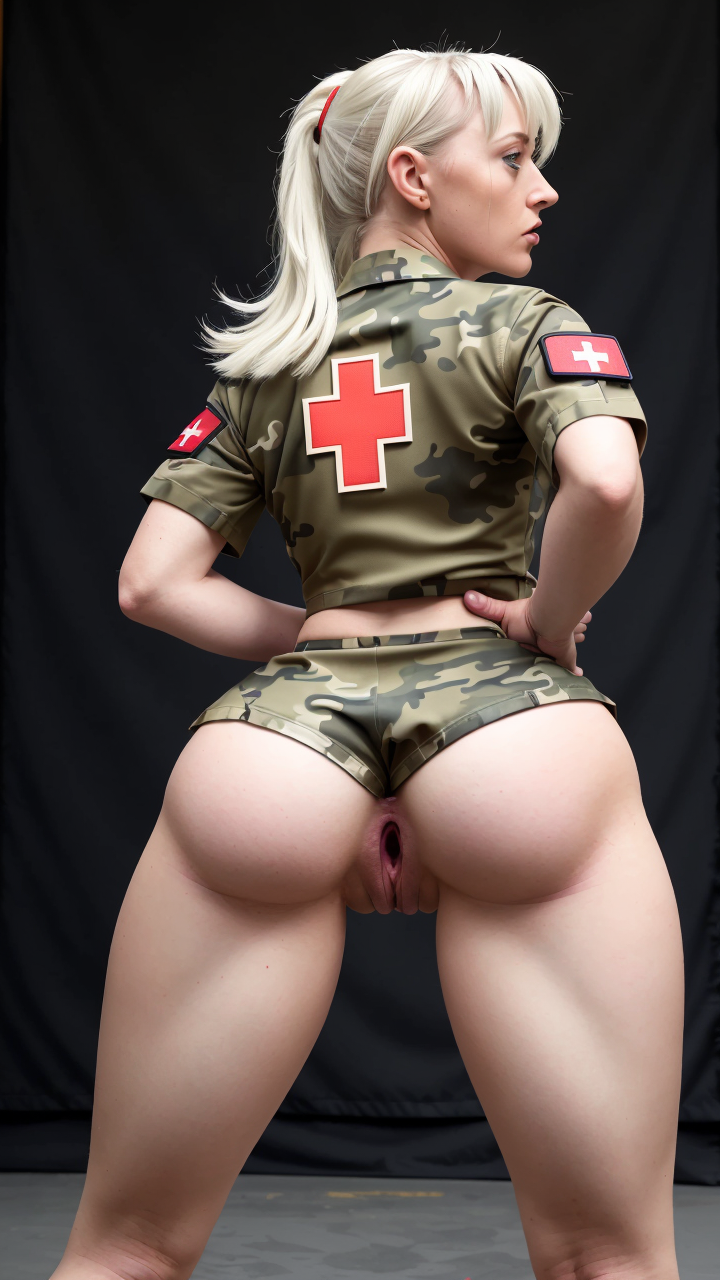


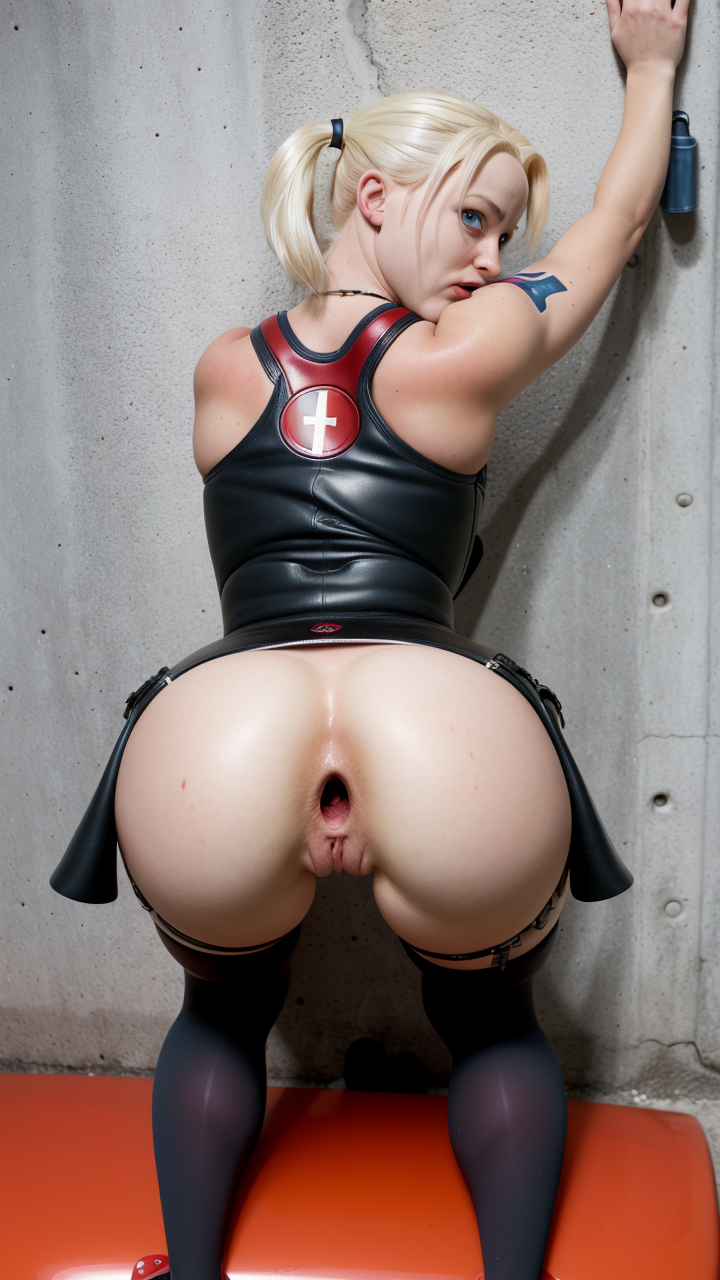




詳細
ファイルをダウンロード (1)
このバージョンについて
モデル説明
👑 Gaping Assholes LORA 👑
🔧Model base: AngrA_RealFlex_v02
___________________________
📝🌟 Trigger: gapingasshole_quiron sex, <lora:quiron_GapingAssholes:1>,
from behind, bend over, all_fours, anus gape, gaping asshole, anal gape, gape
___________________________________
📝 Variation: <lora:quiron_GapingAssholes:Y>, Y=0.5 to 0.8
📝 Denoising strength: 0.4 to 0.80
_______________________________
🗒️💡Sample:
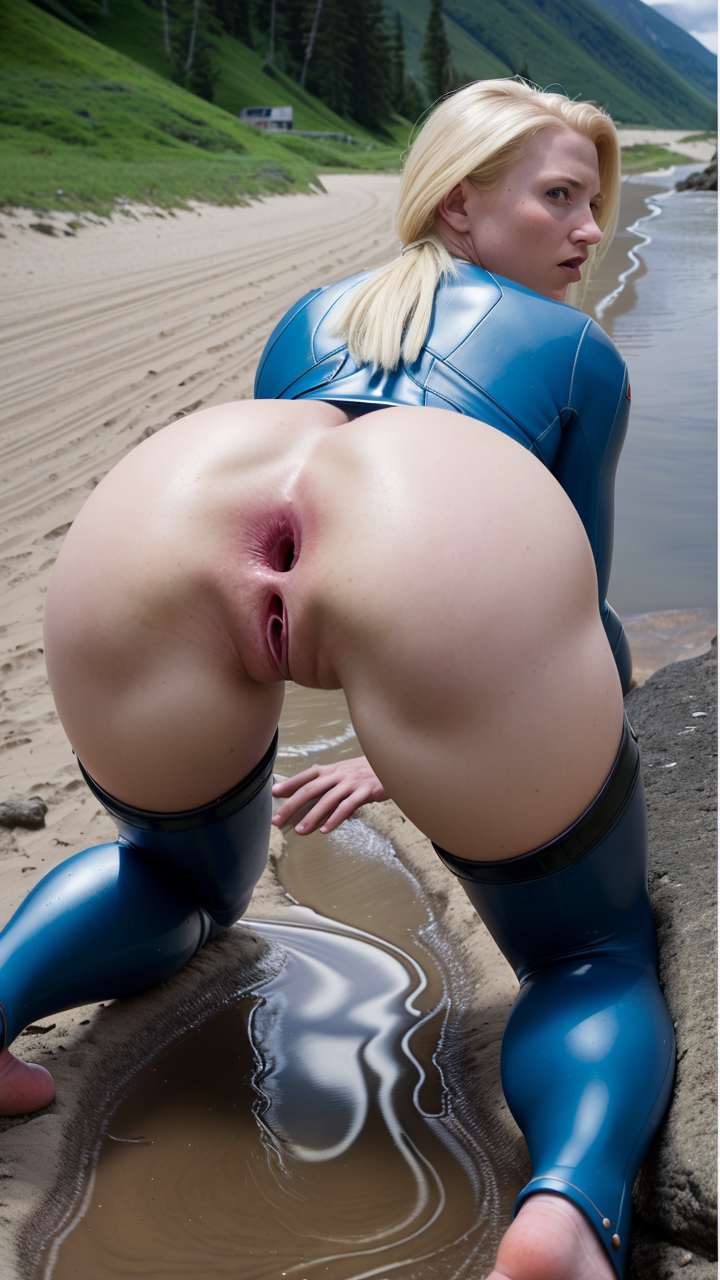
<lora:quiron_GapingAssholes:0.6> 1girl, from behind, bend over, all_fours, massive anal gape photo of beautiful Surfer babe as the wonder woman, (realistic skin texture, highly detailed face), anus gape, (gapingasshole_quiron sex) , masterpiece, professional photoshoot, from front, perfect face, (creampie:0.8), photo-realism, detailed, (nurse uniform:1.1), (military insignia), (camouflage pattern:1.1),
_____________________________
🚀 This LORA likes: (best quality:1.1), (detailed:1.1), (photo-realism:1.1),
👇 Negative Prompt: paintings, sketches, (worst quality:1.2), (low quality:1.2), (normal quality:1.2), lowres, 2 heads, elongated body, 2 faces, cropped image, out of frame, draft, deformed hands, signature, watermark, twisted fingers, double image, long neck, extra limb, ugly, mutation, mangled, gross proportion, out of focus, mutilated hands, missing arms, mutated hands, missing legs, mutated legs, disconnected limbs, bad anatomy, cloned face, cloned eyes, extra anus, extra pussy, cloned pussy, cloned anus
💡Sample steps: 18 to 35
💡CFG Scale: 5 to 8.5
Hire. fix: ok
👇Restore faces: Yes /No
____________
☕ If you feel like supporting my work, please consider visiting my Beer / BuyMeaCoffe ( https://www.buymeacoffee.com/quiron ) ☕
🌟☕If you like my work please support ( https://www.patreon.com/VisionsofAi )☕🌟
____________
How to use LoRA
Download the LoRA
Place the file inside the
models/lorafolderClick on the
show extra networksbutton under theGeneratebutton (purple icon)Go to the
Loratab and refresh if neededClick on the one you want to apply, it will be added in the prompt
Make sure to adjust the weight, by default it's
:1which is usually to high