HassanBlendV1.5 Inpainting







详情
下载文件 (2)
关于此版本
模型描述
HassanBlendV1.5 Inpainting is merged by using HassanBlendV1.5.12、and Stable diffusion 1.5 inpainting.
I merged it after the last model I shared started picking up traction. I started testing it out today. it's been working A lot better than SD1.5-inpainting, when it comes to realistic photos And lining up inpainting with the original Photo.
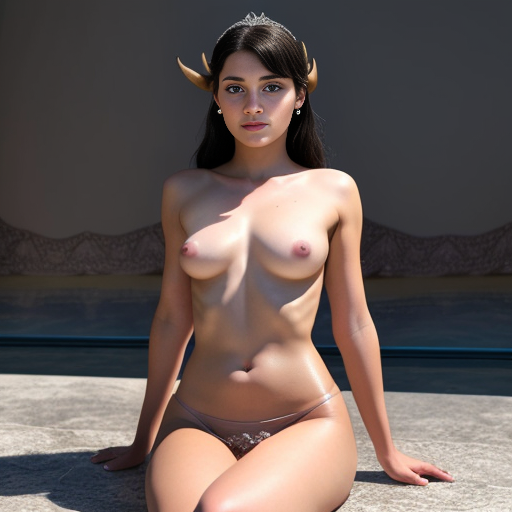
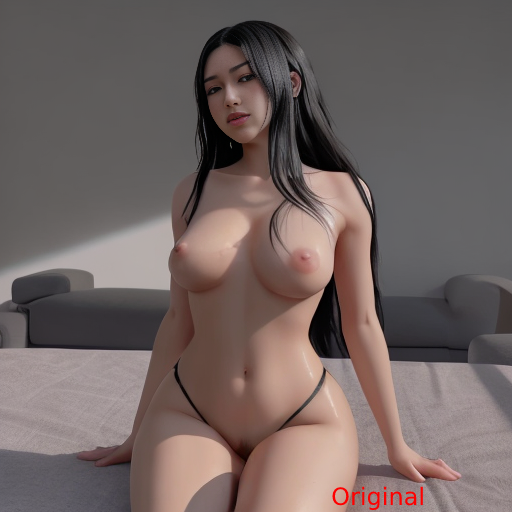
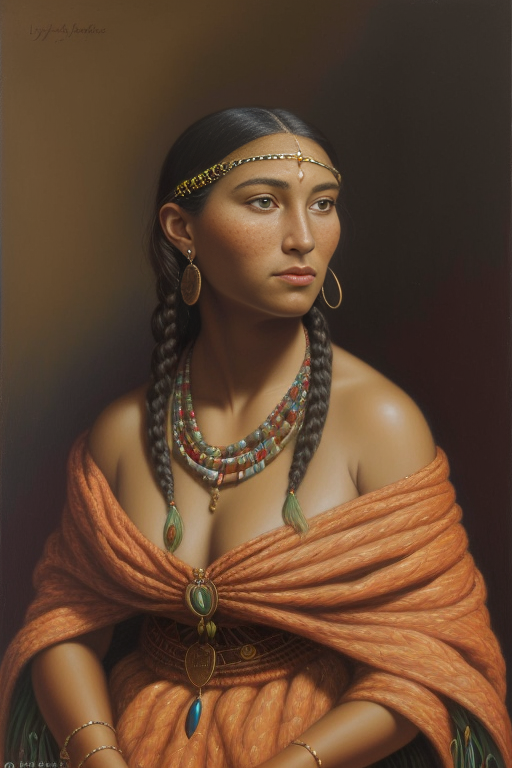
Most of the image examples are img2img using HBinpaint model. The Native Ameican woman portraits are inpainting examples.
I chose that picture to showcase inpainting due to how difficult it can be to remove baggy, wavy, or flowing fabric and clothing.
I Have been using the vae-ft-mse-840000-ema-pruned.ckpt file for my vae. This VAE normally produces higher images so I did not feel the need to try out the 560000 vae model.
I have not been able to try Embeddings and LoRAs.
I have noticed the same words as my last model merge aid in more realistic images.
Positive: high detail raw photo masterpiece of [Subject] in [Location/Setting] with/while [action], highly detailed, 4 k, hdr, smooth, sharp focus, high resolution, award - winning photo, detailed face, flawless face, perfect eyes, highly detailed, sharp focus, beautiful detailed face, beautiful detailed hands, 8k, (highly detailed), (photorealistic), vivid colors
Negative: High pass filter, airbrush, portrait, zoomed, soft light, smooth skin, closeup, Anime, fake, cartoon, deformed, extra limbs, extra fingers, mutated hands, bad anatomy, bad proportions, blind, bad eyes, ugly eyes, dead eyes, blur, vignette, out of shot, out of focus, gaussian, monochrome, grainy, noisy, text, writing, watermark, logo, oversaturation, over saturation, overshadow, blurred, hideous, crooked, broken, mangled, gore, horror, lowres, unreal, digital painting, blurry, ugly, ugly face, bad anatomy, out of focus, animated, fake, blurry.
Let me know how it worked for you! Share your good and bad images, ok