Redraptor16 Style Lora (Illustrious / Pony)



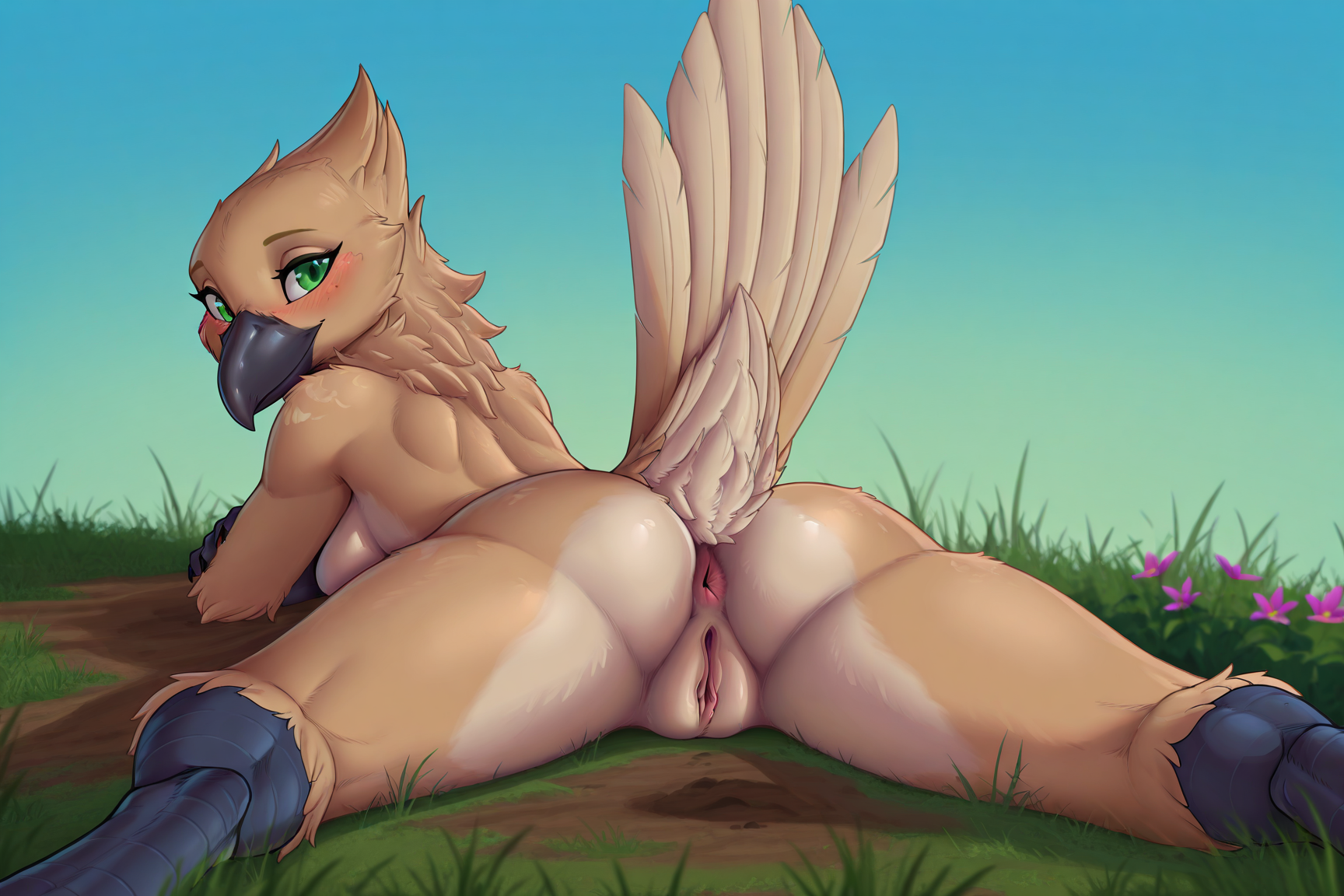
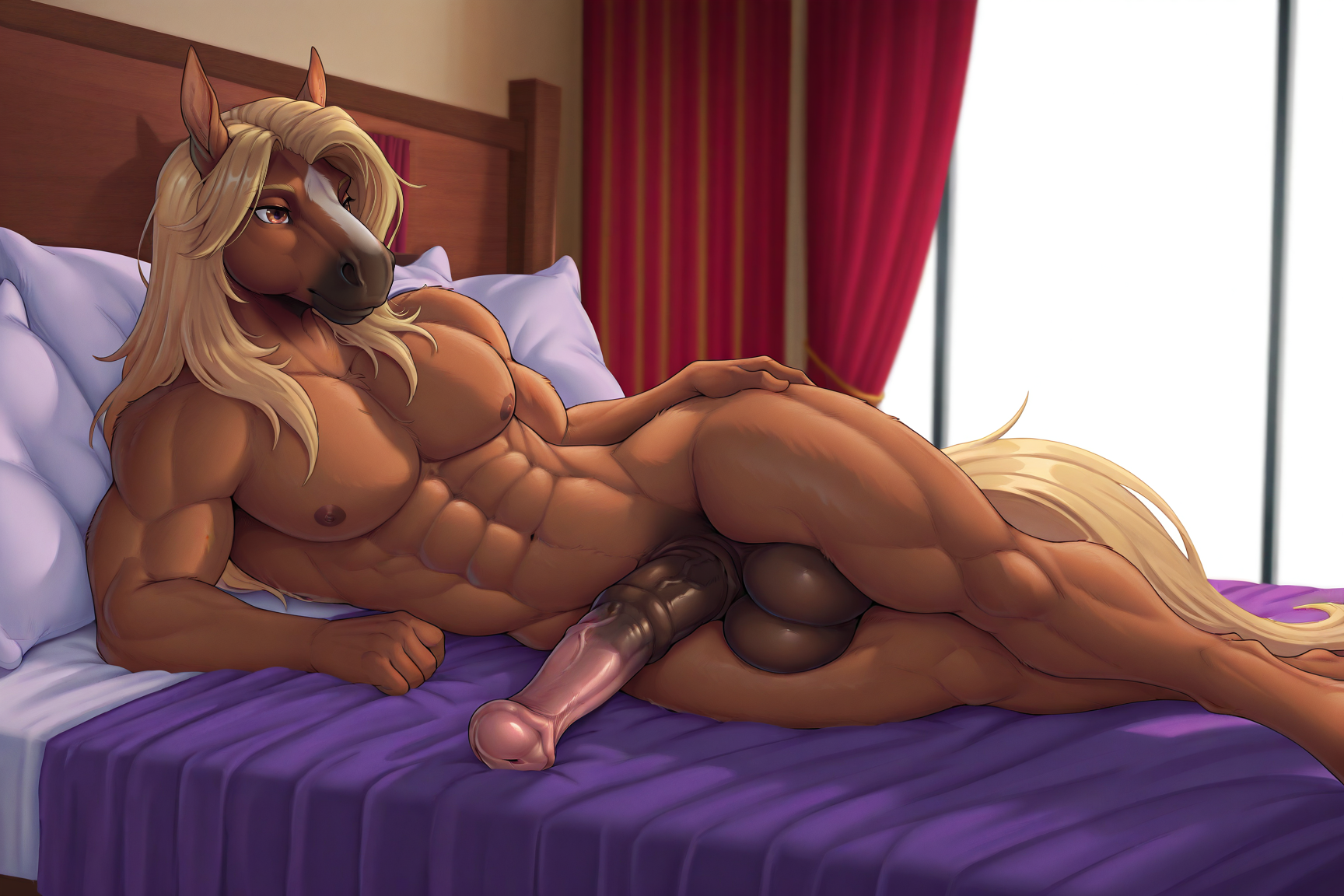
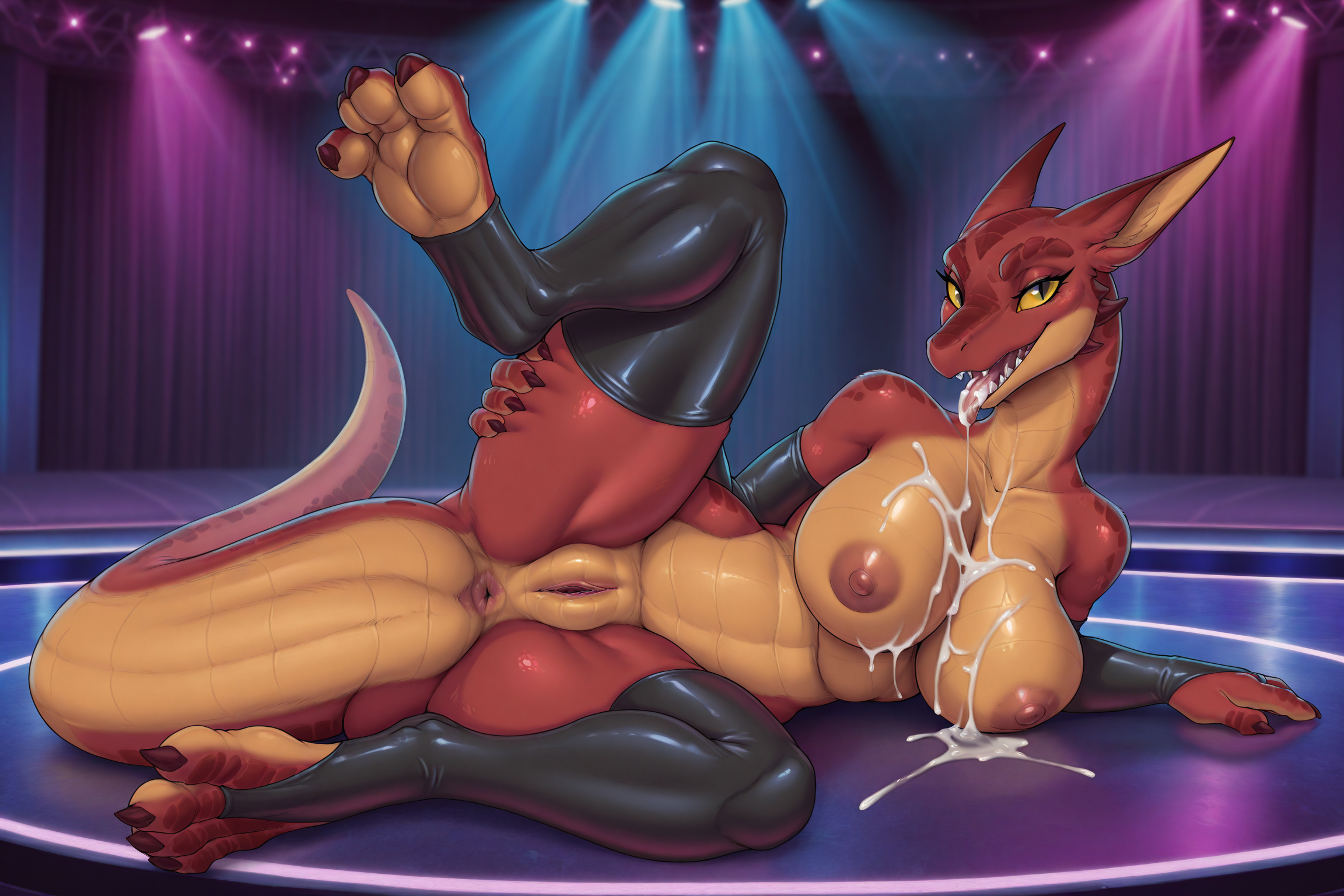
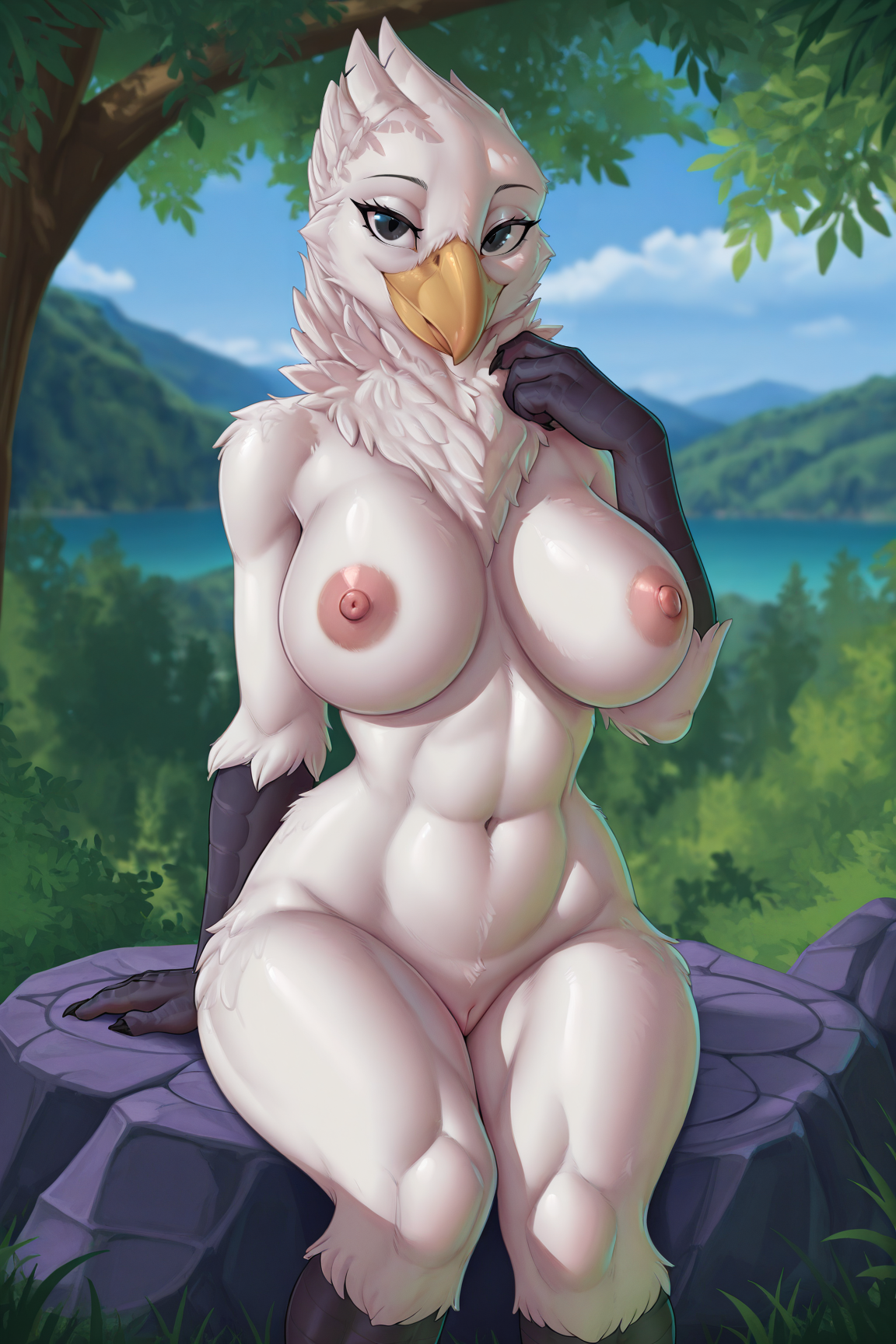


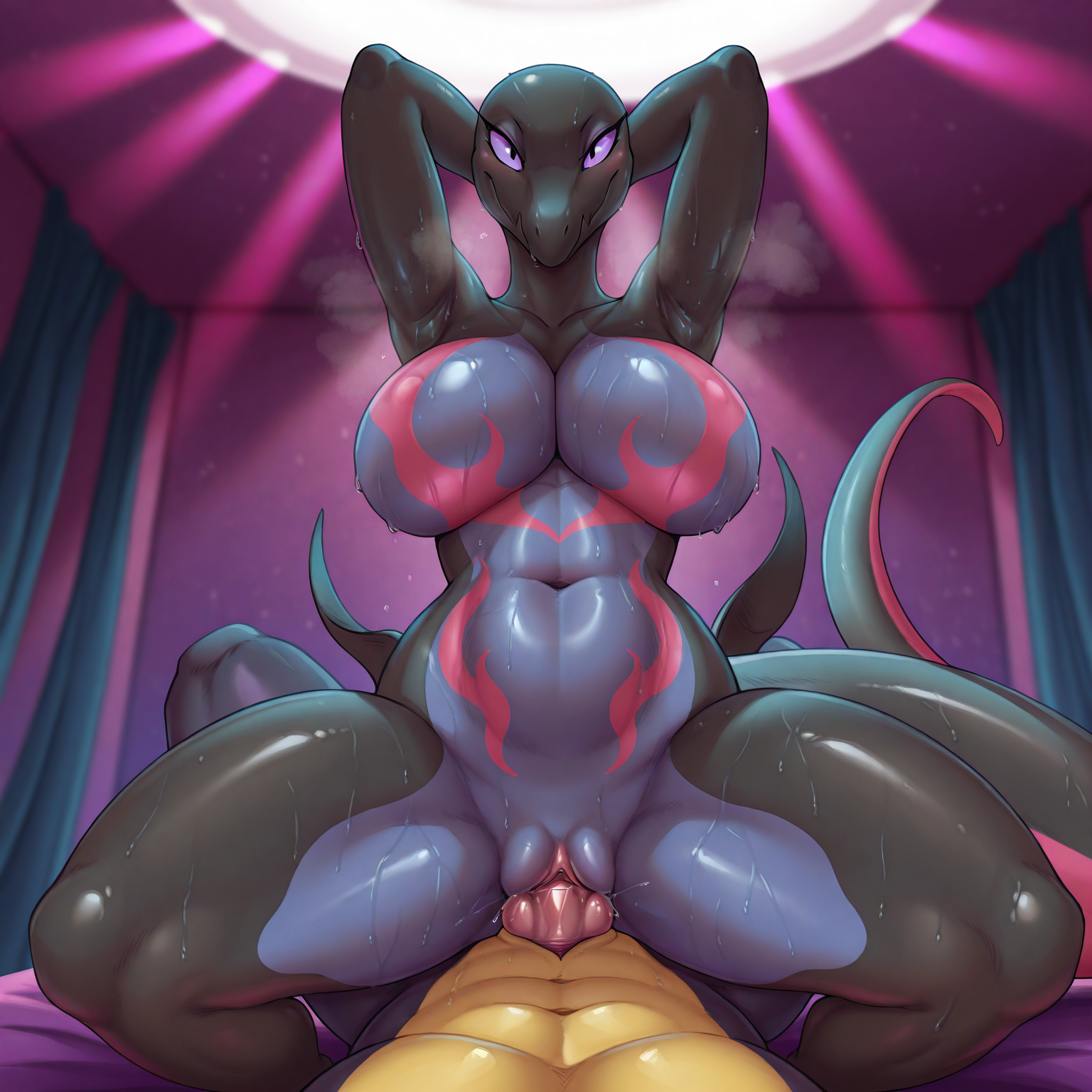
詳細
ファイルをダウンロード (1)
このバージョンについて
モデル説明
Read the version details and recommendations in the "About this Version" section first.
LoRA, trained at Civitai based on artist Redraptor16
Support the artist using these links:
https://www.furaffinity.net/user/redraptor16/
https://furrynetwork.com/RedRaptor/
1) Always use the tag by redraptor16
2) This LoRA was based on the Pony V6 version / Illustrious
3) Even though the Pony V6 base / Illustrious model is used, some other models may have some inconsistencies in the images, especially in the eyes and hands, if used in Civitai, use some Embedding / Face Fix to get better results. For those who use Comfyui, the best results will be with some Hirefix / DDetailer to improve the image of the character's face.
4) Don't forget to use tags related to the Pony model
score_9, score_8_up, score_7_up, score_6_up, score_5_up, score_4_up,5) LoRA weight change in Civitai is at your discretion
6) Add the monochrome, greyscale, sketch tag to the negative prompt if you want colored images, as LoRA was composed of black and white images or just one color palette
7) To better use Lora in Civitai, I recommend using VAE (SDXL VAE) and also Embedding (Pony PDXL Negative Embeddings) to reduce errors in the details of the hands and eyes
8) Check first for a model compatible with your chosen image, some models affect Lora in the final result of the image generation for some types such as: furry, human, realistic images, etc. Therefore, the same model may not always be suitable for different types of images.
9) If you want to force the image generator to use the Lora weight you chose, use the following tag in the positive prompt:
Illustrious (v1.0)
<lora:Redraptor16_Style_Lora_Illustrious:0.8>Pony (v1.0)
<lora:Redraptor16_Style_Lora:0.8>Note: the number at the end of the Lora name (0.8) refers to the Lora weight. In image generators, we have a weight slider, but if you want to "force" it, use the same number as the image generator slider in the positive prompt, for example:
Illustrious (v1.0)
Civitai slider = 0.8
positive prompt: <lora:Redraptor16_Style_Lora_Illustrious:0.8>
Pony (v1.0)
Civitai slider = 0.8
positive prompt: <lora:Redraptor16_Style_Lora:0.8>
Below is an initial configuration, but any other type of configuration is up to you:
ILLUSTRIOUS (v1.0)
Model
Nova Furry XL - Illustrious v8B
Lora
Redraptor16 Style Lora - v1.0 (illustrious) - 0.5 ~ 1.0 (Preferably 0.8)
Advanced
CFG Scale - 3.0 ~ 9.0 (Preferably 5)
Sampler - DDIM / Euler a / Euler / Heun / DPM2 / DPM++ 2M Karras / Uni PC (Preferably Euler a)
Steps - 20 ~ 60 (Preferably 30)
Clip Skip - 1/2
VAE - SDXL VAE
Prompt (Positive)
masterpiece, best quality, amazing quality, very aesthetic, high resolution, ultra-detailed, absurdres, newest, scenery, depth of field, scenery, volumetric lighting, by redraptor16, furry, furry female, anthro, dolphin, cetacean, marine, toothed whale, oceanic dolphin, orca, pool, day, outdoors, water, 1girl, solo, green eyes, huge breasts, nipples, pussy, ass, anus, raised tail, presenting ass, completely nude, barefoot, toes, feet, soles, fish tail, grey body, looking back, all fours, looking at viewer, looking back, smile, :), full bodyPrompt (Negative)
monochrome, greyscale, sketch, bad quality, worst quality, worst detail, sketch, censor, human, multiple tails, modern, recent, oldest, graphic, cartoon, text, painting, crayon, graphite, glitch, deformed, mutated, ugly, disfigured, long body, lowres, bad hands, missing fingers, extra digit, fewer digits, cropped, very displeasing, bad anatomy, jpeg artifacts, signature, watermark, username, simple background, conjoined, ai-generated, low quality, off-topic, old, early, chromatic aberration, abstract, scan artifacts, logoPONY (v1.0)
Model
Pony Diffusion V6 XL - V6 (Start with this one)
Lora
Redraptor16 Style Lora - v1.0 (Pony) - 0.5 ~ 1.0 (Preferably 0.8)
Advanced
CFG Scale - 3.0 ~ 9.0 (Preferably 5)
Sampler - DDIM / Euler a / Euler / Heun / DPM2 / DPM++ 2M Karras / Uni PC (Preferably Euler a)
Steps - 20 ~ 60 (Preferably 30)
Clip Skip - 1/2
VAE - none
Prompt (Positive)
score_9, score_8_up, score_7_up, score_6_up, by redraptor16, dolphin, cetacean, marine, toothed whale, oceanic dolphin, orca, solo, colored skin, multicolored skin, black skin, white skin, cetacean genitalia, tapering penis, cetacean penis, full body, blue eyes, arms up, tail, fins, kneelingPrompt (Negative)
zPDXL3, 3D, 2D, human, monochrome, greyscale, sketch
As this model is based on Pony Diffusion there’s not much need to specify anything in the negative prompt, because the Pony model is very flexible, but I always leave the zPDXL-neg tag (https://civitai.com/models/332646/pony-pdxl-negative-embeddings).
General Observations:
If possible, give credit to the author Redraptor16 while using this LoRA.
Do not sell or commercialize this LoRA.
Do not remove metadata from images generated by LoRA.