DDosMix

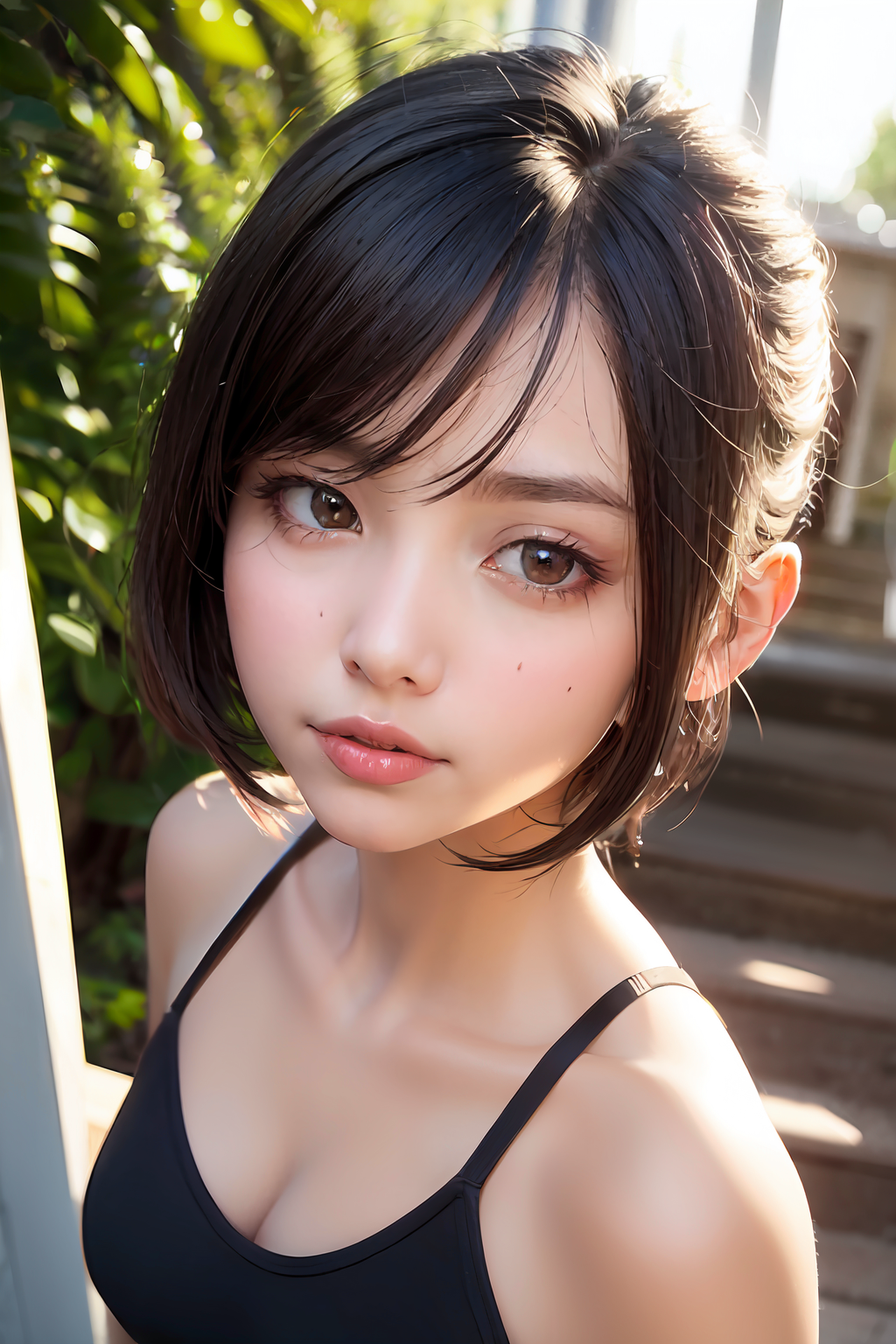
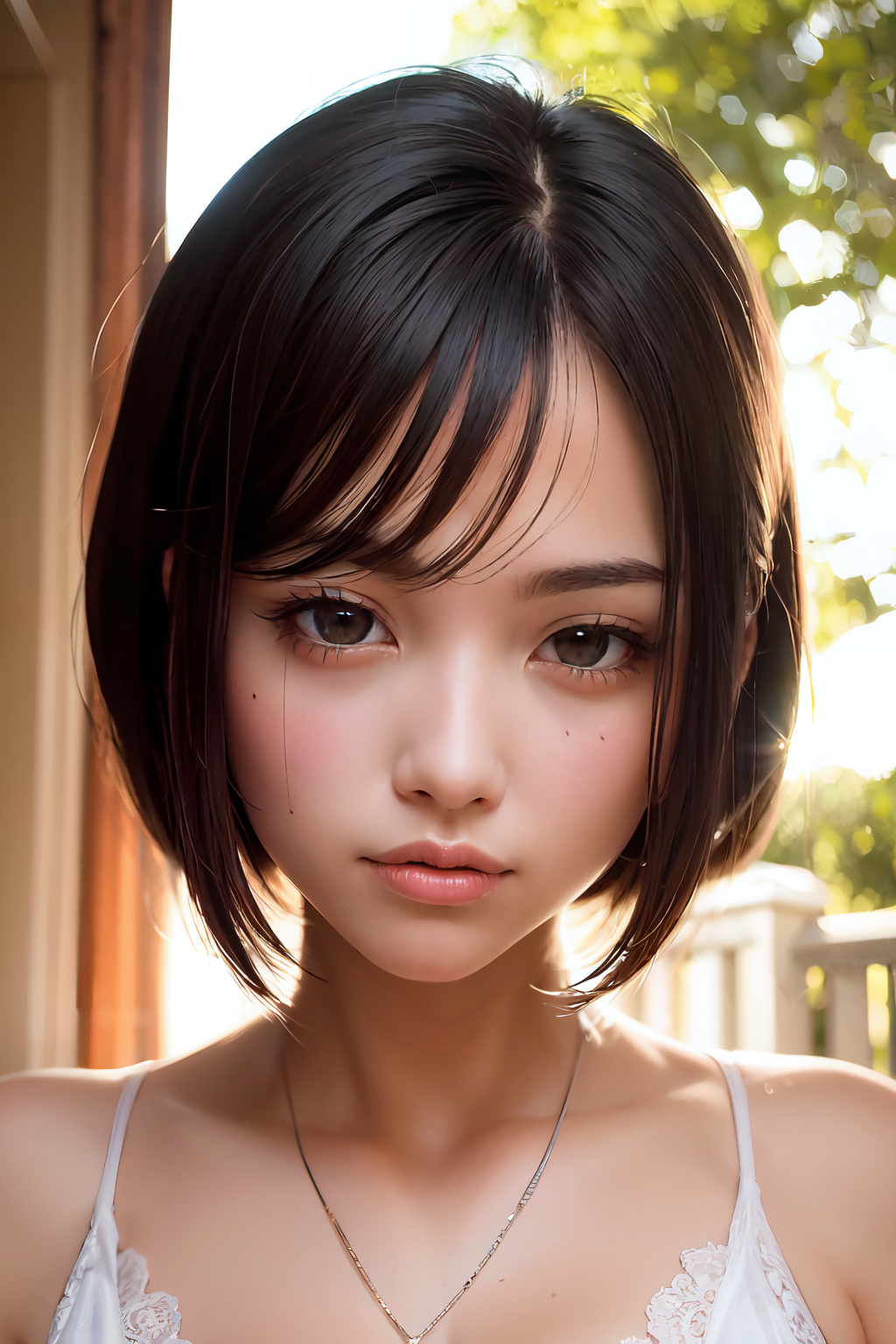
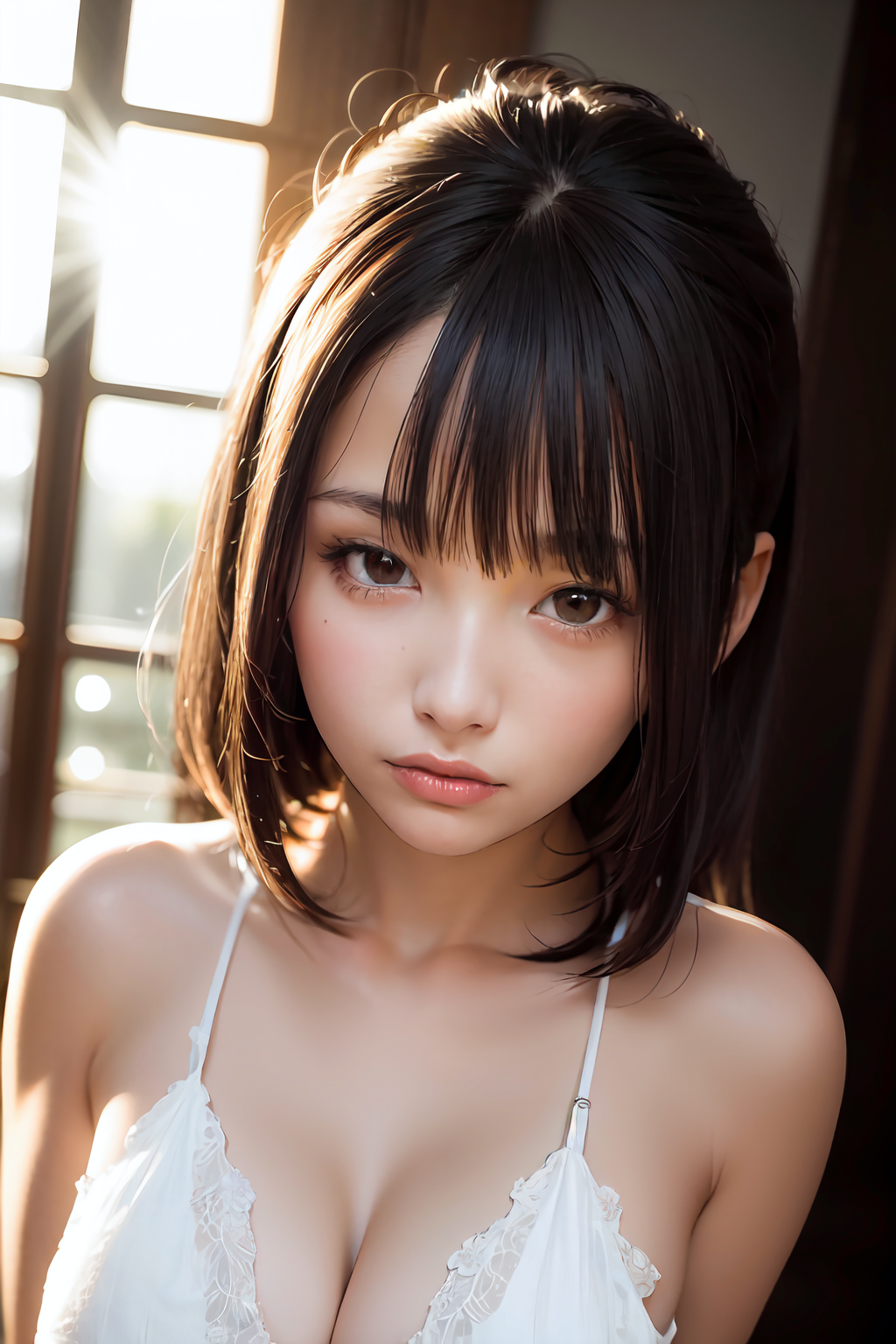
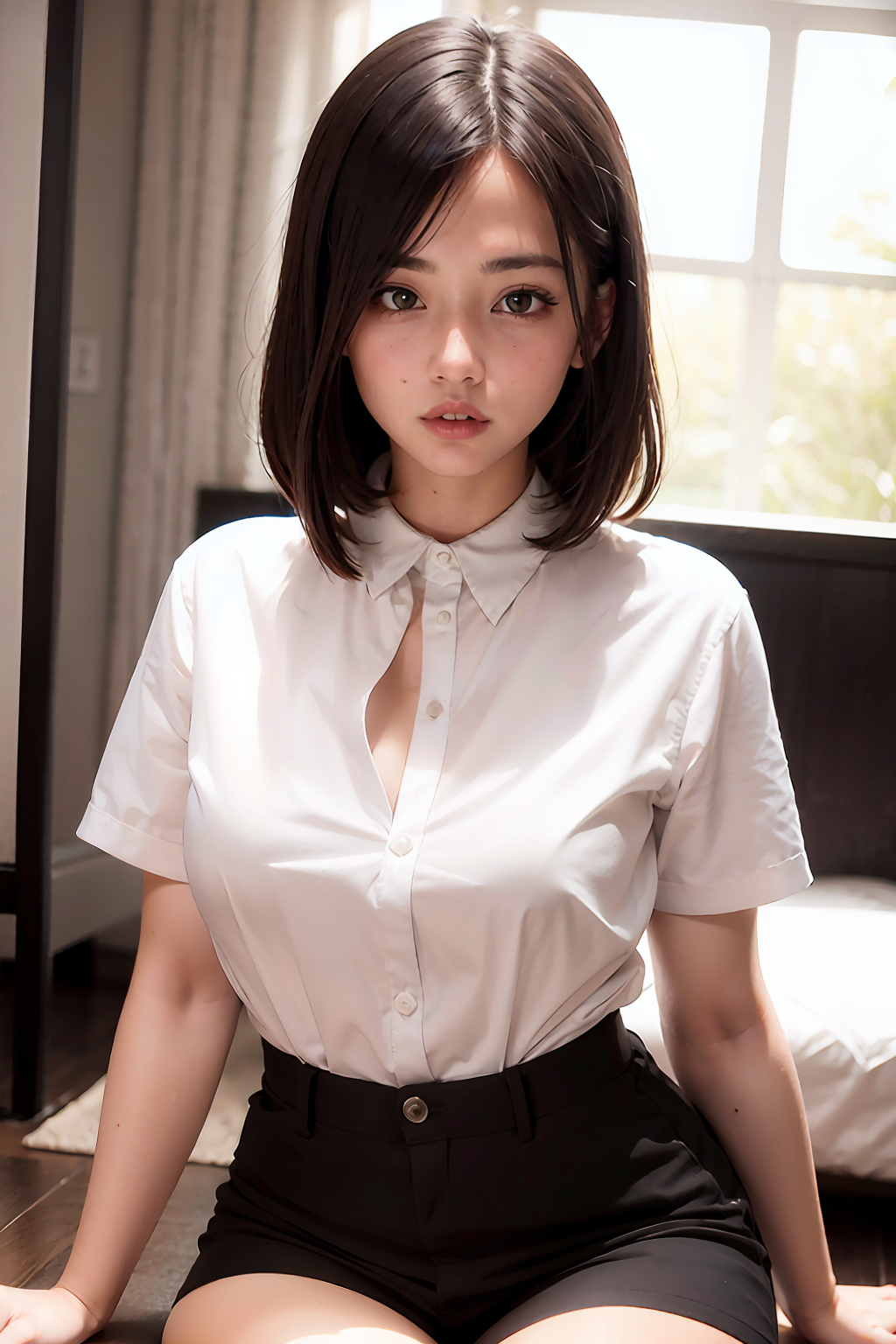
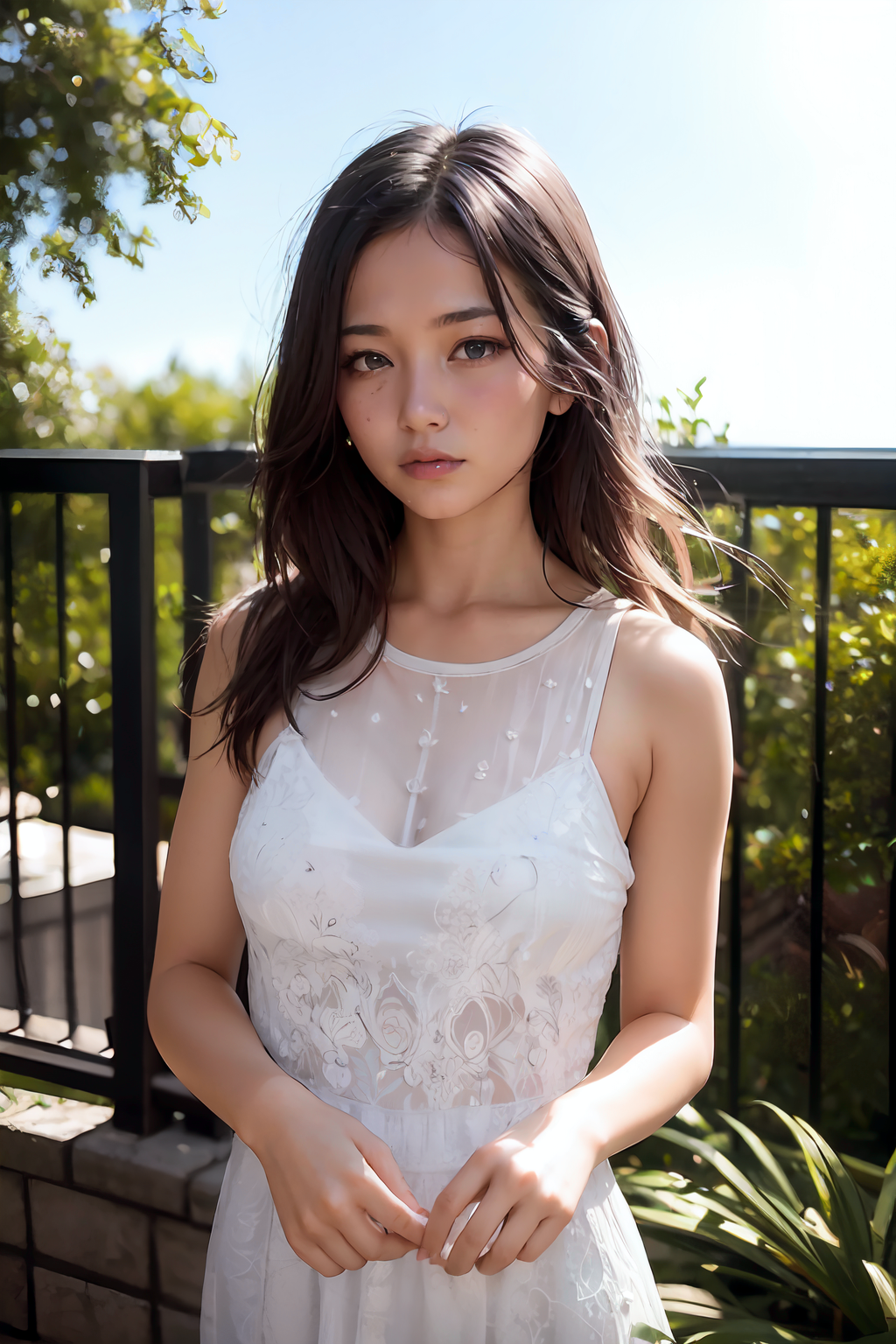
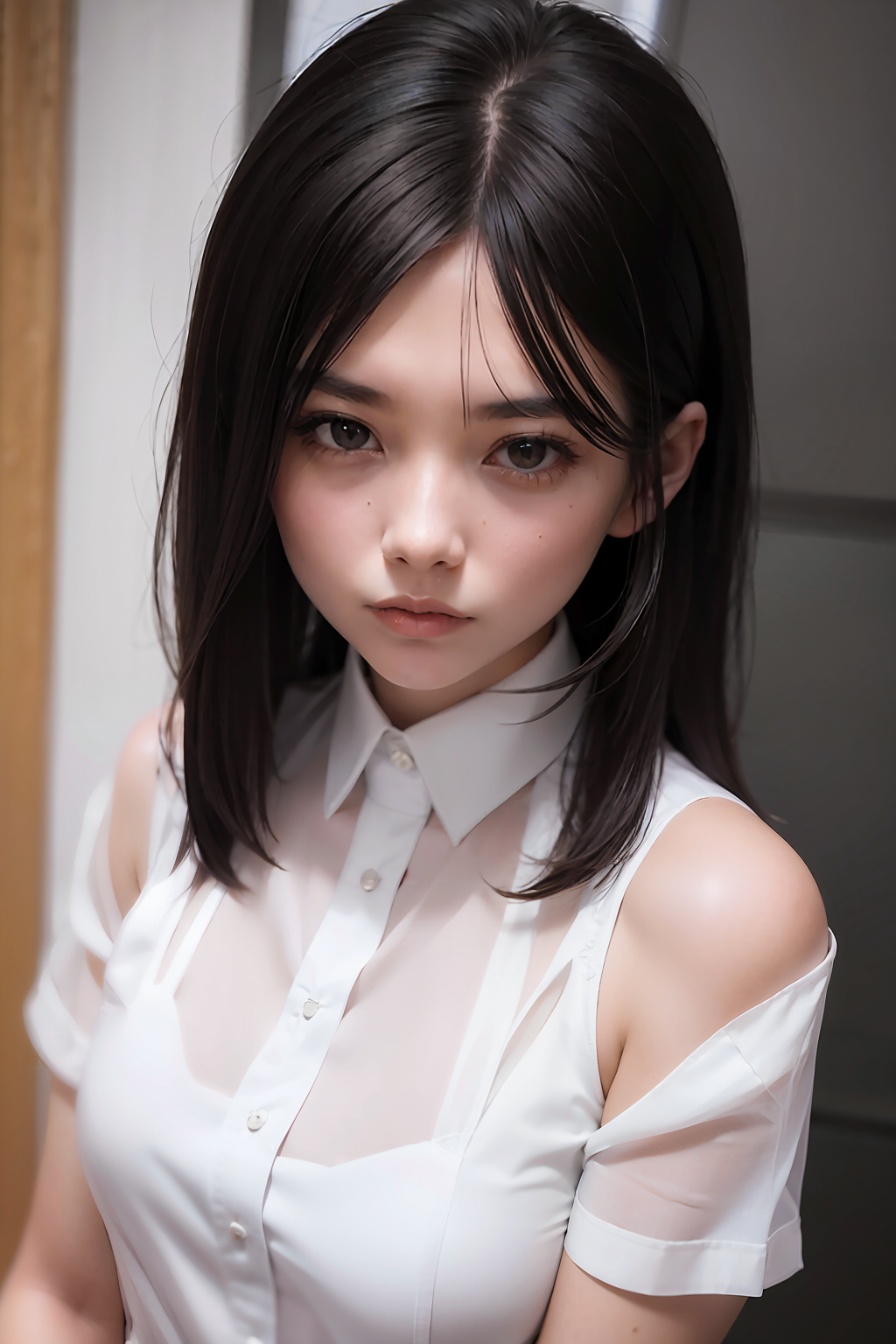
Details
Download Files (1)
Model description
v2: 2023-02-20 I erased the roughly made picture and put in the painstakingly made picture.
Do img2img SD upscaling.
img2img SD upscale method: scale 20-25, denoising 0.2-0.3 After selecting SD Upscale at the bottom, tile overlap 64, scale factor2
caution! Sampler must be DPM++SDE karras.
If you want to make it more realistic, use DPM++ SDE Karras. If you want a clean face, use eluer a.
Have fun using it.
I used vae kl f8 anime for the example meme, but I recommend using 840000.
clip skip 2
https://huggingface.co/AIARTCHAN/aichan_blend/tree/main/vae
Apply VAE.
You will get better color results.
v1: I don’t like the model with too many prompts and forcing you to use LoRa.
So it was created.
Let’s extract high-quality images with 6-word prompts!
Check the sampler, scale and step in the example image.
Looking at the example image, there is a repeating prompt.
VAE: vae-ft-mse-840000-ema-pruned
Skip Clips: 2
It was a very simple test, so I think there will be many better results.
I didn’t even do upscale testing.
Have fun while testing!
!There is one downside. It’s fine for dark eyes, but for other eye colors, the pupils often collapse without upscaling.