Anasheya's style







详情
下载文件 (1)
模型描述
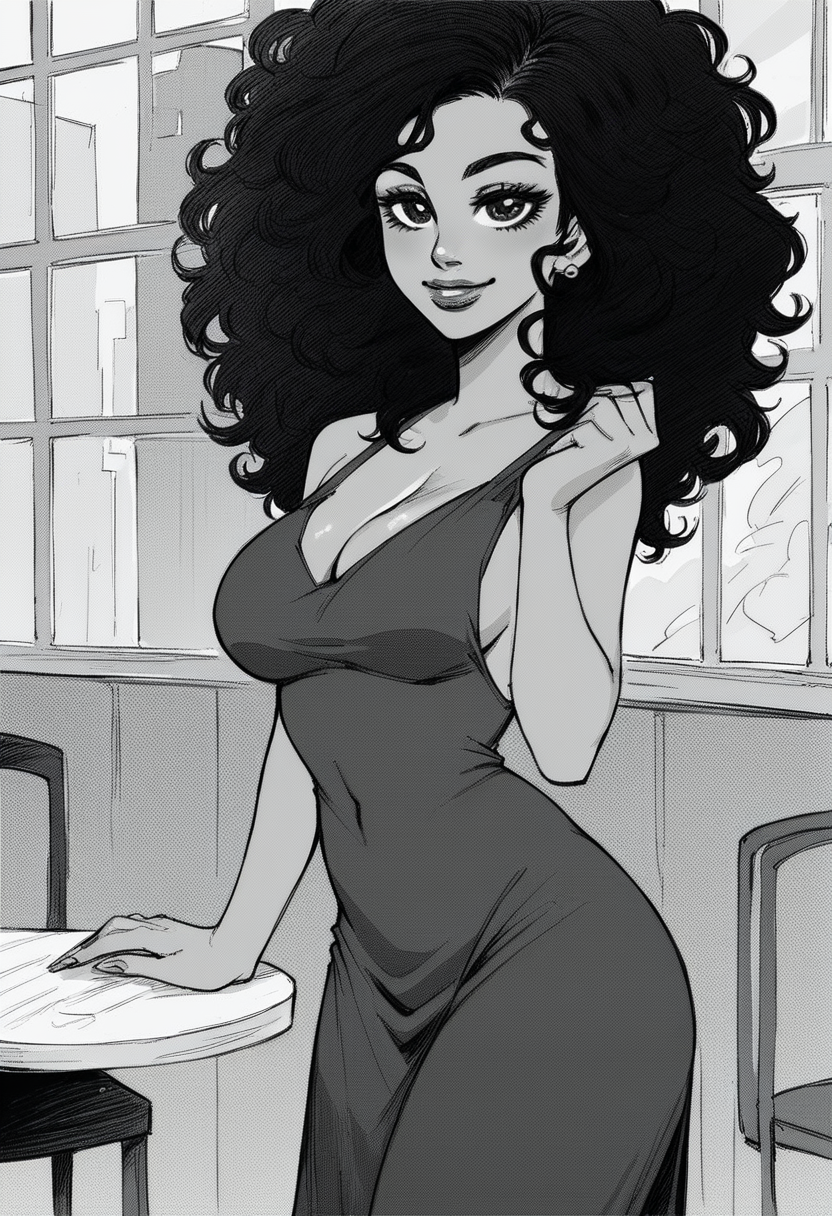
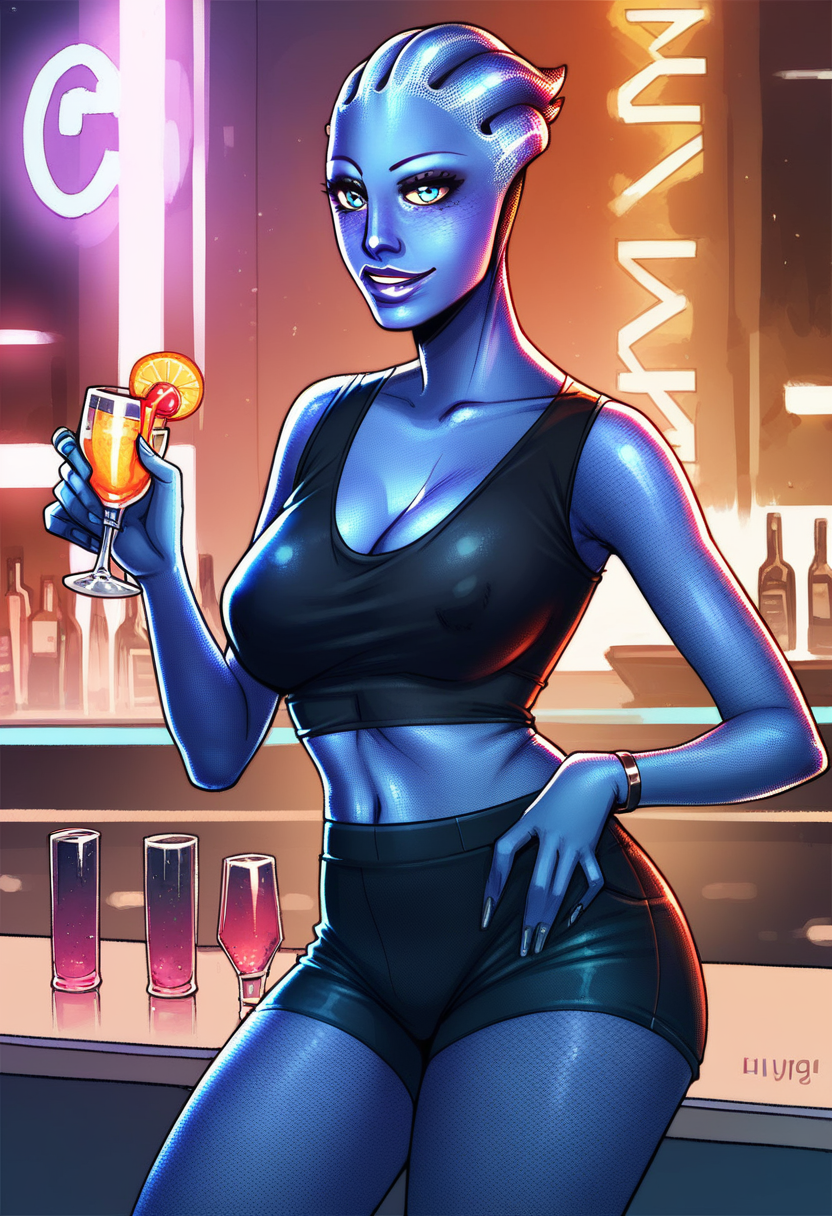
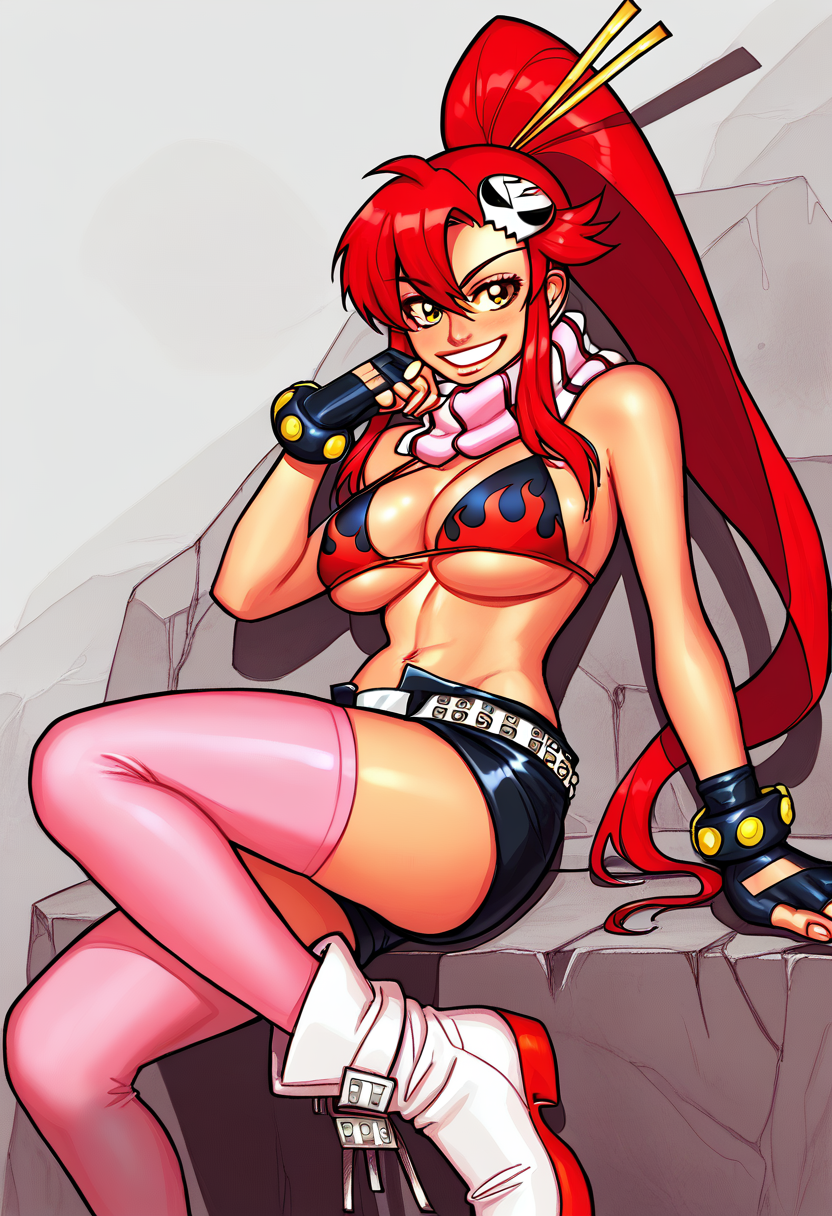
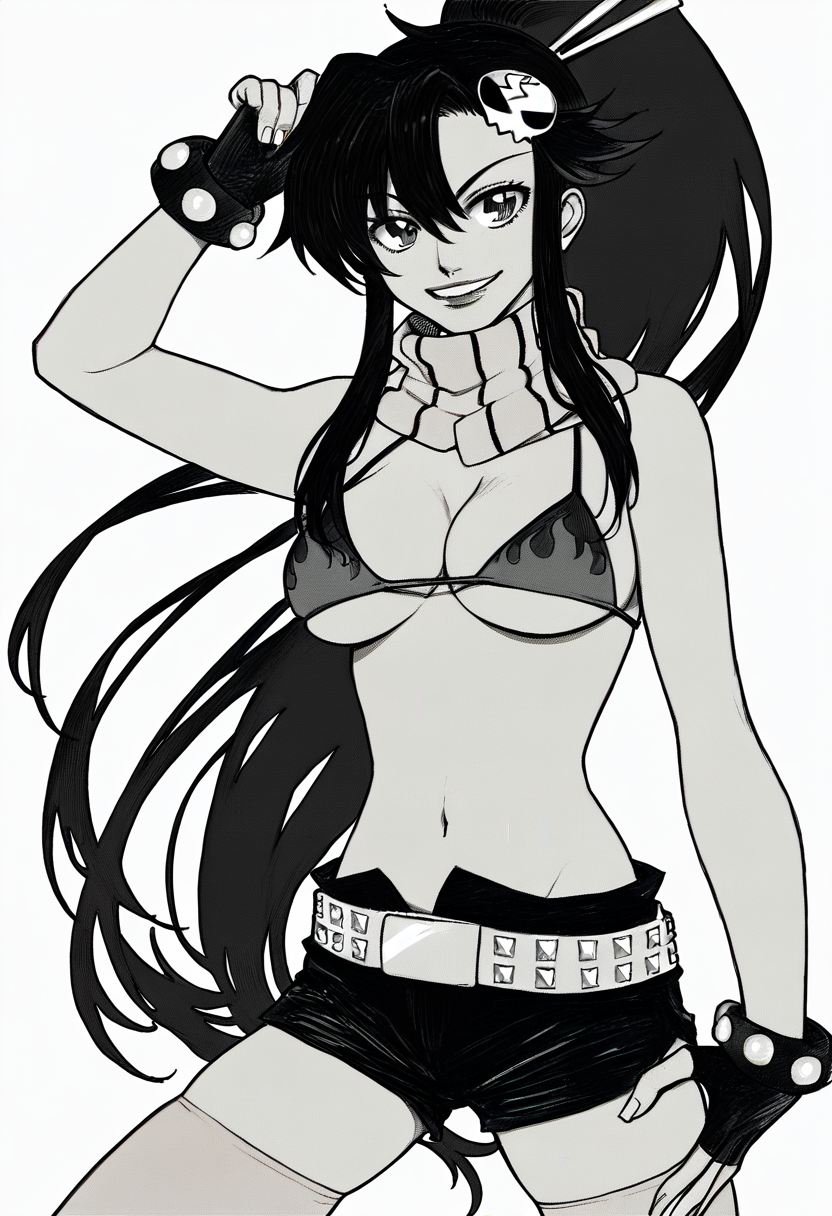
Pretty messy fingers. Be aware in the dataset all images are NSFW, mostly of them futa on futa or futa on male, so the LORA has a predisposition to generate those kinds of images. Black and white images will have backgrounds less detailed or even blank than colorful images with the same prompt. If you will use the LORA with another LORA of a character or person, you could have images with Anasheya-style characters and semi-realistic backgrounds. This is because there are just few images with not simple backgrounds. You could reduce that effect by putting 'draw', which works fine, more or less. Or/and as alternanive using the LORA with 2D Pony checkpoint instead of default.
V1.1: Put attention instead of v1.0 there is a keyword. In most cases using it will have effect. (Actually v1.0 has that keyword too, but I didn't notice any real difference with or without it, so I didn't put it in the description.) For common generation without prompting exist character in dataset of a checkpoint or/and with lora use strength 0.8-0.5 or maybe even lower, put '3d, cgi, photo, render' in negative. With a character I recommend start with strength 1.0-0.9 and use 'draw'. For black and white/comic images add 'grayscale, monochrome, sepia'.
V1.0: Use strenght 0.85-1.0, put '3d, cgi, photo, render' in negative, for black and white/comics images add 'grayscale, monochrome, sepia'.