Liquid Textures, Reflections & Potentials






Details
Download Files (1)
Model description
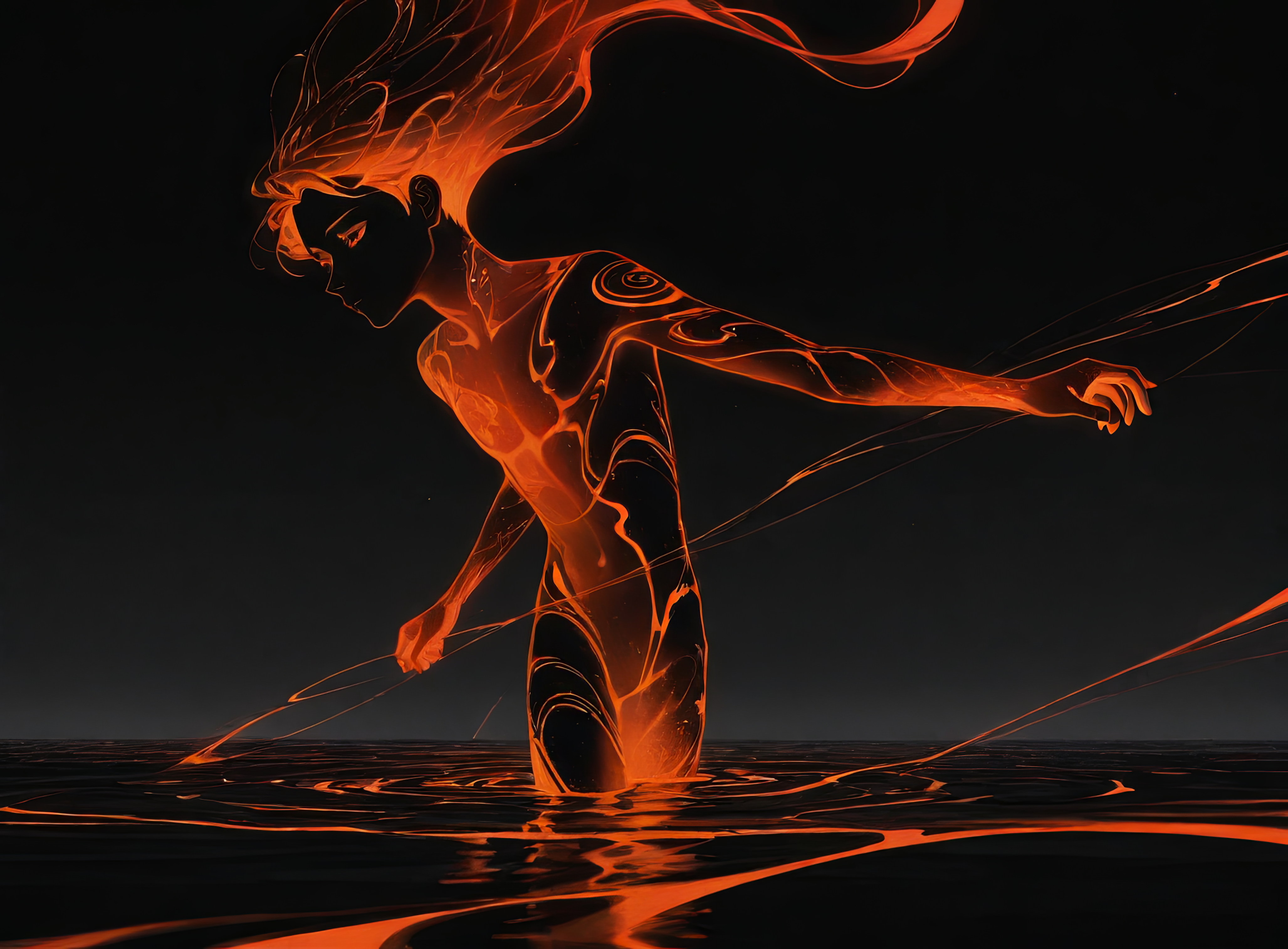
In its most literal use, this model will help you draw reflective water or floors. The model could also help you create a marbled liquid texture for abstract or psychedelic stylings.
Trigger: zliquid
Secondary Triggers:
water - ripples - linear - circular - colorful - abstract
VAE
I don't use a VAE with the checkpoint I normally generate images with, but Liquid111VAE is one I've used in the past with good results, as is the standard SDXL VAE.
********************************************************************************************************
The following section contains information that is merely a suggestion for those whom might be new to image generation or just looking for some guidance. Many other settings for these parameters will also work.
Clip Skip: 1
CFG: 5-15
LoRA Strength: 1.0 (+/-)
Sampling Method: Euler
Schedule type: Karras
Sampling Steps: 30-45 (+/-)
Width/Height: 1024x1024, 1216x896, 896x1216
********************************************************************************************************
All images used in the data set were my own original artwork and were generated using Stable Diffusion SDXL. (Not the base model itself, but a checkpoint that was fine tuned from the SDXL base model.) This is noted because SDXL LoRAs work better when they are trained on SDXL generated images. Think of it like the training to create the LoRA being in a language Stable Diffusion is already fluent in.
The concept LoRAs I create generally will not activate with the trigger word alone. Use one or several of the secondary triggers I include in my model descriptions to get the best results. The reason this is necessary is because my concepts generally include several sub-concepts. Using only the trigger word is like trying to deliver a pizza to the 400 block of Main Street. Using secondary triggers will provide the model with the exact address the pizza needs to get to.
*Clip Skip (important note) use Clip Skip 1 or 2. Which you might choose will be a matter of taste, but occasionally the checkpoint you are working with will determine which to choose. Experiment with both. Clip Skip 1 is generally used in photo-realistic generations. Clip Skip 2 is sometimes used in anime-style generations. 1 or 2 will usually work for either style unless the model was trained with Clip Skip 2, in that case, Clip Skip 1 will generally generate, blurry, washed out, amorphous and or artifact ridden images. This model was trained on Clip Skip 1.