See-through body | Experimental


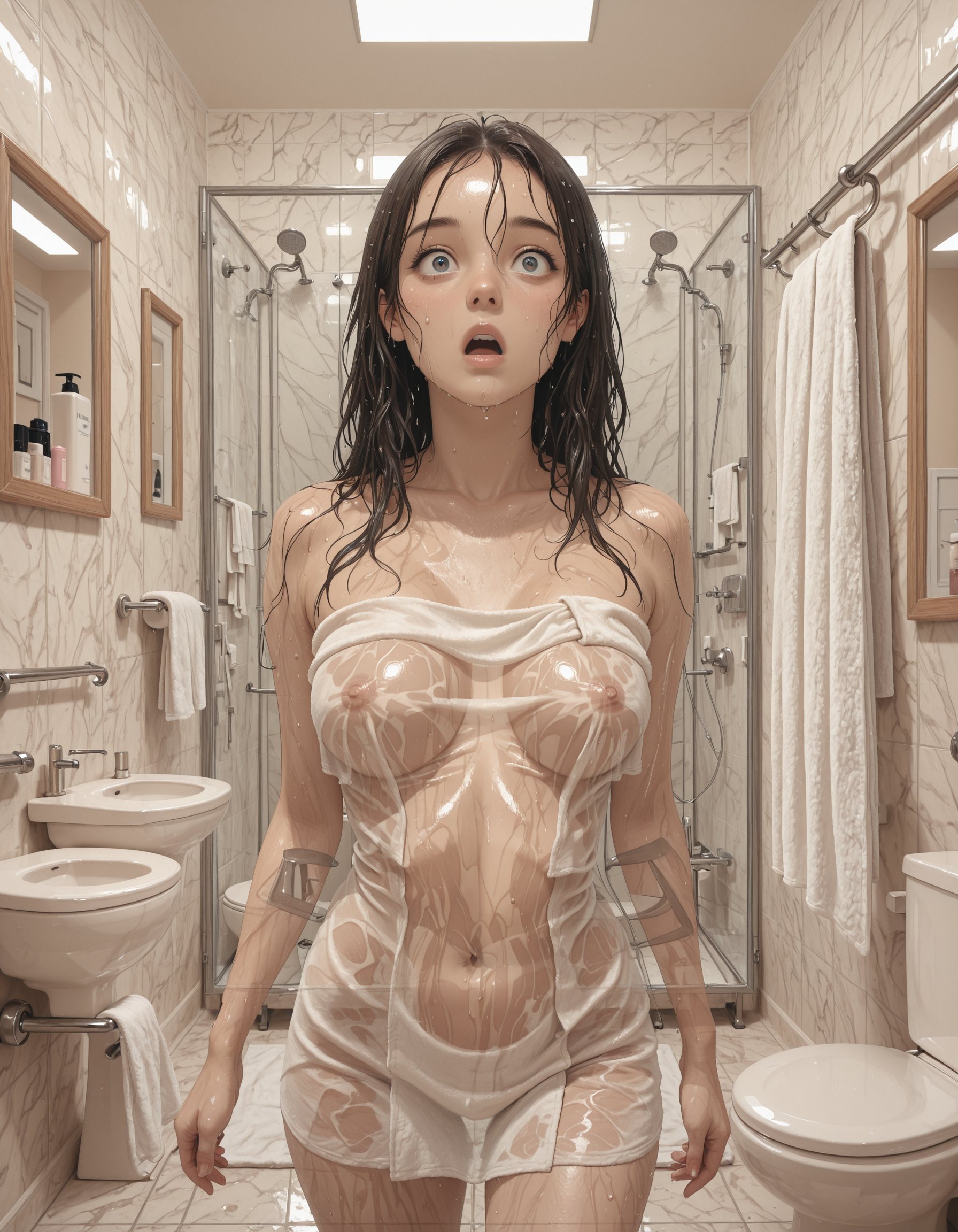


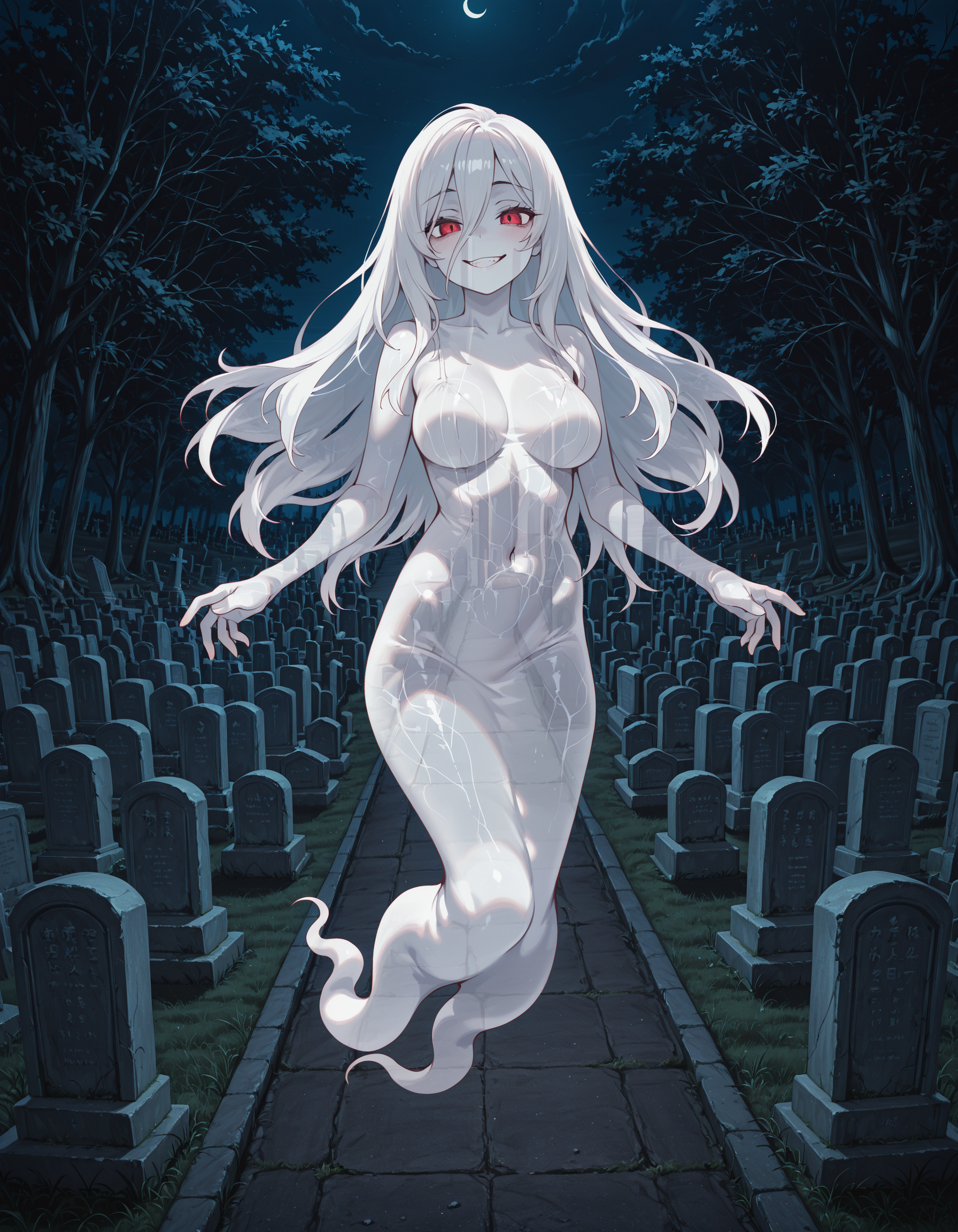



详情
下载文件 (1)
关于此版本
模型描述
v2.4
Thanks to @Foredev for the tip, it funded a great deal of experimentation. This version finally produces results I like better than v1 but I am curious to hear from you all how it compares in your use.
Prompting specific features at full strength, such as facial expressions, can overpower the see-through effect. Reducing prompt weight, e.g. "(smile:0.7)", can produce results that successfully interpolate between both concepts.
v2.3
I have tried without success to improve the model. This version lacks some of the older artifacting but is less consistent producing the effect. If I am going to spend all this buzz training bad models I might as well release one of them for you to try. Maybe you will find a use for it.
v1 - Large
The same dataset as v1 - Normal on a lora that is twice as large. Results seem promising, but your feedback would be appreciated.
v1 - Normal (Recommended)
With an enhanced dataset the results are improved. There is still a strong style influence which biases the results towards an anime style and backgrounds exhibit overfitting. Effect works best when the background is a repeating pattern (like stone walls, concrete paths) or includes elements that extend across the subject (windows, edges etc). Although it was not tagged for this at all, adding "see-through head" may improve the transparency of the head when used in addition to "see-through body".
Adding tags like "see-through clothes" to the negative can get a more invisible girl style. Some issues may also be solved by adding "tattoo" to the negative.
v0
Proof of concept: This is a proof of concept for training a concept on synthetic and modified imagery. The initial dataset was very small and the resulting model is overbaked but shows signs of concept comprehension.
Method Explainer
v0 and v1 were trained entirely on synthetic data created by generating a subject and a background independently and then compositing a semi-transparent subject over a background using image editing software.
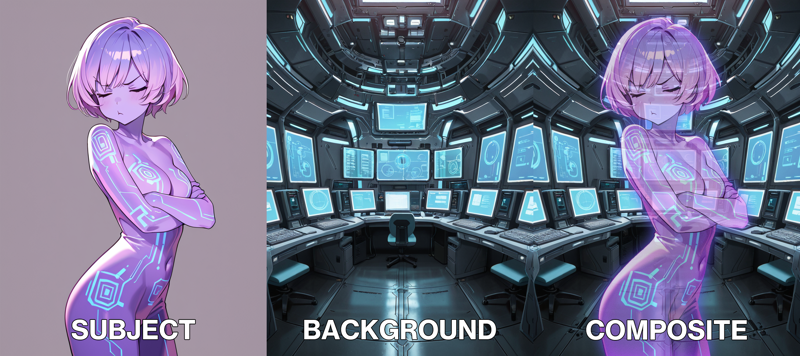
This approach has an obvious downside, that the two components are not well integrated. How then to create a full body subject oriented correctly to the viewing angle of the background? My solution was to turn to my favourite tool, the lineart controlnet.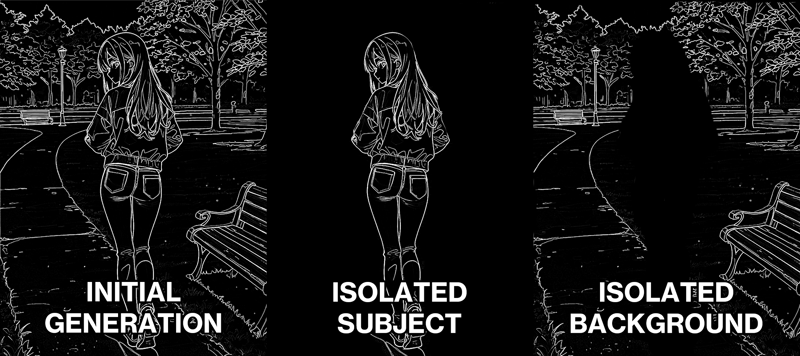 The initial prompt was:
1girl, standing, full body, turning around, looking back, long blonde hair, red jacket, blue jeans, park, grass, bench, concrete path, masterpiece, best quality, amazing detail, high definitionWhich could then be modified for the isolated subject:
1girl, standing, full body, turning around, looking back, long blonde hair, red jacket, blue jeans, simple background, masterpiece, best quality, amazing detail, high definitionand a background prompt:
no humans, park, grass, bench, concrete path, masterpiece, best quality, amazing detail, high definitionMasking out the subject becomes much easier with a simple background. Then it can be superimposed as a transparent subject over a fully detailed background. Even using a model that didn't understand "see-through body" we were still able to create synthetic training data so that it could learn it. Pretty neat!
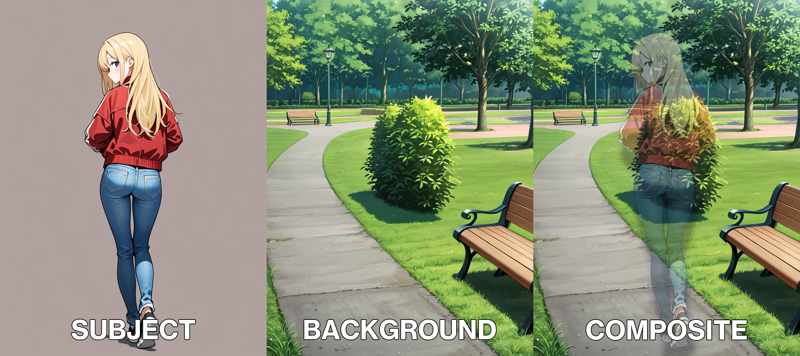
Before this I had no idea if this was a viable approach. The results, while not incredible, are better than I was expecting.