Reality BoundXL



















詳細
ファイルをダウンロード (1)
このバージョンについて
モデル説明
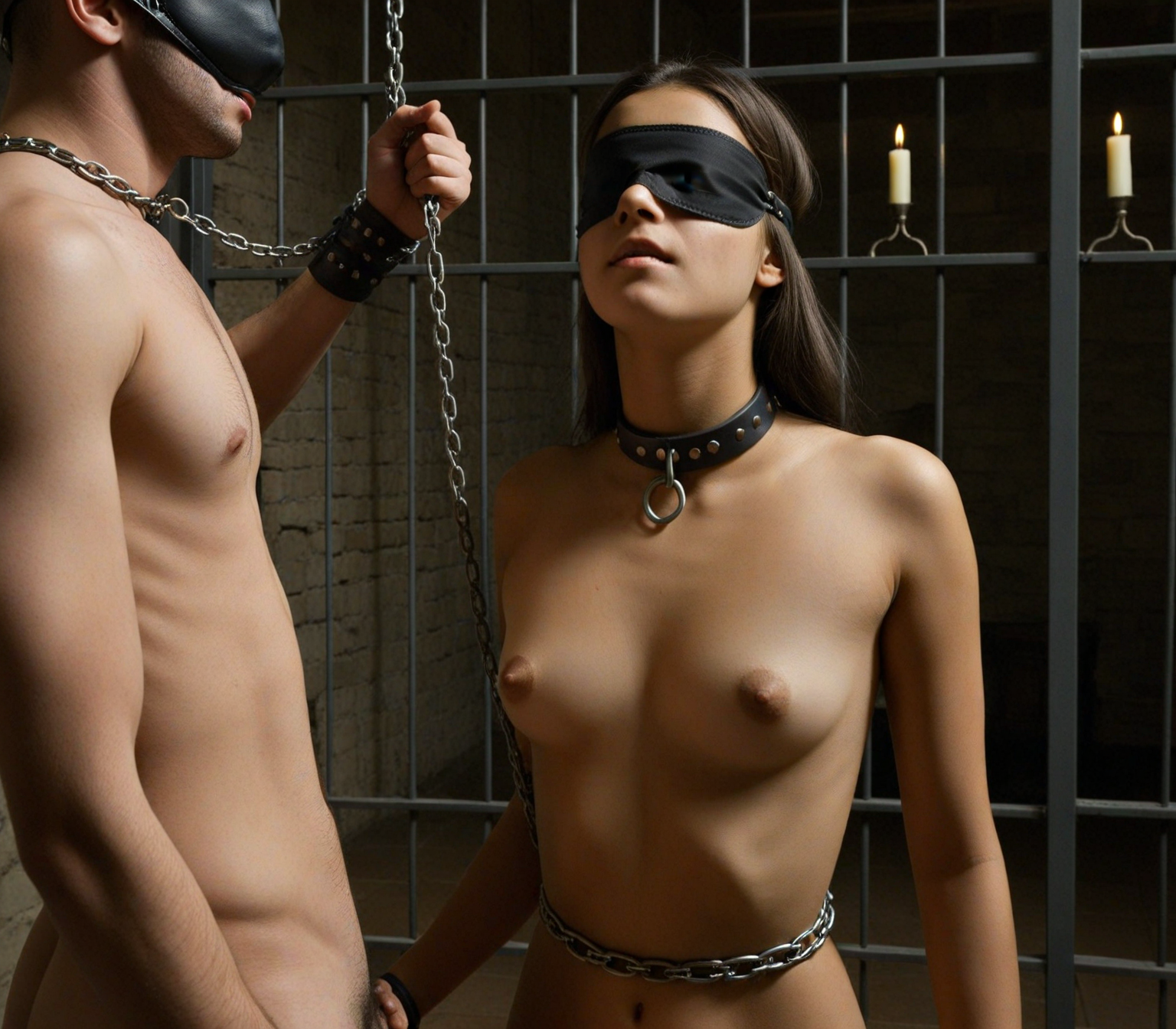
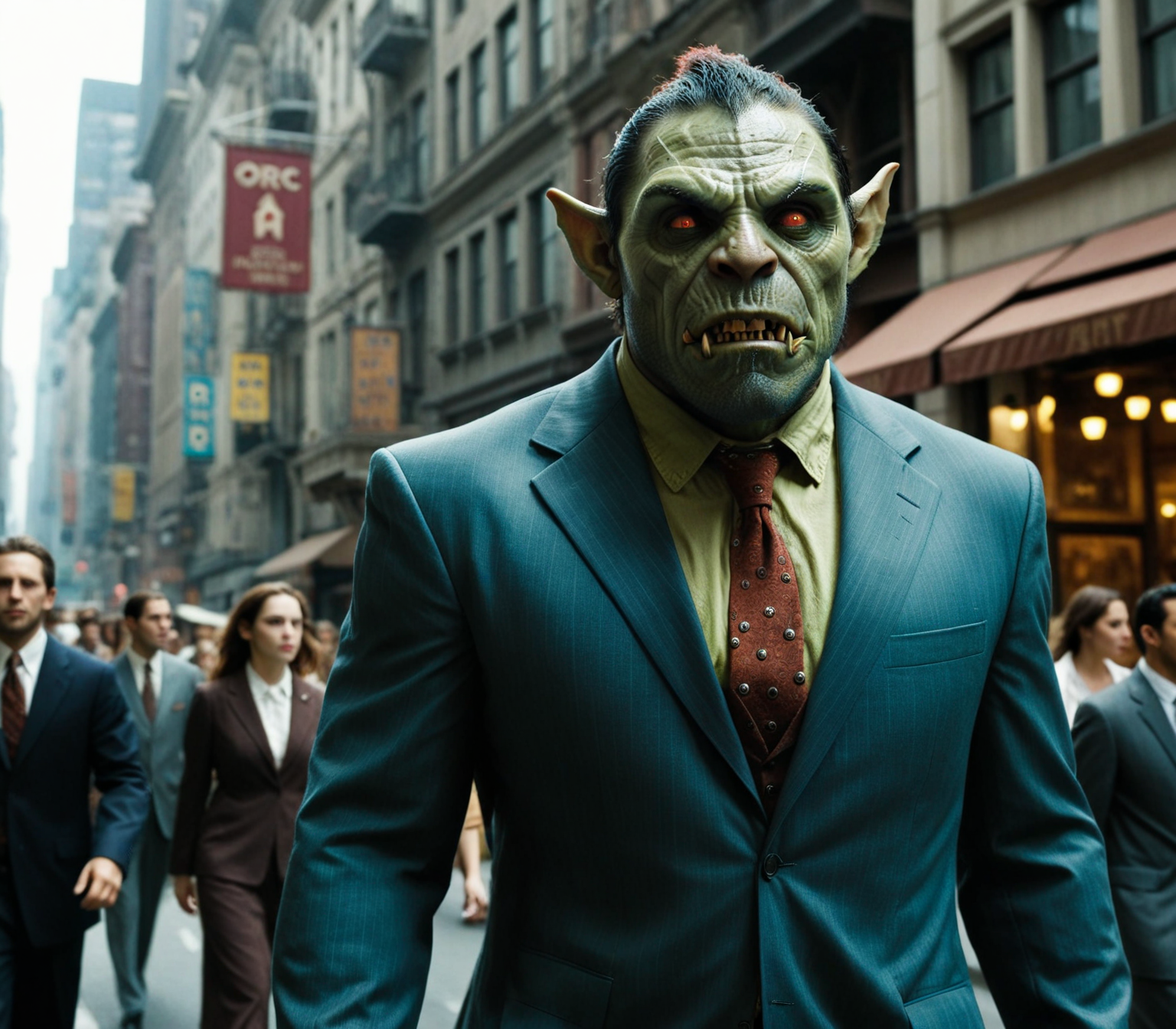
This series is focused on women and the female body, in every kind of setting or style. It can do fine art, social media style, surrealism, cinematic, and pornographic very well. The main goal is to have as much diversity as possible in an SDXL checkpoint. Diversity in ethnicity, body type, faces, posing, personality, and locations.
If you like it post your creations!
Donations to my Whop account will exclusively go towards hardware upgrades. Civitai Buzz will be used for site generation and promotions.
Upgrading my local hardware is my on-going goal so I can train locally.
Local training is imperative today. With Ai data centers there will be a vast drain on resources in the areas they operate. Since model & lora training will no doubt be hosted in the new centers, I want to be able to run locally only. The moment my Ai hobby causes actual harm, on any scale, is when I start collecting stamps instead.
General Prompt Guide
Weights in my prompts are primarily for testing the model's capabilities and trying to uncover limitations during test generation. However, I've created the tutorial below to help understand how model weights can be used more effectively.
Positive Attention
Weights between 0.5 & 2.0 are usually sufficient.
I sometimes use weights between 2.0 & 3.0 when I want to force attention to a specific ethnicity for testing.
Higher weights are also helpful when you want to magnify size or specific details. The difference between: large breasts, (large breasts:1.2), & (large breasts:1.8) is obvious.
Recognized weights are usually -5.0 to 5.0 with Dynamic Prompts.
Attention Equation
The parentheses ( ) on their own adds attention weight of 1.1. Unless you specify a weight.
(hyper-realistic) = 1.1
((hyper-realistic)) = 1.21
((hyper-realistic:1.3)) = 1.43
Brackets [ ] are negative attention weight of 0.91, not negative weight, it's just attention that starts under the 1.0 default of all words without weights. Stacking them decreases that number.
[deep shadows] = 0.91
[[deep shadows]] = 0.81
[[[deep shadows]]] = 0.72
Negative Attention
Weights over 3.5 are not usually effective or are a detriment during tokenization.
Negative weights do not have much effect in prompts.
Using too many high weights in the same prompt can cause distortions & deformities.
Using high weights will give specific keywords more attention, but that is often at the expense of other keywords.
Bonus
Prompt with high weights:
(HDR:2.2), cinematic, (natural sunlight:1.23), (hyper-realistic:1.45), (full body shot:0.6), masterpiece, incredible details, [feeling of solitude], mysterious, (deep shadows:0.72), Beautiful (30yo Malaysian woman:2.52), hazel hair, (mid_length grungy hairstyle :1.43), (natural large breasts:1.6), (wearing an unbuttoned stylish silk shirt), (brown pearl g-string, leather lace sandals:1.41), (sexy pose, reclining slightly on elbow:1.68) on a stunning designer wicker couch, at a rustic beach house rooftop with driftwood furniture, seashell decor, a view of the ocean, perfect for casual summer parties, sensual atmosphere, beautiful, guilty pleasure, shot on Canon EOS 5D, RAW.
Prompt without high weights:
(HDR:0.86), cinematic, (natural sunlight:0.8), (hyper-realistic), (full body shot:0.6), masterpiece, incredible details, feeling of solitude, mysterious, (deep shadows:0.72), Beautiful (30yo Malaysian woman:1.32), hazel hair, (mid_length grungy hairstyle), (natural large breasts), (wearing an unbuttoned stylish silk shirt), (brown pearl g-string, leather lace sandals), (sexy pose, reclining slightly on elbow:1.12) on a stunning designer wicker couch, at a rustic beach house rooftop with driftwood furniture, seashell decor, a view of the ocean, perfect for casual summer parties, sensual atmosphere, beautiful, guilty pleasure, shot on Canon EOS 5D, RAW.
To force clip & vae in FP32
Forge:
./webui.sh --clip-in-fp32 --vae-in-fp32 --no-half-vae(or add the commands to your webui-user.bat (Windows) or webui-user.sh (Linux) in
COMMANDLINE_ARGS= --clip-in-fp32 --vae-in-fp32 --no-half-vaeFor all commands (many are obsolete now since the developers have made them default)
Comfy:
python main.py --fp32-text-enc --fp32-vaeI don't use Comfy, so this is what I've seen on the web. Here is a link to all commands:
https://gist.github.com/ravetank/cedcd1ea89738b2e79b9f01e45a1a03d#file-comfyuihelp-txt