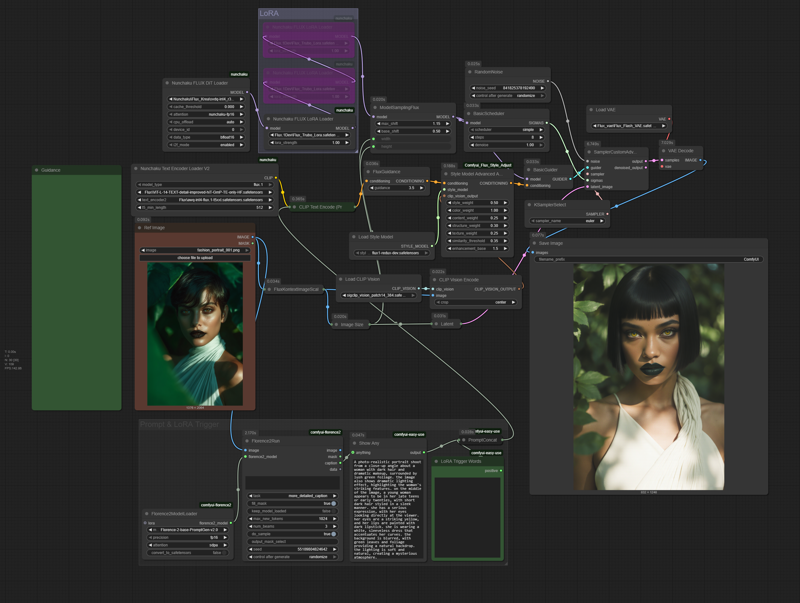
Flux-Redux Enhance Workflow











Details
Download Files (1)
About this version
Model description
This workflow is optimized for a 4-bit quantized model using the Nunchaku Node. If you prefer, you can easily use a regular UNET or AIO model with the standard nodes you're used to.
Here are a few tips to get the best results:
Redux Settings: Feel free to experiment with the Redux settings to find what works best for your image.
Turbo LoRA: The Turbo LoRA is included for faster generation, but it's completely optional. If you want more detail in your image, just bypass this LoRA and increase your sampling steps.
Adding LoRAs: To add your own LoRAs, simply load them into the LoRA Loader and remember to include their specific trigger words in the LoRA Trigger Word text area.
Custom Latent Size: The Image Size node is a helpful starting point, but you have full control! You can disable it and adjust the latent size directly to get the exact dimensions you need.