Chef's Basted Breasts










Details
Download Files (1)
Model description
Greetings chefs!
Click “show more” below to read the full guide and tips for using this model.
I am Promptnanimous and Chef’s Basted Breasts is my 2nd mix.
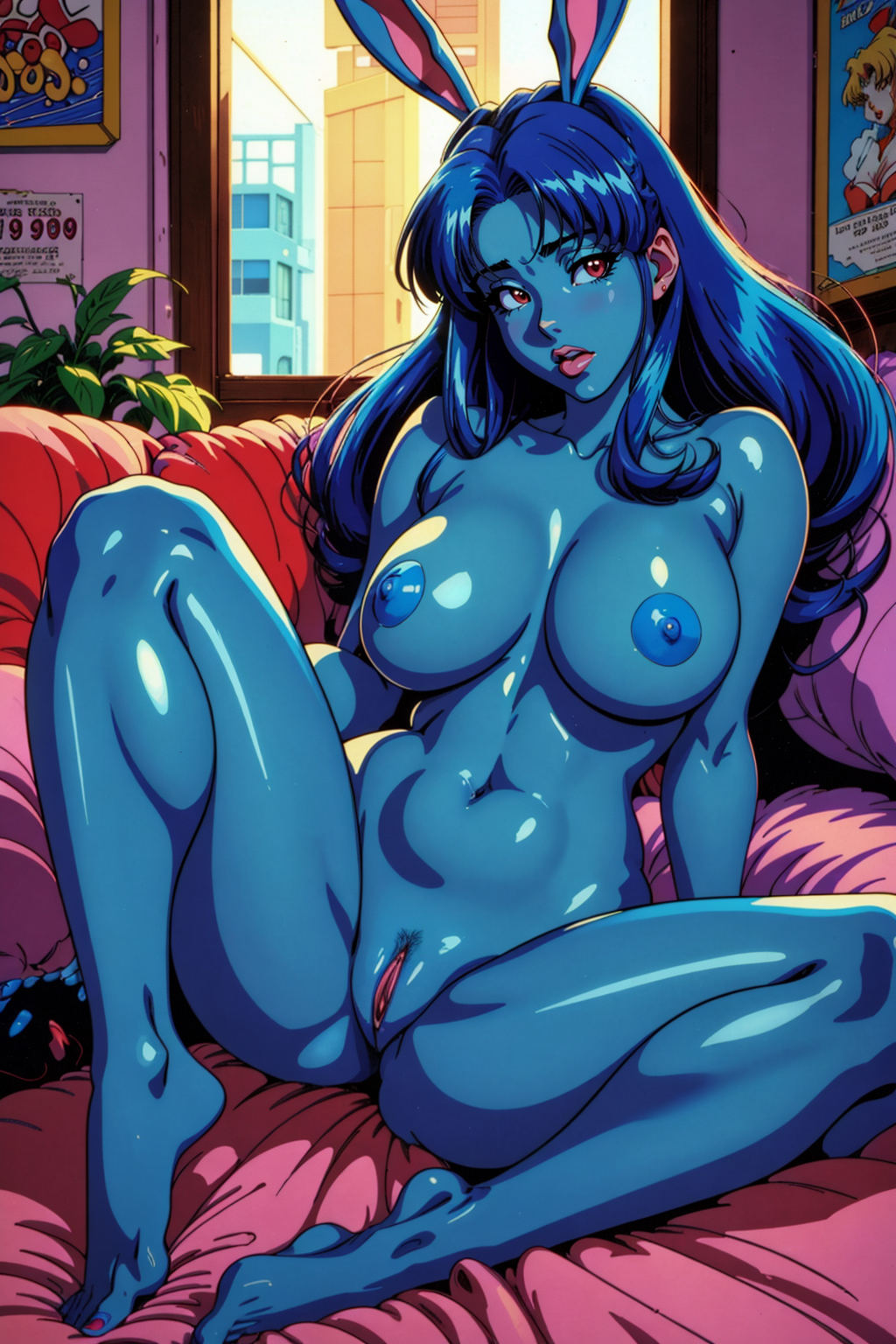
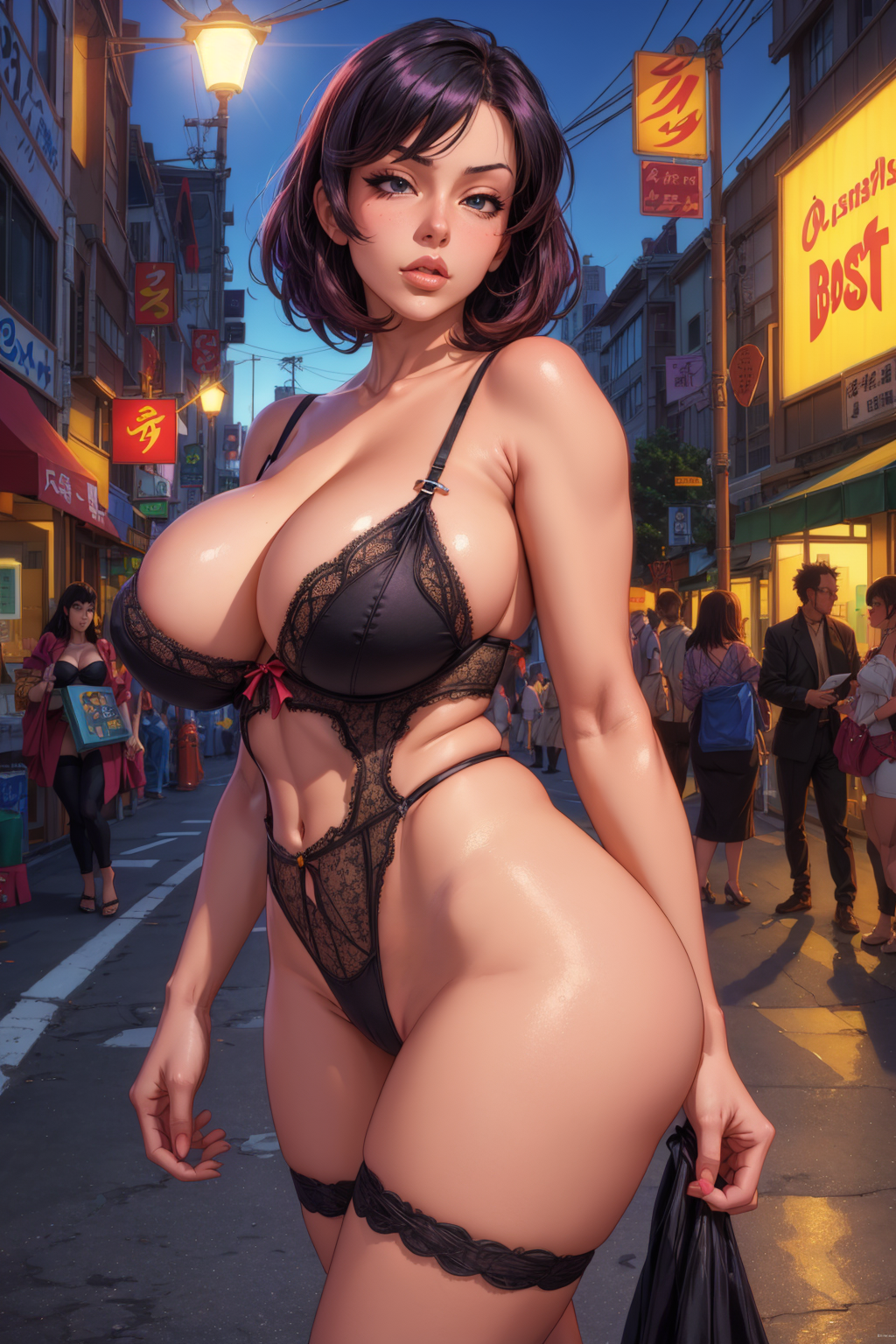
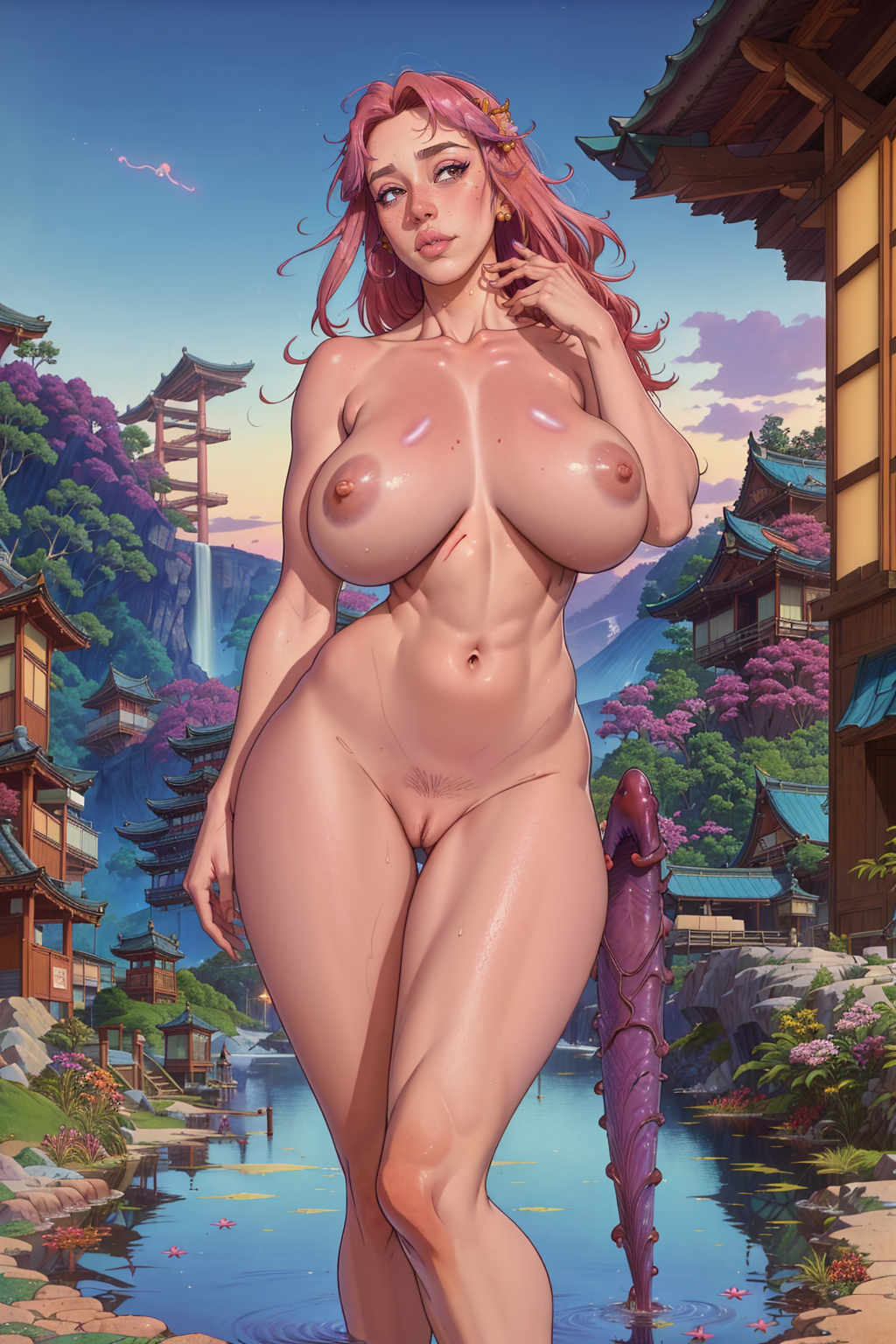
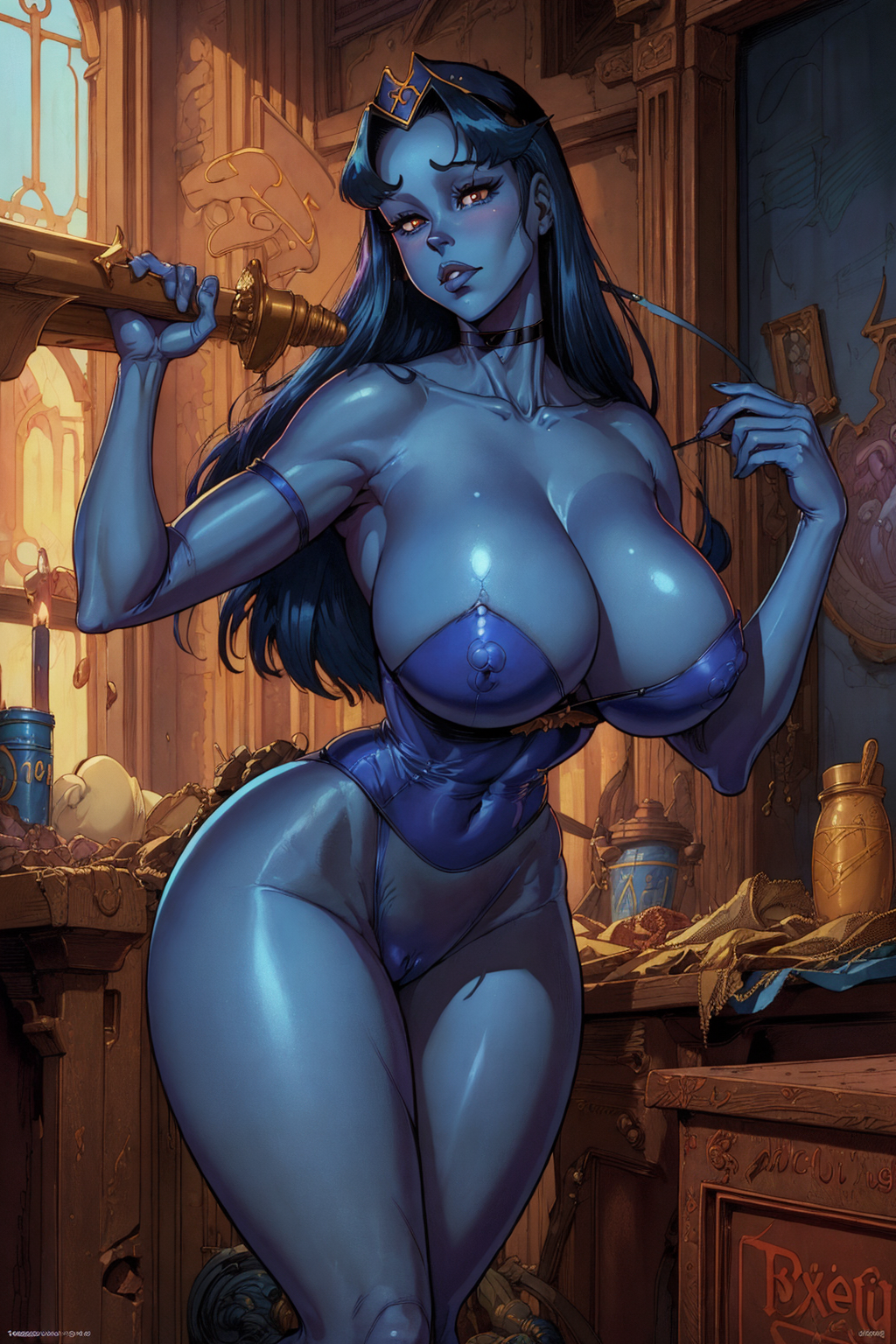
This model is a mix based on my base model, Chef's Matrix Chair. Chef's Basted Breasts is significantly more specialized for generating nsfw images of women in various anime and digital illustration styles.
If you enjoy my guide and my model, please consider following me, sharing the model with your friends, and buying me a ko-fi. I will be posting additional models, guides, and sample images in the future!
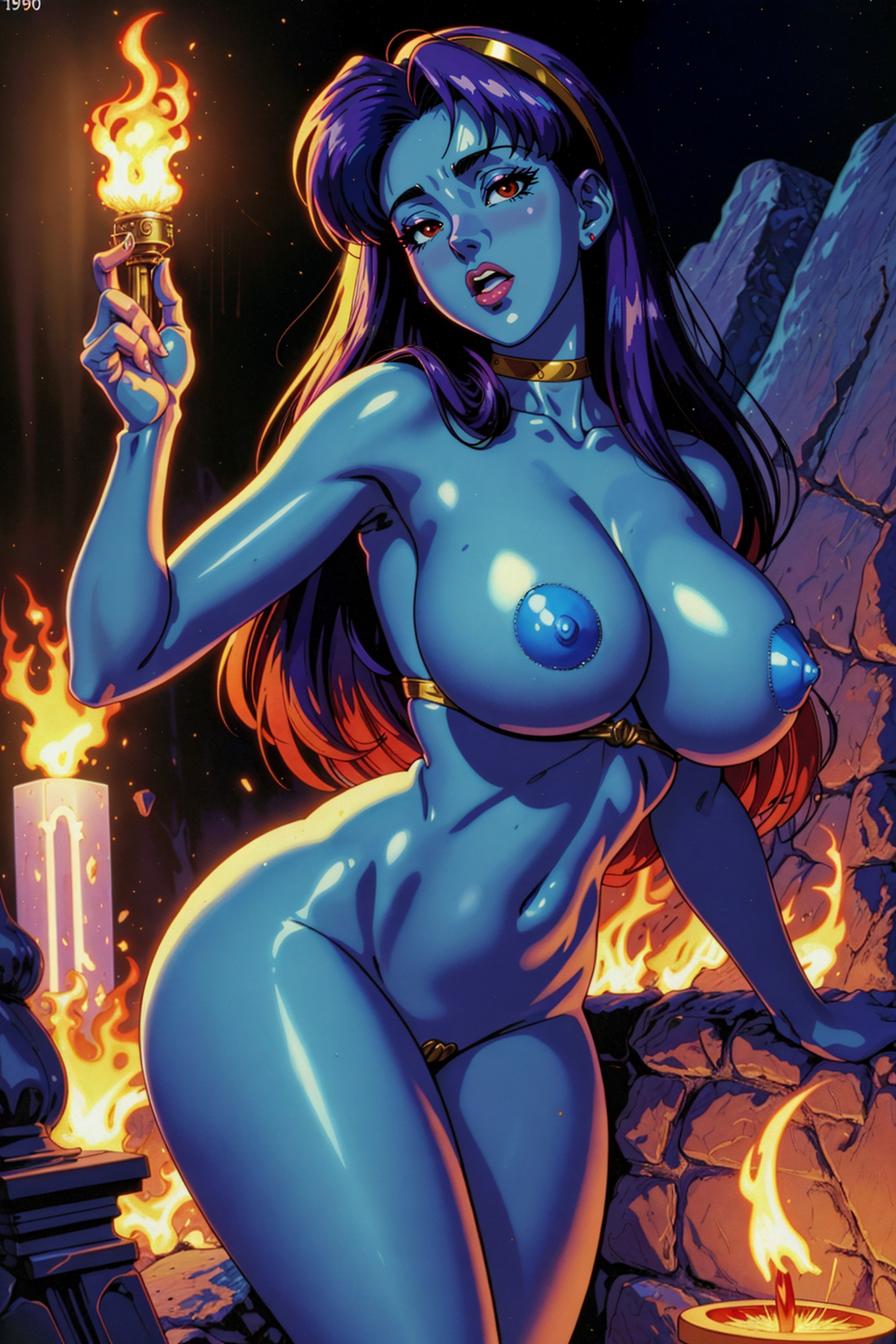
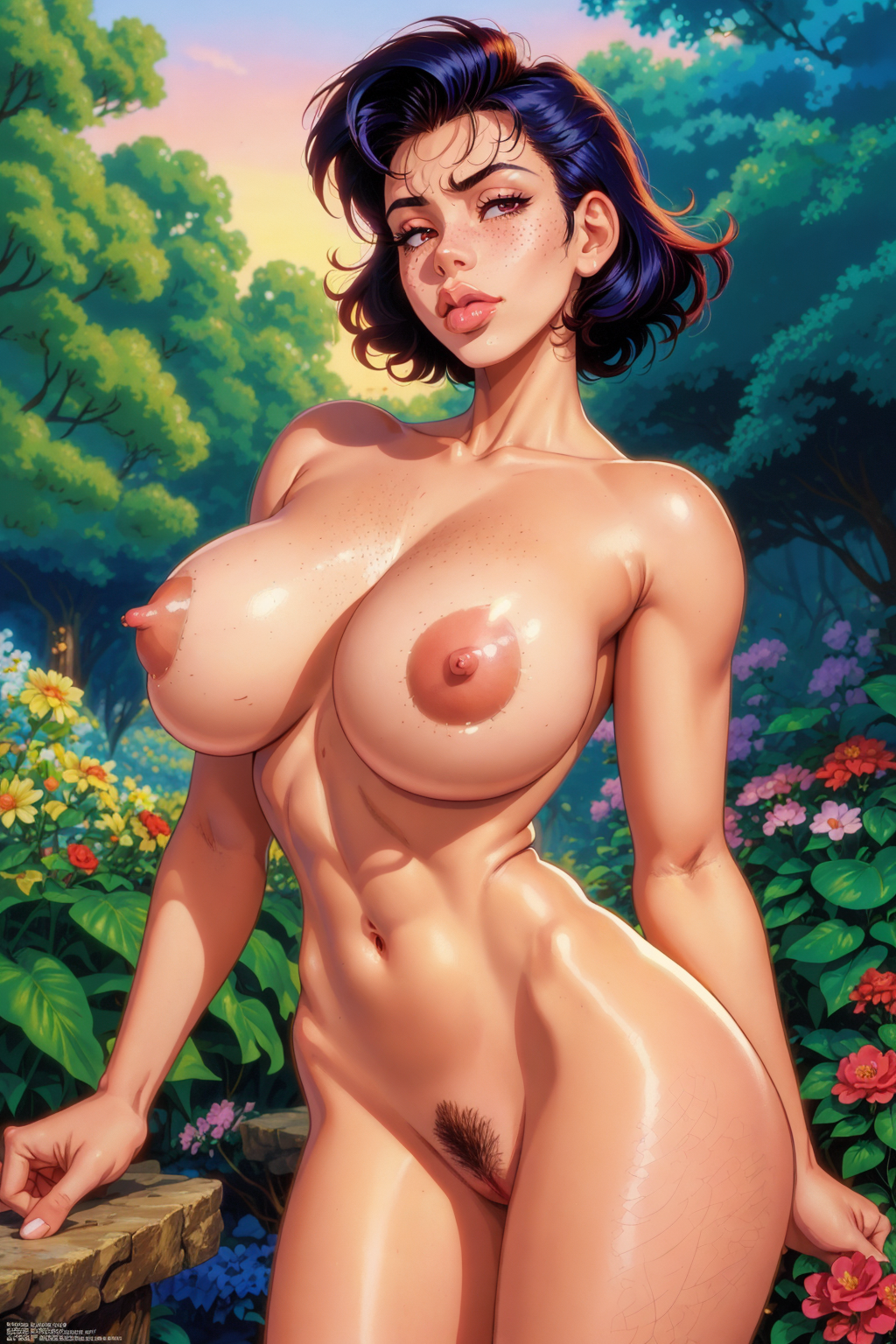
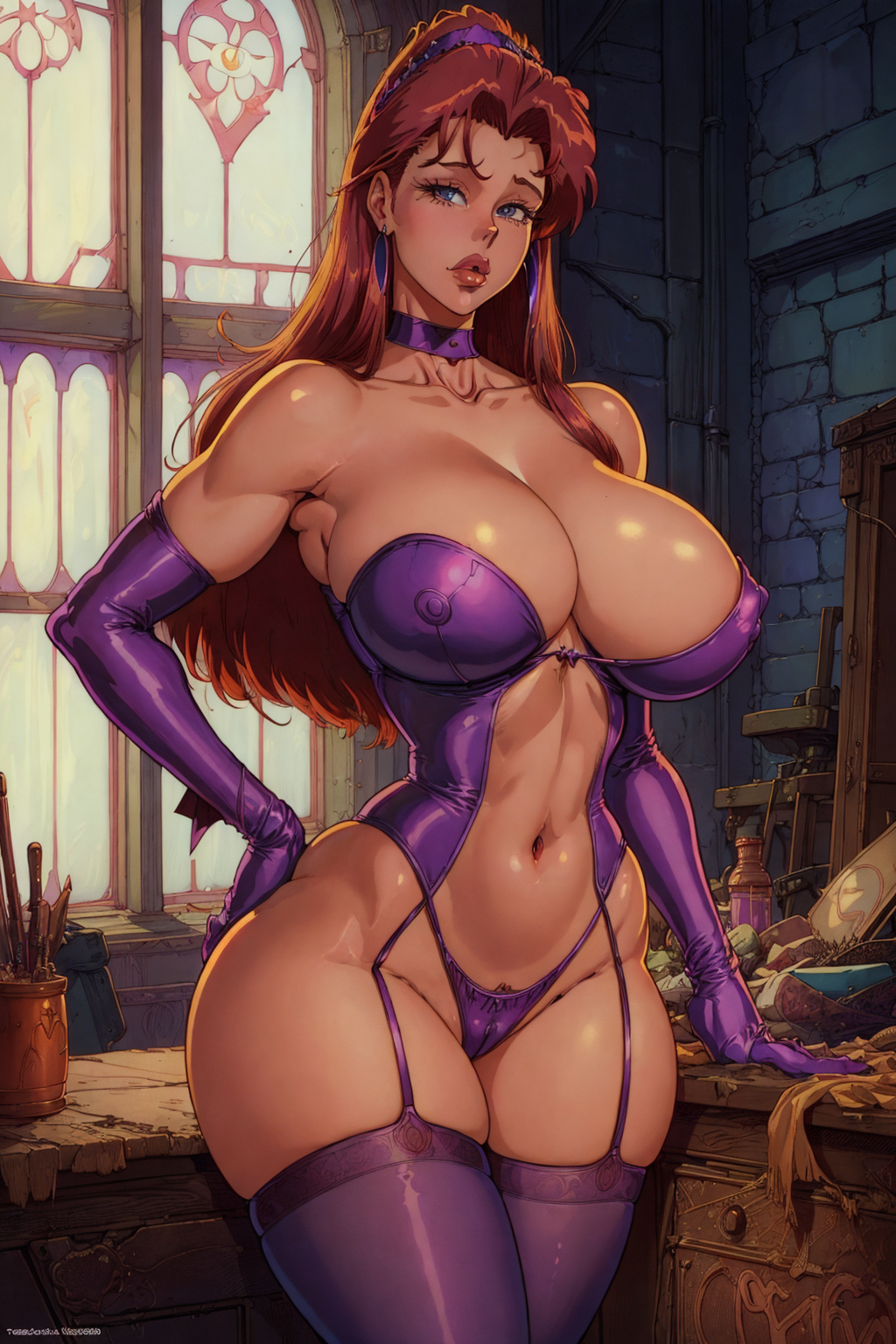
Samples for Chef’s Basted Breasts
All of my sample images are made with txt2img and hires. fix. Some of them use lora/lycoris/loha to give certain prompts a little extra style or control certain aspects. The model performs quite well without loras as well.
Below are this model’s attributes based on my observations after generating over 1k images with it across a variety of mediums, subjects & styles. You might find that it works better or worse than what I’ve listed here. Either way I hope you’ll let me know so I can learn and adjust!
Strengths:
Beautiful women
Retro anime (I use "1990s anime" often in the prompt with great results)
Artists’ styles
Style blending
Color
Semi-realism
Angles (from above, full body, portrait, etc)
Does Ok:
Danbooru tokens
Poses (you can always use controlnet for better results for this)
Style of some movies and TV shows (see known examples in sample images)
NSFW acts (you may need to use a specialty lora or embedding but in any case YMMV)
Weaknesses:
Hands (you can find a prompt you like, then splash in the good hands beta lycoris)
Holding objects
Animals (seems hit or miss, something like “dog” doesn’t work but “great dane” does)
Photorealism - this checkpoint is not intended for photorealism
If you are having issues getting similar results as me, please try the following things:
Make sure your settings are identical to what is in the metadata for the image. This includes ensuring you are using the same VAE, Clip Skip, Upscaler, Denoising Strength and Token Combination settings.
Make sure you aren’t accidentally using any extra extensions / add-ons. Ensure controlnet isn’t active, etc.
If you are trying to keep a “style” while changing some of the details like the setting or character, try not to alter the order of the prompt tokens too much. You can get similar looking images with different character and setting details while preserving style through minimal editing of the prompt.
If the face is the primary difference you may have chosen an image where I used adetailer, so make sure to enable that (or install it first if you haven’t) and then copy the additional adetailer settings which should be in the image metatdata.
Note that I use xformers which means my gens are non-deterministic for some small details even when using the same seed. If your images are nearly identical except for very small details, this is the explanation. Nothing can be done about this, it’s just the way xformers works.
If none of the above helps, send me a message and I’ll do my best to help.
Frequently used generation settings
Use the sample images as a guide to reproduce certain results. If you are exploring the model generally, use the below generation settings and tweak as desired.
For a good balance of speed and quality, I use these setting for iterating on new prompt ideas quickly
VAE: vae-ft-mse-840000-ema-pruned.safetensors
Clip Skip: 1
Sampler: UniPC or DPM++ 2M Karras
Steps: 40
Height: 512
Width: 768
CFG: anywhere from 6 to 8
Hires. Fix: Yes (though this is optionally “no” if you want to go faster while sacrificing clarity of detail)
Hires Steps: 20 or 25
Denoising Strength: 0.45 - 0.55 (depends on how impatient I am - set lower for slightly faster)
Upscale by: 1.5
Upscaler: Latent (bicubic antialiased) OR 4x_fatal_anime_ 500000_G OR 4x_foolhardy_Remacri
Token merging ratio: 0.5
For maxed quality, but slow (I use this after finding a pretty good batch of results with the above settings)
VAE: vae-ft-mse-840000-ema-pruned.safetensors
Clip Skip: 1
Sampler: DPM++ SDE Karras
Steps: 25
Height: 512
Width: 768
CFG: anywhere from 6 to 8 (some prompts can go higher for more stunning effect without unwanted artifacts)
Hires. Fix: Yes
Hires Steps: 20
Denoising Strength: 0.45-0.55 (closer to 0.45 can give a “softer” look, 0.55 is “sharper”)
Upscale by: 2
Upscaler: Latent (bicubic antialiased) OR 4x_fatal_anime_ 500000_G OR 4x_foolhardy_Remacri
Token merging ratio: 0.5
Random Tips
As mentioned above, I will use different settings for iterating vs generating batches of images with high quality. There is a tradeoff in speed and quality. Slow experimentation is bad, and I don’t mind waiting for batches to generate if I figure more than 50% of them will be what I’m looking for.
I will also sometimes add in the good hands beta lycoris, and sometimes the detail tweaker lora if I want that. Since loras slow down generation speed, I try not to use them while iterating unless I am testing out the capabilities of a specific lora.
Negative TIs are generally not necessary for good gens with this model, but I choose to use some of them quite often, and they can make some really excellent stuff. I love using the CyberRealistic Negative in combination with the SkinPerfection Negative v1.5 when pushing gens towards photorealism with people in them. There are also several other negative TIs that I use in various combinations including verybadimagenegative v1.3, bad-hands-5, aid28, badv5, deformityv6, bad_pictures, bad-picture-chill-75v, and perhaps a few more I left off by mistake.
If you see some negative TIs that contain the characters "en_" these are from a set of custom negative TIs that have not been released yet. If there is enough demand for them I will try to convince the creator to publish them, or I might do it on his behalf.
Use “greyscale” in the negative with different attentions to control color.
Use “symmetry” in the negative for some more interesting results. I like to set attention to 1.3.
Use “plump” in the neg or pos to control the weight of your subject.
Facial features - if you are getting gens with faces that all look the same, chances are you are using one or more tokens that are influencing how the face looks despite not realizing it. There’s not a lot you can do about this except for spending a ton of time finding out what’s “locking in” the facial features, and then maybe delaying those tokens using prompt editing - something like [token:0.3]
The above is also true for loras (not the bit about prompt editing though that won’t work). Sometimes loras can influence other aspects of your results beyond what it is intended to do. If you are getting unintended qualities in your gens, and prompting in the negative isn’t helping, it might be the lora you’re using. Depending on the lora, there may not be anything you can do to “fix” the unwanted characteristics.
Try to stick with a lower number of tokens in your prompts. It’s not a requirement, but it can help. You can get really cool results with a lot of tokens too, it is just more challenging to balance, and your results can change dramatically & in unintended ways the more tokens you have due to the chunking logic that sends tokens in batches of 75 to unet.
About Me
I have used StableDiffusion v1.5 models and Automatic1111 daily for about 12 months, creating over 50k images during that time and doing my best to learn about prompting techniques & settings through quick iterations.
My niche area of focus is in trying to get the best results out of models using only txt2img & hires. fix without other techniques such as img2img & inpainting. I enjoy the simplicity and efficiency that can be achieved by finding great settings that result in quality images. I also try to avoid loras since they slow down generation, but I will use them to get a specific style, or the fixer loras like good hands beta and detail tweaker.
If you enjoyed my guide and my model, please consider following me, sharing the model with your friends, and buying me a ko-fi.
I will be posting additional models, guides, and sample images in the future!