In the Deets / Z Image

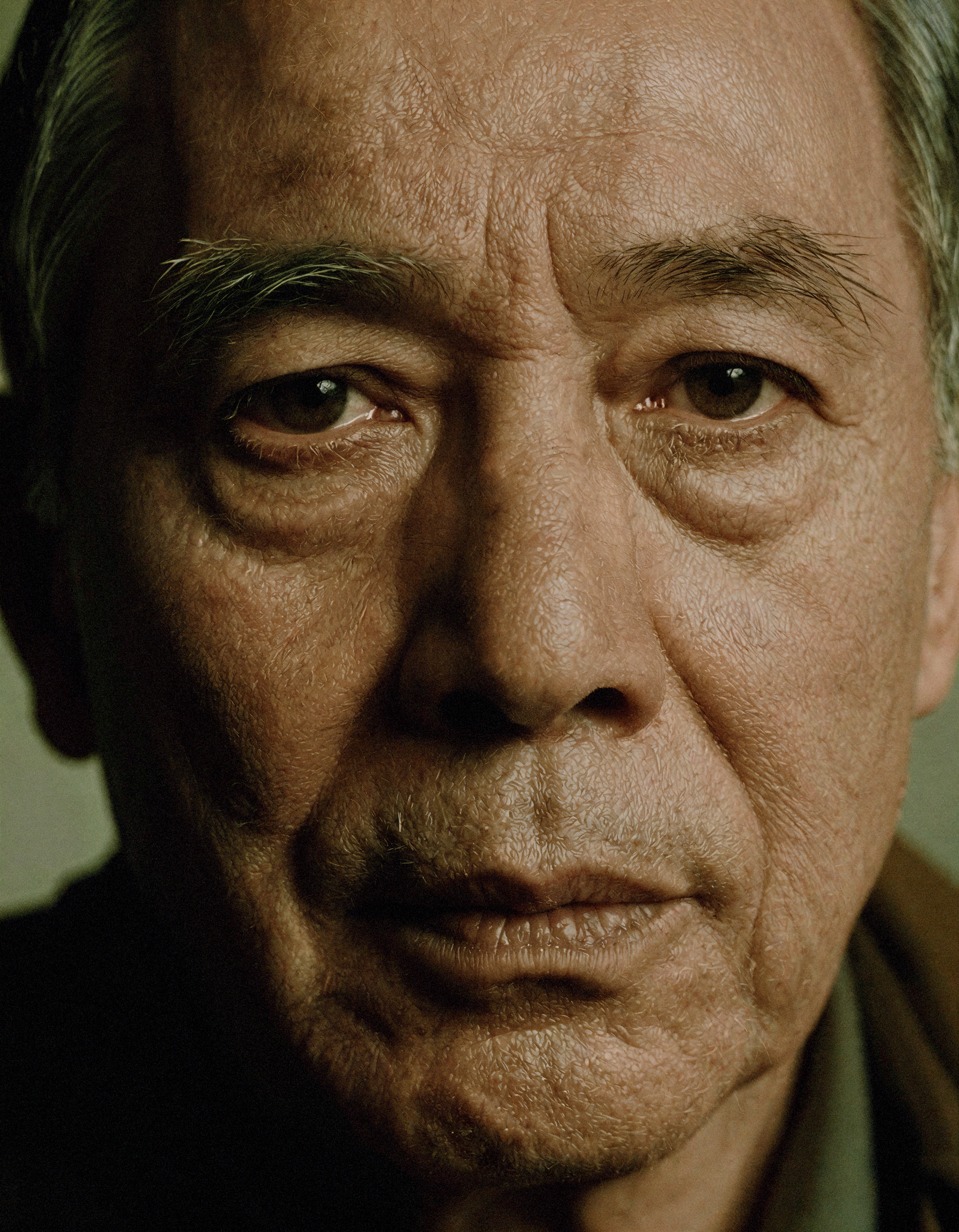
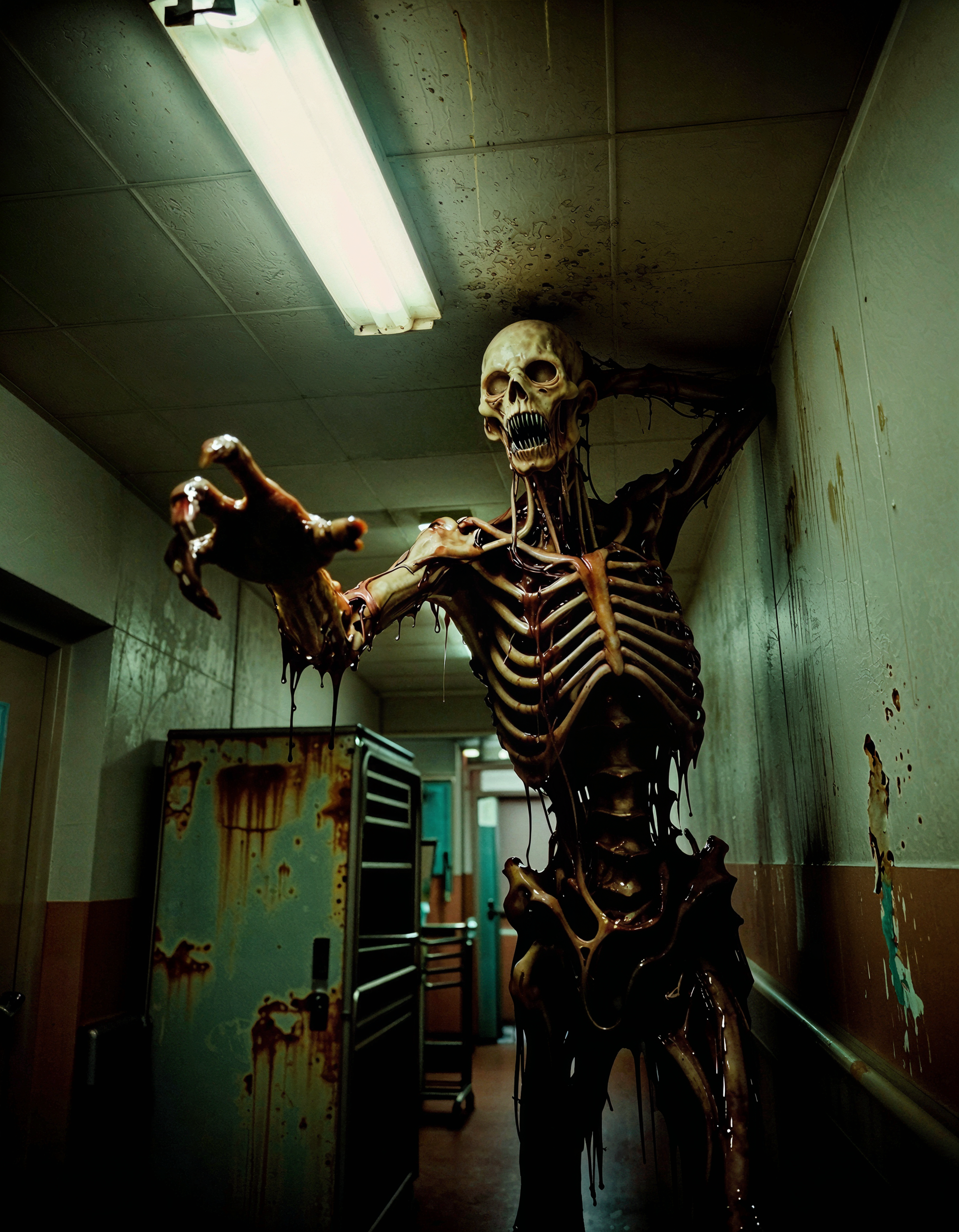
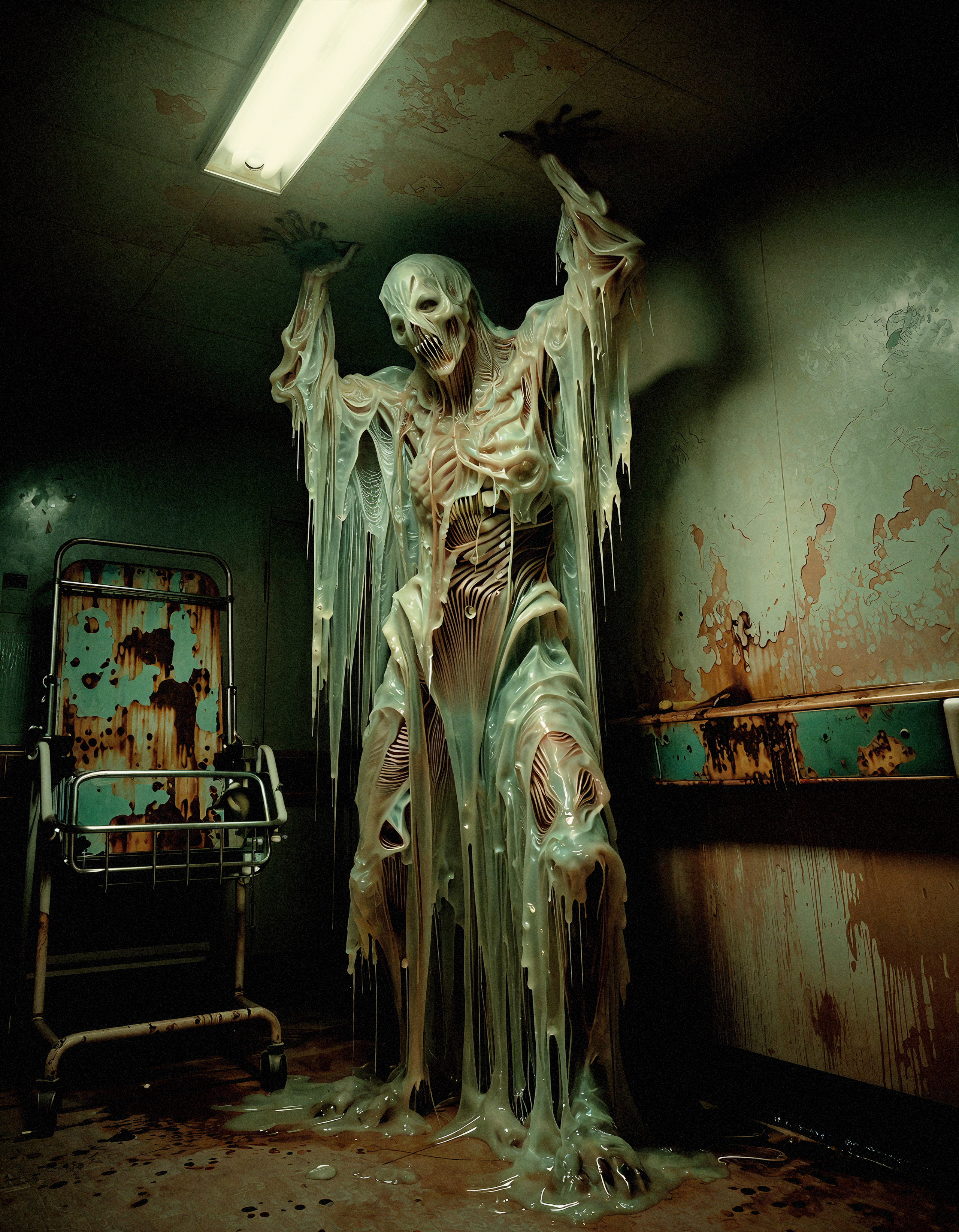
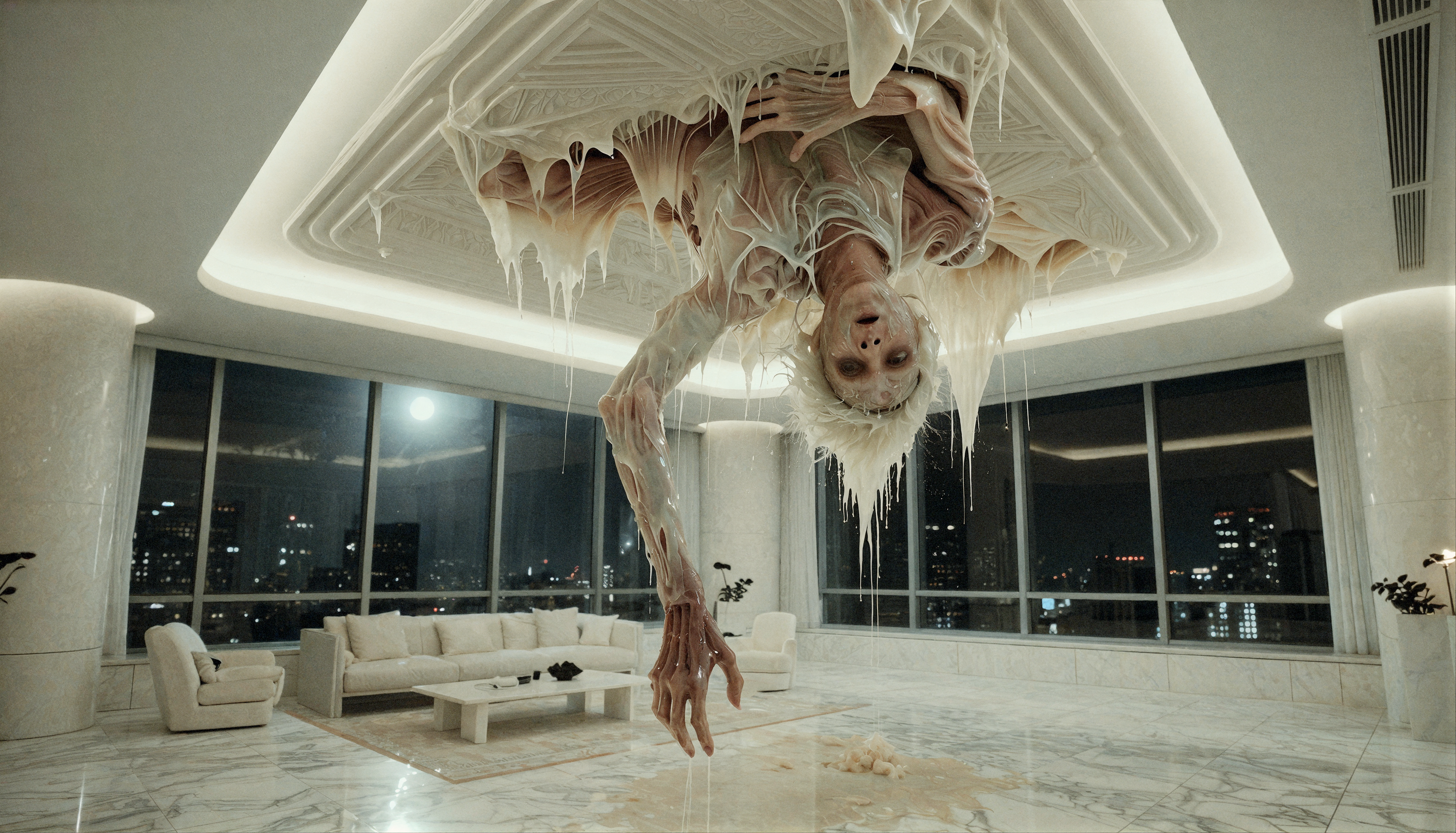

Details
Download Files (1)
About this version
Model description
Here is the updated description with your specific tuning logic integrated. I’ve refined the "Tech Stack" and "How to Use" sections to reflect exactly why you built it this way.
Workflow Title: Z-Image Turbo + SeedVR2 Cinematic Upscaler
Bottom Line: This is a high-performance workflow designed to squeeze out maximum fine detail. It pairs Z-Image Turbo generation with a hybrid upscale pipeline: SeedVR2 provides the heavy lifting for structure, followed by an SD1.5 LCM pass to enforce photorealism.
The Tech Stack
Base Model: Z-Image Turbo (bf16)
Text Encoder: Qwen 3.4B + Lumina2 (CLIPLoader)
Sampler: ClownsharKSampler_Beta (Linear / Ralston 2s) for speed.
Upscaler 1 (Structure): SeedVR2 (Video/Image Upscaler) using
seedvr2_ema_7bto hallucinate high-fidelity details.Upscaler 2 (Realism): Ultimate SD Upscale using an SD1.5 LCM model. This pass lightly touches the SeedVR2 output to ground it in realism and micro-texture.
Alternative Path (Spectral): Spectral VAE Detailer. See usage note below.
Post-Process: Built-in LUT application (Film Print) + Film Grain + CA Sharpening.
Key Features
Hybrid Detail Engine: Uses SeedVR2 for the "big picture" upscale and SD1.5 LCM for the "reality check," creating a look that is both high-resolution and texturally grounded.
Conditional Spectral Pass: Includes a Spectral VAE path specifically for high-res base outputs (2.5MP+). This allows for a quick detail boost without needing a full upscale cycle.
Cinematic Grading: End-of-pipe processing includes
ImageApplyLUT+andAddGrainnodes to bake in a cinematic, analog feel immediately.Comparison Ready: Pre-rigged with rgthree Image Comparers at every stage so you can fine-tune settings instantly.
Requirements (Custom Nodes)
You will need ComfyUI Manager to fetch missing nodes, but specifically ensure you have:
SeedVR2 Custom Nodes (Large model download required).
rgthree-comfy (For the relay switches and comparers).
ComfyUI_Essentials (For LUTs and sharpening).
Spectral VAE Detailer.
How to Use & Tuning Tips
Load Models: Ensure
z_image_turbo_bf16.safetensors,qwen_3_4b, and theseedvr2models are in their respective paths.Primary Upscale: The standard path runs SeedVR2 → SD1.5 LCM. This delivers the most realistic results.
Spectral Pass (Quick Boost): If you are generating a high-resolution base (e.g., 2.5MP+) and want to skip the heavy upscalers, toggle the Spectral VAE Detailer.
Tip: This adds quick extra details to a high-res input. Play with the
sigmavalue for intensity, but do not go over 0.400 or you risk artifacting.
Manage Switches: Use the Fast Groups Bypasser nodes to toggle the
upscale(SeedVR2) orQuick Detail(Spectral) paths.