Img2Img Flux1-dev-fp8 + CNet Canny




Details
Download Files (1)
Model description
Flux-1.dev.fp8 + ControlNet Canny
At the time of writing this guide, it is possible to try out controlnet canny only by switching your ComfyUI from master to xlabs_flux_controlnet (git branch).
Let's jump into the prerequisites:
Prerequisites
Fetch and update all custom nodes
Update ComfyUI from the ComfyUI manager
Install Missing Custom Nodes from ComfyUI manager and Restart it
HOW DOES IT WORK
Requisites
download UNET
flux-dev-fp8https://huggingface.co/Comfy-Org/flux1-dev/blob/main/flux1-dev-fp8.safetensors, save intomodels/unet(only this one work, not xlabs.ai or others)download VAE
aemodel https://huggingface.co/black-forest-labs/FLUX.1-schnell/blob/main/ae.safetensors save it intomodels/vaedownload CLIPS:
t5xxl_fp16.safetensorsclip_l.safetensors
(optional if your machine has less than 32GB of TvT ram) t5xxl_fp8_e4m3fn.safetensors
at: https://huggingface.co/comfyanonymous/flux_text_encoders/tree/main
save them into ComfyUI/models/clip/
1 UNET + CLIP - Group
1 we load flux1-dev-fp8.safetensors, the only one working as of today (Comfy.org) https://huggingface.co/Comfy-Org/flux1-dev/blob/main/flux1-dev-fp8.safetensors and the dual clip loader for Flux-1.
2 select 1 for unet only, select 2 for unet + flux_realism_lora
3 we set some globals to avoid node splines cluttering via SetNode.
2 Base Image - Group
1 Load your base image
3 Prompts - Group
1 Image to text via Florence2
2 concatenate Florence caption Generic prompt via String Function and pass it to conditioning global PROMPT_POS-COND
4 CNET - Group (Controlnet)
select 1 for prompt only OR select 2 for prompt + canny-controlnet
A few Notes
Seed 688106326432651
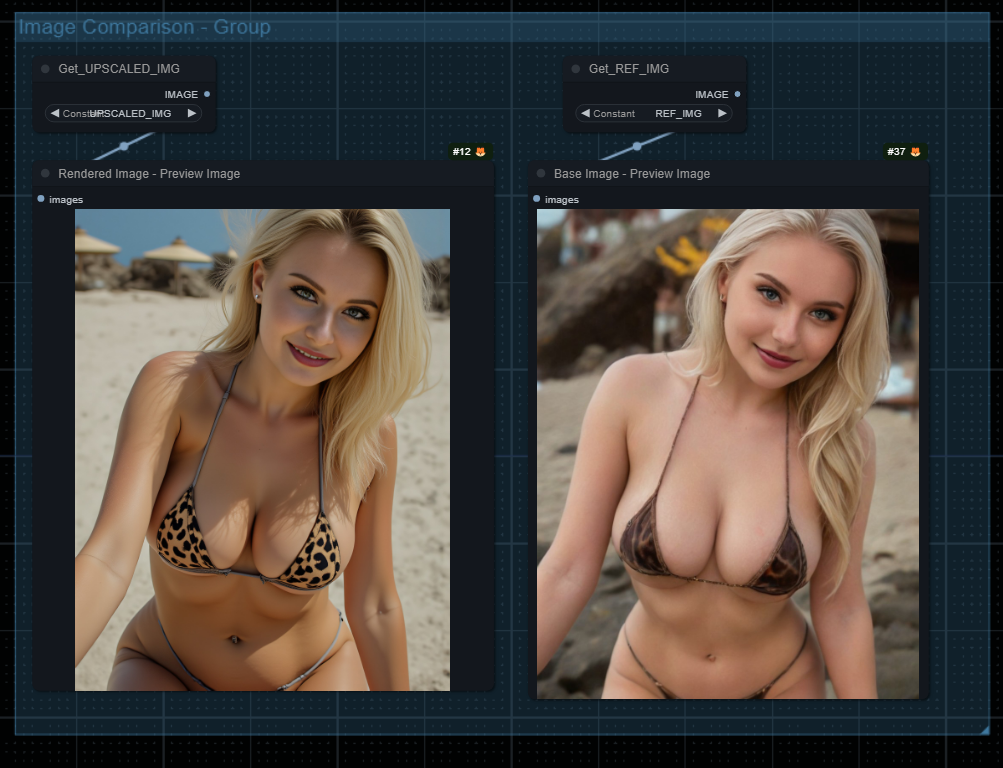
Cnet 0.76 head facing the camera , still nice image
Cnet 0.77 pulls up her head, still nice image
Cnet 78 the cnet kick in violently and fuck up her arms
Lora:
Keep it low, it's very strong
A Big shoutout to u/comfyanoymus and the amazing Comfy.org project/community