Ultimate AI Video Workflow — Qwen-Edit 2509 + Wan Animate 2.2 + SeedVR2 Upscaler

詳細
ファイルをダウンロード (1)
このバージョンについて
モデル説明
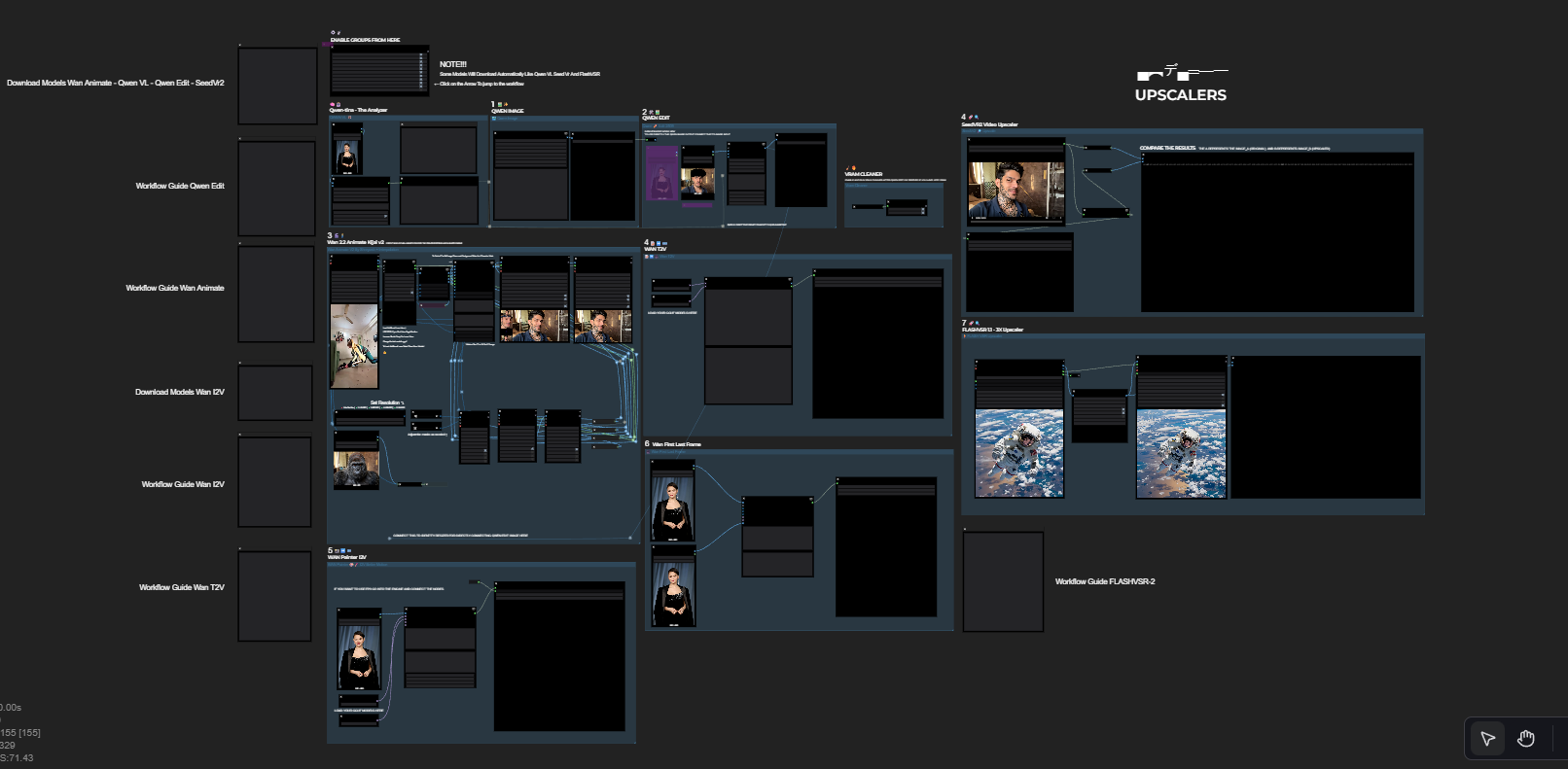
🚀 Ultimate AI Video Production Workflow (ComfyUI)
This is a complete end-to-end AI video pipeline that combines:
🧩 Qwen-Edit 2509 → Image Editing
🎭 Wan Animate 2.2 → Character Animation
📺 SeedVR2 Upscaler → Final 4K Enhancement
Everything is packed into a clean, modular, subgraphed workflow that removes the headache of giant node spaghetti.
This workflow allows you to:
Edit any reference image
Animate the edited character using a real motion video
Upscale and clean the final output
Produce 4K smooth AI videos
Run everything inside ComfyUI with optimized VRAM usage
Perfect for:
AI character reels
Cosplay transformations
Cinematic AI edits
TikTok / IG Reels
YouTube shorts
Film-style previews
🎛️ Features
✨ 1. Qwen-Edit 2509 FP8 (Image Editing Engine)
Outfit changes
Face cleanup / enhancement
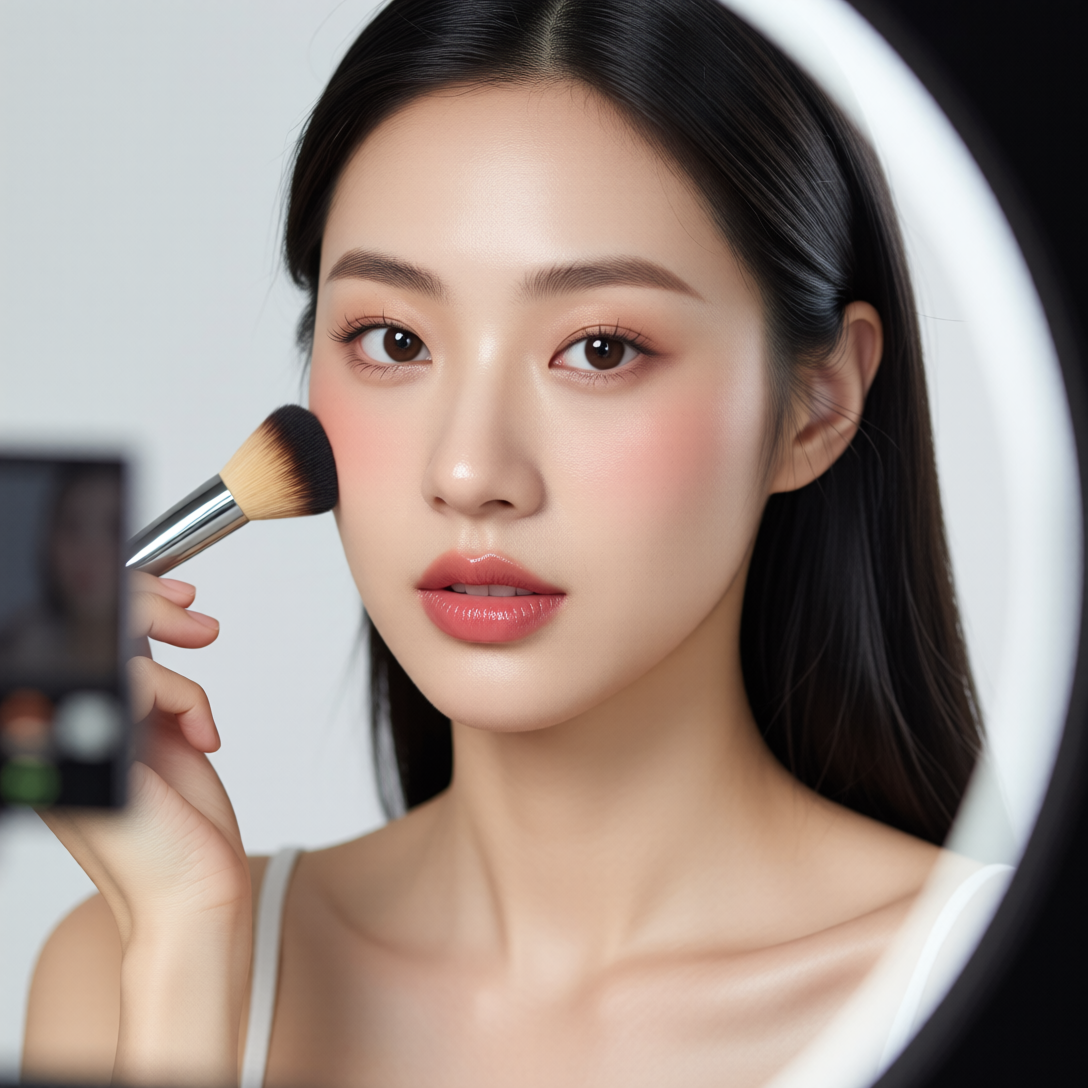
Makeup edits
Background removal
Style injection
Very VRAM-friendly
🎬 2. Wan Animate 2.2 FP8 (Character Animation)
Robust identity preservation
Smooth motion from reference video
Pose & face control
Windowed batching for long videos
Subgraphed for easy navigation
📈 3. SeedVR2 Upscaler (Video Restore + 4K)
2× / 4× upscaling
Face enhance option
Removes noise and artifacts
Makes AI videos look real and cinematic
🔧 Bonus Modules
VRAM Cleaner
Resolution Selector
Reference Routing System
Organized Subgraphs
Cleaner wiring = easier editing
🧰 How to Use This Workflow
1️⃣ Load your reference image
Use Qwen-Edit to perform any image cleanup or enhancement before animation.
2️⃣ Load your motion video
Wan Animate will replicate the motion on your edited character.
3️⃣ Adjust resolution & pre-process settings
Resolution presets included (320 → 1280).
4️⃣ Run Wan Animate 2.2
Generates stable character animation frames.
5️⃣ Pass output into SeedVR2
Upscale to 2K / 4K depending on hardware.
6️⃣ Save final video
Both preview & HQ versions included.
🖼️ Qwen Image Edit FP8 (Diffusion Model, Text Encoder, and VAE)
These are hosted on the Comfy-Org Hugging Face page.
Diffusion Model (qwen_image_edit_fp8_e4m3fn.safetensors):
https://huggingface.co/Comfy-Org/Qwen-Image-Edit_ComfyUI/blob/main/split_files/diffusion_models/qwen_image_edit_fp8_e4m3fn.safetensorsText Encoder (qwen_2.5_vl_7b_fp8_scaled.safetensors):
https://huggingface.co/Comfy-Org/Qwen-Image-Edit_ComfyUI/blob/main/split_files/text_encoders/qwen_2.5_vl_7b_fp8_scaled.safetensorsVAE (qwen_image_vae.safetensors):
https://huggingface.co/Comfy-Org/Qwen-Image-Edit_ComfyUI/blob/main/split_files/vae/qwen_image_vae.safetensors
💃 Wan 2.2 Animate 14B FP8 (Diffusion Model, Text Encoder, and VAE)
The components are spread across related community repositories.
Diffusion Model (Wan2_2-Animate-14B_fp8_e4m3fn_scaled_KJ.safetensors):
https://huggingface.co/Kijai/WanVideo_comfy_fp8_scaled/blob/main/Wan22Animate/Wan2_2-Animate-14B_fp8_e4m3fn_scaled_KJ.safetensorsText Encoder (umt5_xxl_fp8_e4m3fn_scaled.safetensors):
https://huggingface.co/Comfy-Org/Wan_2.1_ComfyUI_repackaged/blob/main/split_files/text_encoders/umt5_xxl_fp8_e4m3fn_scaled.safetensorsVAE (wan2.2_vae.safetensors):
https://huggingface.co/Comfy-Org/Wan_2.2_ComfyUI_Repackaged/blob/main/split_files/vae/wan2.2_vae.safetensorsLightx2v : https://huggingface.co/Kijai/WanVideo_comfy/tree/main/Lightx2v
💾 SeedVR2 Diffusion Model (FP8)
Diffusion Model (seedvr2_ema_3b_fp8_e4m3fn.safetensors):
https://huggingface.co/numz/SeedVR2_comfyUI/blob/main/seedvr2_ema_3b_fp8_e4m3fn.safetensors
🧱 Why This Workflow is Easy to Use
I wrapped the heavy sections inside subgraphs, so you don’t have to scroll through 200 tangled nodes.
Subgraphs included:
Wan Animate Engine
Qwen-Edit Module
SeedVR2 Upscaler
VRAM Cleaner
Resolution Manager
Makes editing, debugging, and expanding the workflow extremely clean and fast.
❤️ Credits
Kijai for FP8 Wan Animate
Comfy-Org for Qwen-Edit
ByteDance for SeedVR2
Community testers & contributors