Simplified t2i Workflow for Flux2D

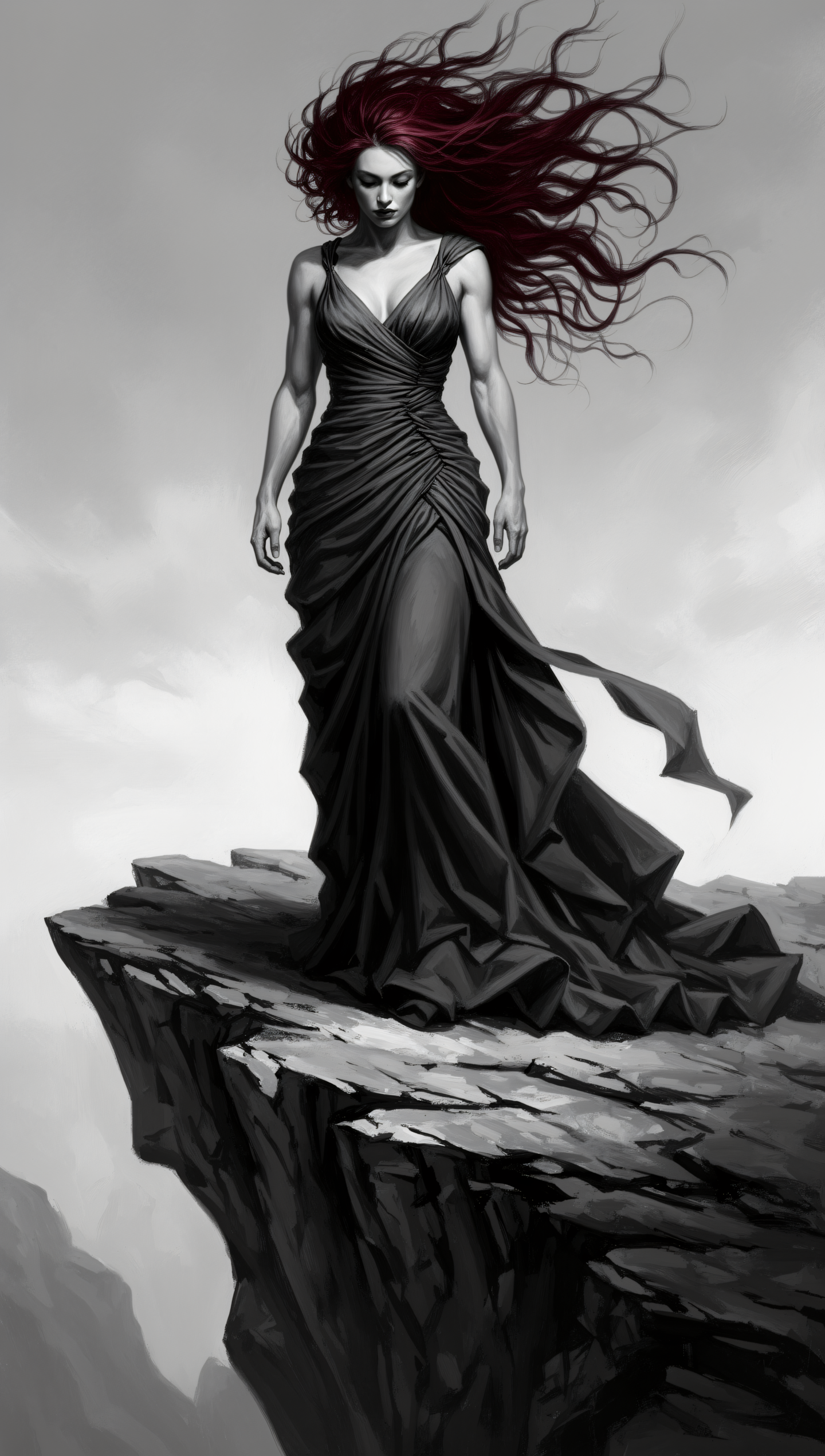





Details
Download Files (1)
Model description
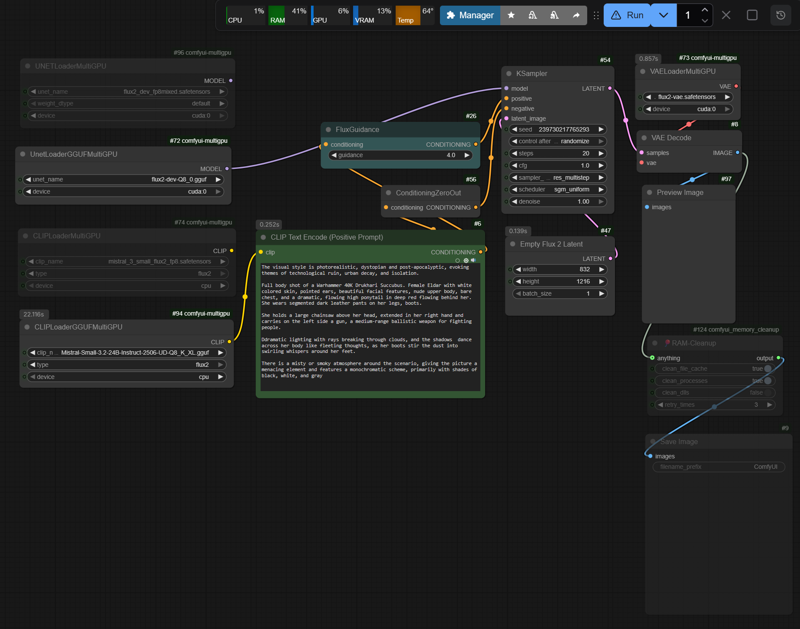
The workflow should run on the DisTorch2MultiGPUv2 nodes to control VRAM (RAM) allocation, preventing VRAM overflow and the resulting swapping. Unfortunately, these nodes are currently broken due to the latest ComfyUI updates. As a fallback, the older MultiGPUv1 nodes are used (with up to 10–15% lower inference speed compared to DisTorch2).
GitHub: pollockjj/ComfyUI-MultiGPU
If you have a working SageAttention setup on your system, the workflow with fp8.safetensors should run without issues, depending on the available VRAM (RAM).
With GGUF:
The acceleration provided by SageAttention is significantly lower than with FP8 models and may sometimes not take effect at all, since GGUF formats are primarily designed for CPU-optimized inference and do not fully leverage the GPU kernels of SageAttention.
-> Disable --use-sage-attention
-> Use --fast (standard PyTorch optimization)
-> Rely on the internal optimizations of the GGUF Nodes (backend)
For RTX30xx, RTX40xx (and RTX50xx) systems with less than 24 GB VRAM, please refer to the table “Quick Reference: FLUX.2 + Mistral-3-Small GGUF” on my HF/Modelpage.
GegenDenTag/comfyUI-Flux2D-t2i-workflow · Hugging Face
You will also find notes there regarding memory management, run_nvidia_gpu.bat, SageAttention installation guide, and some CMD Console Outputs (see performance as follows)
Performace
Test Setup rtx3090 24GB VRAM + 32GB RAM:
Flux2 fp8mixed.safetensors Nvidia (35.5GB), Mistral Text Encoder fp8.safetensors (18GB)
Flux2 Q8_0 (35GB), Mistral Text Encoder Q8_K (29GB)
flux2-vae.safetensors (336MB)
Guidance: 4 | Steps: 20 (Production: Guidance: 2-2.5, 30-40 Steps)
Based on: ~80 runs with different resolutions
First Run Initial loading of required layers into VRAM|RAM, first inference; Further inferences are then significantly faster as memory management is already initialized. Exact timings, loaded partially etc. see Console-Output / Screenshots.
FP8 Format
First Run
832×1216px: ~380-400s
Subsequent Runs:
832×1216px: 75-80s (~3.70-3.90s/it)
1080×1920px: 135-150s (~6.75-7.50s/it)
1440×2160px: 225-240s (~11.00-11.50s/it)
GGUF Format (expectedly higher runtimes)
First Run
832×1216px: ~420-440s
Subsequent Runs:
832×1216px: 105-120s (~5.30-5.50s/it)
1440×2160px: 250-260s (~12.00-12.75s/it)
Addendum: No metadata is embedded in the sample images. I am running the workflow in Automation n8n-upscayl_1440px_ultrasharp-4x and have not yet managed to prevent the upscaler from overwriting the metadata.